约 1 万 个插件,本页 24 个。这里最多翻 40 页,词更具体会更快。

External Links in New Window / New Tab
WebFactory
Open external links in a new window or new tab. SEO optimized and XHTML Strict compliant.

External Product New Tab for WooCommerce
Stuart Duff - a11n
Opens WooCommerce external / affiliate product links in a new browser tab automatically.

External Links – nofollow, noopener & new window
WebFactory
Internal links & external links manager: open in new window or tab, control nofollow, ugc, sponsored & noopener. SEO friendly.

New User Approve
Saad Iqbal
WordPress user approval plugin to moderate registrations. Approve or deny real users and prevent fake signups to control who registers on site.

Simple Side Tab
srumery
Display a side tab that you can easily link to any page. Customize the tab text, font and colors. It's that simple. That's Simple Side Tab.

WooCommerce
Automattic
Everything you need to launch an online store in days and keep it growing for years. From your first sale to millions in revenue, Woo is with you.

Custom Product Tabs for WooCommerce & WordPress Tabs Builder – Smart Tabs
ShapedPlugin LLC
A customizable plugin to create and manage WooCommerce product tabs and WordPress tabs to organize content.

Gutena Tabs
Saad Iqbal
Gutena Tabs is a simple and easy-to-use WordPress plugin which allows you to create beautiful tabs in your posts and pages.

Elementor Agent Ready Website Builder
Elementor
The Elementor Website Builder has it all: drag and drop page builder, Atomic Editor, pixel perfect design, global and reusable style systems, mobile r …

Rank Math SEO – Advanced Schema & AI SEO Tools to Dominate SEO Rankings
Rank Math SEO
Grow your organic traffic and AI visibility with powerful SEO tools, XML sitemaps, Schema automation, and built-in AI SEO, all in one place.

Leaving Notice Popup For External Links – nofollow, noopener & New Tab
Jose Varghese
Show an exit popup or leaving notice when visitors click external links. Add nofollow, noopener, noreferrer & more rel attributes. Add icons.

Custom Product tabs for WooCommerce
Web Builder 143
Create unlimited WooCommerce tabs and assign them in bulk by category, tag, brand, or product. Also disable WooCommerce’s default product tabs.

Product Tabs for WooCommerce
Barn2 Plugins
Discover the easy way to add extra tabs to your WooCommerce product pages.
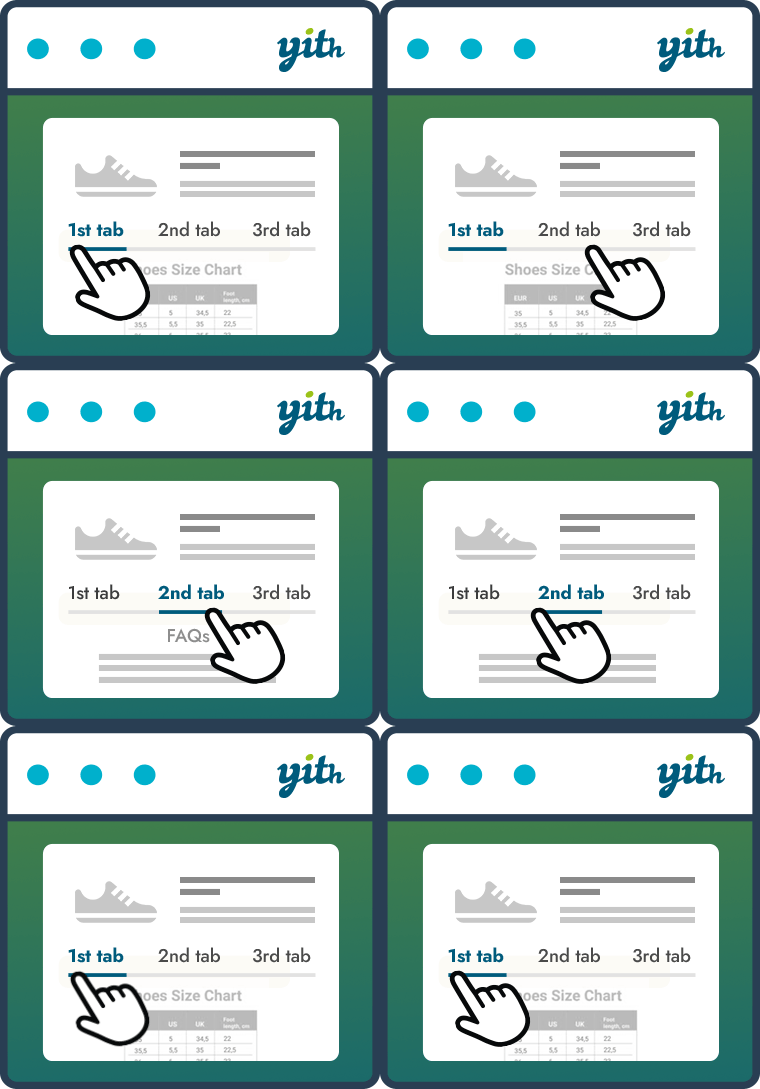
YITH WooCommerce Tab Manager
YITHEMES
Improve your WooCommerce product pages by adding custom tabs and ad hoc content for your customers

XML Sitemap & Google News
Rolf Allard van Hagen
Take control of your WordPress core XML Sitemap and add a Google News Sitemap.

Accessibility New Window Warnings
Equalize Digital
Make links that open in a new window compliant with WCAG guidelines for accessibility by adding a warning for users.

WPB Custom Tab Manager for WooCommerce – Add, Edit & Reorder Tabs
WPBean
WPB WooCommerce tab manager can add additional dynamic tabs to your products. It enhances the customer experience and helps reduce pre-sale inquiries.

AffiliateWP – Affiliate Area Tabs
Syed Balkhi
Add and reorder tabs in AffiliateWP's Affiliate Area

External Links Manager – Open new window in a new tab + nofollow, noreferrer
NewCodeByte
Manage external links: new tabs, add rel attribute nofollow, noopener, noreferrer, sponsored, show icon on/off. SEO, secure, XHTML Strict compliant.

Image Gallery
A WP Life
Create responsive image gallery, photo gallery with lightbox, grid & masonry layouts. Display using shortcode, Gutenberg block or Elementor widget.

Admin and Site Enhancements (ASE)
Bowo
Duplicate post, post order, image resize, email via SMTP, admin menu editor, custom css / code, disable gutenberg and much more in a single plugin.
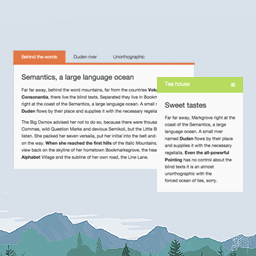
Responsive Tabs
WP Darko
A responsive & clean way to display your content. Create new tabs in no-time (custom type) and copy-paste the shortcode into any post/page.

WP Open Comment Links in New Window
Dipak Gajjar
Opens all the links (URLs) added in the comments and author URL, in a new tab or window.
New Order Notification for WooCommerce
Eyup Gulsen
Instant popup and sound alerts for new WooCommerce orders — never miss a sale again!