约 405 个插件,本页 24 个

Collapse Magic
Hub5050
The easy way to create a collapsible text block with a 'read-more' label on any page. Also provides a fading text option.

Read More & Accordion
edmon.parker
Easily hide or reveal long content with Read More buttons, accordions, and popups. Streamline your WordPress site's layout while enhancing user e …
Accordions – Responsive Accordion & FAQ Plugin for WordPress
Themepoints
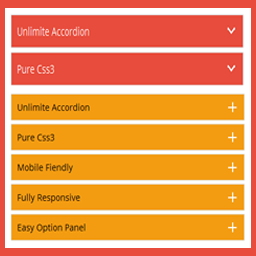
Responsive, lightweight, and fully customizable accordion plugin for WordPress. Perfect for FAQs, content organization, and improving user experience.

Custom Product Tabs for WooCommerce & WordPress Tabs Builder – Smart Tabs
ShapedPlugin LLC
A customizable plugin to create and manage WooCommerce product tabs and WordPress tabs to organize content.

Read More Without Refresh
George Gkouvousis
Expand hidden content without a page refresh. 100% SEO-friendly and crawlable, now with accordion/FAQ schema, content locker, teaser paywall, AI summa …
Easy Accordion – AI-Powered FAQ & Accordion Blocks, Product FAQ
ShapedPlugin LLC
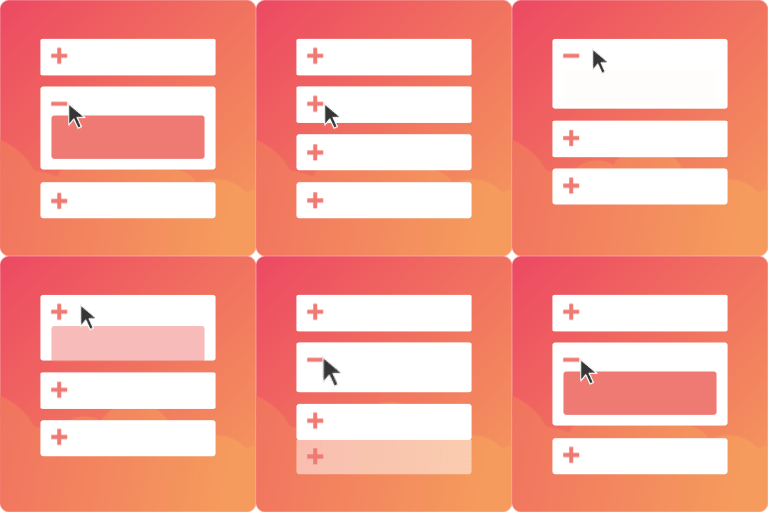
AI-Powered FAQ Generator. Gutenberg FAQ & Accordion Blocks, Image Accordion, Accordion Slider, WooCommerce Product FAQ – Elementor & Shortcode Ready.

JS Categories List Widget
Miguel Useche
A simple Gutenberg block and JS widget (can be called from posts) for displaying categories in a list with some effects.

Accordions
PickPlugins
Create sleek accordions, tabs, FAQs, and image accordions with a React builder featuring advanced styling, animations, OpenAI support, and customizati …

JS Archive List
Miguel Useche
A JS widget (can be used in posts) for displaying an archive list with some effects.

Accordion FAQ – Compatible With All Page Builder (Elementor, Gutenberg)
wpshopmart
Accordion And Collapse is the most easiest drag & drop accordion builder for WordPress. You can add multiple accordion and collapse with this.

SFN Easy FAQ Manager
curtismchale
Uses custom post types and taxonomies to manage an FAQ section for your site.
Text Unfold For Elementor
FullStackWP
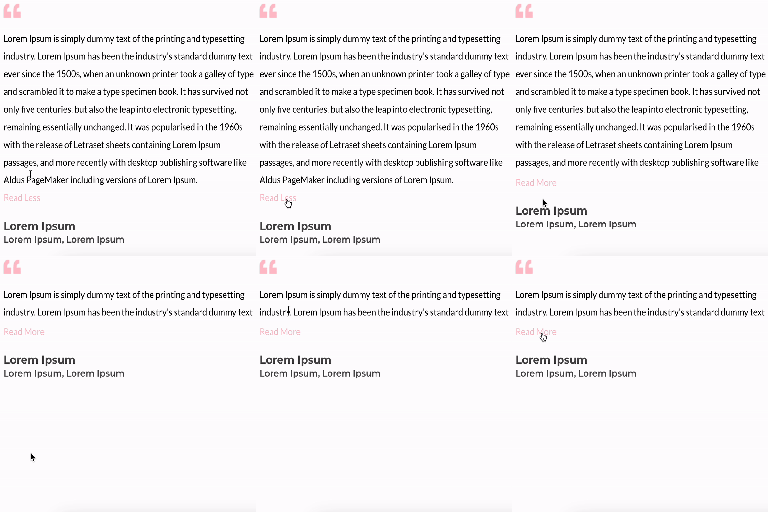
Unfold Text is a straightforward yet powerful add-on for Elementor that allows you to expand and collapse text with ease.

FAQ Schema – Accordion, Tab, Slider & Gutenberg Block
Pluginic
Create responsive FAQs with accordion, tabs, and slider layouts. Includes FAQ Schema markup, Gutenberg blocks, and Elementor widgets.

FAQly – Ultimate FAQ
drakearthur
FAQly – Ultimate FAQ Plugin: A plugin to manage FAQs and display them as an accordion using a shortcode.

Advanced Accordion Gutenberg Block – Create Beautiful FAQs, Content Accordions & Interactive Tabs
Spider Themes
Create stunning FAQ & accordion blocks. SEO-optimized, fully accessible, zero performance impact. No coding needed.

Nav Menu Collapse
Robert Noakes
Adds functionality to collapse and expand nav menus within the WordPress admin.

Heroic Table of Contents
HeroThemes
Heroic Table of Contents is the easiest way to add a table of contents to your site.

Read More Button – Expand Content Without Refresh
Jose Varghese
Easily add a customizable Read More button to expand long posts. Reveal hidden content automatically and smoothly without a page refresh.

Easy Accordion Block – Accordion, FAQ & Collapsible Content for the Block Editor
Binsaifullah
Build fast, accessible accordions and FAQ sections in the WordPress block editor.

Timeline Block – tell your story with elegant timelines
bPlugins
Create beautiful horizontal and vertical timelines in Gutenberg. Customizable themes to showcase stories, events, projects, and milestones.

Nested Pages
Hook & Filter
Nested Pages provides a drag and drop interface for managing pages & posts in the WordPress admin, while maintaining quick edit functionality.

Design Upgrade for LearnDash
Dave Warfel
Instantly improve LearnDash's design -- focus mode, course content, profile page, course navigation & course grid -- to more closely match yo …

Rino's Toolkit for Elementor
Rino de Boer
A collection of small workflow improvements for the Elementor editor. Each feature can be toggled on or off individually.

Mortar for Bricks Builder
Samir Haddad
Workflow tools for Bricks Builder: BEM classes, responsive viewport testing, CSS recipes, smart values and structure shortcuts.