约 2,339 个插件,本页 24 个。这里最多翻 40 页,词更具体会更快。

CatCode Card Payments with EasyPay for WooCommerce
CatCode
Accept card, Apple Pay and Google Pay payments in WooCommerce through the EasyPay payment page, with signed notifications and status re-checks.

RepeatPay Subscriptions for WooCommerce
Mahfuzar Rahman
WooCommerce subscriptions with renewals, payment recovery, trials, sign-up fees, and gateway-neutral invoices.

GastroReserve – Table Reservation
zicklwolf1976
Free table reservation system for restaurants and wine taverns.

Stocktake – Physical Inventory Count, Cycle Count & Inventory Audit for WooCommerce
erenlabs
Stocktake for WooCommerce: physical inventory count, cycle count and inventory audit. Scan with barcode or phone, review variance, apply with undo.

NZDeals Reviews
nzdeals
Show trusted NZDeals store reviews on your WordPress / WooCommerce site — install, paste your API key, add one shortcode.

Clielo
sylvestreui
Turn any Custom Post Type into a complete client service platform — chat, orders, payments, invoices and notifications in one plugin.

WpDevArt: Request a Quote & Quote-to-Order for WooCommerce
wpdevart
Add Request a Quote buttons, collect quote requests as WooCommerce orders, price and send quotes, and let customers accept and pay online.

QuantaPay Payment
quantapay
Accept Bitcoin, Ethereum, USDT and 30+ cryptocurrencies on WooCommerce or Easy Digital Downloads with non-custodial settlement.

Bookira – Appointment Booking & Scheduling
bookira
Free appointment booking for WordPress. Let clients book one-on-one meetings with you in a few clicks. Fast. Simple. Booked.

Wing Popup – Powerful Popup Builder, Opt-in Forms, Mailchimp and Smart Triggers
wingdevs
Build popups, signup and contact forms in minutes: ready-made designs, Mailchimp, smart triggers and page targeting. Turn visitors into subscribers.

Titanium Service Zones – Maintenance Mode, Coming Soon & Page Control
Admin Plugins
Selective maintenance and service-status control for WordPress. Keep unaffected parts online with up to three independent Service Zones.
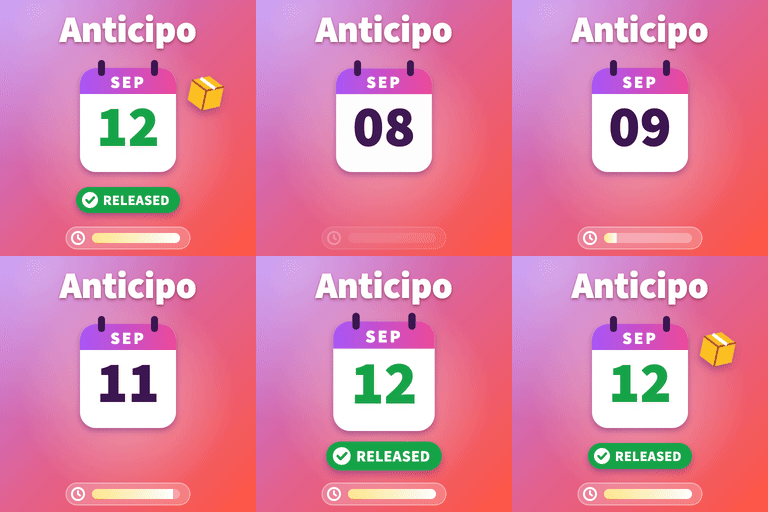
Anticipo – Pre-Orders for WooCommerce
ProPluginsLab
Sell products before they exist. Take pre-orders, hold the order until launch day, then release it automatically.

Marivya Tutor Manager
marivya
Manage tutoring students, recurring lessons, materials and a private student portal directly inside WordPress.

SuperBuzz
superbuzz
SuperBuzz - Increase engagement and drive more repeat traffic to your WordPress site with push notifications.

VERIFIED Crypto Checkout – Card to USDC WooCommerce Payment Gateway
verifiedcreditcard
WooCommerce card-to-crypto checkout with provider routing, payment links, QR, USDC settlement, plus Zelle, Cash App, Venmo, PayPal & Interac.

SpaVexa Manager – Booking & Appointment Manager
MiroLabs Seo
Booking & appointment scheduling for spas, salons, and beauty clinics — booking form, calendar, staff, and email confirmations.

CodeAtoZ B2B Suite for WooCommerce
codeatoz
B2B commerce tools for WooCommerce — wholesale pricing, RFQ, registration approvals, analytics, and email automation.

SignFuz
M A Vinoth Kumar
Enterprise electronic signatures and document workflows for WordPress.

Ailoquence Connector
ailoquence
Audit your WooCommerce store's content and publish the articles of your Ailoquence 30-day plan on WordPress, now or scheduled.

DadsFam EFT Guard
dadsfam
Your bank's payment emails mark WooCommerce EFT orders paid automatically, and fake proofs of payment get caught before you ship.

EsyMsg
BAKODEHUB PRIVATE LIMITED
Secure your WordPress site with WhatsApp OTP authentication and automate WooCommerce notifications. Fully supports major form builders.

Qaiyo Smart Appointment
qaiyo
Smart appointment booking with fluid, gap-based slot allocation. Let clients book mixed durations that pack into the time you actually have free.

NeoGrow: Loyalty Points, Rewards Program & Photo Reviews for WooCommerce
Pamir
Turn first-time buyers into repeat customers. Reward purchases and photo reviews with points they spend at checkout. Free, with nothing metered.

Zemra Why Notes
zemraplugins
Add admin-only, screen-specific notes in WordPress admin to remember why settings and plugins were configured that way.