
Zemra Why Notes
v1.0.0zemraplugins · 2026年5月29日 上架
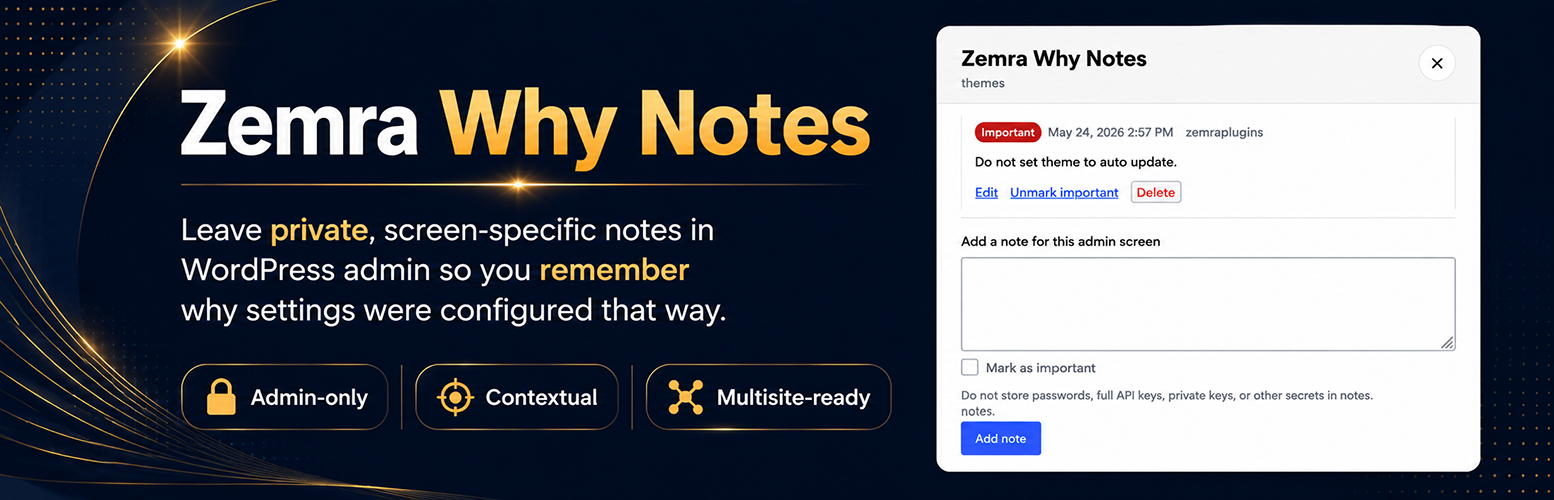
Add admin-only, screen-specific notes in WordPress admin to remember why settings and plugins were configured that way.
- 正在使用
- 10 以下
- 评分
- 暂无
- 累计下载
- 304
- 最近更新
- 2026年5月29日
贡献者
 zemraplugins
截图
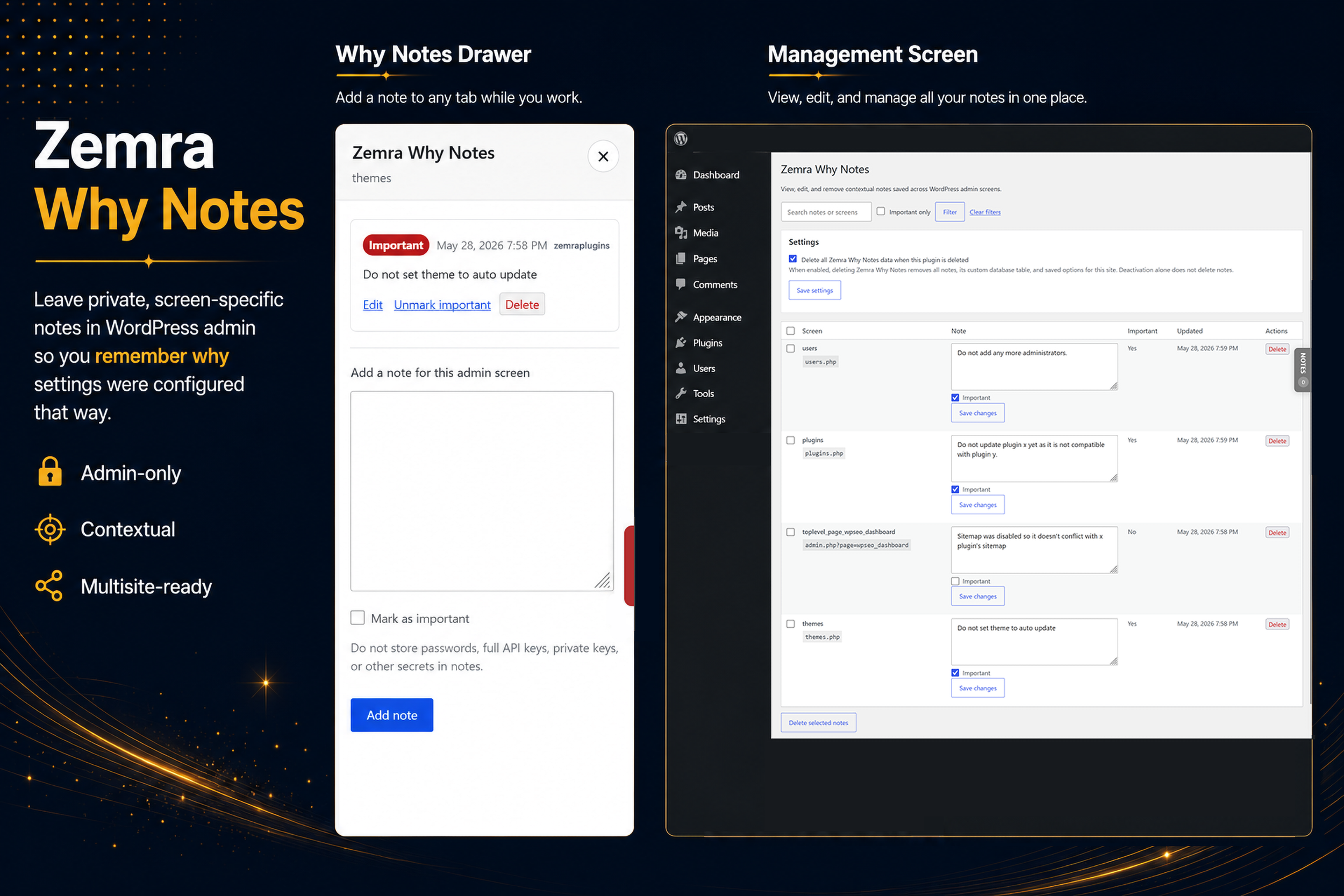
Zemra Why Notes adds a right-side slide-out notes drawer in the WordPress admin area.
Notes are scoped to the current normalized admin screen, so a note added on one plugin settings page does not appear on unrelated admin screens.
The plugin is intended for operational context, setup notes, and maintenance reminders.
Examples:
- Connected to SMTP2GO account: example@email.com
- Do not update this plugin without checking custom template overrides.
- This setting was requested by the client.
Do not store passwords, full API keys, private keys, or other secrets in notes.
Features
- Private, admin-only contextual notes.
- Notes scoped to the current admin screen.
- Right-side click-only notes drawer.
- Grey tab when no notes exist.
- Green tab when notes exist.
- Red tab when at least one note is marked important.
- Add, edit, delete, and mark notes important.
- All-notes management page under Tools > Zemra Why Notes.
- Custom database table.
- Multisite support.
- Optional setting to delete plugin data when the plugin is deleted.
Multisite
Zemra Why Notes supports multisite.
Per-site activation creates the table for that individual site.
Network activation creates the table for every existing site in the network.
New sites created after network activation get their own notes table automatically.
Notes are isolated per site.