

ZepBlocks – Powerful Gutenberg Block for WordPress
v1.0.1Rejuan Ahamed · 2026年5月28日 上架
ZepBlocks adds beautiful Gutenberg blocks, patterns, and templates to help you create stunning WordPress pages easily—no page builder needed.
- 正在使用
- 10+
- 评分
- 暂无
- 累计下载
- 441
- 最近更新
- 2026年10月8日
贡献者
 Rejuan Ahamed
截图

ZepBlocks is a lightweight yet powerful Gutenberg block plugin designed for everyone — whether you’re a complete beginner or an experienced developer. It extends the WordPress block editor with a carefully crafted set of blocks that help you build beautiful, professional websites without touching a single line of code.
Every block is built with performance and flexibility in mind. No bloat, no unnecessary dependencies — just clean, fast blocks that work seamlessly with any WordPress theme.
Included Blocks
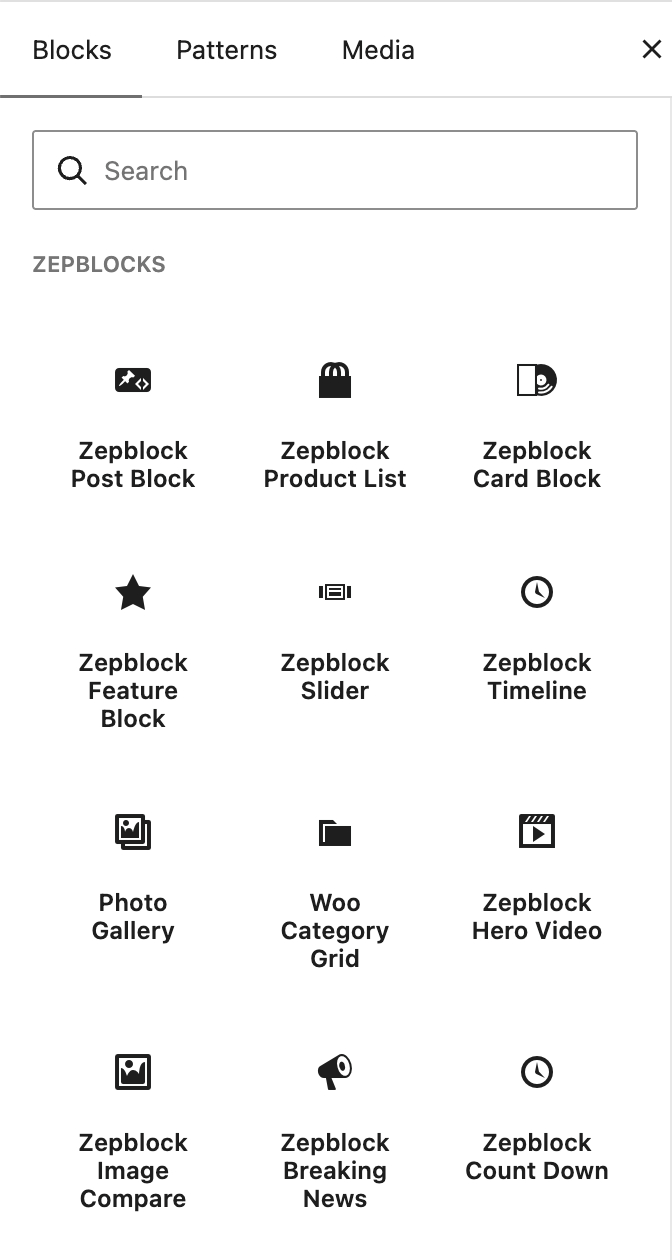
- Zepblock Slider – A smooth, fully customizable image slider to showcase your content beautifully
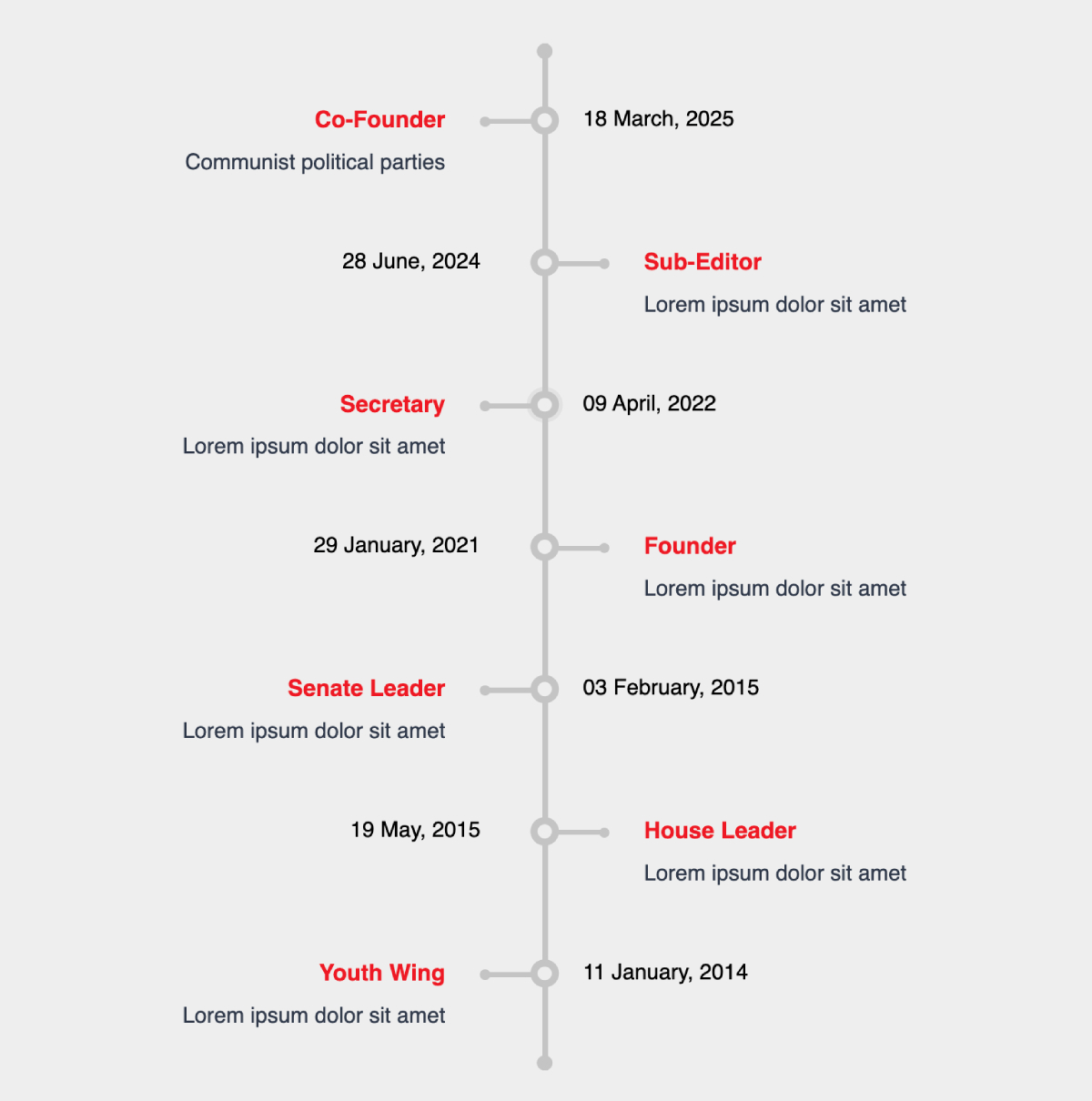
- Zepblock Timeline – Present events, milestones, or processes in a stunning vertical or horizontal timeline
- Card Block – Display content in clean, stylish card layouts — great for services, features, or blog highlights
- Feature Block – Highlight your key features or services with icons, titles, and descriptions
- Hero Video – Capture attention instantly with a full-width hero section powered by background video
- Image Compare – Let visitors interactively compare two images with a drag-to-reveal slider
- Photo Gallery – Create beautiful, responsive photo galleries with lightbox support
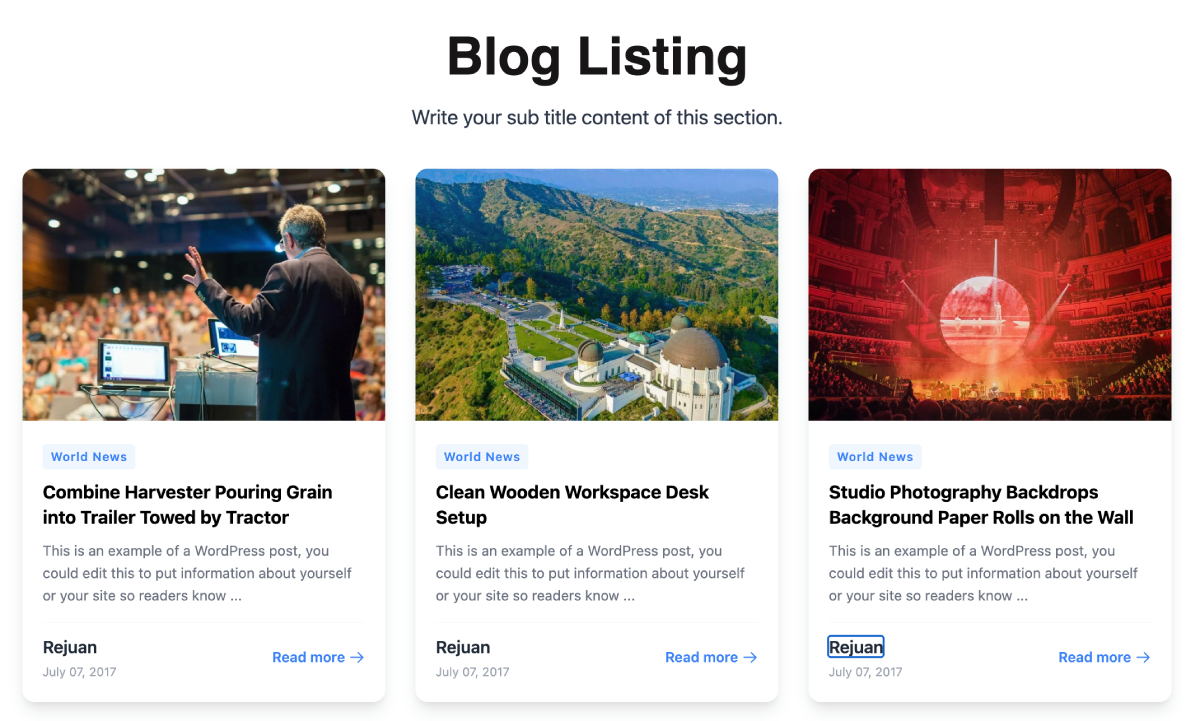
- Post Block – Display your latest posts or custom post types in a customizable grid or list layout
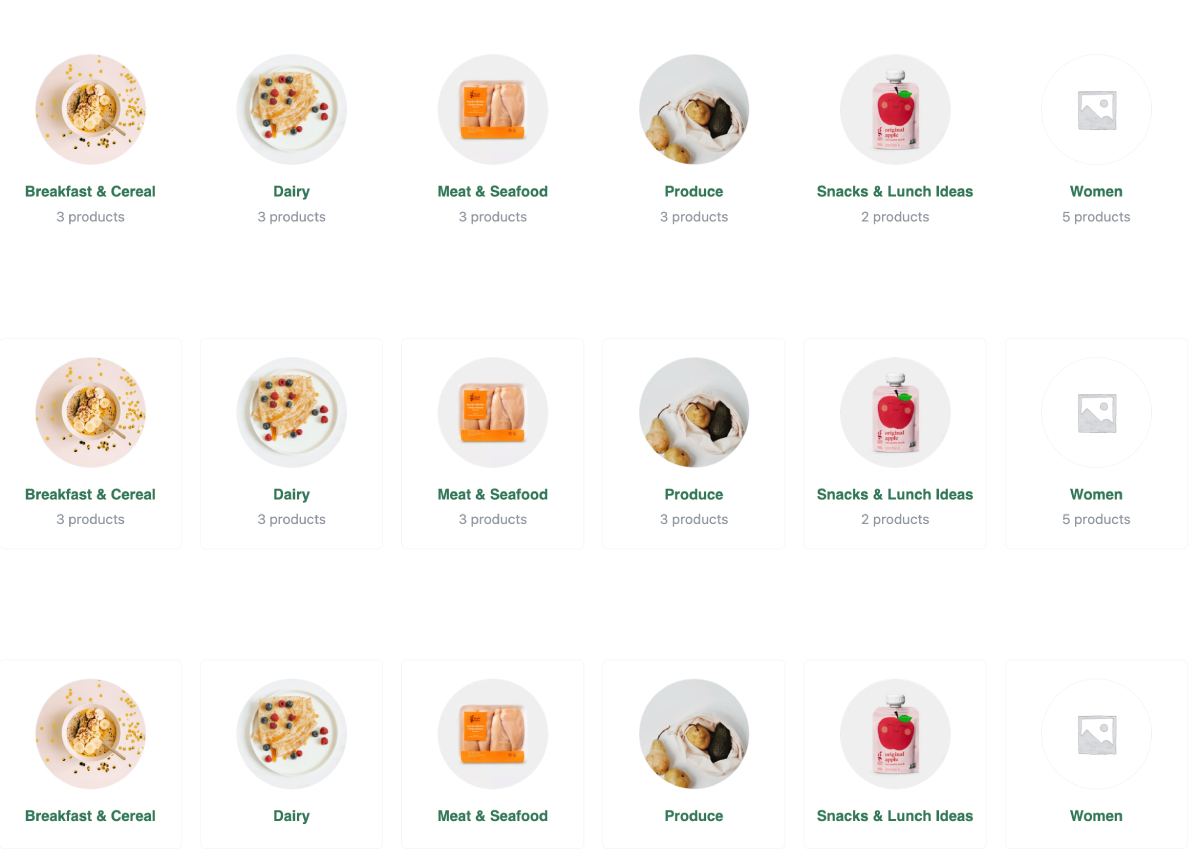
- WooCommerce Category Grid – Showcase your WooCommerce product categories in an elegant grid
- WooCommerce Product List – Display WooCommerce products in a flexible, filterable list or grid
- Breaking News – Display breaking news
- Count Down – Display count down
Why ZepBlocks?
- Beginner-friendly – Drag, drop, and customize without any coding knowledge
- Developer-friendly – Clean, well-structured code that’s easy to extend
- WooCommerce ready – Built-in blocks for WooCommerce category and product display
- Lightweight – Only loads assets for blocks that are actually used on the page
- Theme compatible – Works with any WordPress theme, including Full Site Editing (FSE) themes
- Regularly updated – New blocks added frequently based on user feedback
- 100% Free – No upsells, no pro version, no limitations
Getting Started
- Install and activate ZepBlocks
- Open any post or page in the WordPress block editor
- Click the + icon to add a new block
- Search for any ZepBlocks block by name
- Customize using the block settings panel on the right
🛠️ For Developers
ZepBlocks is built using the @wordpress/scripts toolchain with React and modern JavaScript. All blocks follow WordPress coding standards and are fully compatible with the block editor’s extensibility APIs.
Found a bug or want to contribute? Visit our GitHub repository.