

yuiami.jp Suite Form
v1.3.0Takashi Fujisaki · 2026年11月6日 上架
Mail form for Japanese businesses. Confirmation screens, postal-code address autofill, and no customer data in the database.
- 正在使用
- 10 以下
- 评分
- 暂无
- 累计下载
- 665
- 最近更新
- 2026年11月17日
贡献者
 Takashi Fujisaki
截图


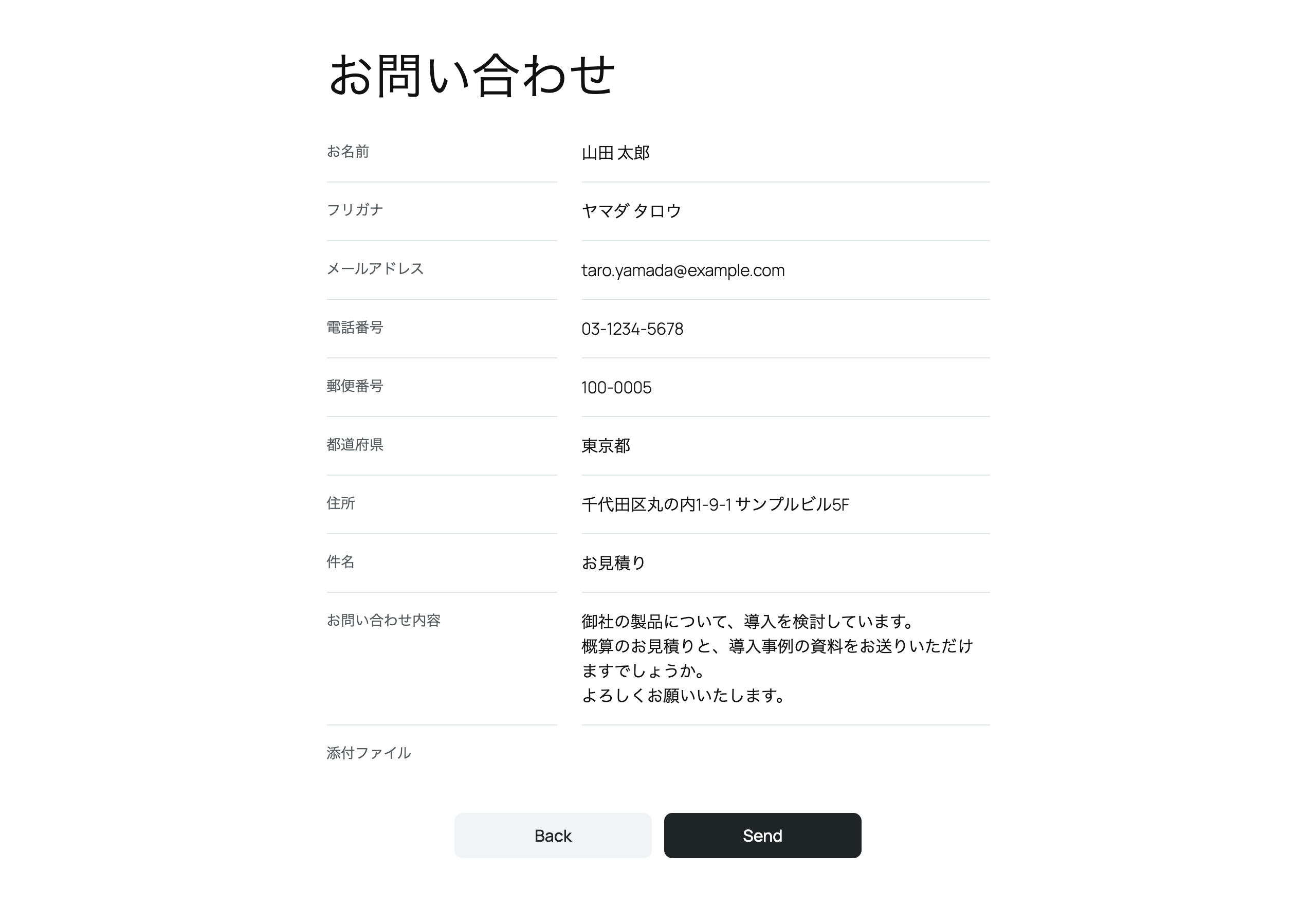
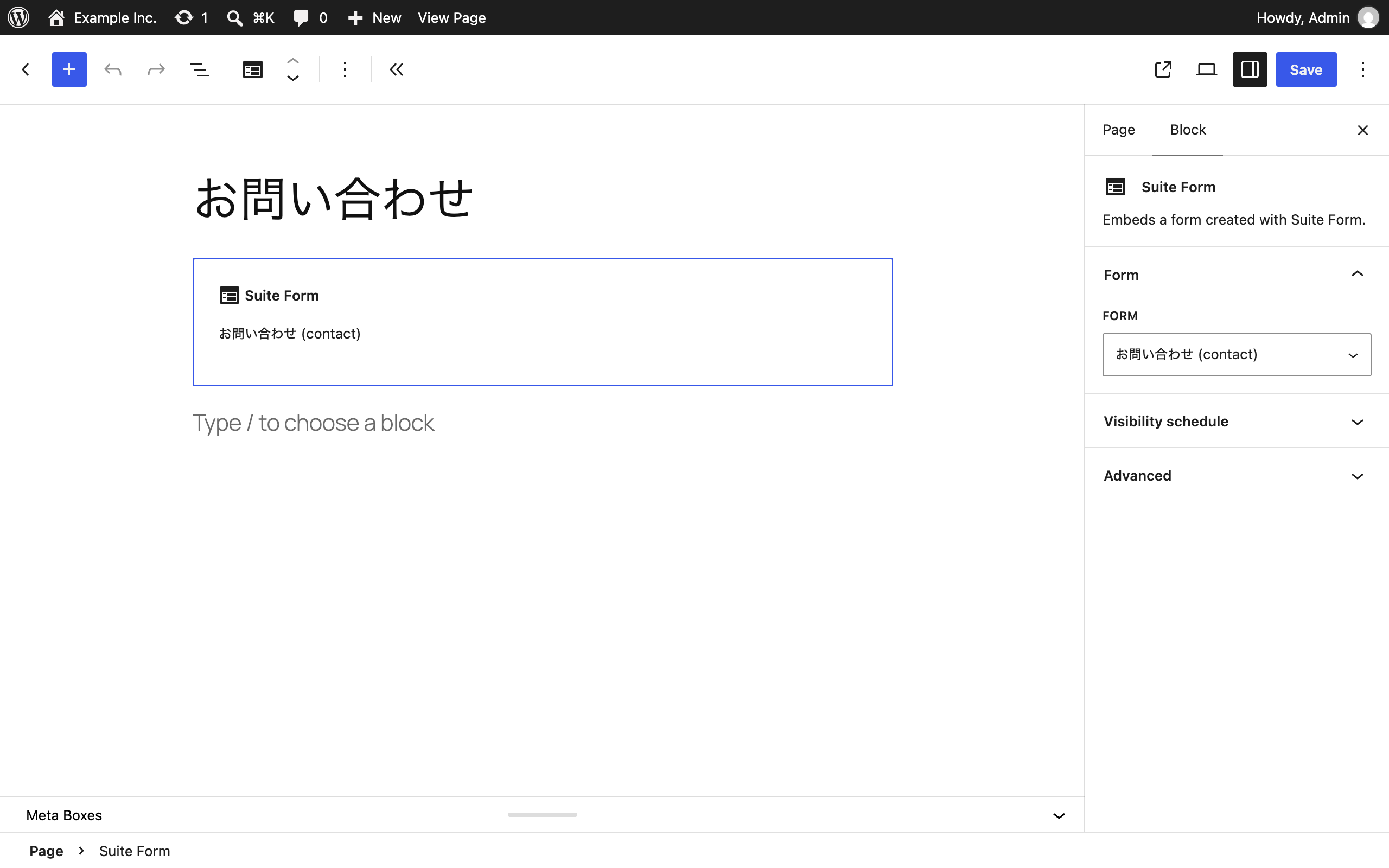


Suite Form is a mail form plugin designed for Japanese business websites.
- Visual form builder — no HTML knowledge required to add fields or edit mail templates
- Route the admin notification to different recipients and Cc depending on the option the visitor selects in a select or radio field
- Show a field only when a specific option is selected in a select, radio, or checkbox field. A hidden field is not required, and its value is not sent
- Test sending: while it is on, the admin notification for your own submissions goes only to you, with the usual recipients listed in the body, and visitors’ submissions are not affected
- Gutenberg blocks — pick a form from a dropdown, no shortcode typing
- Confirmation screen and thank-you page with its own URL (trackable in analytics)
- Postal code to address autofill without any external API — the postal code data ships with the plugin
- Prefecture select field, katakana/hiragana validation, and automatic input normalization (full-width to half-width, half-width kana to full-width)
- Form definitions live in the WordPress database and can be exported and imported as JSON to reuse them across sites
- Import forms from MW WP Form: fields, validation rules, mail settings, and the confirmation and complete screens are converted, and a report shows everything that could not be carried over before anything is created
- Import forms from Contact Form 7: form-tags, mail settings, the
[confirm]button of the Contact Form 7 add confirm plugin, and the redirect ofon_sent_okare converted, with the same report - Submissions are stored as files in a protected directory, never in the database. Saving every submission is optional and off by default; submissions whose email could not be sent are always kept
- Submissions screen: browse stored submissions by form and status, download their attachments, delete them, and export them as CSV (UTF-8 with BOM, opens in Excel)
- File attachments with MIME inspection
- reCAPTCHA v3 support
- Works on typical Japanese shared hosting (XSERVER, lolipop, and others)
External Services
This plugin can optionally connect to Google reCAPTCHA v3 to help protect your forms from spam. It only connects to Google if the site owner enables reCAPTCHA by entering a site key and a secret key under Suite Form > Settings. Both keys are required: once both are set, reCAPTCHA is active on every form, and you can turn it off for an individual form from the Form Settings tab of the form builder. If either key is empty, reCAPTCHA is disabled and the plugin makes no external requests at all.
When reCAPTCHA is enabled:
- Every page that displays a Suite Form form with reCAPTCHA turned on loads Google’s reCAPTCHA API script (
https://www.google.com/recaptcha/api.js). - When a visitor submits a form, the plugin sends the visitor’s IP address and a reCAPTCHA verification token to Google’s siteverify endpoint (
https://www.google.com/recaptcha/api/siteverify) to confirm the submission was not made by a bot. - When an administrator presses “Test the saved keys” on the Suite Form > Settings screen, that screen loads Google’s reCAPTCHA API script in the administrator’s browser, and the plugin sends a test token to the same siteverify endpoint to check the saved keys. The plugin does not add the administrator’s IP address to this request, and nothing is sent until the button is pressed.
This service is provided by Google LLC. See Google Privacy Policy and Google Terms of Service for more information.