
Yoco Payments
v3.9.5yocoadmin · 2020年2月17日 上架
The Yoco Payments plugin lets you easily accept payments via Yoco Payments on your WooCommerce WordPress site.
- 正在使用
- 1 万+
- 评分
- 4.4 / 5
- 累计下载
- 29 万
- 最近更新
- 2026年10月5日
贡献者
 yoco
截图
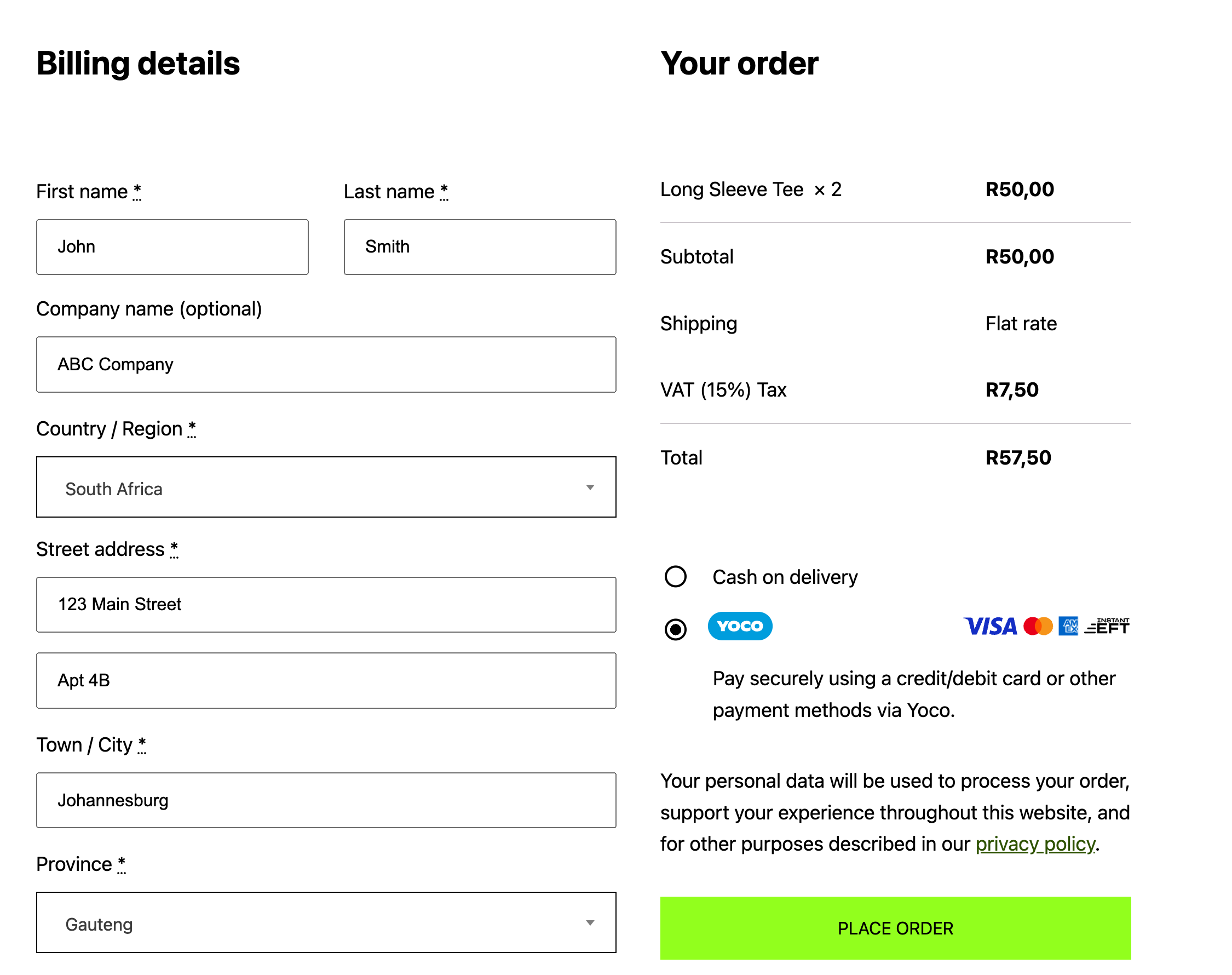
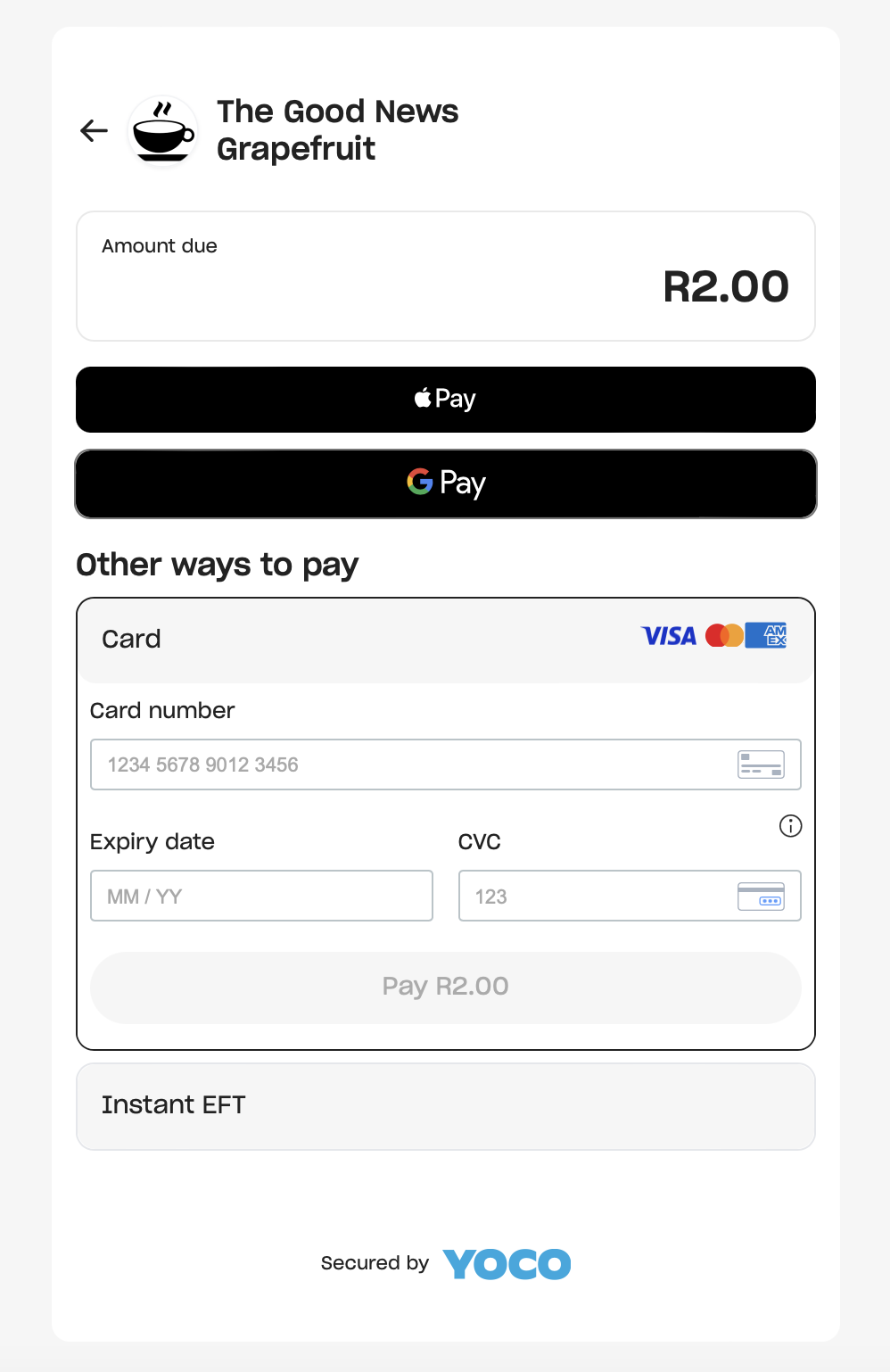
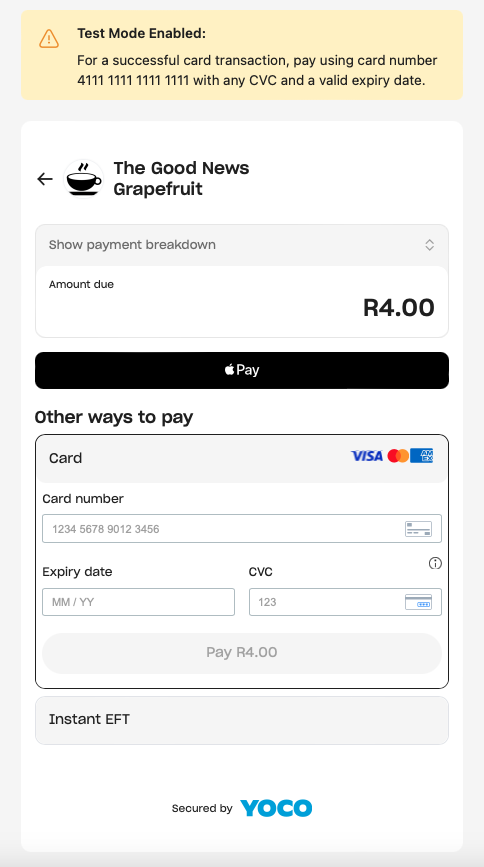
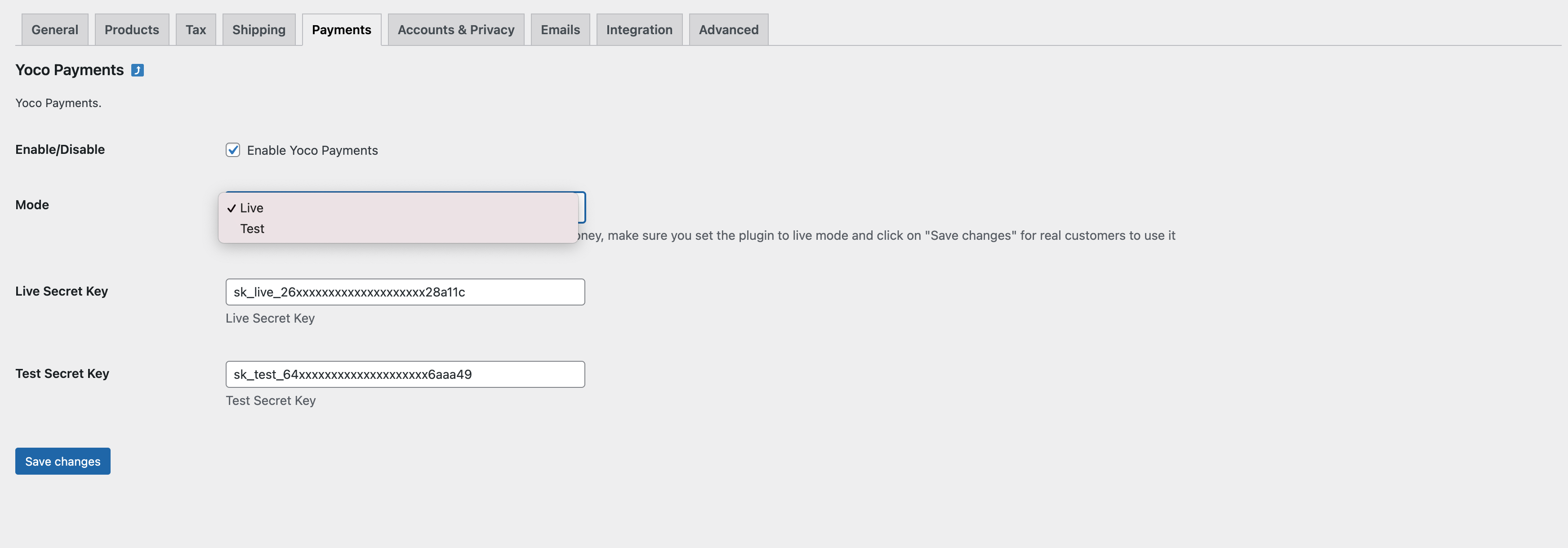
Accept payments with Yoco
Whether you’re a small or medium-sized e-commerce business, the Yoco Payments for WooCommerce plugin is the perfect solution. We’ve designed our payment process to be both user-friendly and secure for both you and your customers.
Our pricing model is transparent and straightforward: we charge only per transaction, with no hidden fees, no monthly fees, and no plugin fees. Additionally, you’ll have access to real-time data and insights via your Yoco dashboard. This makes it super easy to manage a healthy cash flow.
Why use the Yoco Payments for WooCommerce plugin?
- No hidden or monthly fees
- Get paid the same day with Yoco Instant Payouts (if eligible)
- PCI DSS compliant
- Supports 3D Secure
- Your customers enjoy a seamless and safe payment experience
- Refund orders directly from your WooCommerce dashboard
Transparent pricing
Only pay when you get paid!
- Local Cards: 2.95% – 2.6% ex. VAT
- International Cards: 3.5% – 3.05% ex. VAT
- American Express: 3.5% – 3.05% ex. VAT
- Instant EFT: 2% ex. VAT
For further pricing details, please view pricing information.
Quick installation and setup
Step 1: Sign up with Yoco.
Step 2: Install Yoco for WooCommerce on your WordPress website.
Step 3: Activate Yoco on your WooCommerce WebShop.
Step 4: Do a test transaction to make sure you’re all set.
That’s it! You’re ready to accept payments.
For more details, please view Yoco Gateway for WooCommerce: User Guide.
All your sales orders in one place
The transaction info is captured in the Orders menu, and you can view all payments in your WordPress admin dashboard to stay on top of everything.
In addition, you can see all your online and in-store payments in one place in your Yoco Business Portal. You also benefit from Yoco business tools, and access to working capital.
Support
For any technical inquiries, please follow these steps:
- Send us the logs by navigating to WooCommerce > Status > Logs and selecting the logs that contain yoco and the date of the issue. Click View and copy the logs.
- Use this email ecommerce@yoco.com and send us the logs along with your website URL.