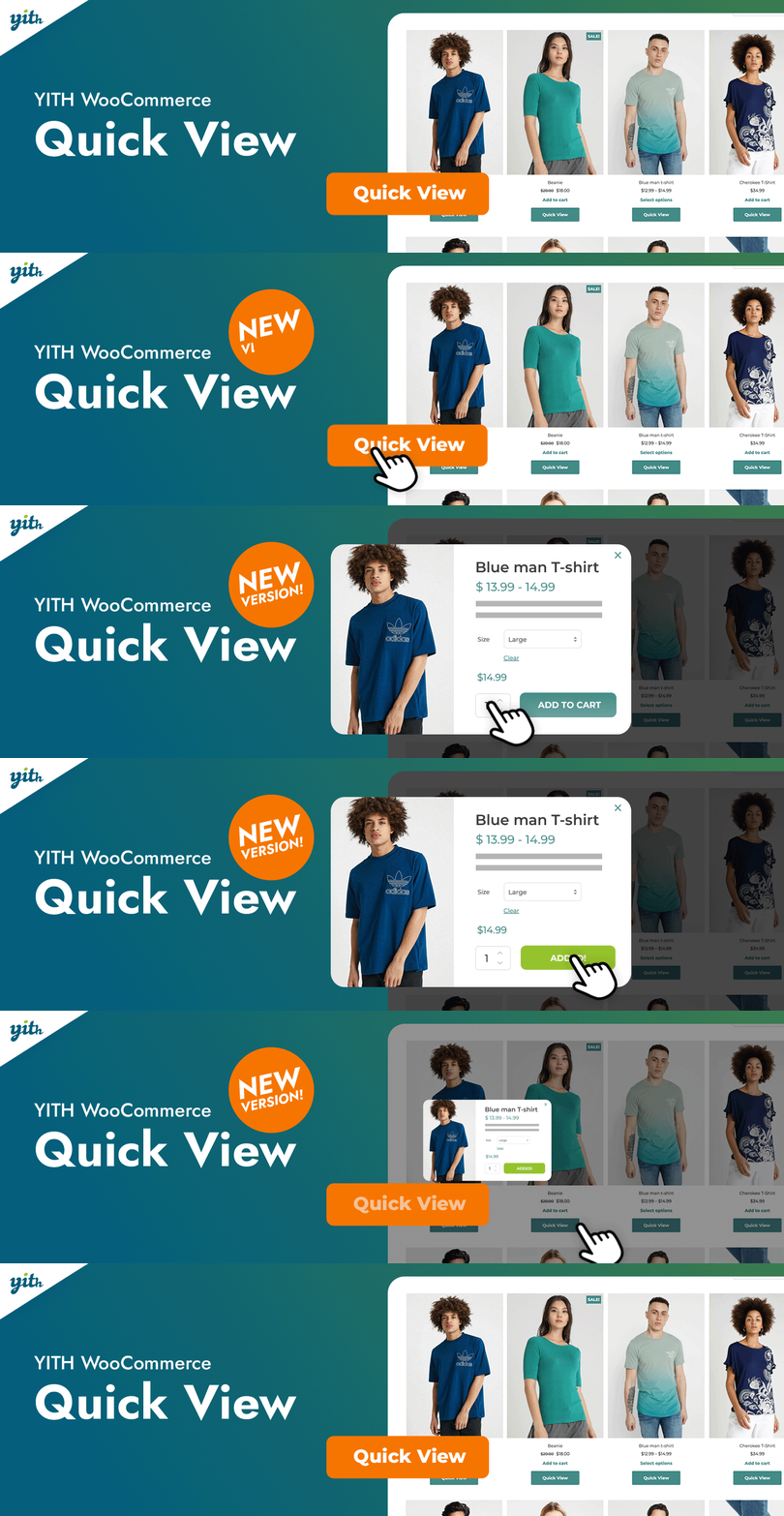

YITH WooCommerce Quick View
v2.20.0YITHEMES · 2015年2月17日 上架
This plugin adds the possibility to have a quick preview of the products right from product list
- 正在使用
- 8 万+
- 评分
- 3.8 / 5
- 累计下载
- 652 万
- 最近更新
- 2026年11月6日
贡献者
 YITHEMES
截图
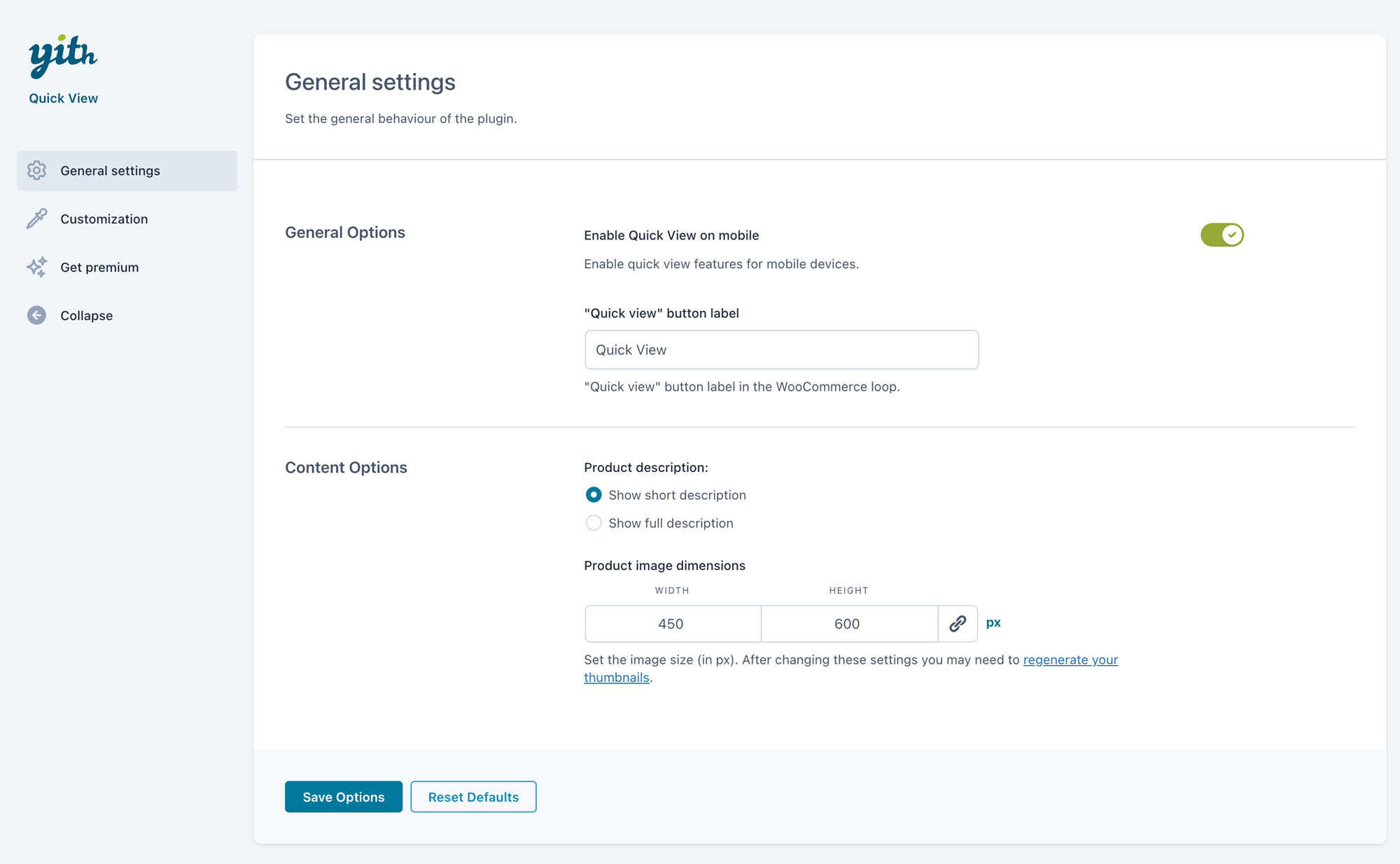
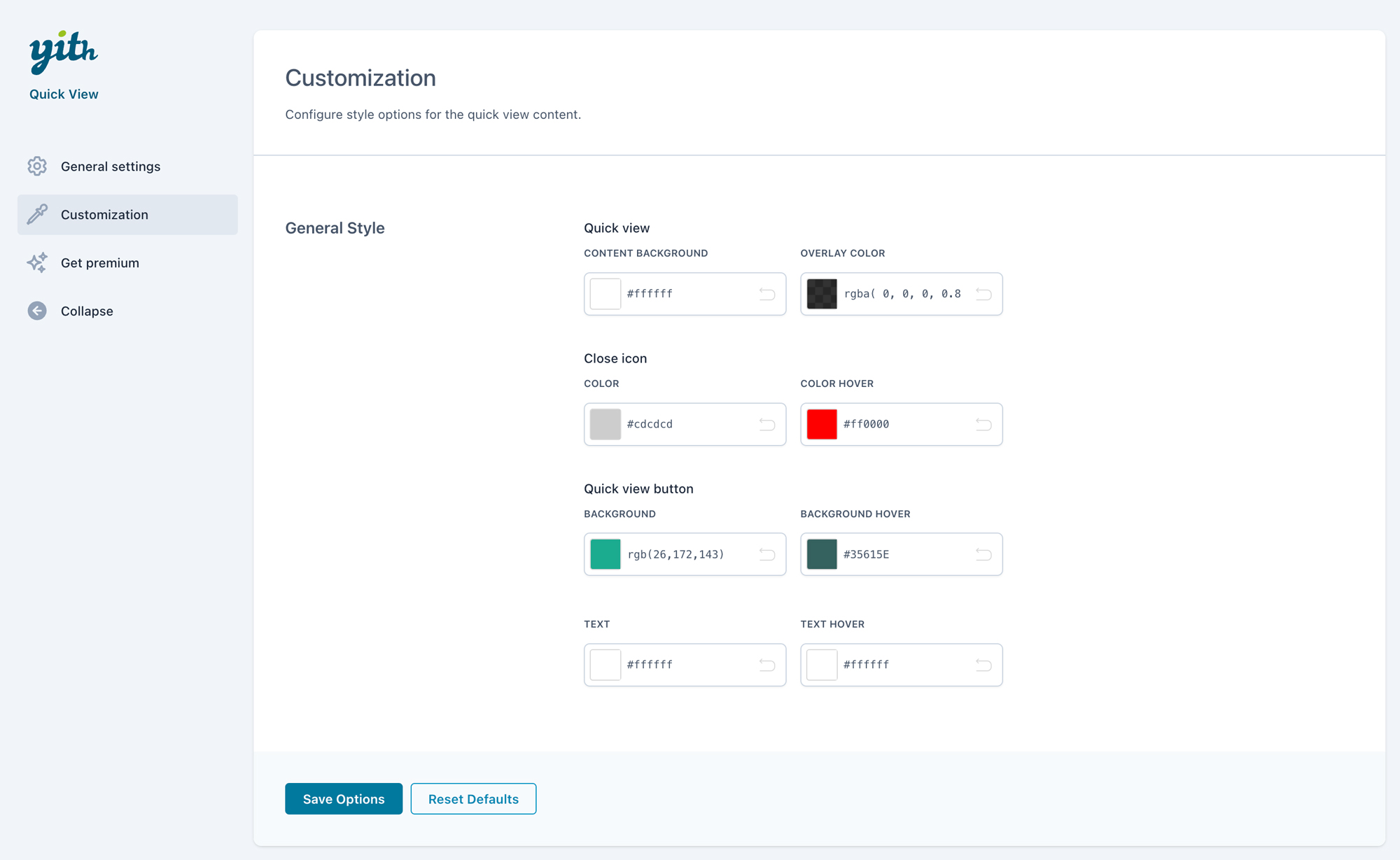
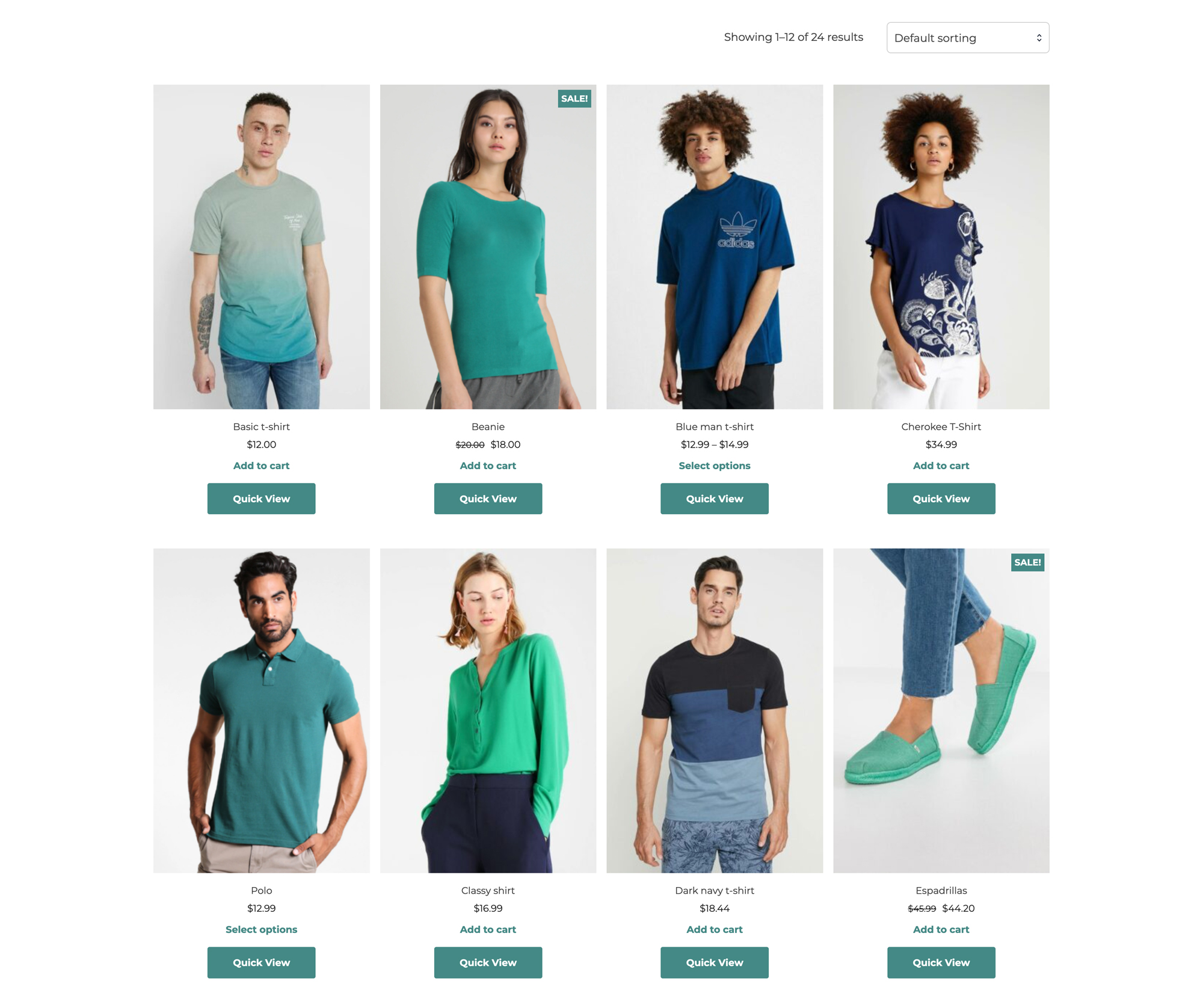
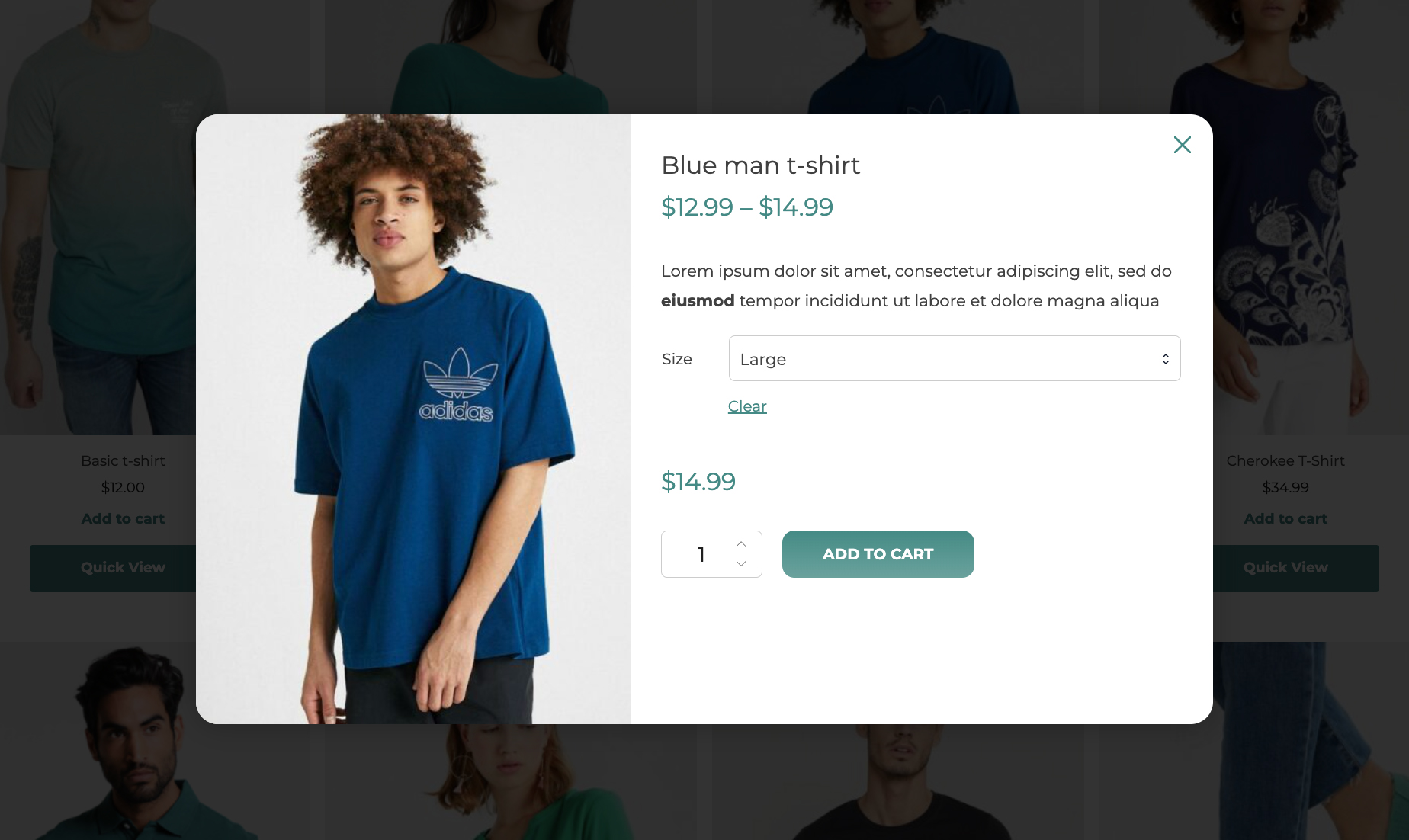
Show a product preview in a modal window to improve your customers’ shopping experience
YITH WooCommerce Quick View is the free solution to simplify the product viewing and buying process for your customers.
In fact, the plugin allows you to show a preview of your products in a modal window, directly on the shop page.
This way, with just one click, your customers can view available sizes and colors, read product descriptions, and add items to their shopping carts without leaving the catalog. This makes comparing products and purchasing multiple items a quick and easy process.
And thanks to the new 100% mobile friendly design, YITH WooCommerce Quick View also improves the shopping experience for customers who purchase using smartphones and tablets.
Free version features
- Use a text button to preview the product and customize the text
- Display the button on the page, below the “Add to cart” button
- Enable the Quick View on mobile devices (100% mobile friendly design)
- Display the product Quick View in a modal window
- Choose if and what description to show (short or long)
- Choose the size of the product image
- Set the background color of the Quick View
- Set the background overlay color
- Set the color of the close icon
- Set the colors of the “Quick View” button
Want to see the plugin in action? Take a look at the live demo of the free version >.
Need extra features? Upgrade to premium!
With the free version of YITH WooCommerce Quick View you have everything you need to show a
quick overview of your products and improve the user experience of your shop.
But if you’re looking for advanced options and more versatility, we recommend upgrading to the premium version of the plugin.
Premium version features:
- Use a button with an icon
- Upload a custom icon for the “Quick View” button
- Display the button when hovering over the product image
- Use a shortcode or Gutenberg block to allow users to preview a specific product anywhere in your store
- Show the product Quick View in a cascading section or in a sidebar
- Select an opening animation
- Configure modal window height and width
- Enable product navigation
- Choose which product information to show or hide (image, name, rating, price, “Add to cart” button, etc.)
- Choose whether to hide the product image gallery, show it in a classic style, or enable a slider
- Display a link to redirect the user to the product detail page
- Choose whether to close the Quick View or redirect the user to the Checkout page after adding the product to the cart
- Enable social icons to share the product Quick View
- Customize the “Add to cart” button