
Write Auto
v1.6.0writeauto · 2026年10月6日 上架
Publishes Write Auto articles to your site with SEO title, description, focus keyword and schema set in Yoast SEO, Rank Math or AIOSEO.
- 正在使用
- 10 以下
- 评分
- 暂无
- 累计下载
- 697
- 最近更新
- 2026年11月7日
贡献者
 writeauto
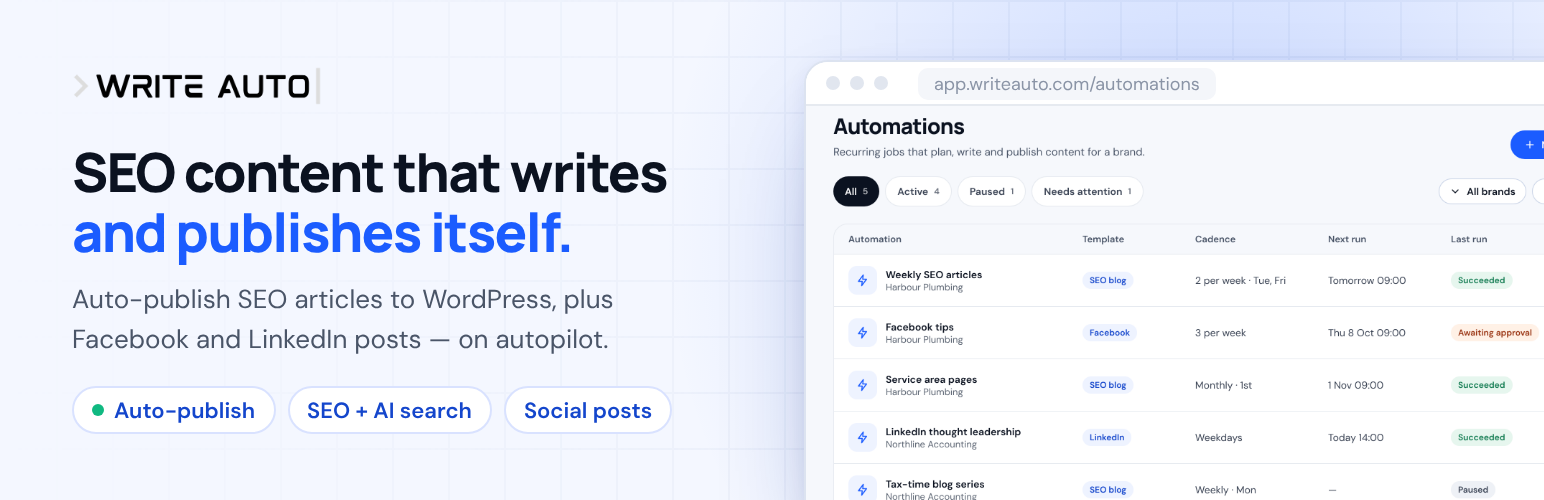
This plugin receives articles from your Write Auto account and publishes them as posts. When Yoast SEO, Rank Math or All in One SEO is installed, it also fills in the post’s SEO title, meta description, focus keyword (plus related keywords where your SEO plugin supports them), primary category and cornerstone/pillar flag, and adds the article’s FAQ to your SEO plugin’s schema.
Narrow by design
- Only ever changes posts it created. It cannot edit any other post; of other posts it reads only the titles and links of published ones (to suggest internal links).
- Cannot delete anything, manage users, plugins or themes, or change settings. The only files it adds are the images of the articles it publishes, attached to those posts.
- Will not overwrite a post you have edited in WordPress, and never restores a post you trashed.
- Every request is signed with a key only your site and your Write Auto account know; the key itself is never sent over the network.
- Disconnect at any time from WP Admin Write Auto.
- Every action is listed under WP Admin Write Auto Activity.
External services
This plugin connects to Write Auto (https://writeauto.com), the service you use to write and schedule articles.
- When you connect, you copy a connection key from this site into your Write Auto account. From then on, Write Auto sends signed requests to this site to publish posts, read your category list, and read the titles and links of published posts (for internal linking).
- In replies, this site sends Write Auto its address, language, timezone, WordPress/PHP/plugin versions, active SEO plugin, category list, published post titles and links, and the ID/status/link of each post it creates.
- When a post Write Auto created goes live later (you publish a draft, or a scheduled post’s time comes), this site tells Write Auto that post’s ID, address and publish time, in a request signed with your connection key, so Write Auto can share it (for example on your Facebook Page). Nothing is sent for any other post.
- When you add, rename or delete a category, this site tells Write Auto a minute later, in a request signed with your connection key, so Write Auto can read your category list again (its news automations publish to categories you choose). The notice says only that the categories changed; nothing about the categories themselves is sent with it.
- When you click “Let Write Auto manage this post” on the Posts screen, this site sends Write Auto that post’s address, title and content, in a request signed with your connection key. Nothing is sent unless you click it.
- To check for plugin updates, this site requests https://app.writeauto.com/api/wp-plugin/manifest a few times a day. Like every request WordPress makes, it includes this site’s address (in the user agent); nothing else about the site is sent.
This plugin also uses IndexNow (https://www.indexnow.org), which Bing and other search engines use to find new pages quickly. When Write Auto publishes or updates a live post, this site sends the post’s address, the site’s address and a key to https://api.indexnow.org/indexnow. Nothing about visitors or users is sent. It’s skipped when another plugin already sends these, and you can turn it off under WP Admin Write Auto Settings. IndexNow’s terms: https://www.indexnow.org/terms — Privacy policy: https://privacy.microsoft.com/privacystatement
Terms of service: https://writeauto.com/terms — Privacy policy: https://writeauto.com/privacy