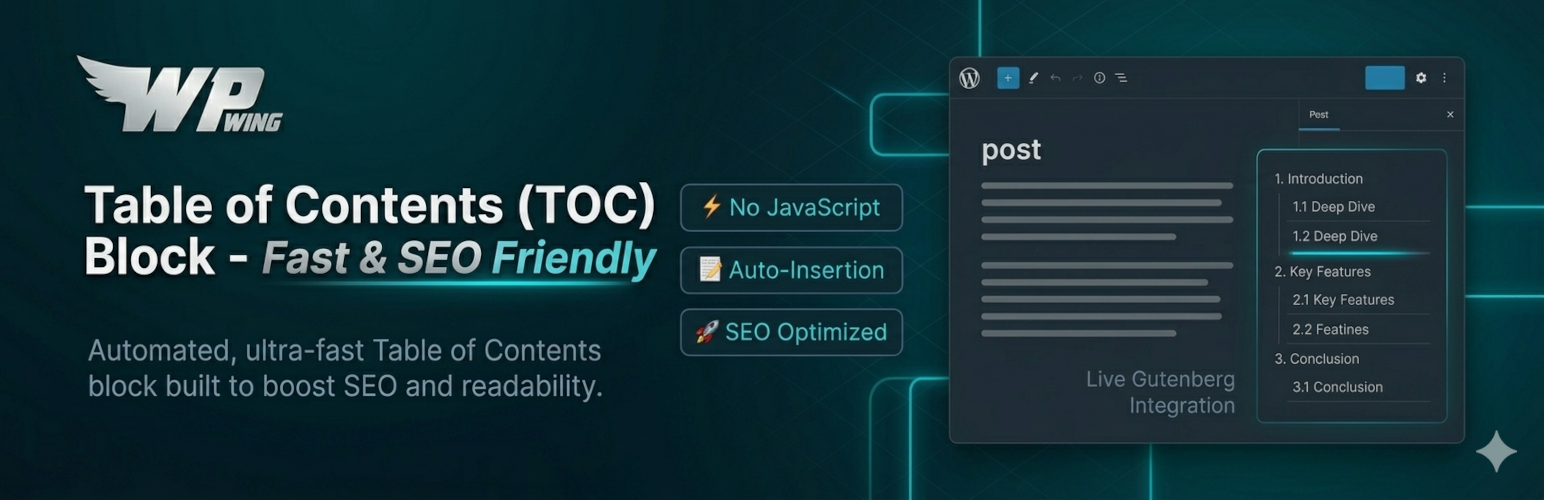

Table of Contents (TOC) Block – Fast & SEO Friendly
v1.15.0WPWing · 2022年6月8日 上架
Automated table of contents (TOC) block for Gutenberg with no JavaScript by default. Generates smooth anchor links to boost SEO and readability.
- 正在使用
- 10+
- 评分
- 4.0 / 5
- 累计下载
- 3,554
- 最近更新
- 2026年11月25日
 WPWing
 Tapan Kumer Das
截图


Boost your site’s SEO and maximize reader engagement with the Table of Contents (TOC) Block – Fast & SEO Friendly.
Long articles can overwhelm readers, causing them to leave your site early. This plugin automatically scans your content headings and generates a clean, nested list of anchor links. This allows users to jump directly to the section they need, decreasing bounce rates and satisfying search engines like Google.
Unlike clunky legacy plugins, our Table of Contents block is custom-built for the modern WordPress Gutenberg editor. By default it adds no JavaScript to your frontend – and if you enable an interactive extra like the collapsible toggle, it prints only a few lines of inline script with no external files and no jQuery. Your website stays lightning-fast and scores perfectly on Core Web Vitals.
⚡ Super Lightweight & Performance-First
We know page speed matters for SEO. Our block generates minimal, valid HTML and injects absolutely no extra resources or external scripts. It’s built to perform seamlessly without adding bloat to your database or frontend.
🎨 Complete Customization Control
Unlike plugins that lock basic layout settings behind a pro version, you get full control over your layout directly inside the native block settings:
* Style Natively: Easily add background colors, custom padding, and text colors by wrapping the TOC inside standard Gutenberg groups.
* Flexible Layouts: Full native block support for both Wide Width and Full Width settings to match your theme.
* Depth Control: Choose exactly which headings to include by restricting the maximum depth (e.g., show only H2 and H3, hide H4+).
* HTML Flexibility: Choose between an Ordered (numbered) or Unordered (bulleted) HTML list structure for better semantic SEO.
* Tidy Formatting: Toggle list indents on or off with a simple click to keep deep nesting looking clean.
* Header Freedom: Disable the built-in H2 headline of the TOC block entirely from the sidebar, allowing you to write your own personalized introduction using standard heading blocks.
🚀 Key Features At A Glance
- 100% Automated: Scans content instantly to generate accurate internal jump links.
- Auto-Insert: Optionally show the TOC on posts, pages, or custom post types without adding the block – choose the position under WPWing > TOC Block. Placing the block manually in a post always overrides it.
- Scrollspy Highlight: Highlight the current section in the TOC in real time as the reader scrolls.
- Sticky / Floating TOC: Keep the table of contents visible as readers scroll down long articles, powered entirely by pure CSS position: sticky with zero JavaScript.
- Reading Time Badge: Show estimated article reading time computed server-side with customizable reading speeds and zero frontend JavaScript.
- Expanded Numbering Styles: Choose from bulleted, numbered, hierarchical (1.1, 1.1.1), Roman numerals (I, II, III), alphabet (A, B, C), or zero-padded decimals (01, 02, 03).
- Versatile Style Presets: Choose from Default, Boxed, Minimalist, Modern Card, and Dark Mode presets.
- Pure Performance: No frontend JavaScript unless you enable an interactive feature – fully optimized for page speed.
- Designed for Gutenberg: Integrates natively into the WordPress block editor experience.
- Responsive Layouts: Inherits theme styles fluidly for perfect rendering on mobile devices.
- Accessible by Design: Semantic
nav/list markup, real buttons with correctaria-expanded/aria-controls, visible focus states, and full keyboard support for both collapse modes.
🔌 Ultimate Compatibility
We ensure our block plays nicely with your entire WordPress stack.
* Fully supports Rank Math and top-tier SEO plugins for schema optimization.
* Works seamlessly with the GeneratePress theme and major page frameworks.
* 100% compatible with popular AMP plugins for mobile-first rendering.
🔄 Switching From LuckyWP Table of Contents?
LuckyWP Table of Contents hasn’t been updated since April 2025. If you’re moving off it, go to WPWing > TOC Block – when LuckyWP’s saved settings are detected on your site, an Import from LuckyWP Table of Contents button appears automatically. One click carries over your list style, title text, minimum-headings threshold, and smooth-scroll offset (plus auto-insert settings, if you had those configured in LuckyWP), so you don’t have to rebuild your configuration by hand.
🧑💻 Dedicated Startup Support
At WPWing, we are committed to building high-quality, lightweight utility plugins for WordPress and WooCommerce. Our dedicated support team responds rapidly to the support forums to help you resolve any issues instantly.