
- 正在使用
- 4,000+
- 评分
- 5.0 / 5
- 累计下载
- 7.6 万
- 最近更新
- 2026年8月16日
贡献者
 bruandet
截图
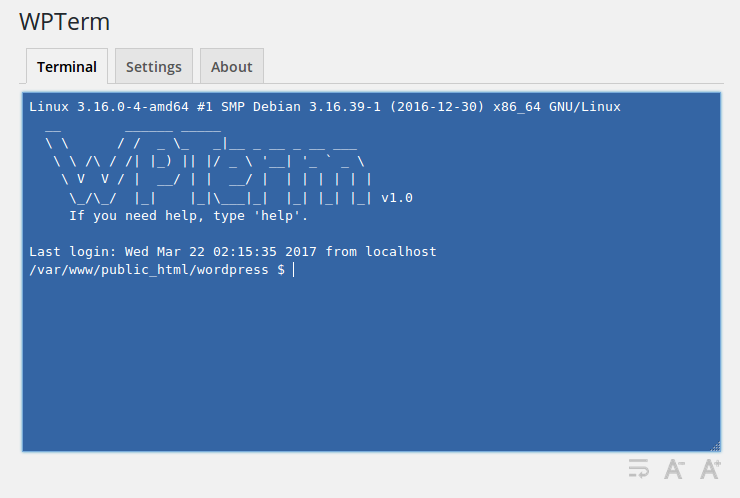
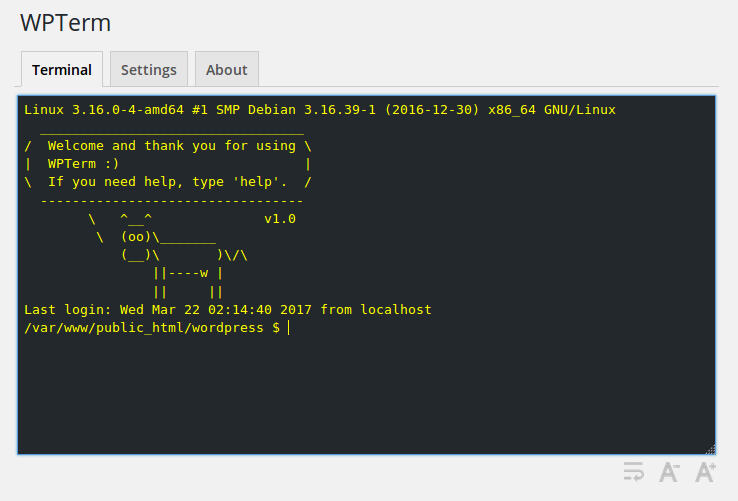
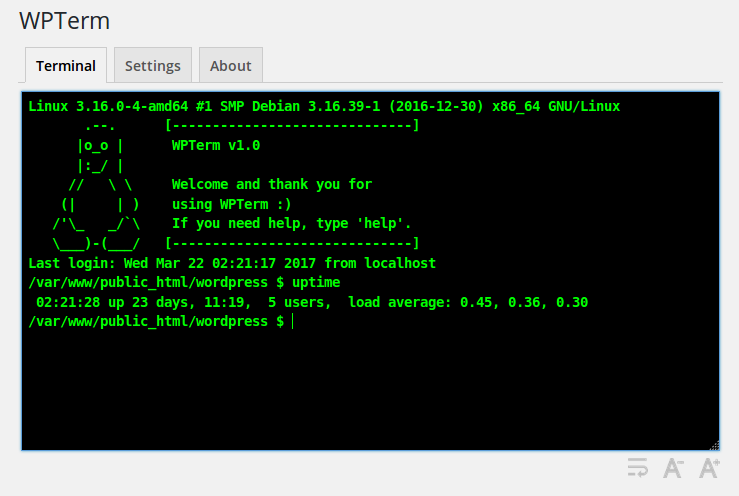
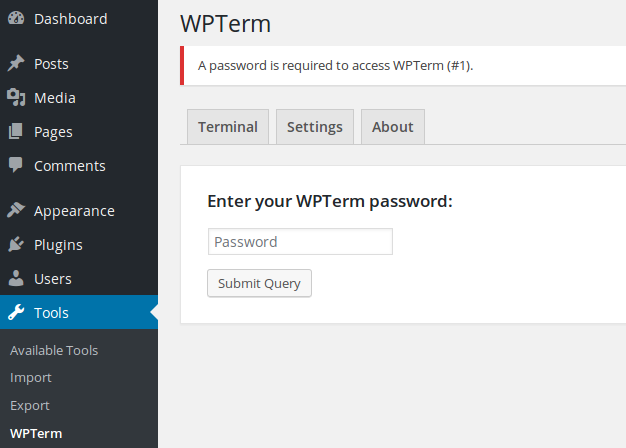
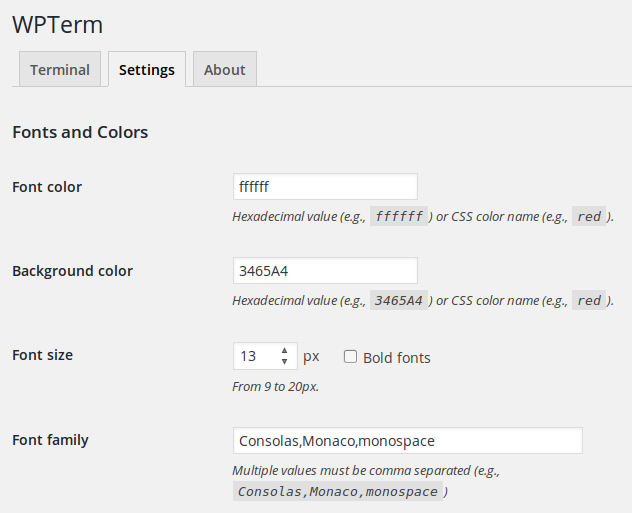
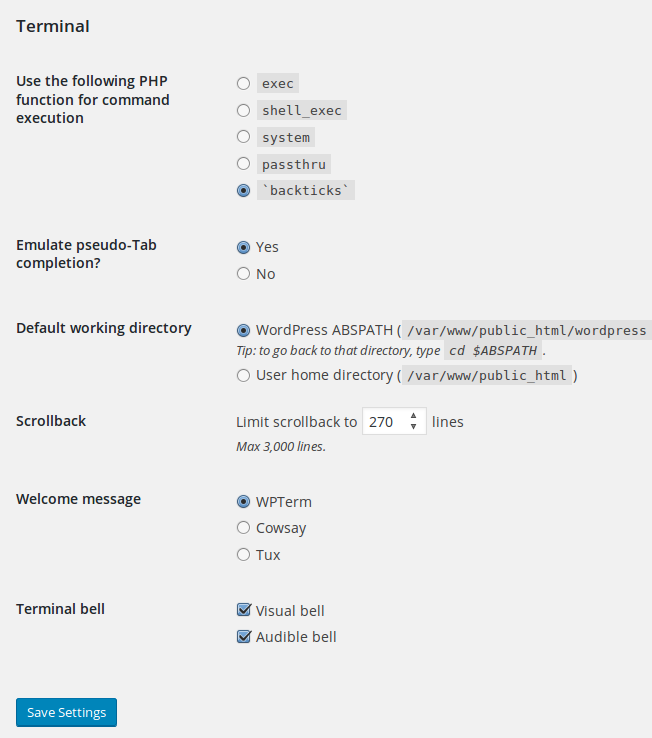

An xterm-like plugin to run non-interactive shell commands.
WPTerm is an xterm-like plugin. It can be used to run non-interactive shell commands from the WordPress admin dashboard.
Just like a terminal, WPTerm lets you do almost everything you want (e.g., changing file permissions, viewing network connections or current processes etc). That’s great, but if you aren’t familiar with Unix shell commands, you can also damage your blog. Therefore, each time you use WPTerm, please follow this rule of thumb: if you don’t know what you’re doing, don’t do it!
Compatibility
WPTerm is not compatible with Microsoft Windows; it works on Unix-like servers only.
Because it makes use of PHP program execution functions such as exec or shell_exec, it may not be compatible with some shared hosts that have disabled these functions. To make sure your server is compatible, follow these steps:
- Download this script.
- Rename it to “wpterm-check.php”.
- Upload it inside your website root folder.
- Go to http://YOUR WEBSITE/wpterm-check.php
- Delete it afterwards.
Password Protection
You can (and probably should!) password protect the access to WPTerm. Consult the contextual help, or type help at the terminal prompt to get more details about how to enable this feature.
Features
- Selectable PHP program execution function to run commands.
- Custom fonts family, size and color.
- Custom background color.
- History and scrollback buffer.
- Terminal bell (audible / visible).
- Optional password protection.
- Contextual help.
- Multisite compatible (only accessible to the SuperAdmin).
Supported Languages
- English
- French
Requirements
- WordPress 5.0+
- PHP 7.0+
- Unix-like OS (Linux, *BSD etc) only. WPTerm is NOT compatible with Microsoft Windows.