
WP-TAB Tableau Public Viz Block
v1.3Gary · 2019年9月26日 上架
An easy way to embed Tableau Public Vizualizations into a WordPress page with basic embed options.
- 正在使用
- 300+
- 评分
- 暂无
- 累计下载
- 7,019
- 最近更新
- 2023年3月2日
需要 WordPress 5.2+已测试到 6.1.17
贡献者
 Gary
截图
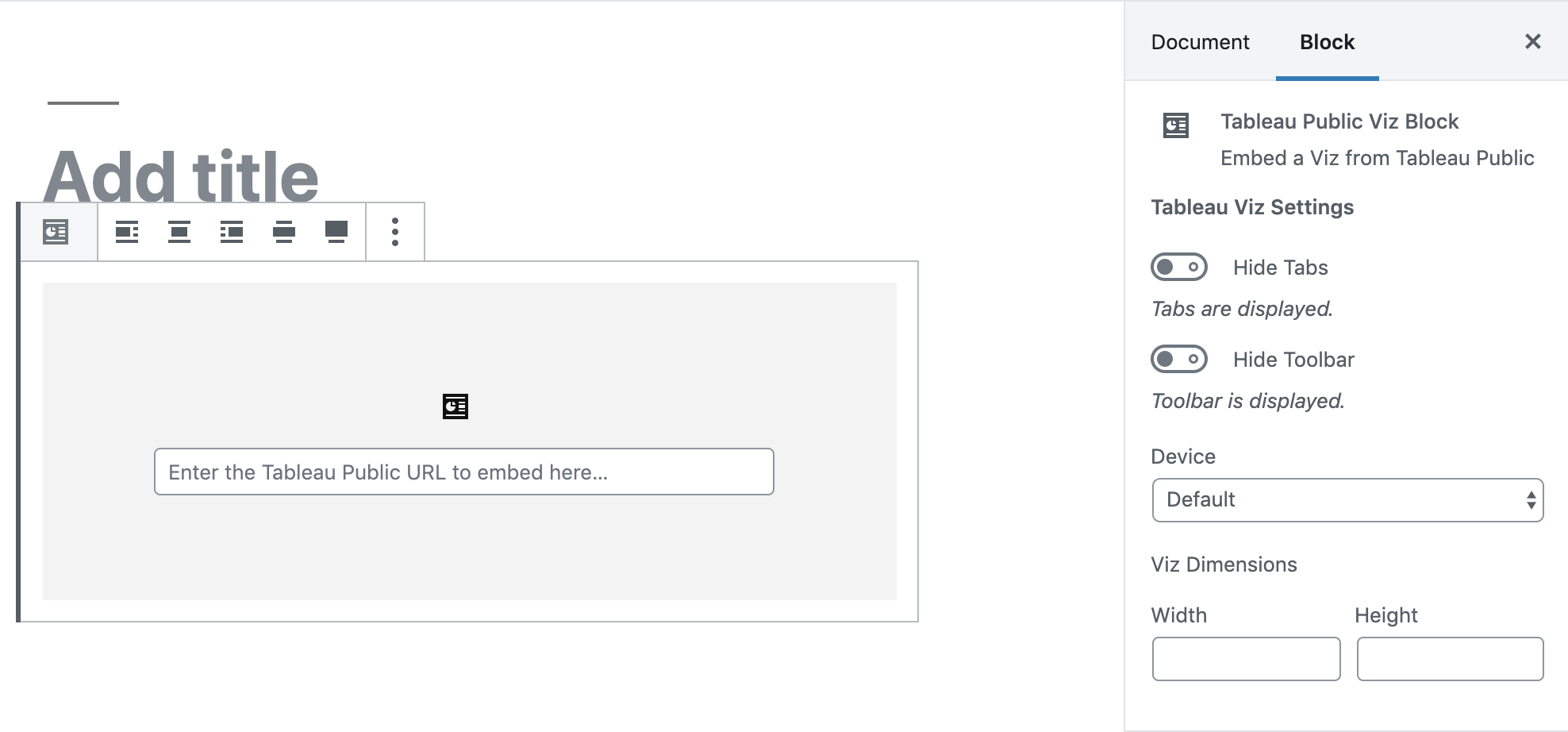
A Gutenberg Embed Block to embed Tableau Public Vizualizations into a WordPress page with basic options. Provides options to hide tabs, hide toolbar, set device and set dimensions of the Viz.
- This plugin will only work for Tableau Public Visualizations i.e. you need to have a viz hosted on Tableau Public (What is Tableau Public).
- This plugin uses the Tableau JS API to a)fetch and b)embed your Tableau Public Viz within your WordPress site.
- The Tableau Public Data policy can be viewed here. Data on Tableau Public is expected to be public.
- Tableau’s privacy policy can be viewed here
- This plugin does not store the data anywhere in any format. It simply provides a user friendly way to pull a viz hosted on http://public.tableau.com and embed it into the site hosting the plugin.
All you need is your Tableau Public url e.g ‘https://public.tableau.com/views/WorldIndicators/GDPpercapita’
Usage:
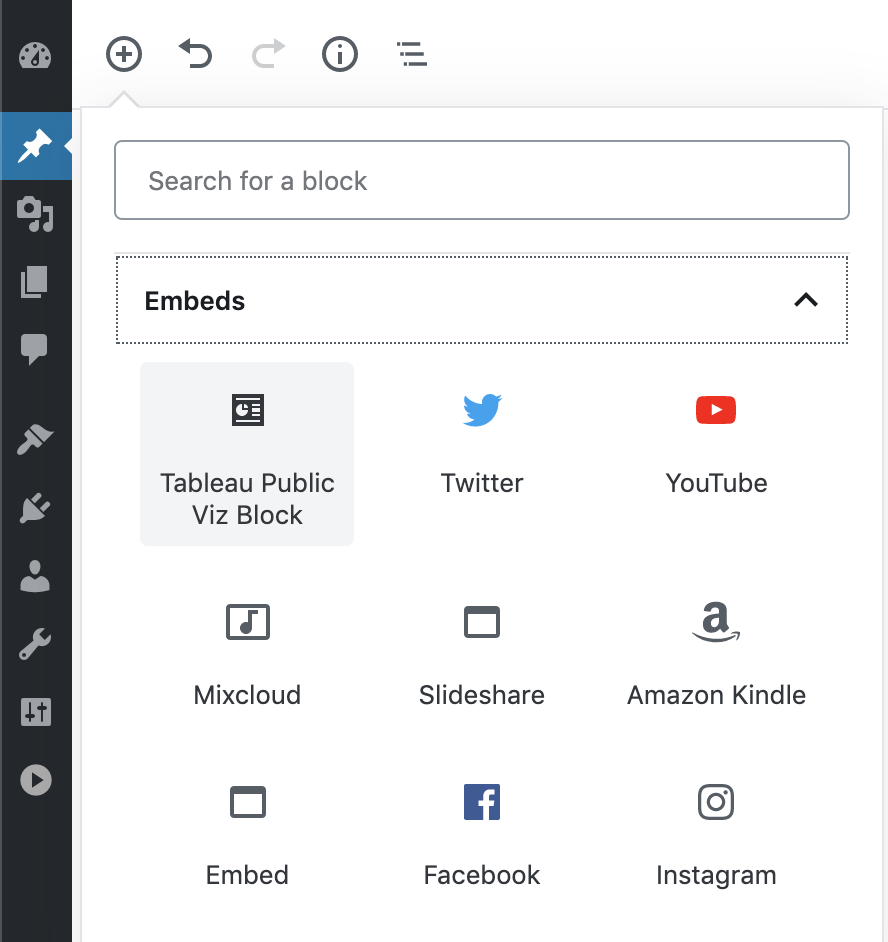
- Click Add Block
- Under the Embed category, select the Tableau Public Viz Block.
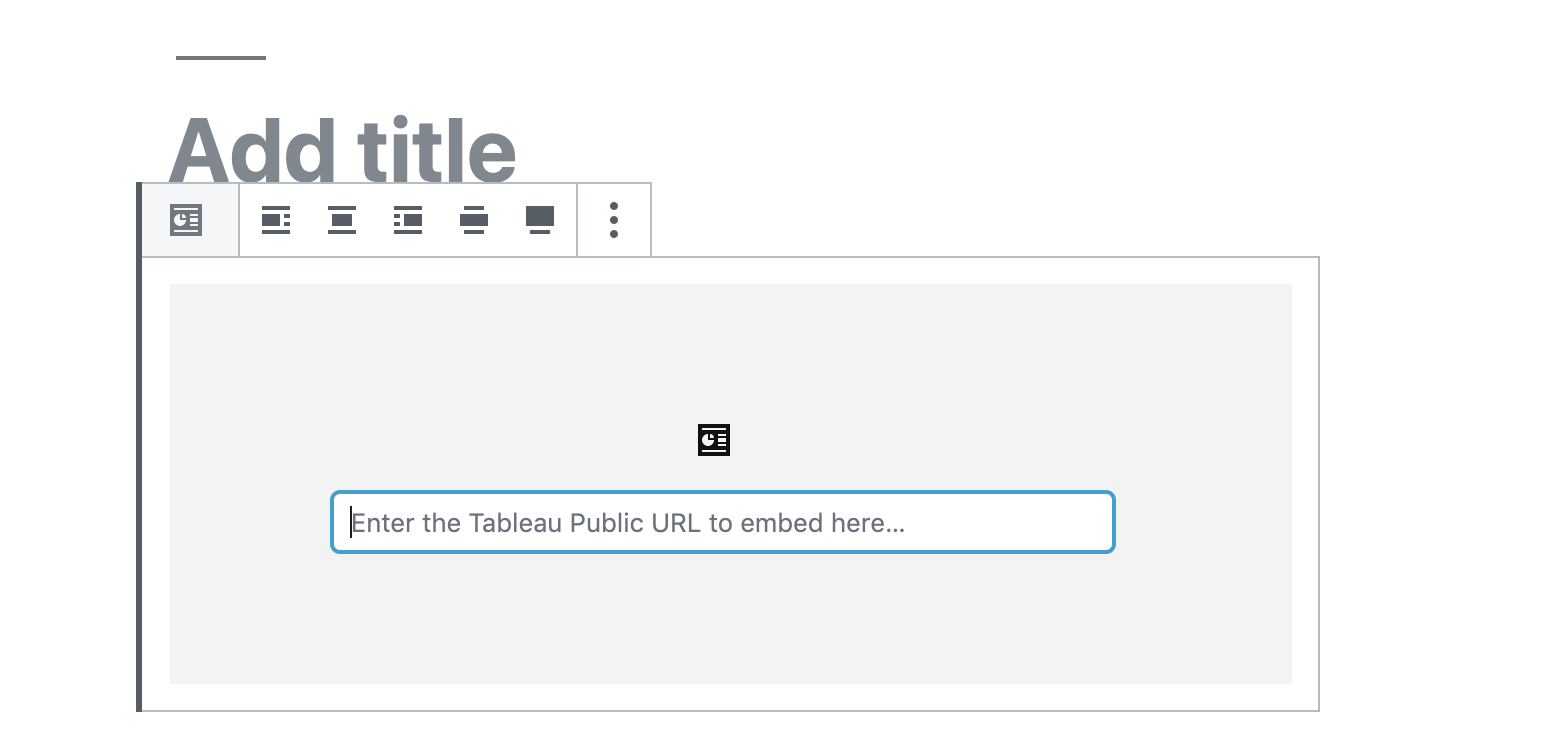
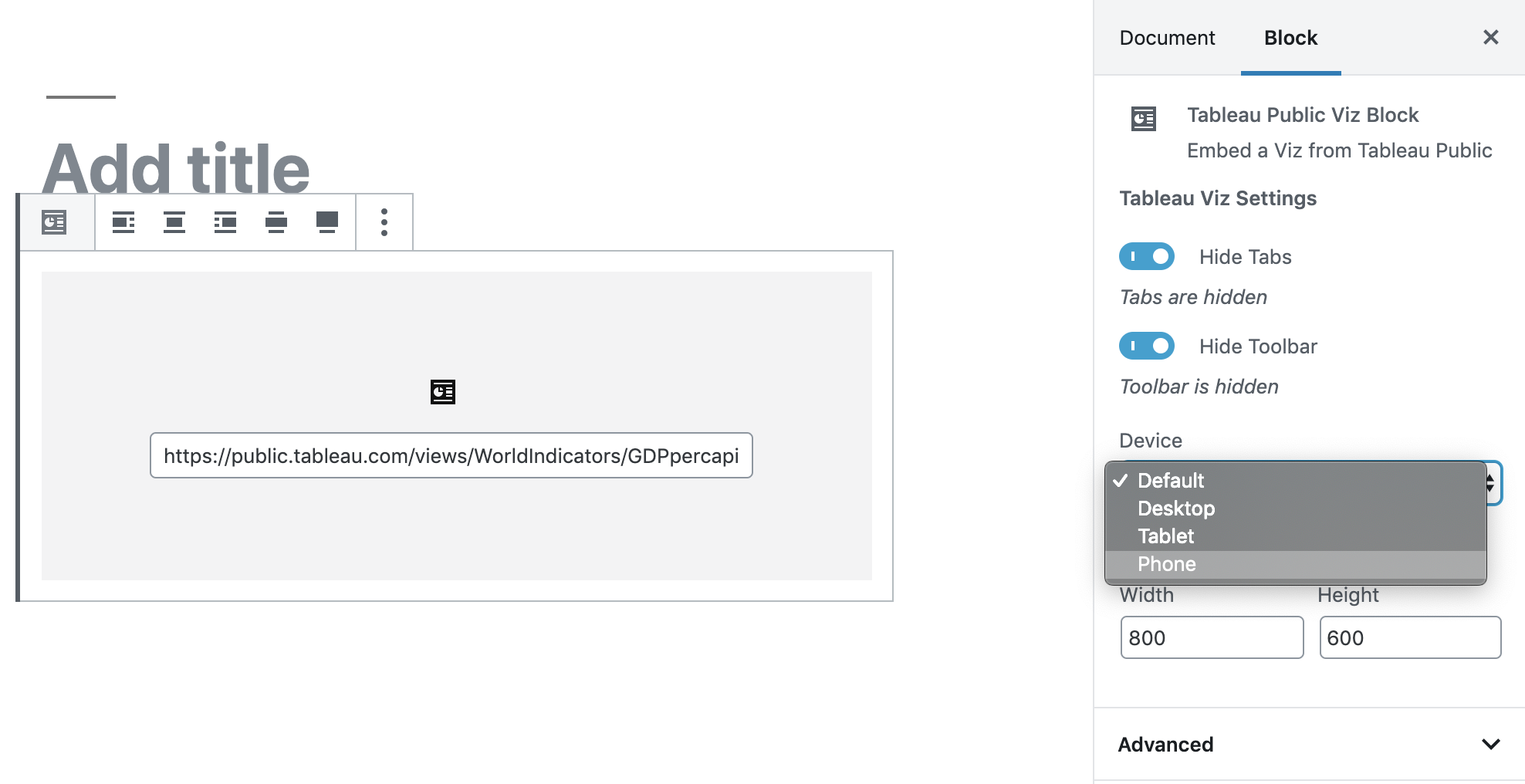
- Paste your url in the block e.g ‘https://public.tableau.com/views/WorldIndicators/GDPpercapita’
- Set options in the block options or leave as is for defaults
a. Toggle Hide tabs to hide tabs on the viz
b. Toggle Hide toolbar to hide the toolbar on the viz
c. Select Desktop/Tablet/Phone layout (must be actually available in the viz for this to work, see: https://help.tableau.com/current/pro/desktop/en-gb/dashboards_dsd_create.htm)
d. Manually set Height and Width of the viz - Optionally select the alignment from the block Toolbar
- Save and publish