
WPHEKA Server Information and phpinfo
v1.9.2akshayaswaroop · 2020年7月29日 上架
View your server information in wp-admin, with PHP settings, installed modules, MySQL settings and a safe phpinfo report that hides your cookies.
- 正在使用
- 20+
- 评分
- 暂无
- 累计下载
- 6,067
- 最近更新
- 2026年11月13日
贡献者
 akshayaswaroop
 WPHEKA
截图

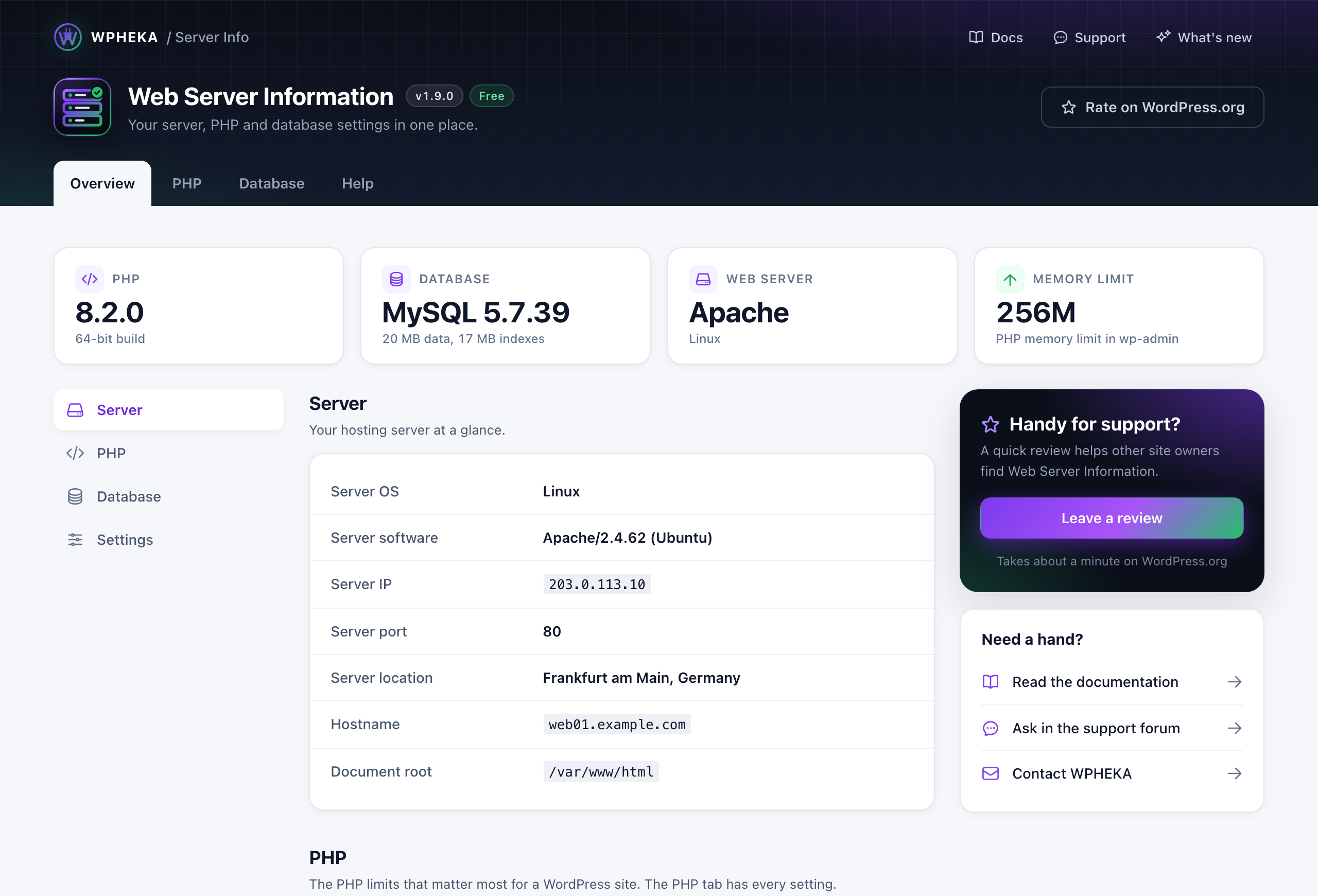

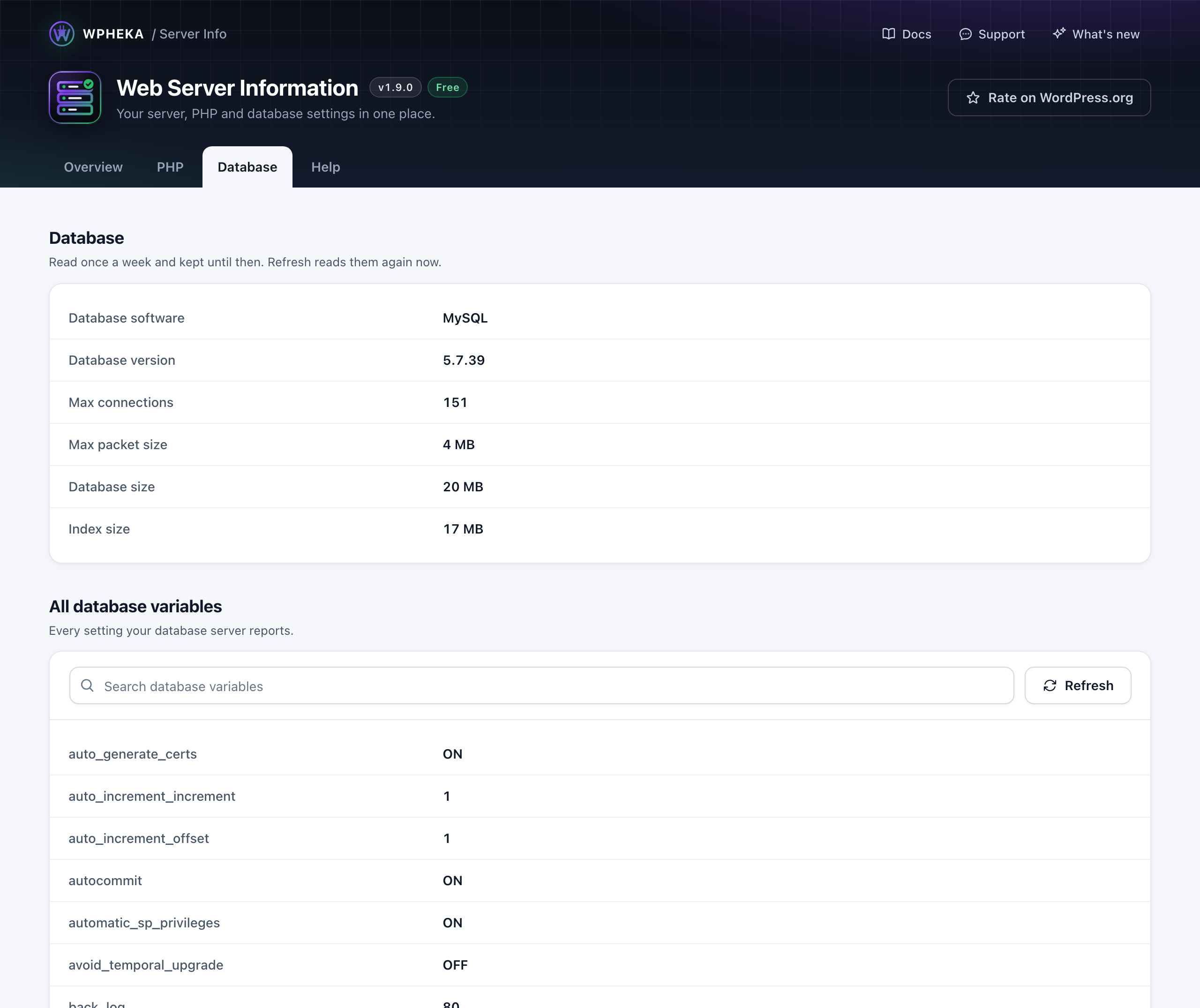

When a host or a plugin author asks what PHP version you are on, what your memory limit is or whether an extension is installed, the answer is in phpinfo(), which is not in wp-admin. WPHEKA Server Information and phpinfo puts it there. Your server, PHP and database settings are on one Overview tab. Every PHP setting and module and every database variable have their own tabs, each with a search box.
It is a phpinfo you can safely screenshot. The PHP tab leaves out PHP’s Environment and Variables sections, Apache’s environment and request headers and your cookies. A page pasted into a support thread carries no login cookie and none of the environment variables where hosts keep passwords. Administrators only.
🖥️ FEATURES
- Overview at a glance: your PHP version, database, web server and memory limit, then the server, PHP and database details that matter most for a WordPress site.
- Server details: OS, software, IP address, port, hostname, document root and server location. The location is worked out from your server’s IP address. This is the one thing the plugin looks up outside your site, through IP-API.com (see their Terms and Policies), and the answer is kept for a week.
- Every PHP setting and module, grouped by module, with a search box.
- Every database variable, with a search box and a Refresh button that reads the values again.
- Server versions in the admin footer: WordPress, PHP, web server and MySQL. Only users who can open the page see them. You can switch it off.
- Safe to share: the PHP tab leaves out PHP’s Environment and Variables sections, Apache’s environment and request headers and your cookies, so a screenshot posted in a support forum carries no login cookie.