

WPHEKA Request For Quote for WooCommerce
v1.9.3akshayaswaroop · 2020年5月8日 上架
B2B quote requests for WooCommerce. Buyers add products to a quote list and send an RFQ. Hide prices or Add to cart to run a catalogue.
- 正在使用
- 10+
- 评分
- 暂无
- 累计下载
- 5,181
- 最近更新
- 2026年11月10日
贡献者
 WPHEKA
 akshayaswaroop
截图

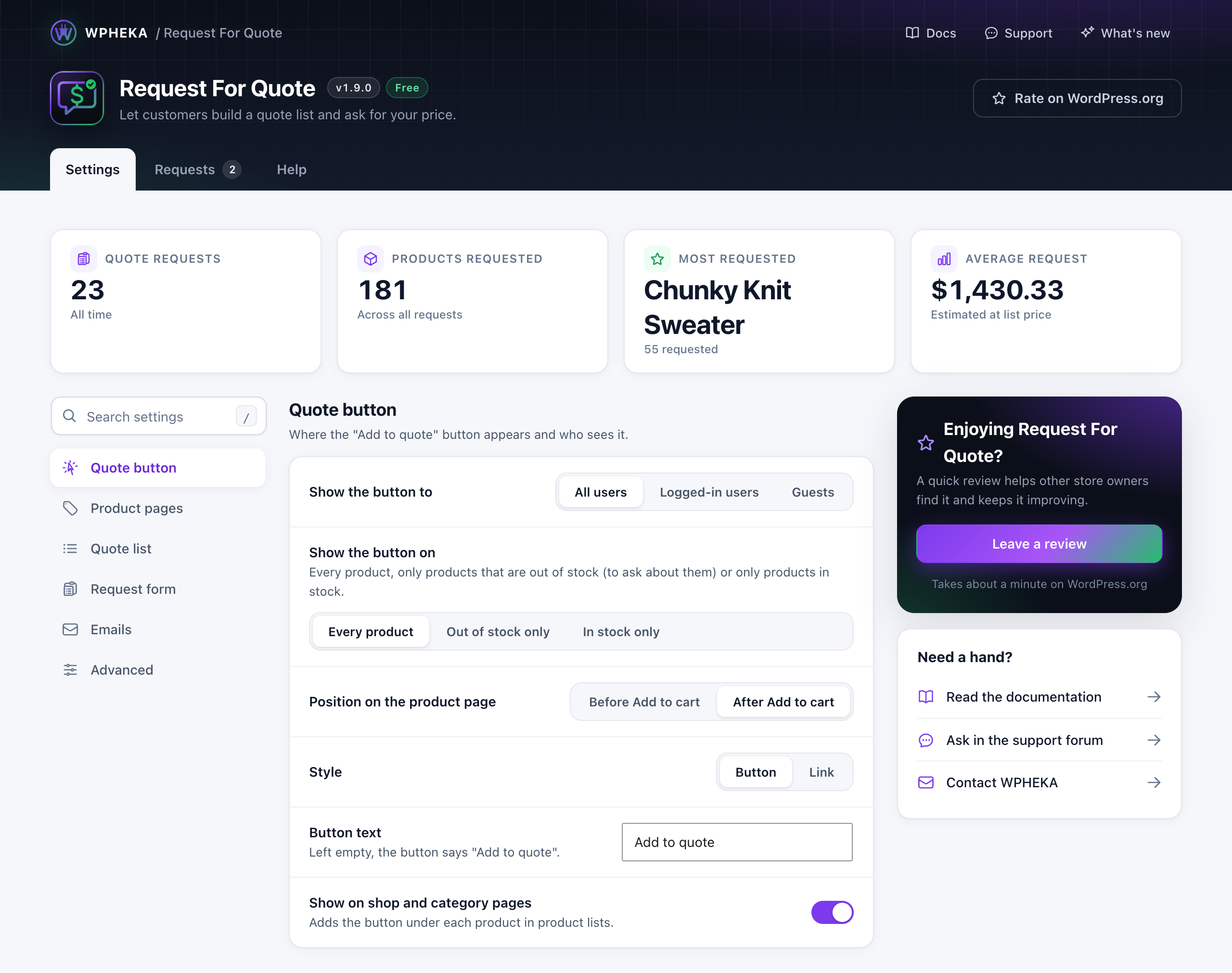

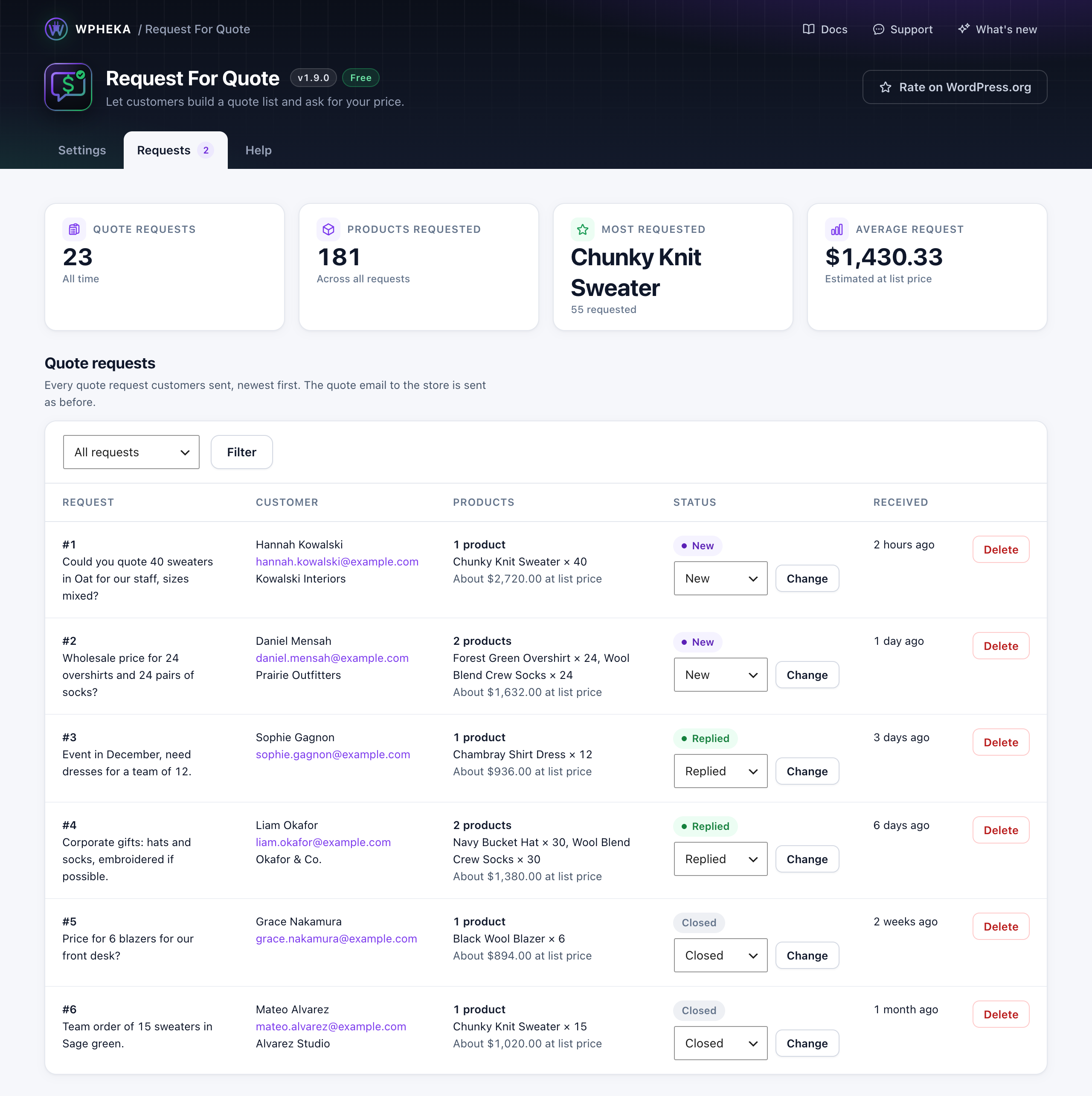
Business buyers rarely buy from a price list. They ask for a quantity, wait for a price and then order. WPHEKA Request For Quote for WooCommerce gives them a way to do that in your store: an Add to quote button on any product, a quote list where they set quantities and a short form that sends you the request by email. You can hide prices, hide the Add to cart button or show the quote button only to logged-in customers, so the same store serves retail buyers and trade accounts. Every request is kept in WPHEKA > Request For Quote with a New, Replied or Closed status, so nothing is lost in an inbox.
For your trade buyers
- An “Add to quote” button on any product page, as a button or a link
- A quote list where buyers set the quantity for each product
- A request form with name, email and message, plus optional phone and company fields
- Guests can send a request. You can also show the button to logged-in customers only
For your store
- Hide prices across the shop, the product pages, the quote list and the quote email
- Hide the Add to cart button, so a product can only be quoted
- Show the quote button on shop and category pages as well as product pages
- Show it on every product, only on products that are out of stock or only on products in stock
- Every request is listed under WPHEKA > Request For Quote with a New, Replied or Closed status
- One email to the store for each request, with the buyer’s details, their message and the products. It goes to the site admin address or to recipients you choose
- Under WooCommerce > Settings > Emails, set the email’s recipients, subject, heading and format or switch it off
The buyer does not get a copy of the request. Reply to them from your own email.