

WPG User Activity Monitor
v1.0.0Rakesh Raja · 2026年7月14日 上架
Track user activity in WordPress with an admin dashboard, filters, retention settings, and owner-managed access control.
- 正在使用
- 10+
- 评分
- 暂无
- 累计下载
- 313
- 最近更新
- 2026年7月14日
贡献者
 Rakesh Raja
截图
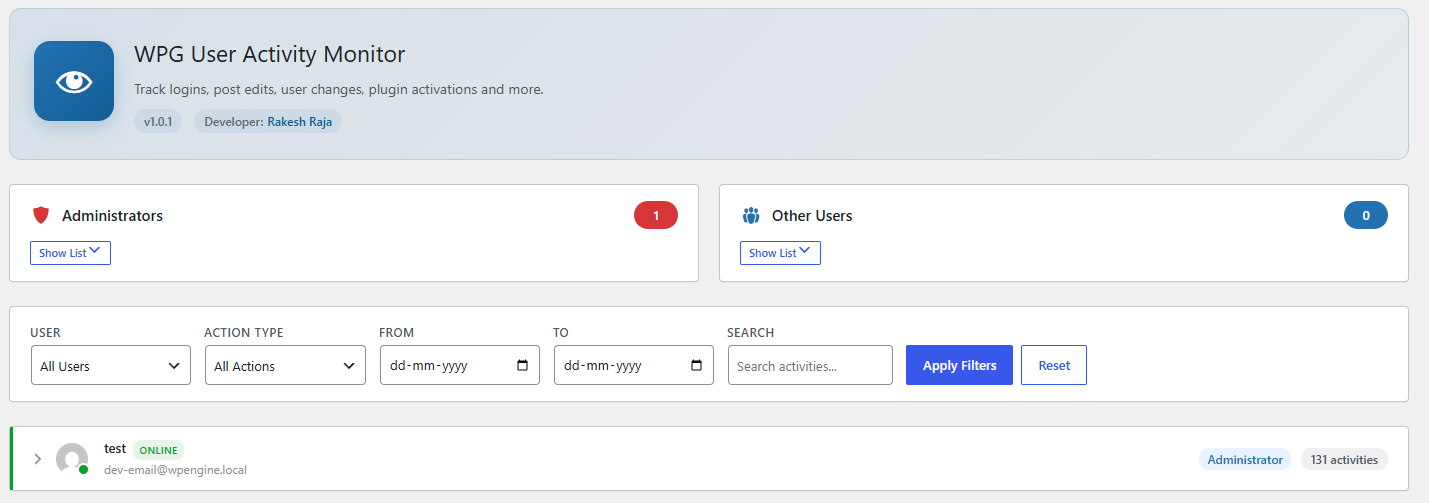
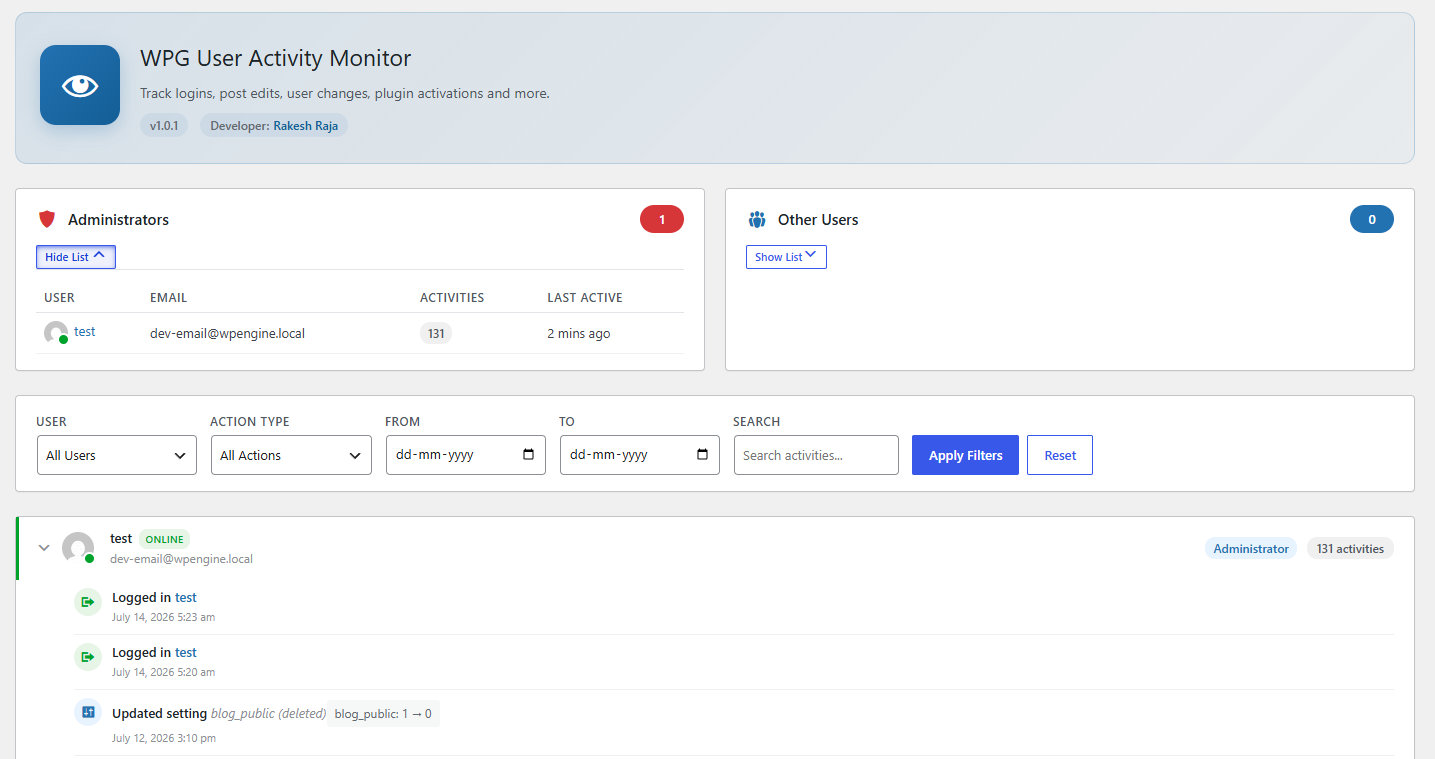
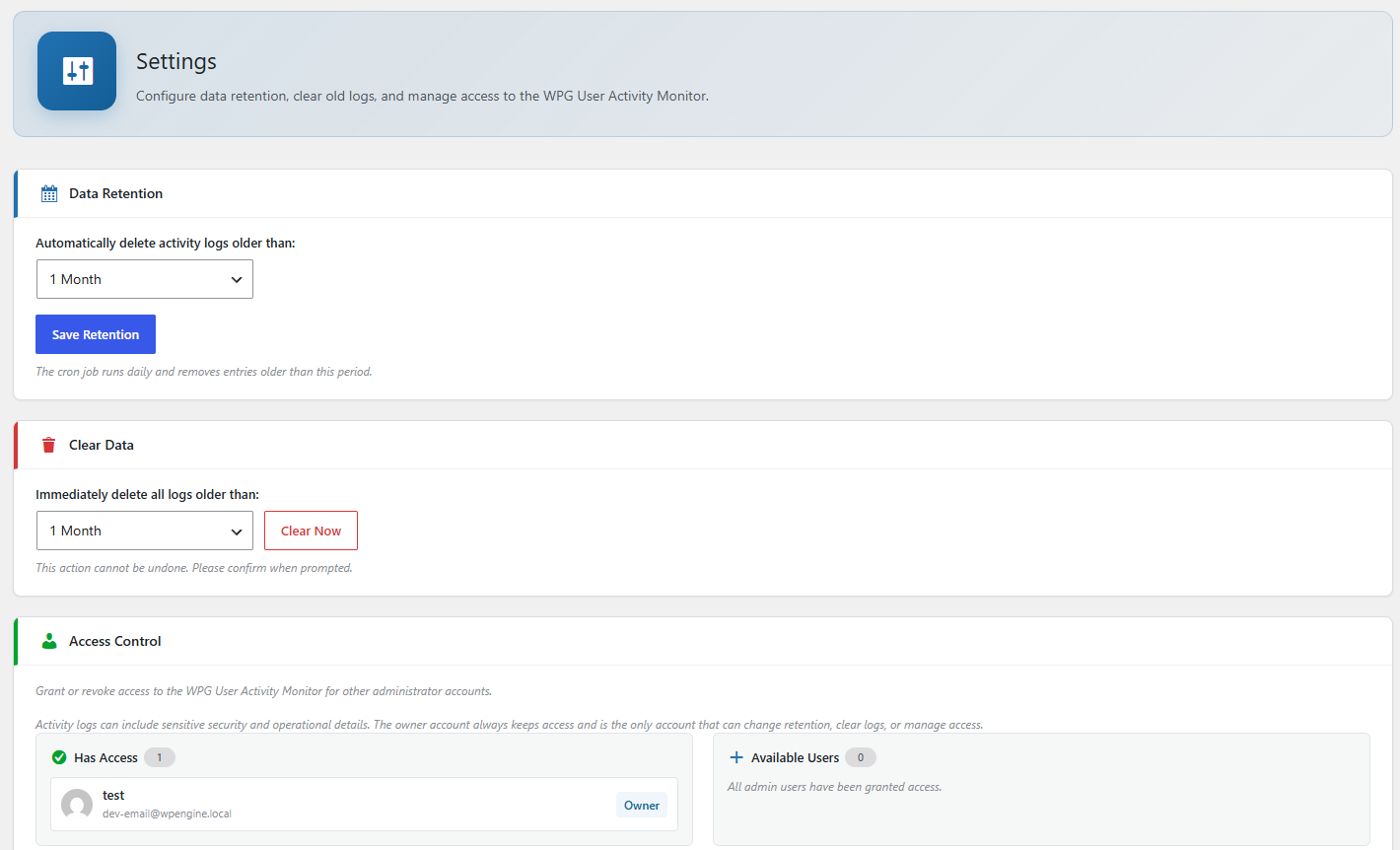
WPG User Activity Monitor records important WordPress activity so site owners can review user actions from a dedicated admin dashboard.
The plugin tracks events such as logins, failed logins, logouts, post and page changes, media changes, comments, user profile updates, role changes, taxonomy changes, plugin changes, theme changes, widget changes, menu changes, selected option updates, core updates, and exports.
Dashboard access is controlled by the plugin owner. The owner can grant or remove dashboard access for other administrator accounts, while the owner always keeps access.
Why Use This Plugin?
Administrator accounts can make major changes to a WordPress site. If an account is misused, an activity log can help the site owner review what happened, when it happened, and which user account was involved.
WPG User Activity Monitor is designed for audit visibility. It helps site owners review important actions after they happen, including user, content, plugin, theme, and settings changes.
Activity logs can contain sensitive operational and security information. For that reason, dashboard access is owner-controlled. The owner account can decide which other administrator accounts may view the monitor, and only the owner can change retention settings, clear logs, or grant and remove access.
This plugin does not prevent account compromise. A user with full administrator, database, server, or file access may be able to disable plugins or alter stored data. For stronger protection, use this plugin alongside secure passwords, two-factor authentication, least-privilege user access, regular backups, and server-level security controls.
Features include:
- Activity dashboard grouped by user.
- Filters for user, action type, date range, and search.
- Per-user activity drill-down with pagination.
- Online status based on recent logged-in activity.
- Configurable log retention.
- Manual log cleanup.
- Owner-managed access control.
Privacy
This plugin records activity by logged-in users so site administrators can review security and content changes. It may store the user ID, action performed, object type, object ID, object title, optional activity details, and the date and time of the activity.
Activity logs are stored in the WordPress database and are automatically deleted according to the configured retention period. Site owners can also manually clear older logs from the plugin settings screen.