Show Post ID with Sorting
v2.0.0Hefin Dsouza · 2023年8月21日 上架
Enhance your WordPress Dashboard with Show Post ID with Sorting, a plugin to display, sort, and bulk copy Post IDs for Posts, Pages, and Custom Post T …
- 正在使用
- 200+
- 评分
- 5.0 / 5
- 累计下载
- 2,355
- 最近更新
- 2024年10月23日
贡献者
 Hefin Dsouza
截图
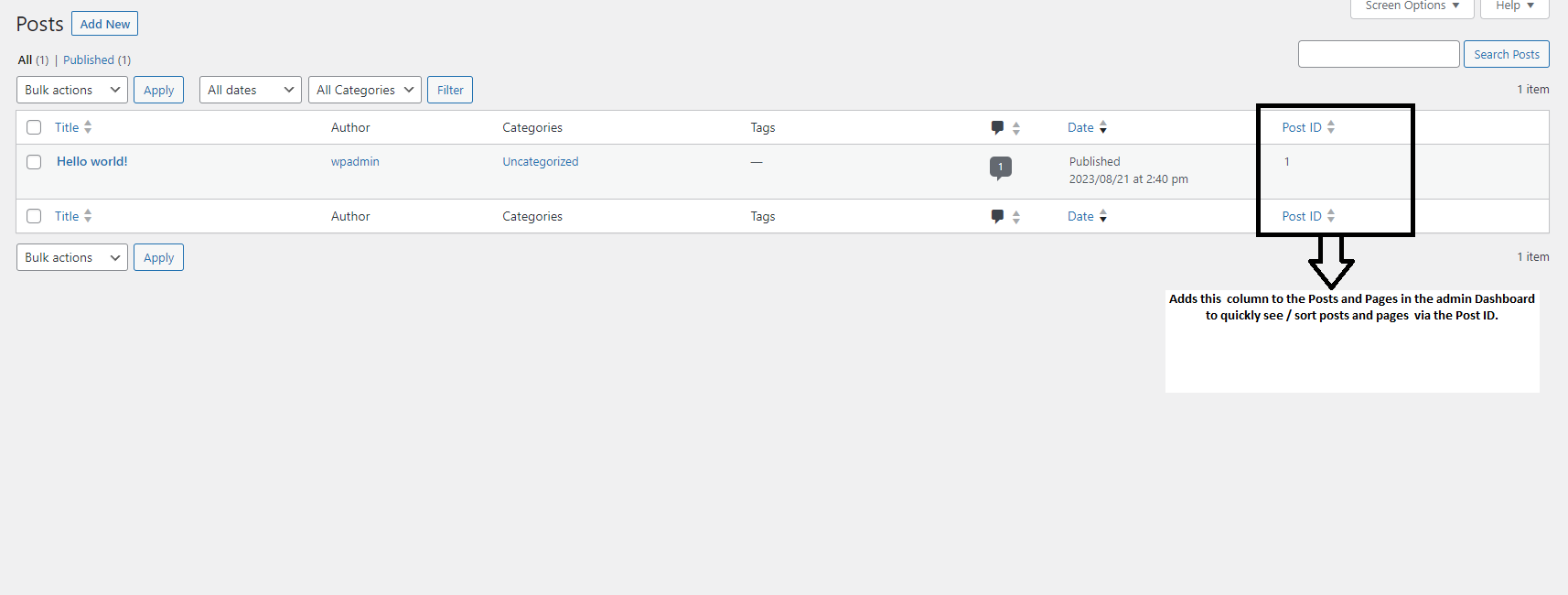


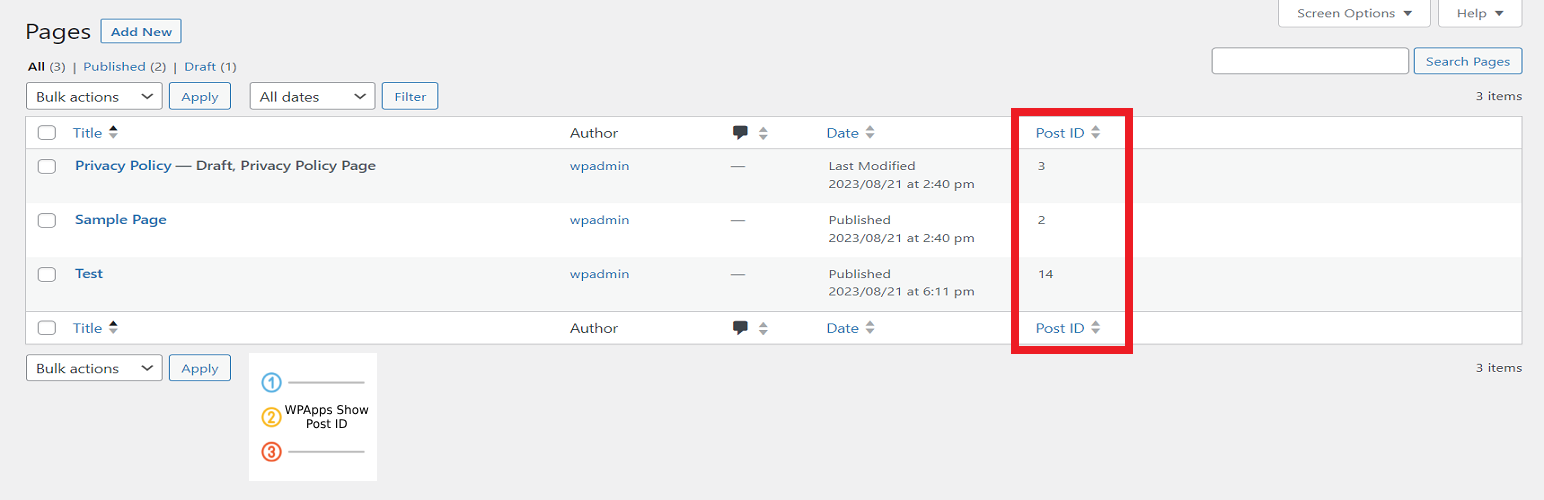
Show Post ID with Sorting introduces a helpful new column in your WordPress admin dashboard, displaying the unique Post ID for all posts, pages, and custom post types. It enables you to sort your content by Post ID, bulk copy multiple IDs, and view the Post ID while editing or even directly from the frontend.
This is ideal for users who need quick access to Post IDs for custom queries, shortcodes, or troubleshooting.
Key Features:
- Adds a sortable Post ID column to the Dashboard for Posts, Pages, and Custom Post Types
- Bulk copy Post IDs with a simple action
- Displays the Post ID next to the Edit Page/Post title
- Shows the Post ID in the WordPress admin bar on the frontend while viewing content
This plugin is perfect for developers, content managers, or anyone needing an easy way to view and use Post IDs without diving into the code.