

WP Timeliner
v1.0.0Pierre Saïkali · 2019年1月4日 上架
Create highly-customizable timelines in WordPress and display achievements in a chronological way.
- 正在使用
- 10+
- 评分
- 暂无
- 累计下载
- 6,140
- 最近更新
- 2019年1月4日
贡献者
 Pierre Saïkali
截图
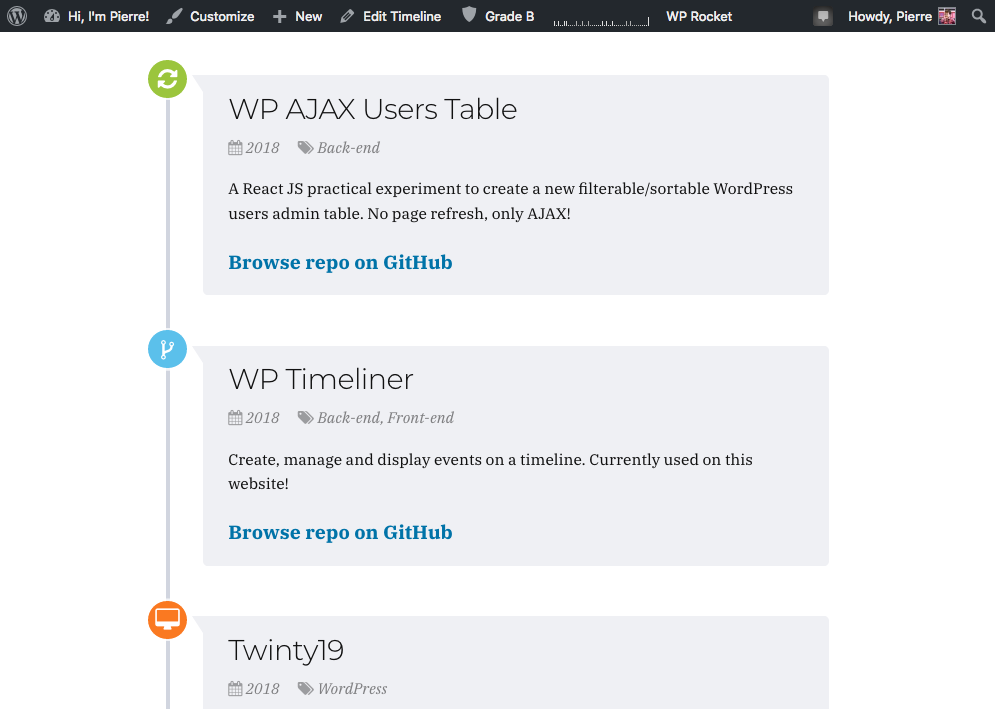

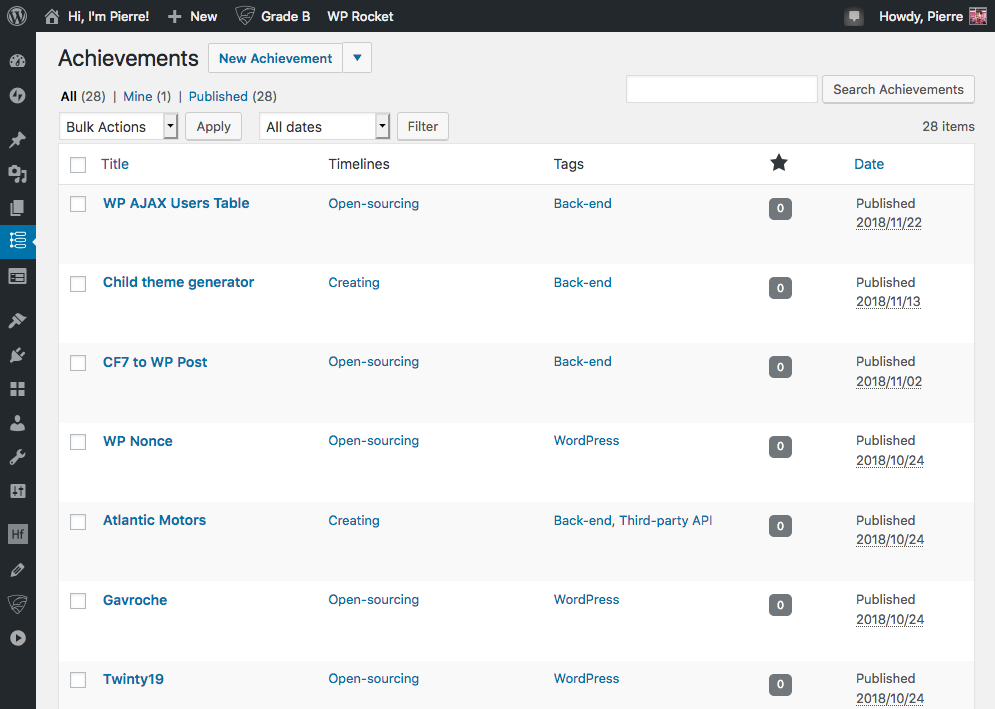

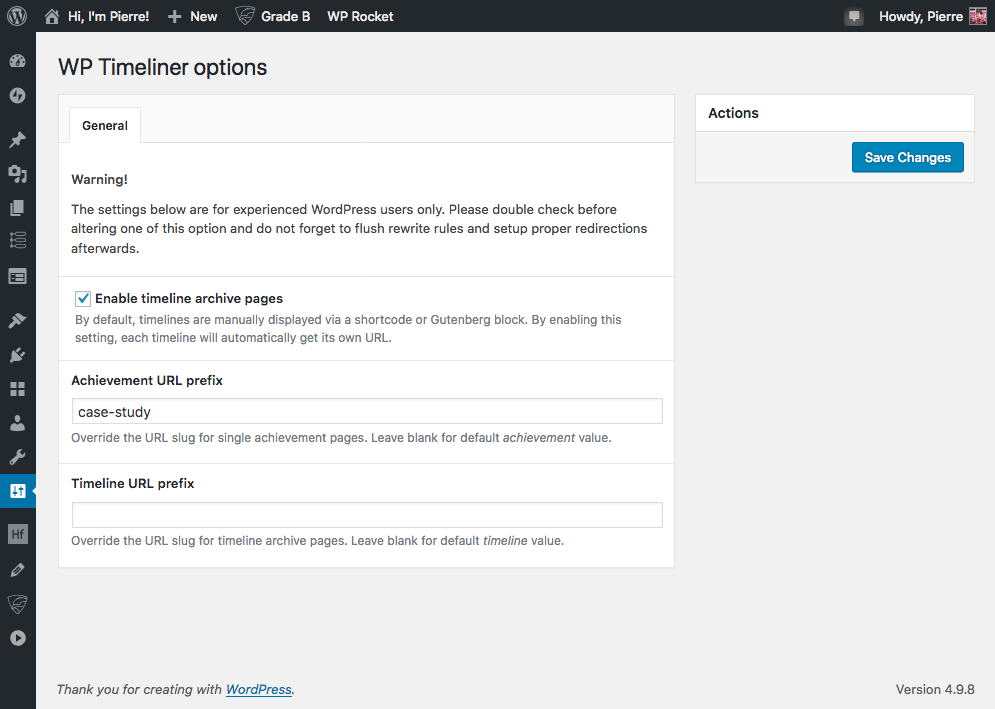
WP Timeliner PRs Welcome

Easily create timelines in WordPress and display achievements in a chronological way.
Display your timelines via a Gutenberg block, via a shortcode or using the Timeline taxonomy archive page.
This plugin provides lots of hooks and an extensible theming system to let developers extend it and customize it.
Philosophy
The plugin creates a new “Achievement” post type, alongside with a new “Timeline” taxonomy.
Achievements are assigned to a timeline term, allowing them to be grouped together on a specific timeline.
Displaying a timeline can whether be done:
– manually via a Gutenberg block anywhere on your site,
– automatically via each Timeline term archive page where achievements will be displayed chronologically (disabled by default but can be enabled via plugins settings page)
Documentation
Please head to our wiki in order to learn how to use and extend WP Timeliner plugin.
– List of hooks available
– How to create a timeline theme
Built with
- Carbon Fields library for managing the plugin admin settings page and the multiple metaboxes and fields.
- Carbon Fields Icon Field addon for managing the Achievements icon fields.
Authors
- Pierre Saïkali – Initial work – Mosaika / Saika.li
See also the list of contributors who participated in this project.