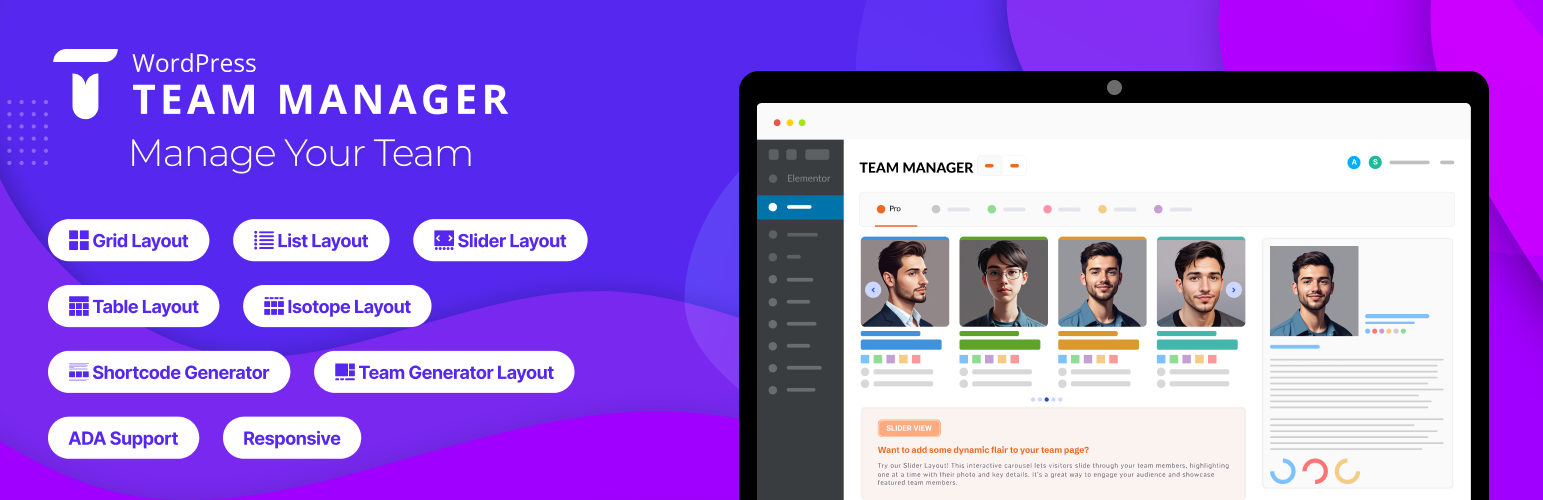

Dynamic Team Manager – Team Members, Staff Directory, Grid & Slider
v2.6.10Maidul · 2014年1月26日 上架
Show team members, staff and sports rosters in grid, list, slider or table layouts. Shortcode generator, Gutenberg block and Elementor widget.
- 正在使用
- 900+
- 评分
- 4.6 / 5
- 累计下载
- 9.1 万
- 最近更新
- 2026年11月24日
 Maidul
 Dynamic Web Lab
 Freemius
截图



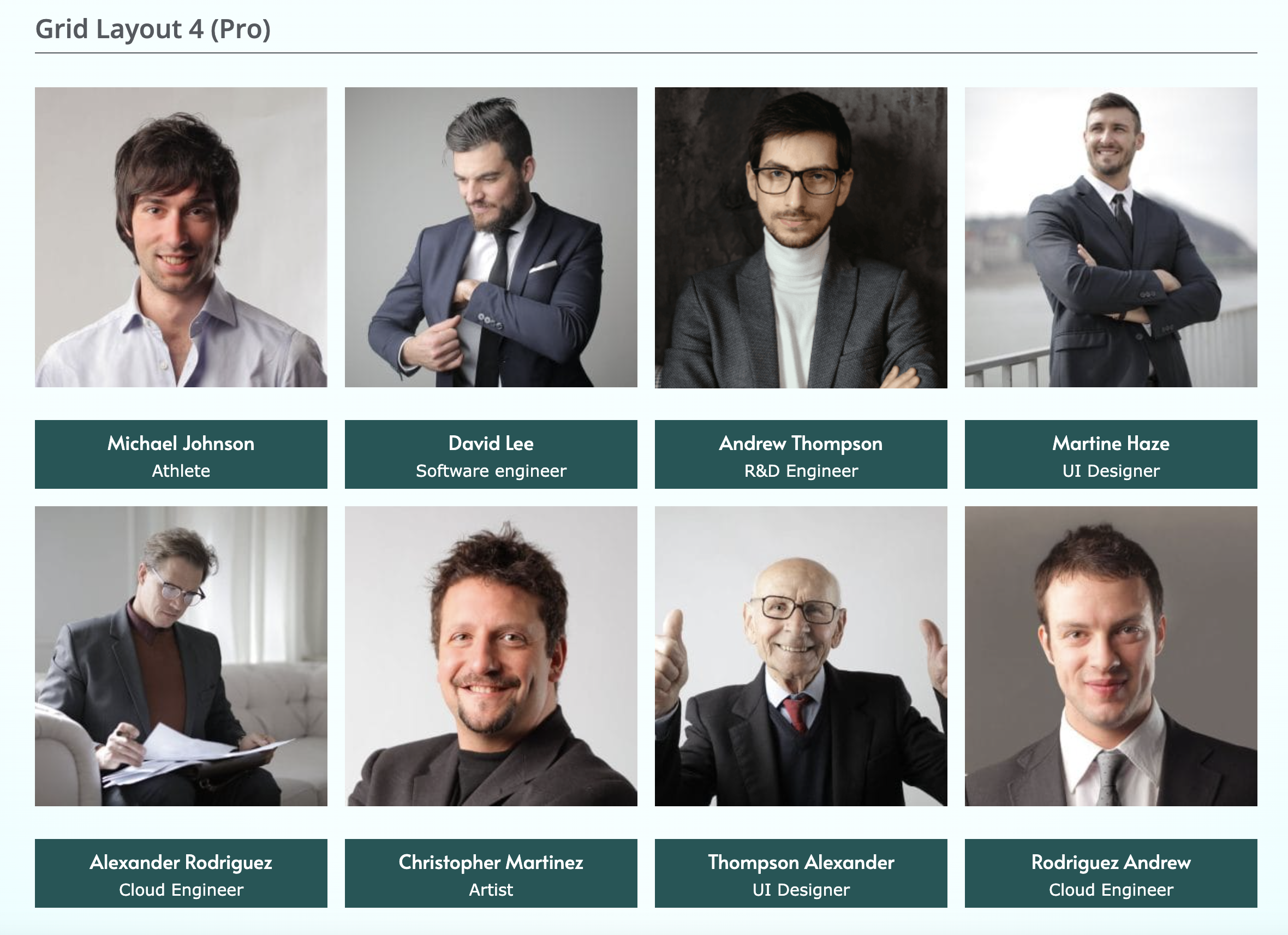
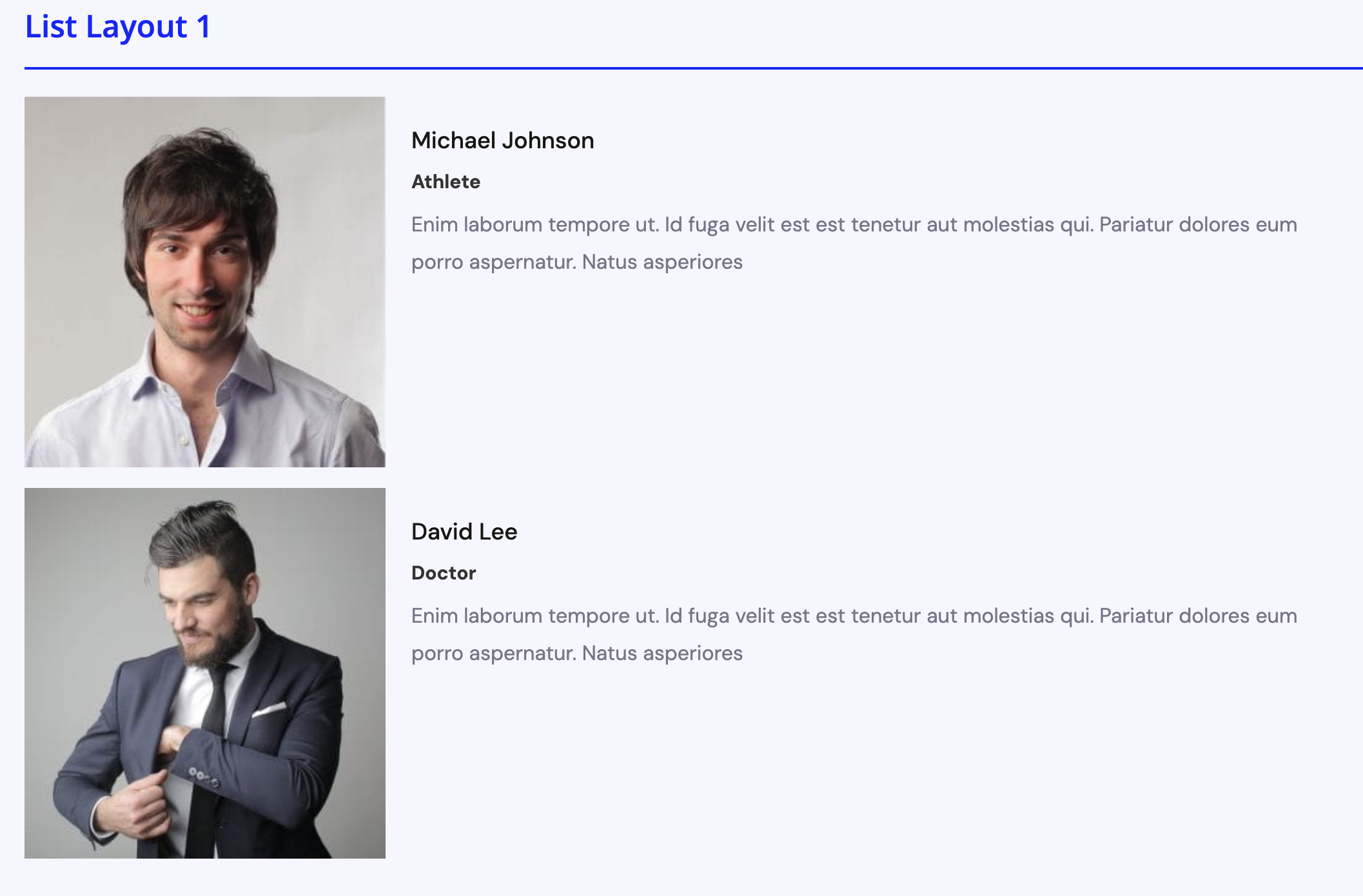
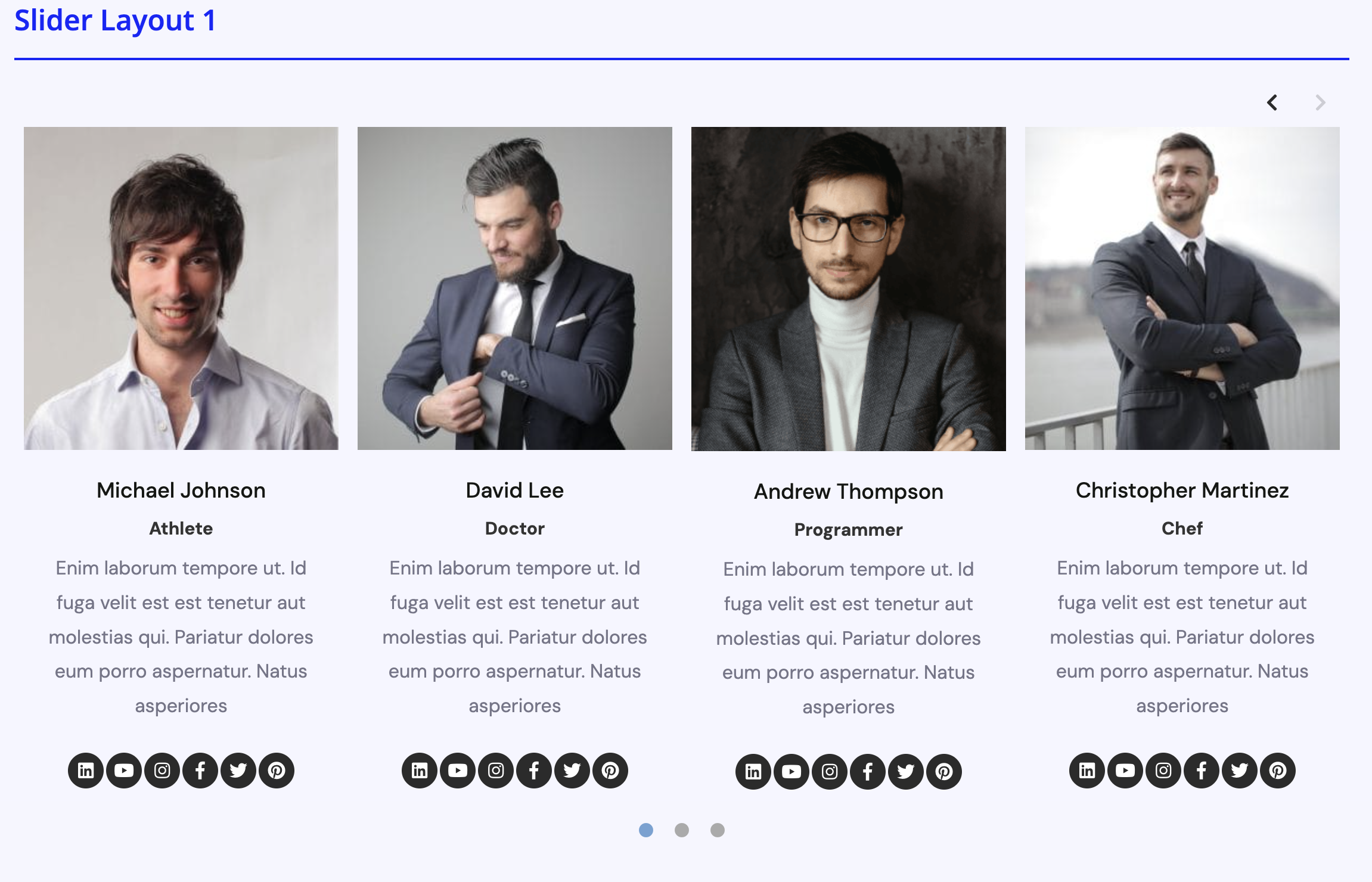
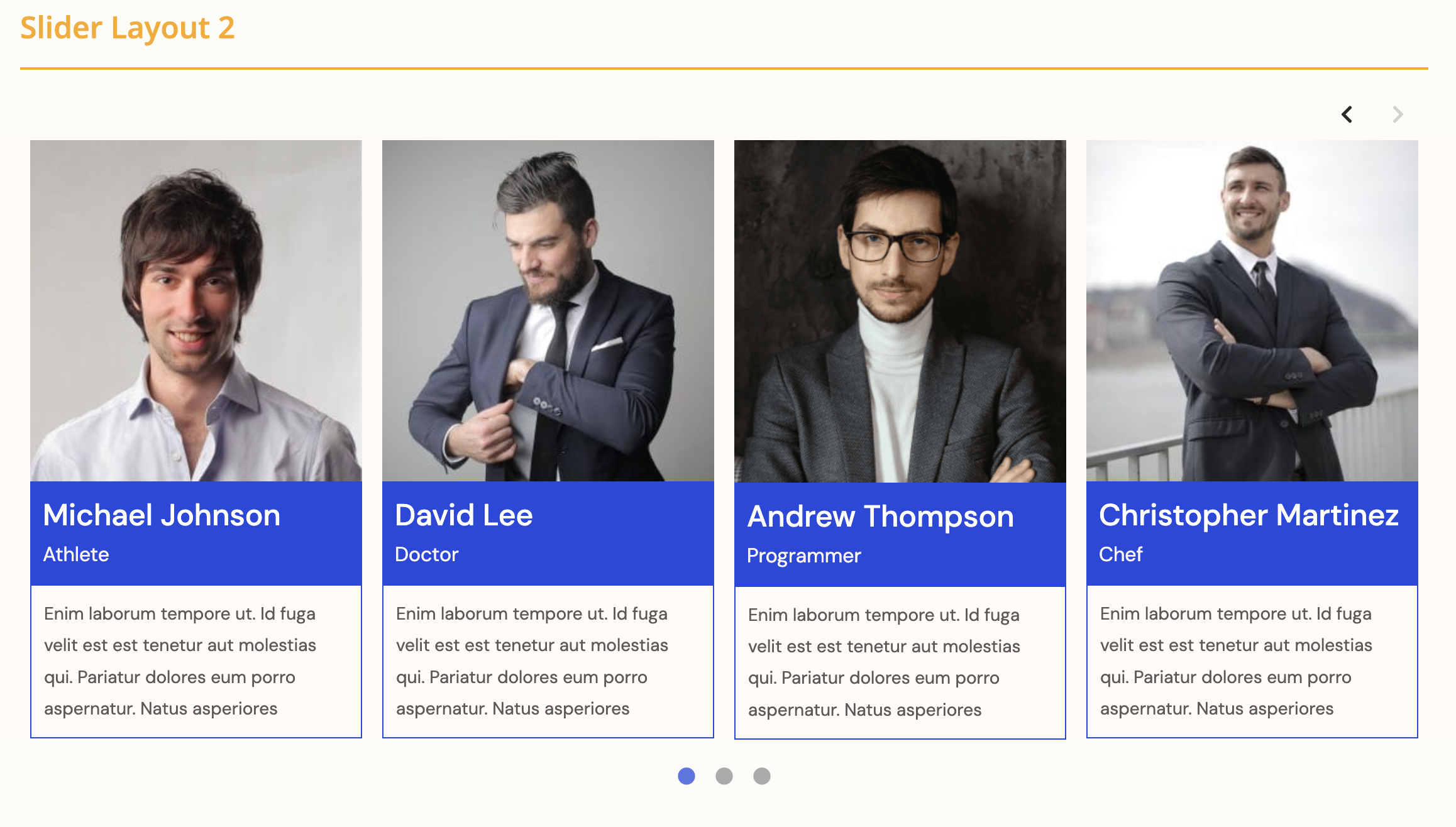
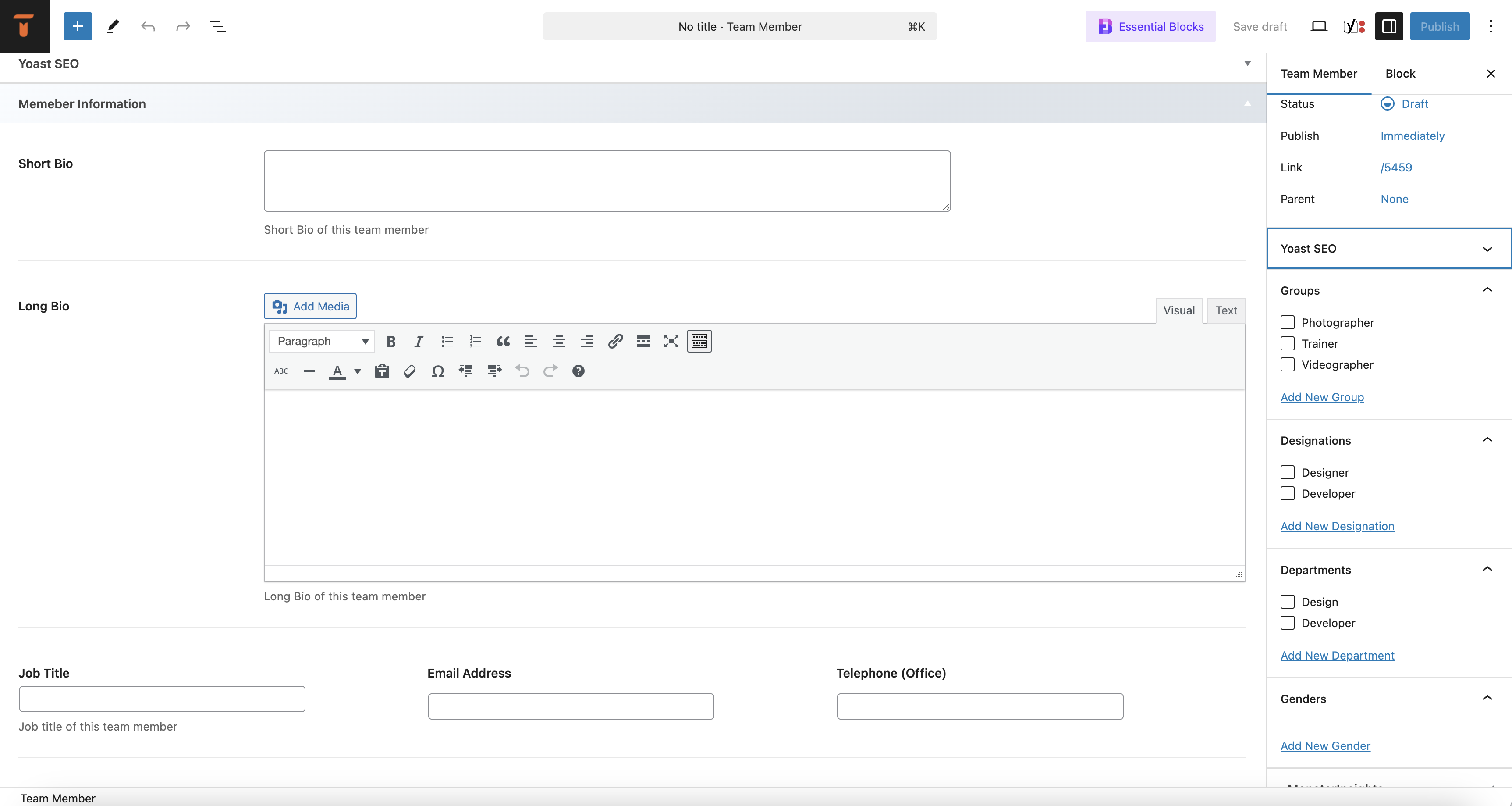
Dynamic Team Manager lets you add your people once (photo, name, job title, short and long bio, contact details, social links, skills, gallery) and show them anywhere on your site as a grid, list, slider or table. Use it for a company “Meet the team” page, a staff directory, a school or club roster, or a speaker list.
You choose how to display the team:
- Shortcode generator: build a layout in the admin, copy the shortcode, paste it into any page, post or widget.
- Gutenberg block: insert the Team block in the block editor.
- Elementor widget: drag the Team widget onto a page and style it with Elementor’s controls. The widget also has a table layout.
Everything is shown or hidden field by field, so the same members can appear as a simple photo grid on one page and a full profile list on another.
Live demo | Documentation | Support
What you can do with the free plugin
- Add unlimited team members with a built-in “Team” post type, plus team groups to sort them.
- Show members in grid, list and slider layouts (shortcode and block) and grid, list, slider and table layouts (Elementor widget).
- Set columns for desktop, tablet and mobile, number of members, order, and which members to include or exclude by ID.
- Show or hide each element: photo, name, job title, short bio, contact details, social icons, skills.
- Style the cards: spacing, borders, radius, colours, image size and hover effect, and social icon colours and position.
- Slider settings: autoplay, speed, slides to scroll, pause on hover, arrows, dots, auto height.
- Link each member to a single page with the full profile, or turn the link off.
- Import and export members as CSV.
- Sports League mode: switch the admin and front-end labels from “Job title” to “Position”, “Location” to “Jersey number” and “Departments” to “Teams” in one setting. It changes labels only; your data stays the same.
- Optional automations: send a Telegram message when a member is added or updated, or send the member data to a webhook you control (for example n8n, to reach Google Sheets or Airtable).
- Translatable, with developer hooks for changing the output.
Pro add-on (separate paid plan)
- Live search and taxonomy filters on the front end.
- More layout options and styling options.
- Slack updates, an AI FAQ bot (needs your own OpenAI-compatible key) and an onboarding page generator.
Details and pricing: WP Team Manager Pro.
Fields available for each member
- Name, short bio, long bio (rich text editor), job title
- Email, office telephone, mobile, location, years of experience
- Social profile links
- Skills with a name and a percentage
- Gallery of extra images
How to start
- Go to Team > Add New and add a member.
- Open the shortcode generator under the Team menu, choose a layout and copy the shortcode.
- Paste it into a page. Or add the Team block, or the Elementor Team widget.
Demos: Grid | Slider | List | Elementor widget | Elementor table layout | Sports league
Video: How to install | How to add a team member
External services
This plugin works without contacting any outside service. These optional features do:
Freemius (account, updates and optional usage data)
The plugin includes the Freemius SDK and shows its opt-in screen. If you opt in, Freemius receives basic site and plugin information (such as your site URL, WordPress and PHP versions, the plugin version and your admin email) so it can provide the account area, updates and support. If you skip the opt-in, no usage data is sent. Service: https://freemius.com. Terms: https://freemius.com/terms/. Privacy: https://freemius.com/privacy/.
Telegram (optional)
If you enter a bot token and chat ID under Team > AI Agents > Telegram Notifier and switch the module on, the plugin sends a message to api.telegram.org each time a published team member is added or updated. The message contains the member’s name and the link to the member’s page, plus your bot token and chat ID, which Telegram needs to deliver it. Nothing is sent until you configure it. Service: https://telegram.org. Terms and privacy: https://telegram.org/privacy.
Webhook / Profile Sync (optional)
If you enter a webhook URL under Team > AI Agents > Profile Sync Agent, the plugin sends that URL a JSON message each time a team member is added or updated (by default only published members). It contains the member’s title, link, excerpt, featured image URL, author name, your site name and URL, and the member’s custom field values that are not protected (this includes contact details such as email and phone if you have filled them in). The URL belongs to you (for example your n8n server); the plugin author does not receive this data. Terms and privacy depend on the service behind the URL you choose.
YouTube (admin screen only)
The Team > Tools screen embeds a YouTube tutorial video. YouTube may set cookies when the video loads. Nothing is loaded on the public side of your site. Terms: https://www.youtube.com/t/terms. Privacy: https://policies.google.com/privacy.