
WP Smart Import : Import any XML File to WordPress
v2.0.1Xylus Themes · 2018年5月24日 上架
Import any XML file into WordPress in minutes — no coding needed, just drag, drop, map your fields & go live instantly!
- 正在使用
- 900+
- 评分
- 3.9 / 5
- 累计下载
- 7.1 万
- 最近更新
- 2026年11月18日
 Xylus Themes
 Rajat Patel
截图


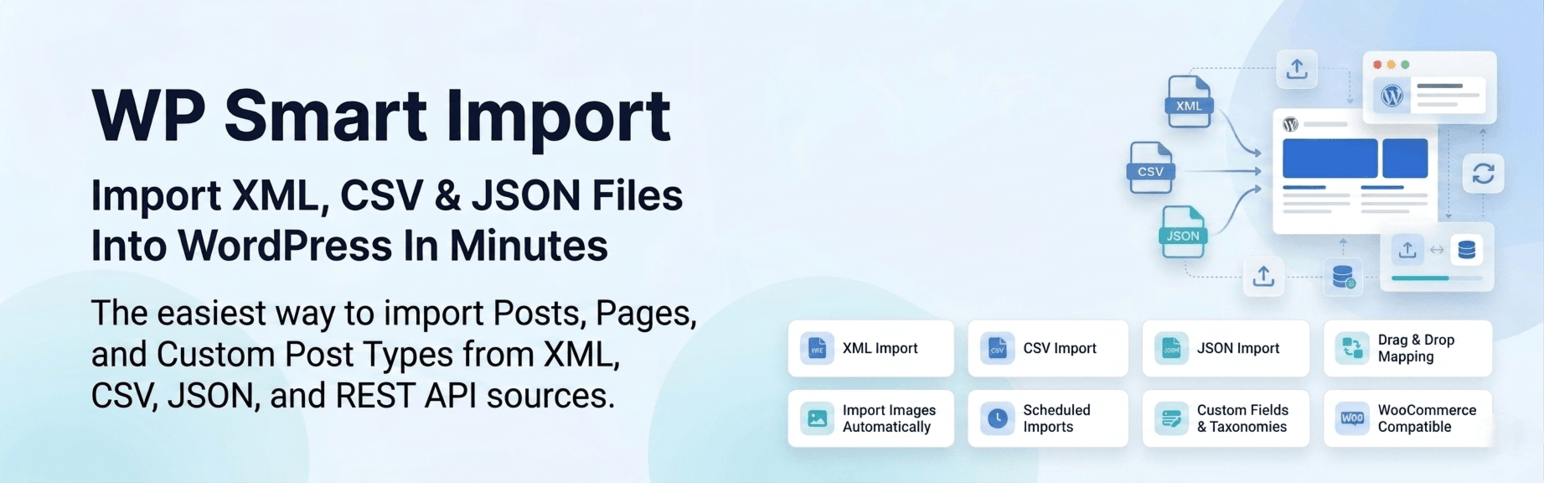
WP Smart Import is the most powerful and user-friendly solution for importing XML files into WordPress. Effortlessly create Posts, Pages, and any Custom Post Type with content mapped directly from your XML source files.
With an intuitive drag-and-drop template builder and real-time XML node preview, you can visually map your data fields without writing a single line of code. WP Smart Import handles large files efficiently using a batch-based import engine, ensuring reliable performance even on shared hosting environments.
📄 Documentation | ⭐ Upgrade to Pro | 🛟 Get Support
Key Features
- XML File Import – Import any standard XML file into WordPress with full control over field mapping.
- Any Post Type Support – Import data into Posts, Pages, WooCommerce Products, or any registered Custom Post Type.
- Drag & Drop Field Mapping – Visually map XML nodes to WordPress fields using an interactive drag-and-drop interface with live preview.
- Large File Handling – Batch-based processing engine ensures reliable imports even for very large XML files.
- Image Import – Download and attach remote images or map local media library files during import.
- Featured Image Support – Automatically set the first imported image as the post featured image.
- Unique Key Detection – Prevent duplicate posts by defining a unique identifier field for each import.
- Update Existing Posts – Optionally update existing posts when the title or unique key matches.
- Custom Field Mapping – Map XML data to any number of custom meta fields with a flexible repeater UI.
- Taxonomy & Category Import – Assign imported posts to categories, tags, or custom taxonomies with hierarchical support.
- WooCommerce Product Import Ready – Seamless WooCommerce product import workflows with dedicated tab navigation.
- Image Optimization & Deduplication – Prevent duplicate image uploads by reusing matching files from the media library.
- Support & Help Hub – Quick access to full documentation, customer support, bug reporting, and customization.
- Save & Reuse Templates – Save your import configuration as a reusable template for recurring imports.
- Manage Imports – View, edit, re-run, or delete all saved imports from a centralized dashboard.
- Manage Files – Keep track of all uploaded source files with options to clean up or reuse.
- Import Statistics – Detailed counters showing created, updated, and failed records after every import run.
Pro Features (WP Smart Import Pro)
- CSV and JSON file support with automatic XML conversion.
- Automated recurring schedules with background cron execution.
- Run history with detailed logs for every scheduled or manual import.
- Background batch size configuration for cron-based imports.