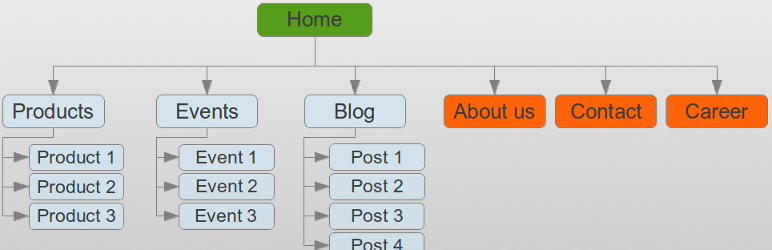

WP Sitemap Page
v1.9.6Tony Archambeau · 2012年11月12日 上架
Add a sitemap on any of your page using the simple shortcode [wp_sitemap_page]. Improve the SEO and navigation of your website.
- 正在使用
- 20 万+
- 评分
- 4.8 / 5
- 累计下载
- 366 万
- 最近更新
- 2026年8月22日
贡献者
 Tony Archambeau
截图
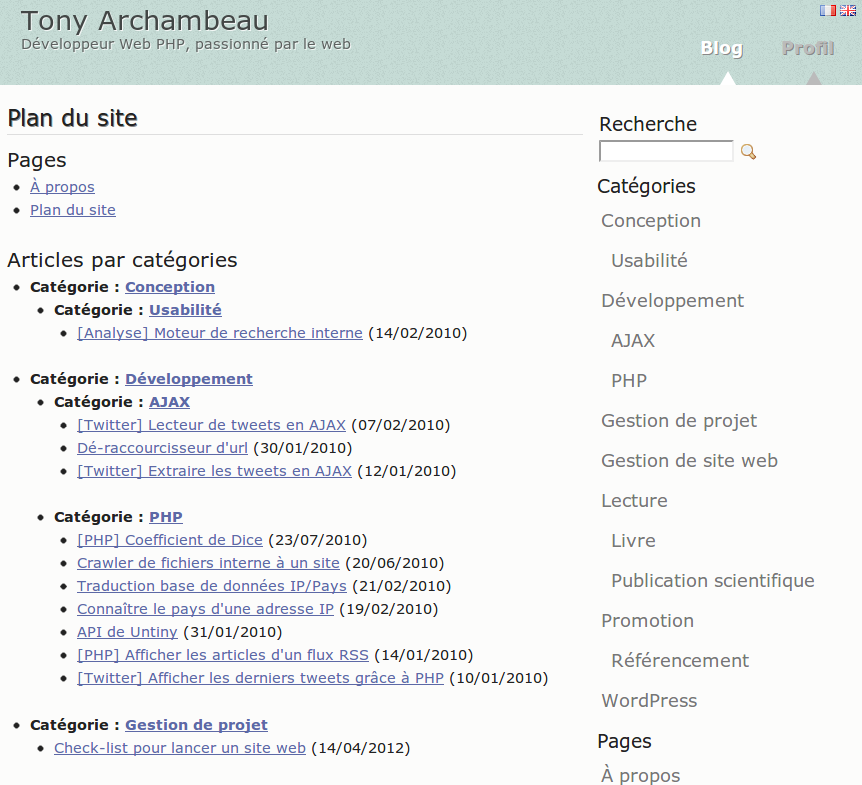
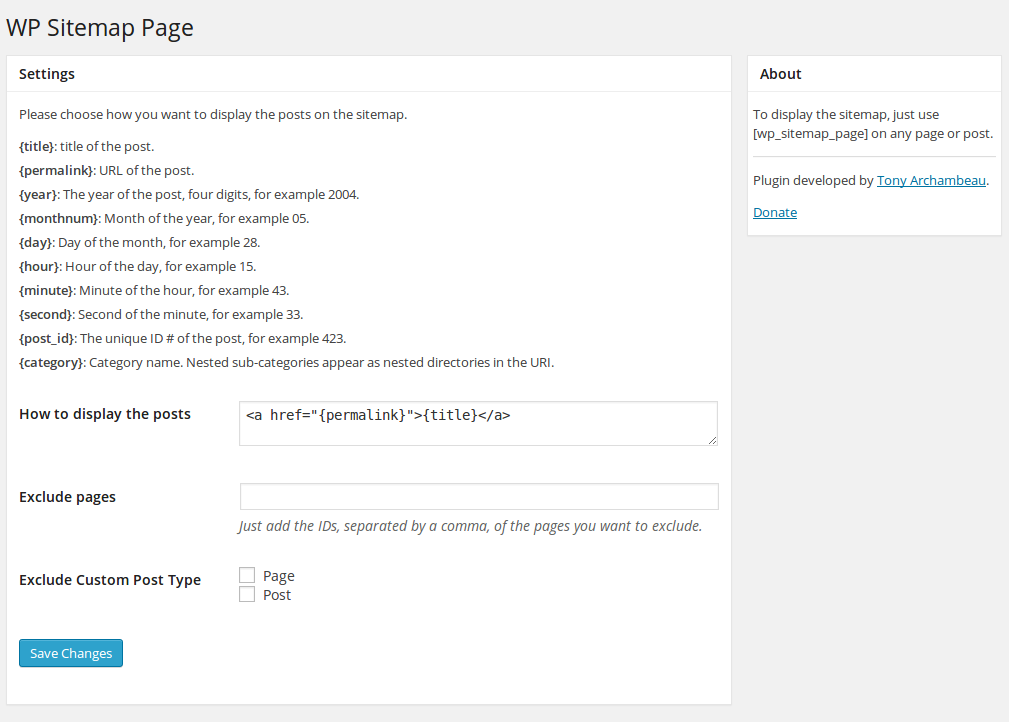
An easy way to add a sitemap on one of your pages becomes reality thanks to this WordPress plugin. Just use the shortcode [wp_sitemap_page] on any of your pages. This will automatically generate a sitemap of all your pages and posts.
Be carefull, this plugin do not generate an XML sitemap. It only allow you to list all your pages and posts on a single page. This is a sitemap for human not for search engines bots.
Why this plugin is useful?
Such a sitemap is useful for many reasons:
- Easy navigation for the users. They can find easily pages or previous posts
- Improve the SEO of a website
Current features
- Display all pages, posts and categories
- Display the Custom Post Type (such as: “event”, “book” …)
- Display the taxonomies
- Display only one kind of content using the attribute “only”, like
[wp_sitemap_page] - Easy to use
- Possibility to customize the way it will be displayed through the admin panel
- Possibility to exclude some pages or some Custom Post Type (CPT)
- Posts and categories displayed hierarchically
- Has CSS class to customize it if you want
- Available in multi-languages (cf. English, French, Russian, Italian, Spanish, Dutch, Czech, Persian …). You can add your own translation if you want
Want a WordPress developer? Want to add a translation? Feel free to contact me.
How to uninstall WP Sitemap Page
To uninstall WP Sitemap Page, you just have to de-activate the plugin from the plugins list.