

WP Scanner – Performance and Security
v1.0.2A5hleyRich · 2016年5月1日 上架
Scan your WordPress site and receive recommendations on how to improve load time, performance and security.
- 正在使用
- 40+
- 评分
- 5.0 / 5
- 累计下载
- 1.1 万
- 最近更新
- 2016年5月30日
2 条评价需要 WordPress 3.5+已测试到 4.5.33
贡献者
 A5hleyRich
截图

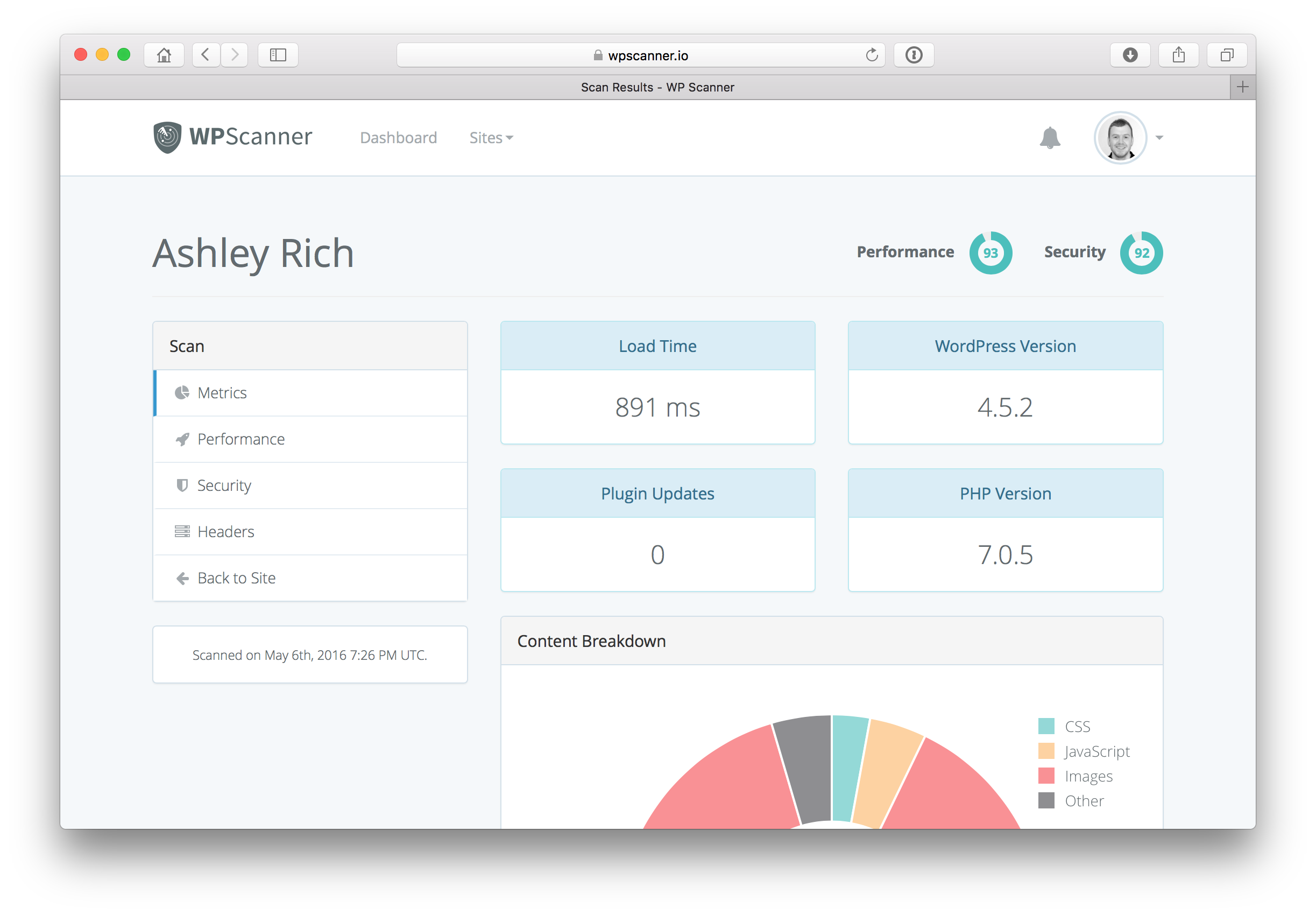

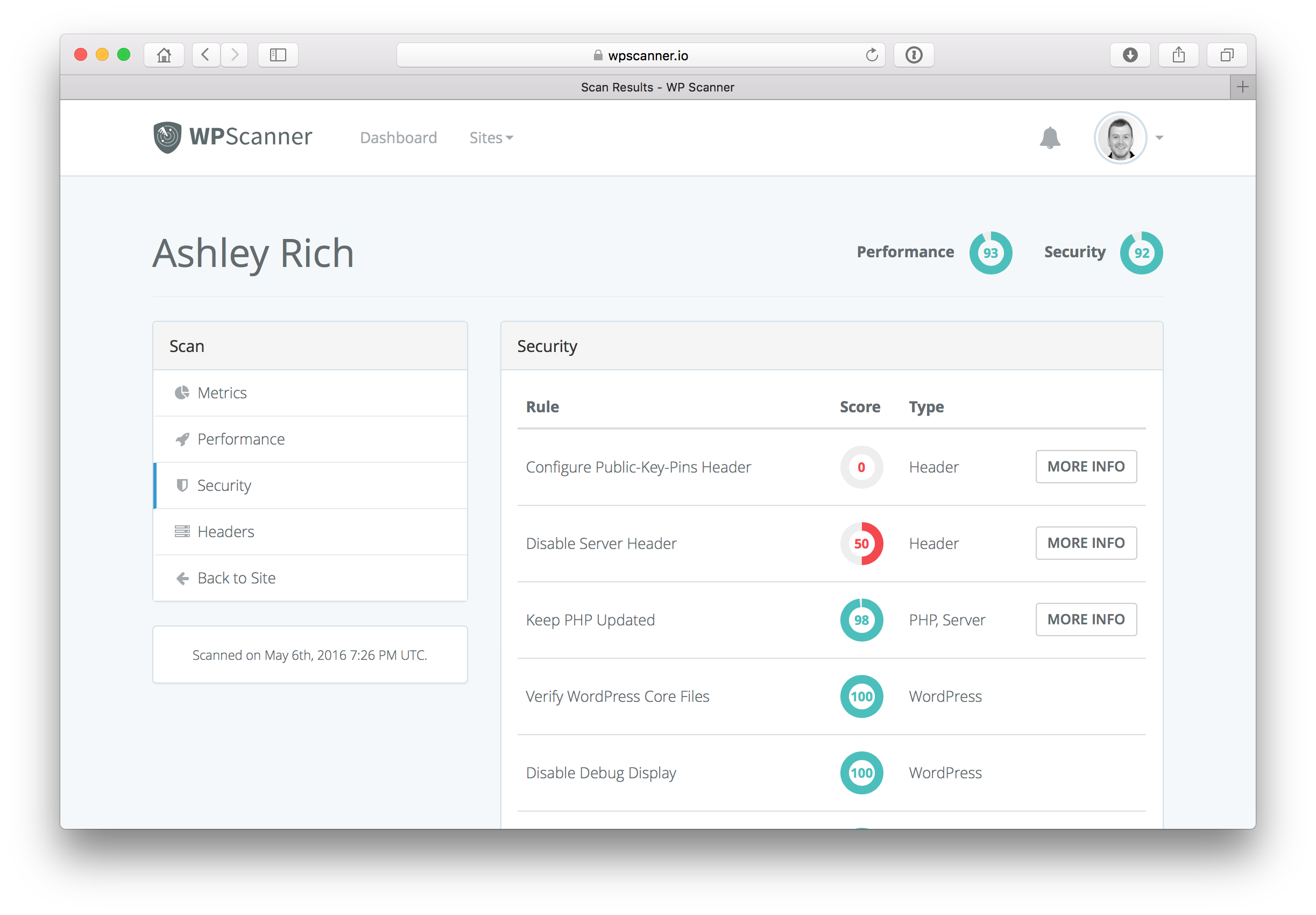
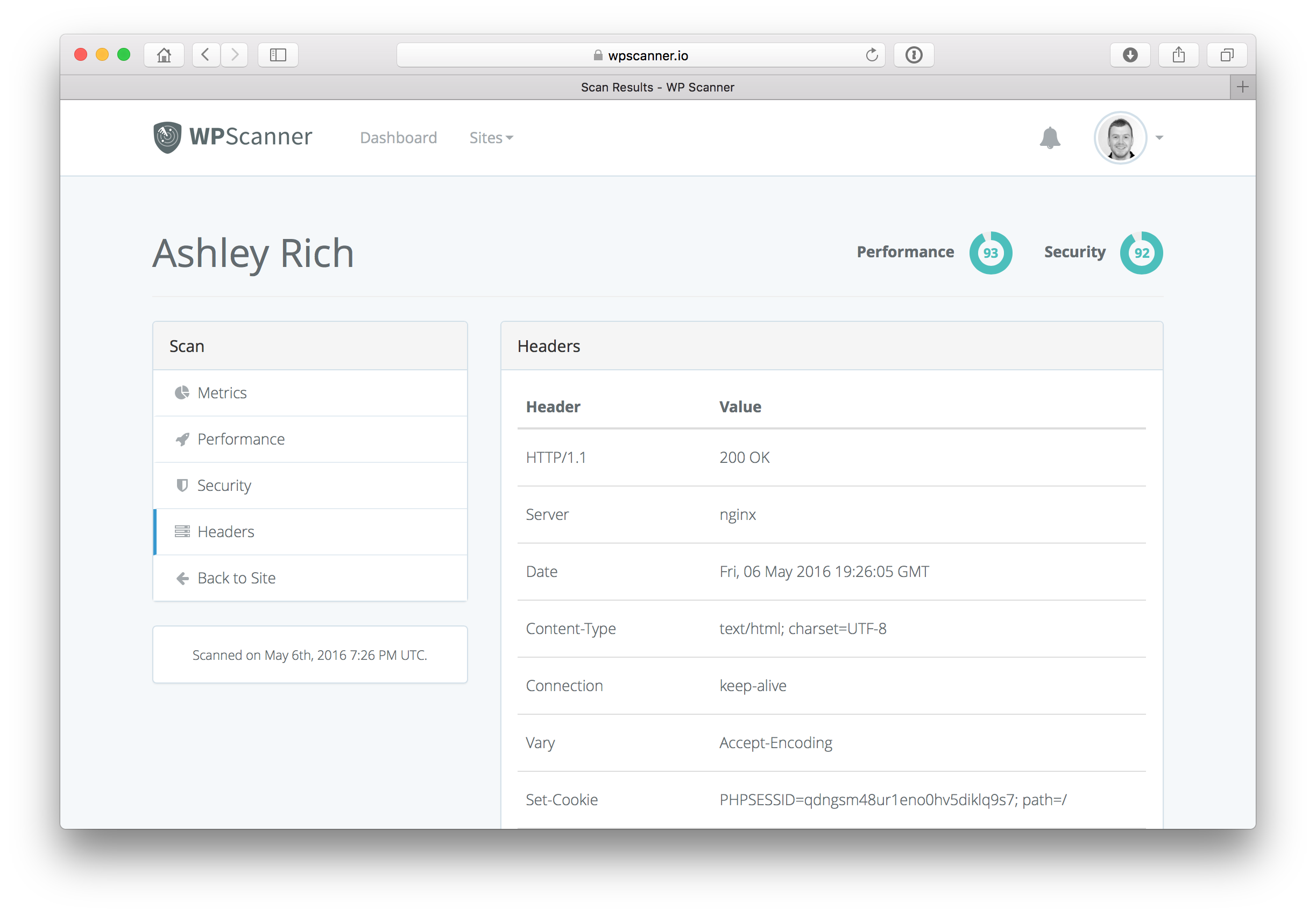
Monitor your site’s load time, performance and security using WP Scanner. Gain an insight into how quickly your site loads for visitors over time and receive suggestions on how to improve performance. Ensure your site is secure by monitoring file changes, permissions, server headers and other security concerns.
Metrics
View important metrics about your WordPress install, including:
- Load time
- WordPress version
- PHP version
- Plugin updates
- Content breakdown
Performance
The following performance rules are checked when scanning your site:
- Use PHP 7 or HHVM
- Enable object caching
- Minimize HTTP Requests
- Use a Content Delivery Network
- Avoid empty src or href
- Add an Expires or a Cache-Control Header
- Gzip Components
- Put StyleSheets at the Top
- Put Scripts at the Bottom
- Avoid CSS Expressions
- Make JavaScript and CSS External
- Reduce DNS Lookups
- Minify JavaScript and CSS
- Avoid Redirects
- Remove Duplicate Scripts
- Configure ETags
- Make AJAX Cacheable
- Use GET for AJAX Requests
- Reduce the Number of DOM Elements
- No 404s
- Reduce Cookie Size
- Use Cookie-Free Domains for Components
- Avoid Filters
- Do Not Scale Images in HTML
- Make favicon.ico Small and Cacheable
Security
The following security rules are checked when scanning your site:
- Verify WordPress Core Files
- Verify Directory and File Permissions
- Serve Site Over HTTPS
- Keep Plugins Updated
- Keep WordPress Updated
- Keep PHP Updated
- Disable Debug Display
- Disable File Editing
- Remove Accounts with “Admin” Username
- Change the Default Table Prefix
- Configure Public-Key-Pins Header
- Configure Content Security Policy Header
- Configure X-Frame-Options Header
- Configure X-Content-Type-Options Header
- Configure X-Xss-Protection Header
- Configure Strict-Transport-Security Header
- Disable Server Header
- Disable X-Powered-By Header