
QR code MeCard/vCard generator
v1.8.0stasionok · 2019年12月10日 上架
Share your contact information such as emails, phone number and much more through QR code with WordPress using shortcode, widget or by direct link.
- 正在使用
- 2,000+
- 评分
- 4.5 / 5
- 累计下载
- 5.2 万
- 最近更新
- 2026年5月21日
 stasionok
 Qbein
截图
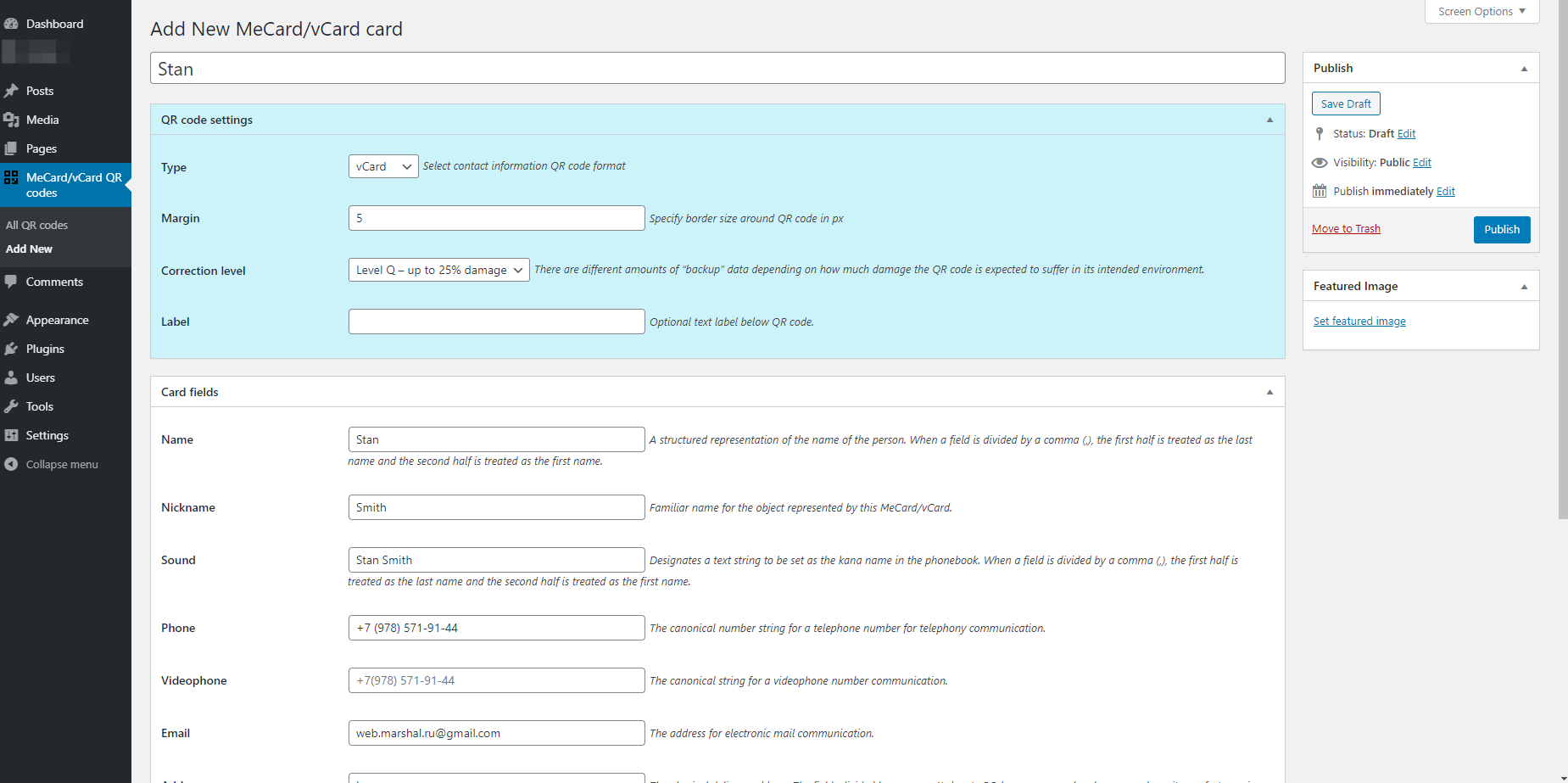


Plugin Generate QR code in vCard or MeCard format with your contact information.
Share your contact information such as emails and phone numbers and much more through QR code with WordPress using shortcode, widget or everywhere else by direct link.
That plugin use MeCard format and vCard version 3 format as most compatible and frequently used.
You can read detailed information about vCard here, and about MeCard here.
How to increase photo size in QR code vcf file
You can override qr-code thumbnail with following code in your theme functions.php file
`add_action( ‘after_setup_theme’, ‘change_qr_code_photo_size’ );
function change_qr_code_photo_size() {
// Override the image size
add_image_size( ‘qr-code-photo’, 600, 600 );
}“`