
Connect Matomo – Analytics Dashboard for WordPress
v1.1.12matomoteam · 2009年6月4日 上架
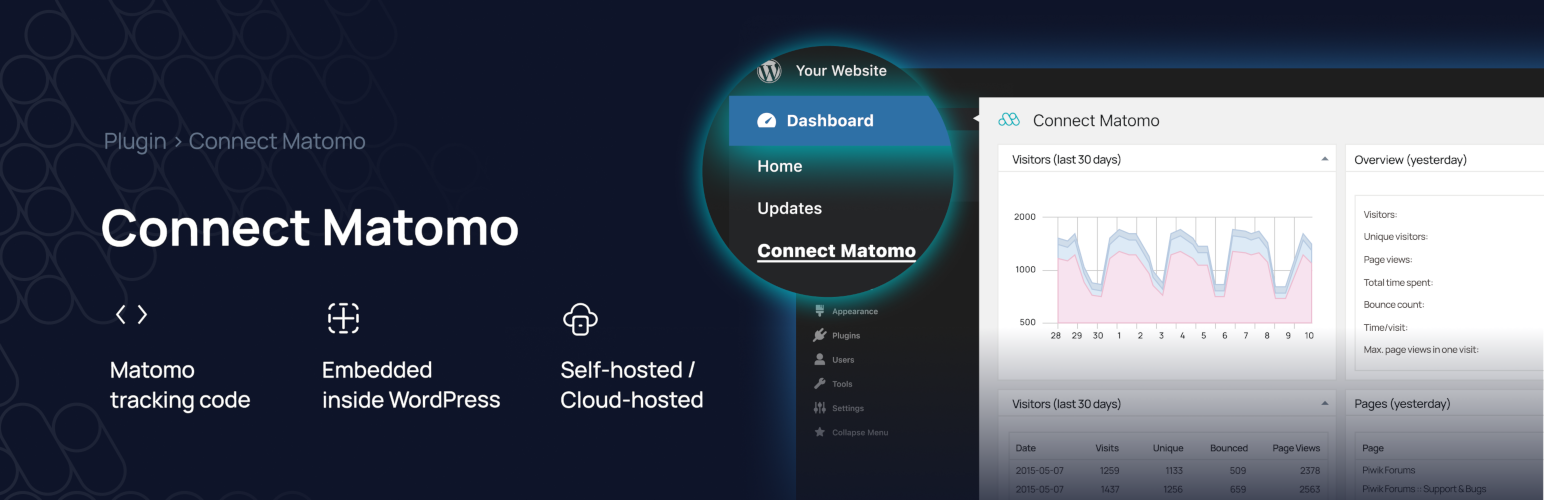
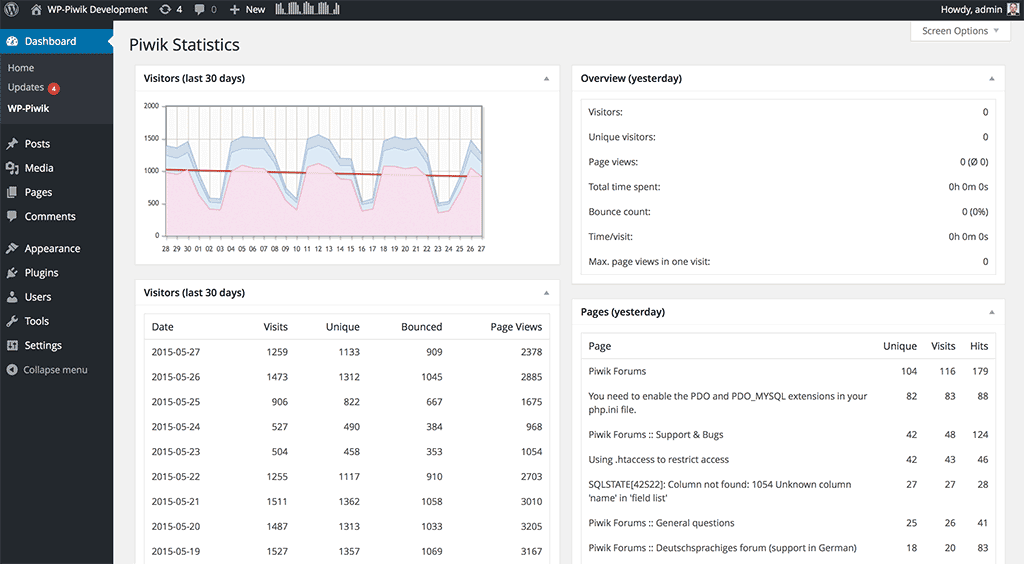
Adds Matomo (former Piwik) statistics to your WordPress dashboard and is also able to add the Matomo Tracking Code to your blog.
- 正在使用
- 6 万+
- 评分
- 4.5 / 5
- 累计下载
- 345 万
- 最近更新
- 2026年9月16日
贡献者
 braekling
截图

Version 1.1.11 includes a security related fix, it is highly recommended to update to this or a later version.
If you are not yet using Matomo On-Premise, Matomo Cloud or hosting your own instance of Matomo, please use the Matomo for WordPress plugin.
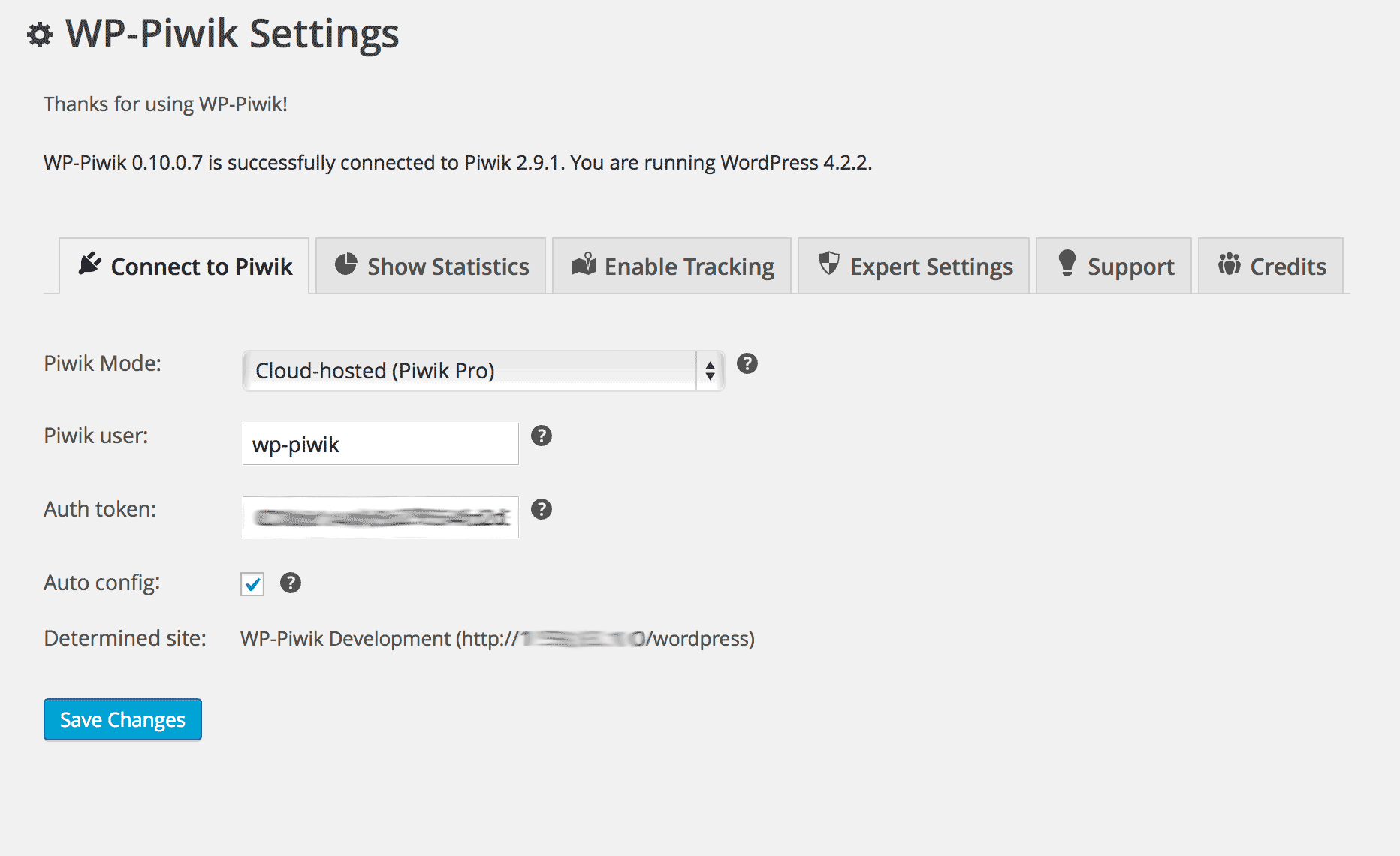
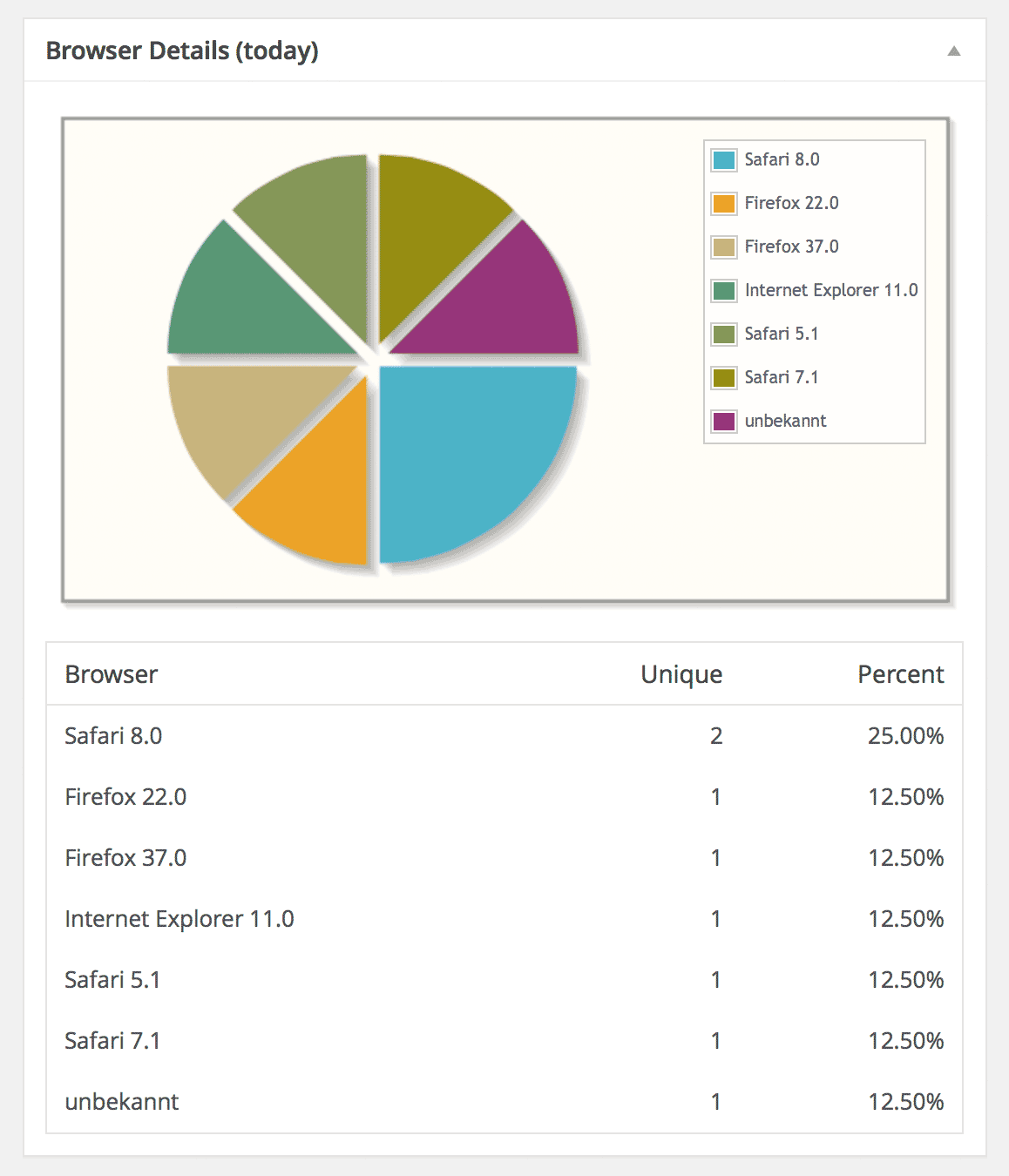
This plugin uses the Matomo API to show your Matomo statistics in your WordPress dashboard. It’s also able to add the Matomo tracking code to your blog and to do some modifications to the tracking code. Additionally, WP-Matomo supports WordPress networks and manages multiple sites and their tracking codes.
To use this plugin the Matomo web analytics application is required. If you do not already have a Matomo setup (e.g., provided by your web hosting service), you have two simple options: use either a self-hosted Matomo or a cloud-hosted Matomo by InnoCraft.
Requirements: PHP 7.0 (or higher), WordPress 5.0 (or higher), Matomo 4.0 (or higher)
Languages: English, Albanian, Chinese, Dutch, French, German, Greek, Hungarian, Italian, Polish, Portuguese (Brazil). Partially supported: Azerbaijani, Belarusian, Hindi, Lithuanian, Luxembourgish, Norwegian, Persian, Romanian, Russian, Spanish, Swedish, Turkish, Ukrainian
What is Matomo?
First steps
- Learn how to install your own Matomo instance: Requirements, Installation.
- If you need support about Matomo, please have a look at the Matomo forums.
- Finally, you can start setting up WP-Matomo.
Shortcodes
You can use following shortcodes if activated:
[wp-piwik module="opt-out" language="en" width="100%" height="200px"]
Shows the Matomo opt-out Iframe. You can change the Iframe’s language by the language attribute (e.g. de for German language) and its width and height using the corresponding attributes. This shortcode is not deprecated.
Embedding Matomo Reports
If you’d like to embed Matomo reports in WordPress pages and posts, use Matomo’s Widgetize feature, with a dedicated read-only auth token created in Matomo.
Credits and Acknowledgements
- Graphs powered by Chart.js (MIT License).
- All translators at Transifex and WordPress.
- Anyone who donates to the WP-Matomo project, including the Matomo team!
- All users who send me mails containing criticism, commendation, feature requests and bug reports – you help me to make WP-Matomo much better!
Thank you all!