
WP Munich Blocks – Gutenberg Blocks for WordPress
v0.12.2WP Munich · 2018年11月18日 上架
Create amazing content with the new WordPress block editor and the WP Munich blocks.
- 正在使用
- 200+
- 评分
- 5.0 / 5
- 累计下载
- 1.2 万
- 最近更新
- 2023年7月21日
 WP Munich
 Hendrik Luehrsen
截图


** ⚠️ This plugin is not actively maintained anymore. Please use it at your own risk. ⚠️ **
Use these carefully crafted blocks to create stunning content on your Gutenberg enabled WordPress website. These blocks a built as versitile as possible and are fully compatible to the official Twenty Ninteen theme and work fine in all the other Twenty X themes.
▶️ Available Blocks
✅ Split – Block Demo
Display feature presentations or a visually appealing list of things with multiple split blocks in a row. You can set an image on one side and text on the other side. Use the center image to create an ‘image in image’ effect to display important images.
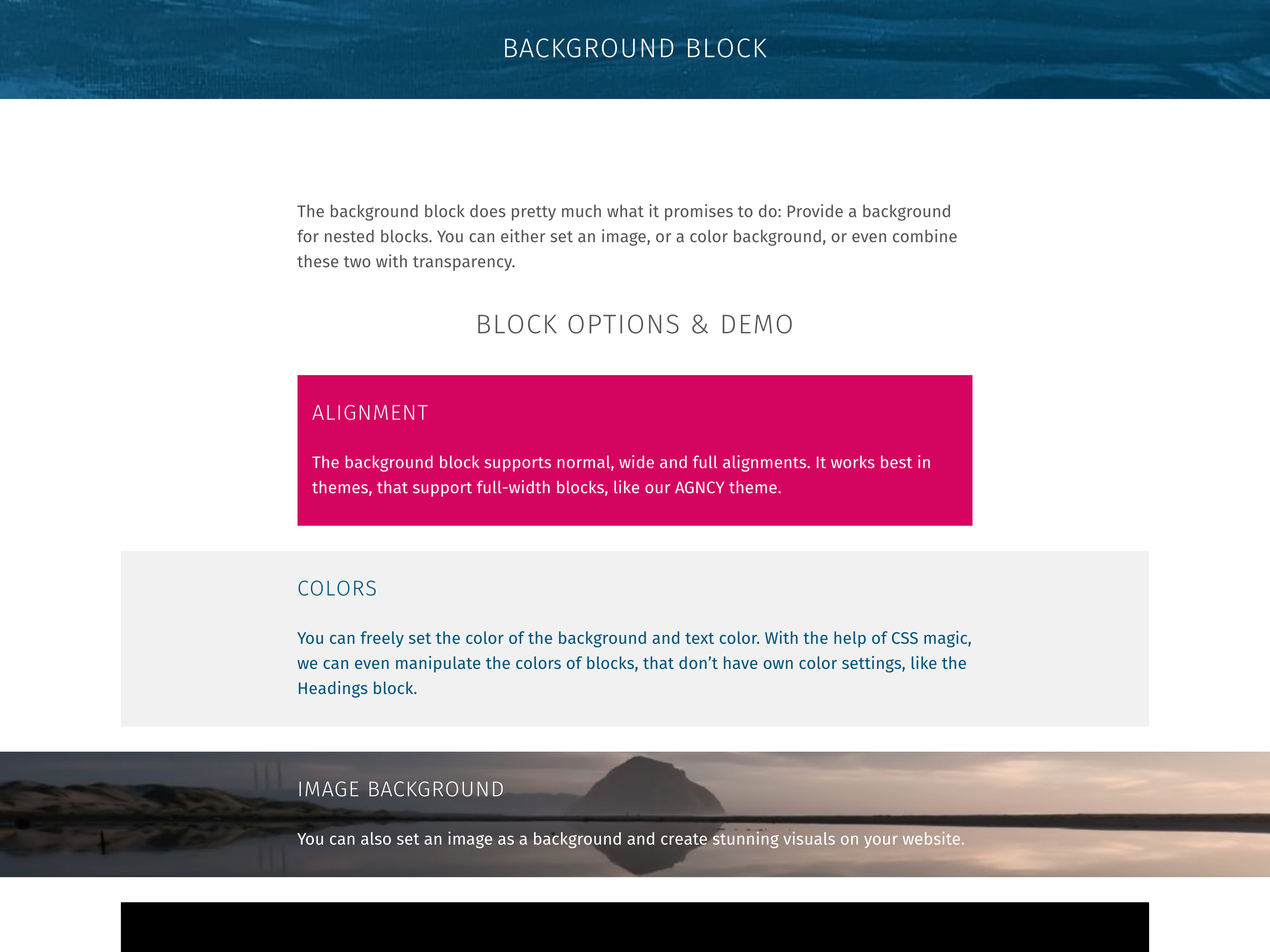
✅ Background – Block Demo
Create colorful and interesting backgrounds with the background block. The block acts as a wrapper for other blocks and you can define background and text color, a background image and width of the background. Works best in full width enabled themes.
✅ Latest Posts Advanced – Block Demo
Display a beautifully styled list of your most recent posts.
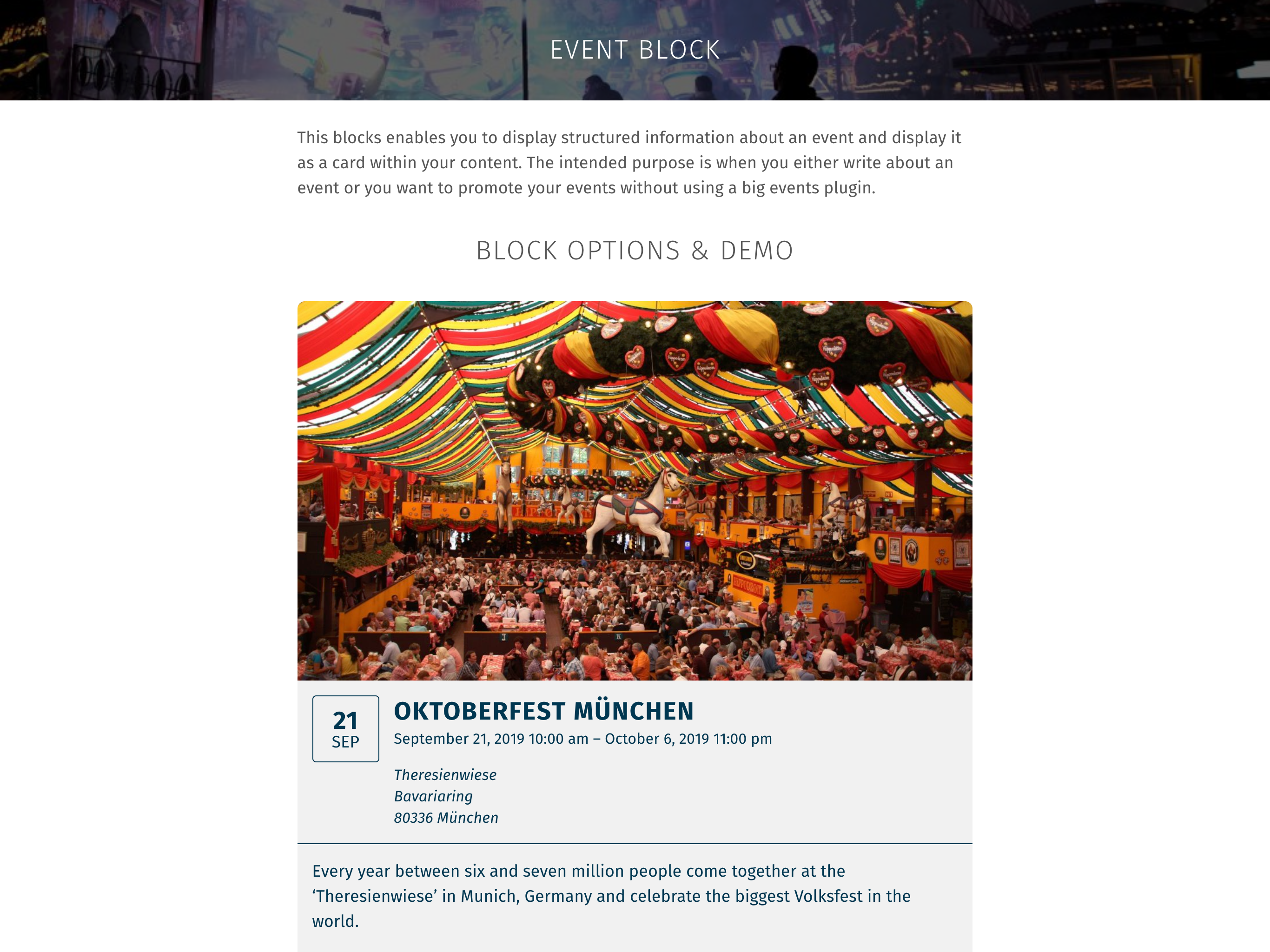
✅ Event – Block Demo
Quickly create a description of an event you’re writing about. The block also generates the needed structured data for Google to show event details in the search results.
✅ Accordion – Block Demo
Use this block to provide a well structured piece of content. You can use this for FAQ sections and contnent you don’t want to be initially visible.
✅ RSS – Block Demo
Syndicate content from all over the web and quickly create an index of fresh content.
✅ Person – Block Demo
A beautiful block to present your team members or other kinds of people.
✅ Pricing – Block Demo
Compare your pricing tiers and sell more.
✅ Timeline – Block Demo
Visualise a series of time-based events.
✅ Feature Grid – Block Demo
A block to present your features or special links.
▶️ Additional Features
✅ No Margin Bottom – Demo
A control for every block to remove the bottom margin. That makes stacking blocks possible.
✅ Image Filters – Demo
A set of filters for the core image and gallery blocks and our split block to add beautiful color effects to the images.