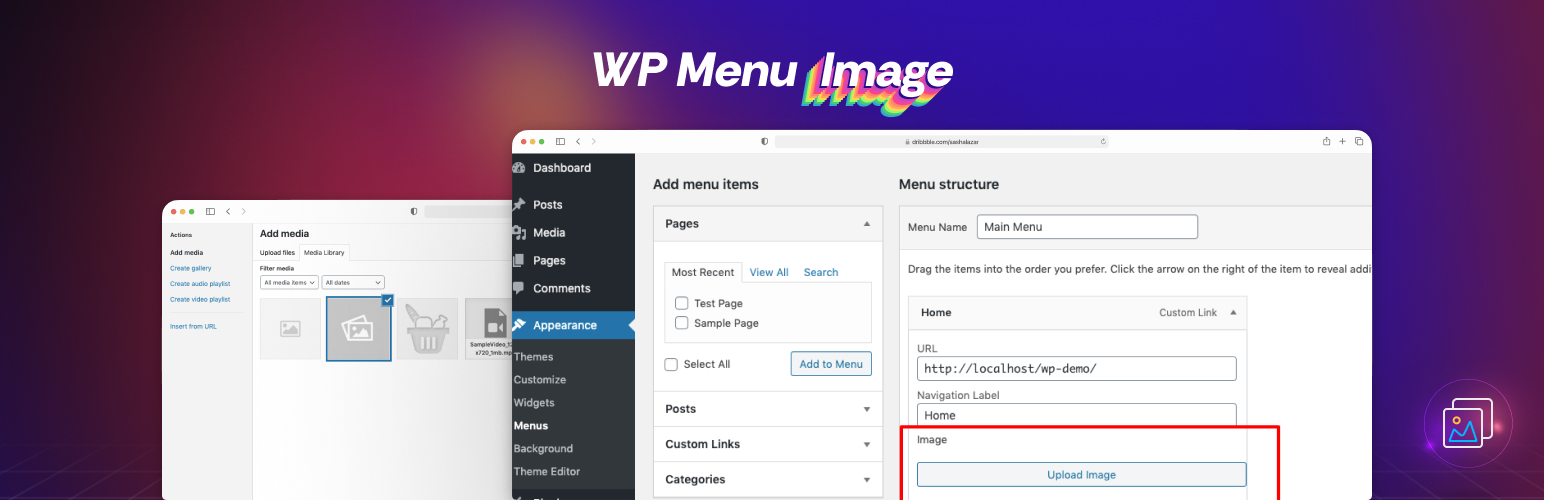

WP Menu Image
v2.3Yudiz Solutions Ltd. · 2020年9月30日 上架
Empower your WordPress menus with images. Easily add, position, and customize images for a unique menu experience.
- 正在使用
- 2,000+
- 评分
- 5.0 / 5
- 累计下载
- 2.3 万
- 最近更新
- 2026年2月23日
 Yudiz Solutions Ltd.
 Vaibhav Govani
 Richa Kalaria
 Mohit Prajapati
 Sandeep Ghosh
截图
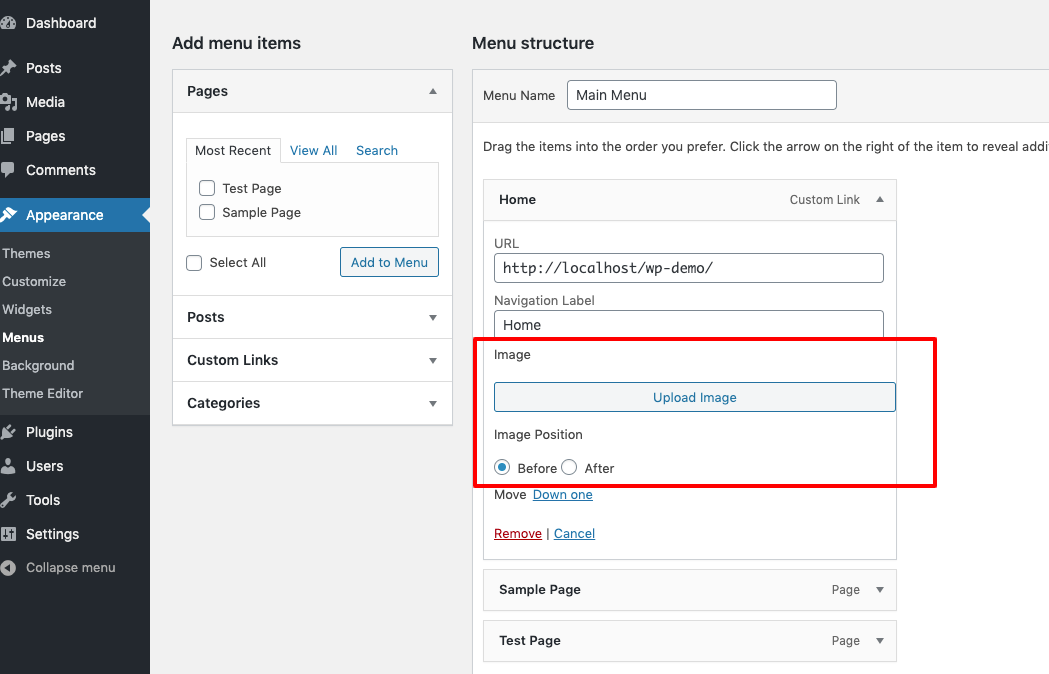


This fabulous plugin has been developed by Yudiz Solutions Ltd. WP Menu Image plugin helps you to add image to your menu.
Elevate the visual appeal of your WordPress website’s navigation with WP Menu Image. This versatile plugin seamlessly integrates into your menu system, empowering you to enhance each menu item with custom images. Easily upload and assign images to your menu items, effortlessly transforming your navigation into an engaging and visually appealing experience for your visitors.
Features of WP Menu image
-
Image Integration: Effortlessly add custom images to your WordPress menu items, enhancing their visual representation and creating a more engaging user experience.
-
Positioning Control: Take full control over the placement of your menu images. With WP Menu Image, you can easily adjust the position of the images relative to the menu text, ensuring a polished and professional appearance.
-
Customization Options: Tailor your menu images to match your website’s design aesthetic. WP Menu Image provides customization options, allowing you to adjust the size, alignment, and styling of your menu images with ease.
-
Responsive Design: Ensure a seamless user experience across all devices. WP Menu Image is designed to be fully responsive, ensuring that your menu images look stunning on desktops, tablets, and smartphones alike.
-
User-Friendly Interface: WP Menu Image boasts an intuitive and user-friendly interface, making it easy for both beginners and experienced WordPress users to add and manage menu images effortlessly.
Transform your website’s navigation from ordinary to extraordinary with WP Menu Image. Elevate your user experience and captivate your audience with visually stunning menus that reflect the unique personality of your brand.
How to use?
Follow the below steps:
1. Install and activate the plugin.
2. After successful activation, it will add custom options to menu from where we can add image to menu and can set position to menu.
3. It will add image to menu in front end.
Need Plugin Support?
Please submit a request here for Support. We will get back to you quickly.