

WP Mailto Links – Protect Email Addresses
v3.1.4Online Optimisation · 2011年3月17日 上架
Protect & encode email addresses safely from spambots & spamming. Easy to use - encodes emails out-of-the-box.
- 正在使用
- 7,000+
- 评分
- 4.6 / 5
- 累计下载
- 19 万
- 最近更新
- 2023年9月23日
贡献者
 Ironikus
截图
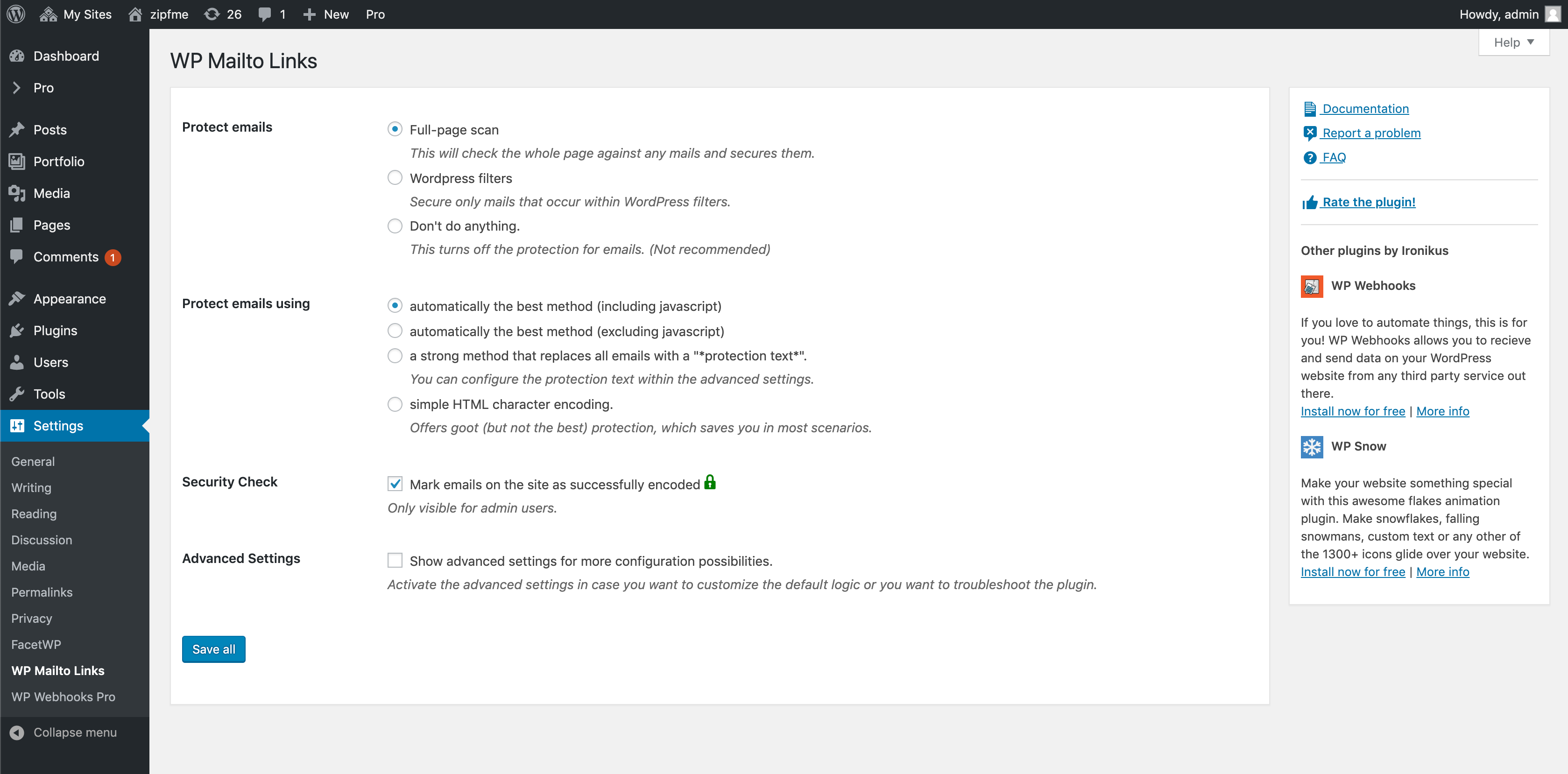
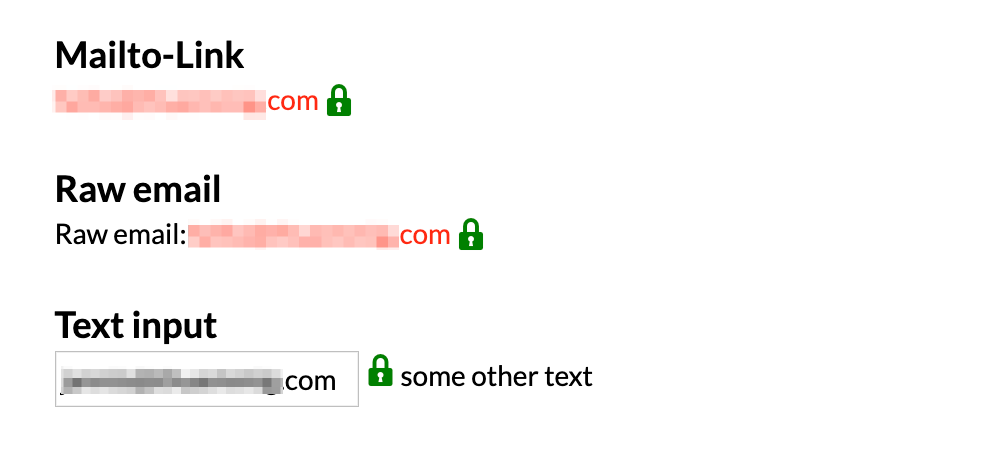
Protect and encode email addresses safely from spambots, spamming and other robots. Easy to use out-of-the-box without any configuration.
Features
- Full page protection for emails
- Instant results (No confiruation needed)
- Protects mailto links, plain emails, email input fields, RSS feeds and much more
- Autmoatic protection technique detection (Our plugin chooses automatically the best protection technique for each email)
- Exclude posts and pages from protection
- Automatically convert plain emails to mailto-links
- Automatically convert plain emails to png images
- Supports rot13 encoing, escape encoding, CSS directions, entity encoding and much more
- Deactivate CSS directions manually for backwards compatibility
- Shortcode support:
[wpml_mailto] - Template tag support:
wpml_mailto()andwpml_filter()
The plugin combines the best email protection methods (CSS, PHP and JavaScript techniques).
Free Website Check
We offer you a free tool to test if your website contains unprotected emails. You can use our website checker by clicking here
Easy to use
The plugin works out-of-the-box to protect your email addresses. After activating the plugin, all options are already set for protecting your emails and mailto links.
Documentation
The plugin works out-of-the-box to protect your email addresses. All settings are default set to protect your email addresses automatically with the best method available.
If you want to manually create protected mailto links, just use the shortcode ([wpml_mailto]) within your posts or use the template tags (wpml_mailto() or wpml_filter()) in your theme files.
Shortcode `[wpml_mailto email=”…”]…[/wpml_mailto]`
Create a protected mailto link in your posts:
[wpml_mailto email=”info@myemail.com”]My Email[/wpml_mailto]
It’s also possible to add attributes to the mailto link, like a target:
[wpml_mailto email=”info@myemail.com” target=”_blank”]My Email[/wpml_mailto]
Shortcode `[wpmt_protect]…[/wpmt_protect]`
Protect content using our plugin that is not encodedby default (E.g. some ajax loaded values):
[wpmt_protect]YOUR CONTENT YOU WANT TO CHECK FOR EMAILS[/wpmt_protect]
It’s also possible to customize the encoding type using “protect_using”. Possible values: char_encode, strong_method, without_javascript, with_javascript:
[wpmt_protect protect_using=”…”]YOUR CONTENT YOU WANT TO CHECK FOR EMAILS[/wpmt_protect]
Template tag `wpml_mailto( $email [, $display] [, $attrs] )`
Create a protected mailto link in your template like:
Template tag `wpml_filter( $content )`
Filter given content to protect mailto links, shortcodes and plain emails (according to the settings in admin):