

WPGraphQL
v2.29.0Jason Bahl · 2020年11月14日 上架
WPGraphQL adds a flexible and powerful GraphQL API to WordPress, enabling efficient querying and interaction with your site's data.
- 正在使用
- 3 万+
- 评分
- 4.9 / 5
- 累计下载
- 182 万
- 最近更新
- 2026年11月21日
 Jason Bahl
 Tyler
 Ryan Kanner
 Edwin Cromley
 Geoff Taylor
 David Levine
截图
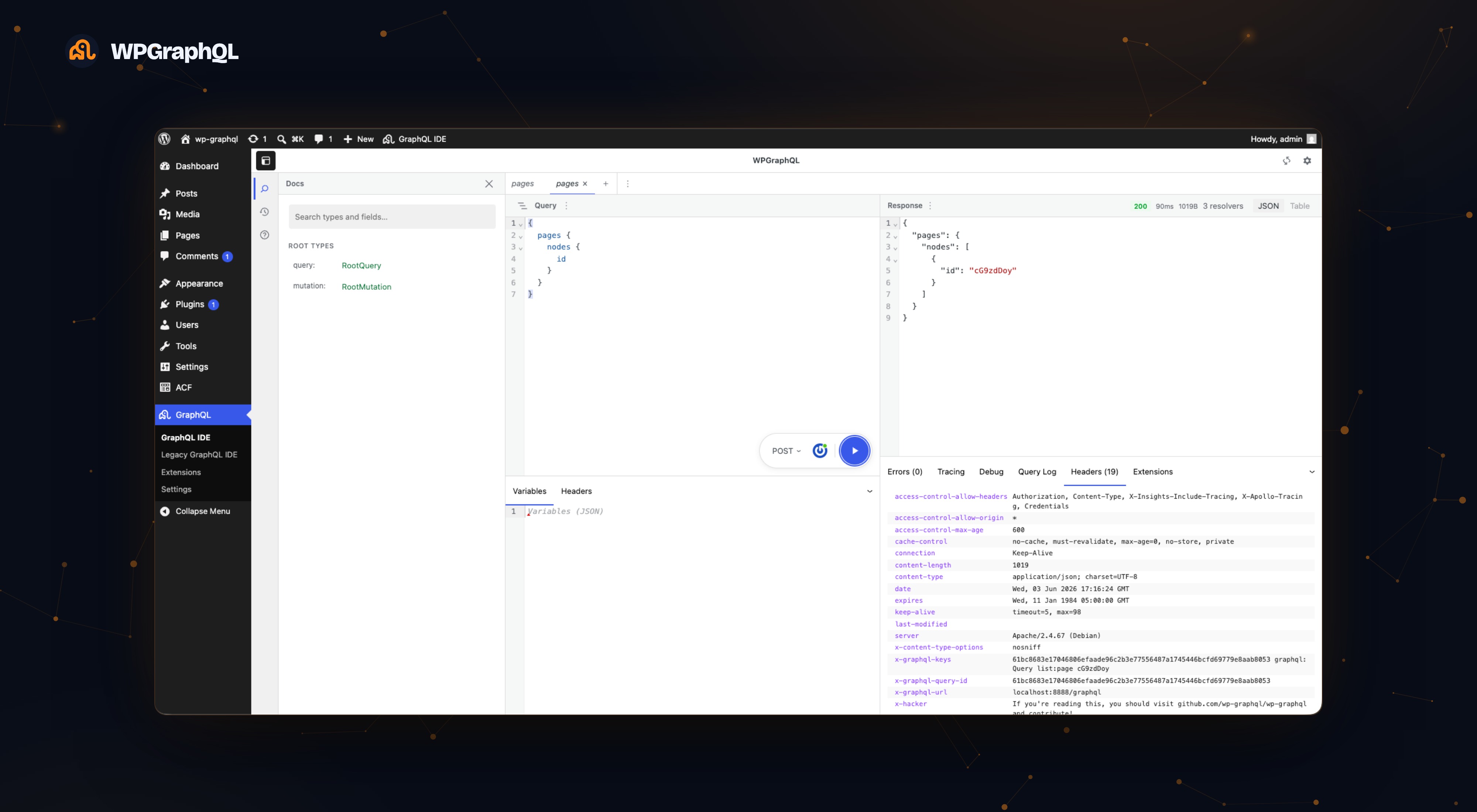
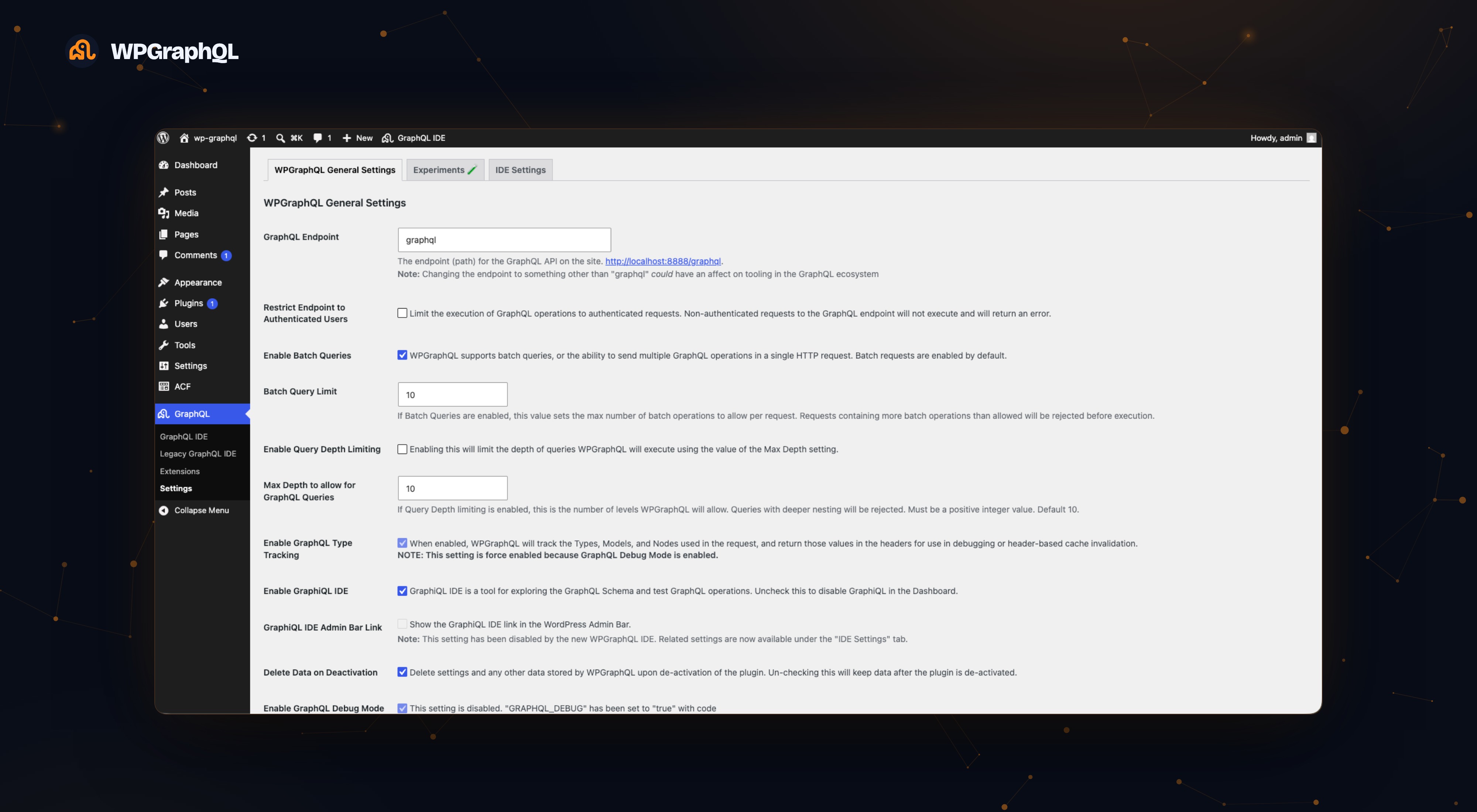
WPGraphQL is a free, open-source WordPress plugin that provides an extendable GraphQL schema and API for any WordPress site.
Get Started
- Install WPGraphQL:
wp plugin install wp-graphql --activate - Try it out: Live Demo
- Read the Quick Start Guide.
- Join the Community on Discord and Star the Repo!
Key Features
- Flexible API: Query posts, pages, custom post types, taxonomies, users, and more.
- Extendable Schema: Easily add functionality with WPGraphQL’s API, enabling custom integrations.
- Compatible with Modern Frameworks: Works seamlessly with Next.js, Astro, SvelteKit, and more.
- Optimized Performance: Fetch exactly the data you need in a single query. Boost performance with WPGraphQL Smart Cache.
WPGraphQL is becoming a Canonical Plugin on WordPress.org, ensuring long-term support and a growing community of users and contributors.
Upgrading
It is recommended that anytime you want to update WPGraphQL that you get familiar with what’s changed in the release.
WPGraphQL publishes release notes on Github.
WPGraphQL has been following Semver practices for a few years. We will continue to follow Semver and let version numbers communicate meaning. The summary of Semver versioning is as follows:
- MAJOR version when you make incompatible API changes,
- MINOR version when you add functionality in a backwards compatible manner, and
- PATCH version when you make backwards compatible bug fixes.
You can read more about the details of Semver at semver.org
Privacy Policy
WPGraphQL uses Appsero SDK to collect some telemetry data upon user’s confirmation. This helps us to troubleshoot problems faster and make product improvements.
Appsero SDK does not gather any data by default. The SDK starts gathering basic telemetry data only when a user allows it via the admin notice.
You can stop sharing at any time by unchecking Share usage data with the WPGraphQL team next to WPGraphQL under GraphQL Settings Data Sharing. Opting out stops all further check-ins, including the copies sent to https://telemetry.wpgraphql.com. When you opt out, one final request records the opt-out with Appsero (and its copy at https://telemetry.wpgraphql.com). It includes a hashed identifier for your site, but no site details.
When you opt in, each telemetry request is sent to Appsero and a duplicate is sent in a non-blocking request to WPGraphQL-operated infrastructure at https://telemetry.wpgraphql.com (the same categories of data as described for Appsero below, except this site’s admin email address and an administrator’s name, which the copy leaves out). If you deactivate the plugin from the Plugins screen while opted in, a feedback form may ask why; submitting it sends that reason with the same categories of site details as a regular check-in. If you have not opted in, deactivation skips the form and sends nothing.
Sharing usage data doesn’t sign anyone up for email, even though the usage data sent to Appsero includes this site’s admin email address and an administrator’s name.
Email updates about security releases and breaking changes, along with occasional product news, are a separate choice, also under GraphQL Settings Data Sharing. Checking Email me about security releases, breaking changes and occasional product news in WPGraphQL and saving sends the address you enter, this site’s URL and the WPGraphQL version to https://telemetry.wpgraphql.com, which emails a confirmation link to that address unless it’s already subscribed. Nothing is subscribed until the link is clicked. The site keeps a record of the address and when the confirmation was requested until you uncheck the box. Unchecking it doesn’t unsubscribe the address; use the unsubscribe link in any of the emails.
Learn more about how Appsero collects and uses this data.