

WP Frontend Profile
v1.3.9Glowlogix · 2014年12月6日 上架
WP Frontend Profile allows users to edit/view their profile and register/login without going into the dashboard to do so.
- 正在使用
- 100+
- 评分
- 4.3 / 5
- 累计下载
- 2.6 万
- 最近更新
- 2026年2月22日
 Glowlogix
 Mark Wilkinson
截图


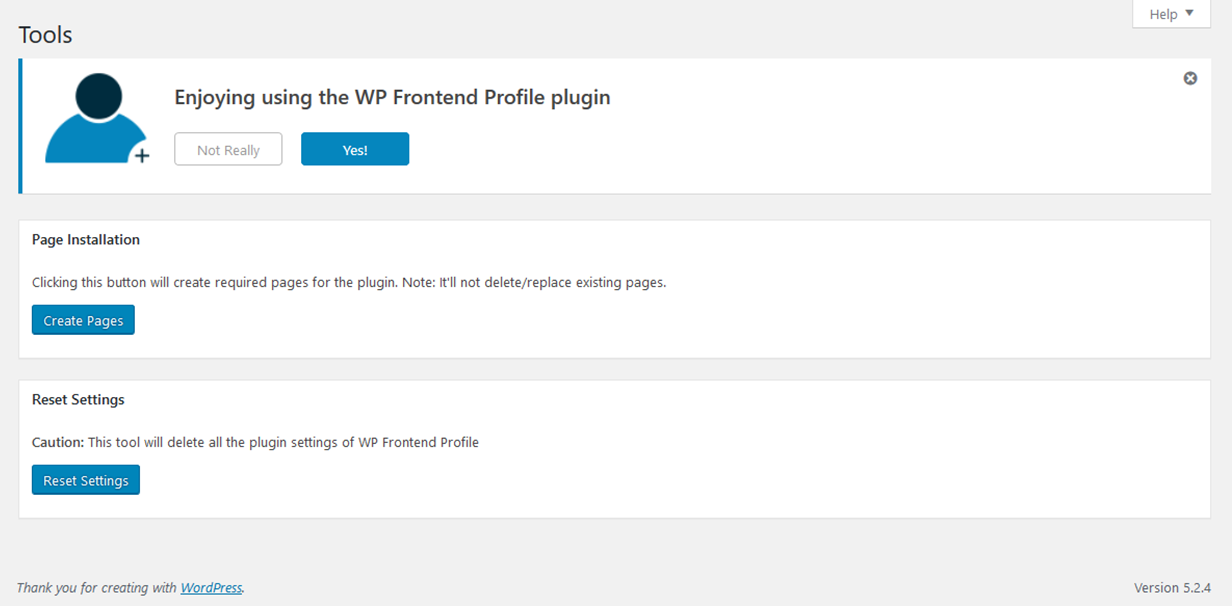

WP Frontend Profile gives you the ability to add a extensible user profile section to the frontend of your WordPress website. By default the plugin adds two tabs to the frontend profile. One of these tabs, titled profile, allows a user to edit their user data including email, first and last names, URL and bio (description). The password tab allows a user to change their password for the site.
Plugin Extensibility
As the frontend profile is rendered with tabs you can easily add your own tabs with your own fields to store user meta data. Tabs and fields are added through filters and all the saving of the data is taken care of for you.
You can add the following field types:
- WYSIWYG
- Select
- Multi Select
- Radio
- Text Area
- Checkbox
- Password
- Text
See FAQs for how to add our own fields and tabs.
Profile Output
To output the frontend profile feature you can use the following shortcodes in editor:
- Profile page
[wpfep-profile] - Edit profile
[wpfep] - Register page
[wpfep-register] - Login page
[wpfep-login]
Features
- Added Login Widget
- Addon for Mailchimp
- Added Content Restriction feature for paid members.