

- 正在使用
- 20+
- 评分
- 暂无
- 累计下载
- 2,167
- 最近更新
- 2019年8月9日
 Thoriq Firdaus
 oknoorap
截图
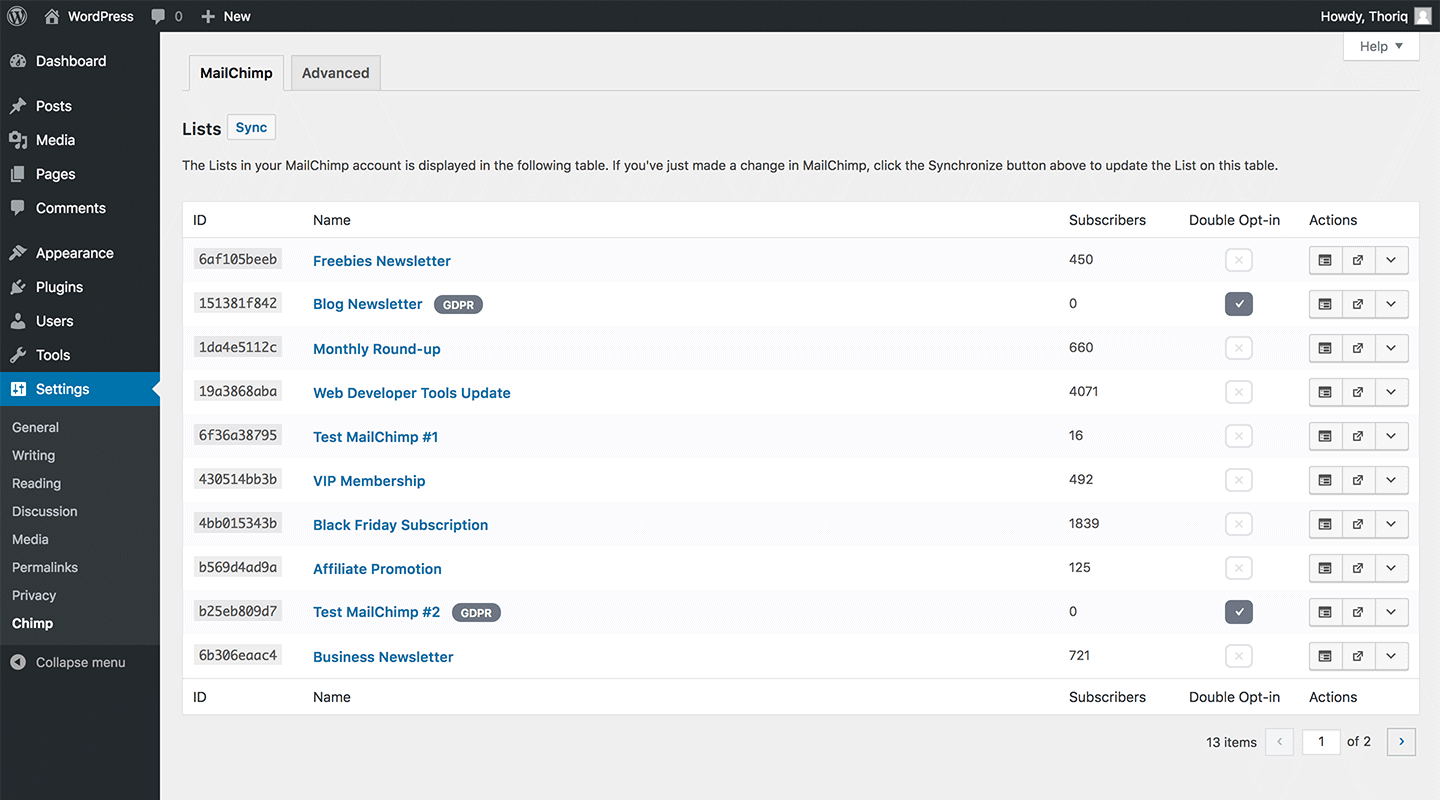


WP Chimp provides the ability to add a MailChimp subscription form to your post and page content and in the Widget area. The plugin also registers a custom Gutenberg Block allowing you to add and preview the subscription form immediately within the WordPress content editor.
This plugin focuses on simplicity, user experience, and speed. We ensure to provide seamless integration to MailChimp services, ease of use with an interface that complies with WordPress design guidelines, and that it would work at scale.
Non-affiliation Disclaimer
MailChimp is a registered trademark of The Rocket Science Group. The name “MailChimp” used in this plugin is for identification and reference purposes only and does not imply any association with the trademark holder of their product brand, or any of its subsidiaries or its affiliates.
From within WordPress (Recommended)
- Visit Plugins > Add New
- Search for “WP Chimp” (without the quote, of course)
- Click the Install Now button of WP Chimp on the search result
- Activate it from the Plugins page.
Manual Upload:
- Download the plugin
.zippackcage from WordPress.org. - Visit Plugins > Add New
- Click Upload Plugin
- Click Choose File, and select the plugin
.zippackage you have just downloaded. - Click Install Now.
- Activate it from the Plugins page.
FTP Upload:
If none of the above works, though this is going to be less convenient, you can install the plugin through FTP (File Transfer Protocol). To do so, you will need an FTP software installed on your computer, such as:
Then, connect to the FTP/SFTP server using the credentials given by your hosting provider.
- Download the plugin
.zippackcage from WordPress.org. - Unzip the archive and upload the
wp-chimpfolder into the plugin directory at/wp-content/plugins/. - Activate it from the Plugins page.