

WP Change Email Sender
v3.3.1Md Aminur Islam · 2020年10月2日 上架
Easily change WordPress default mail sender name and email address
- 正在使用
- 1 万+
- 评分
- 4.9 / 5
- 累计下载
- 8.3 万
- 最近更新
- 2026年5月15日
10 条评价需要 WordPress 5.8+已测试到 6.9.12PHP 7.4+
wordpress default email sender changewp change default email senderwp change email senderwp default email changewp default email sender name change
 Md Aminur Islam
 PluginizeLab
截图
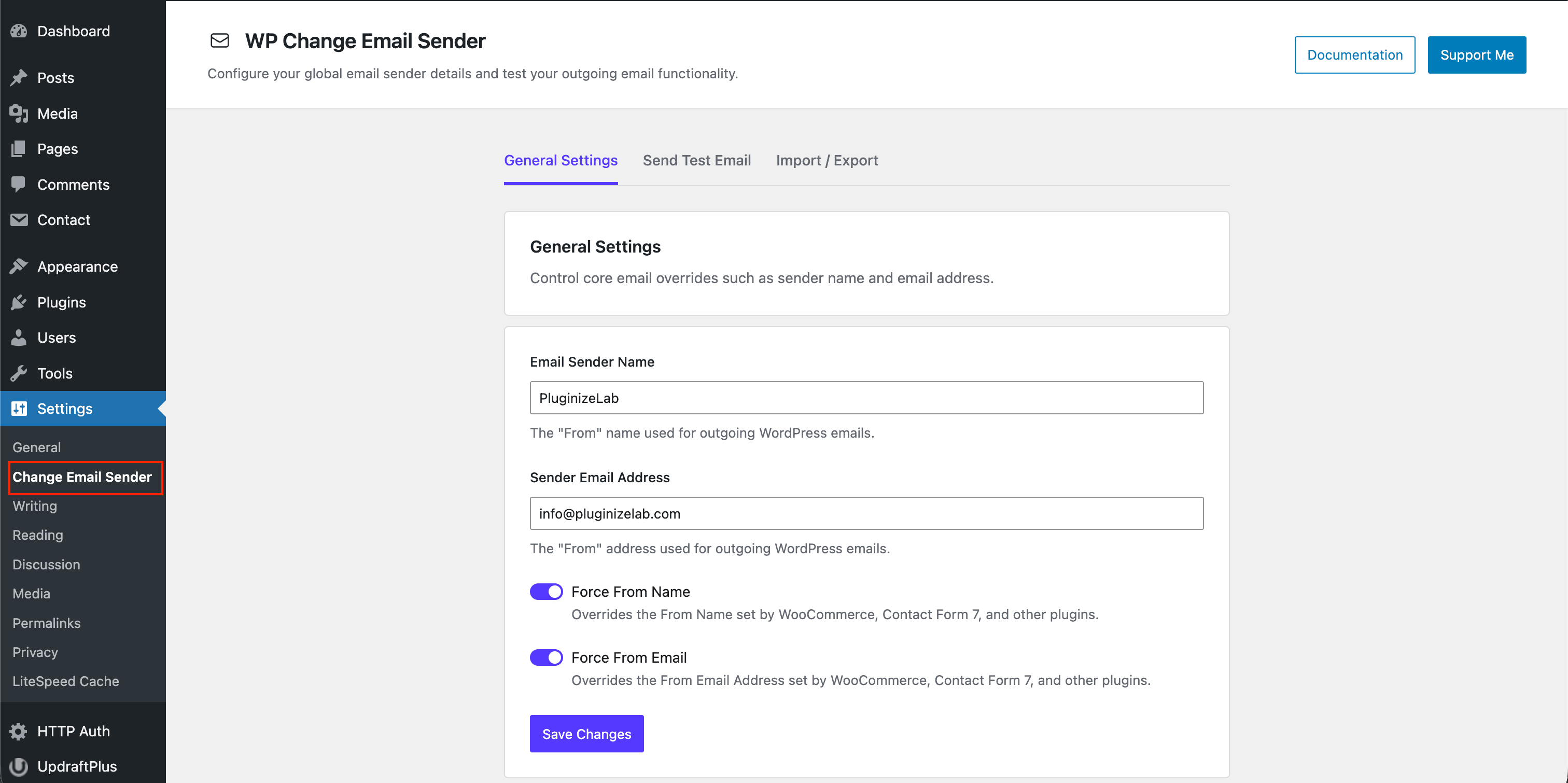
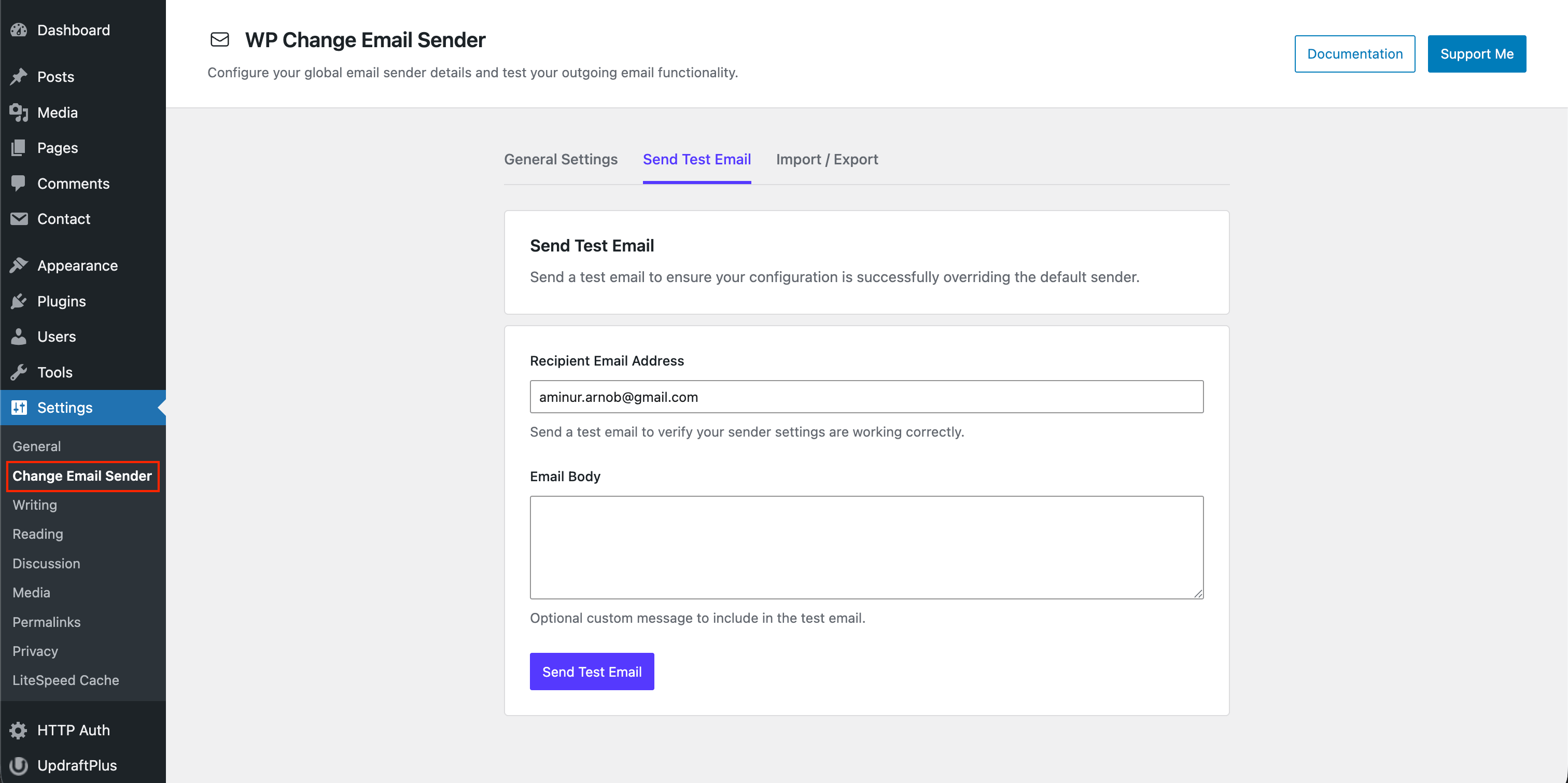
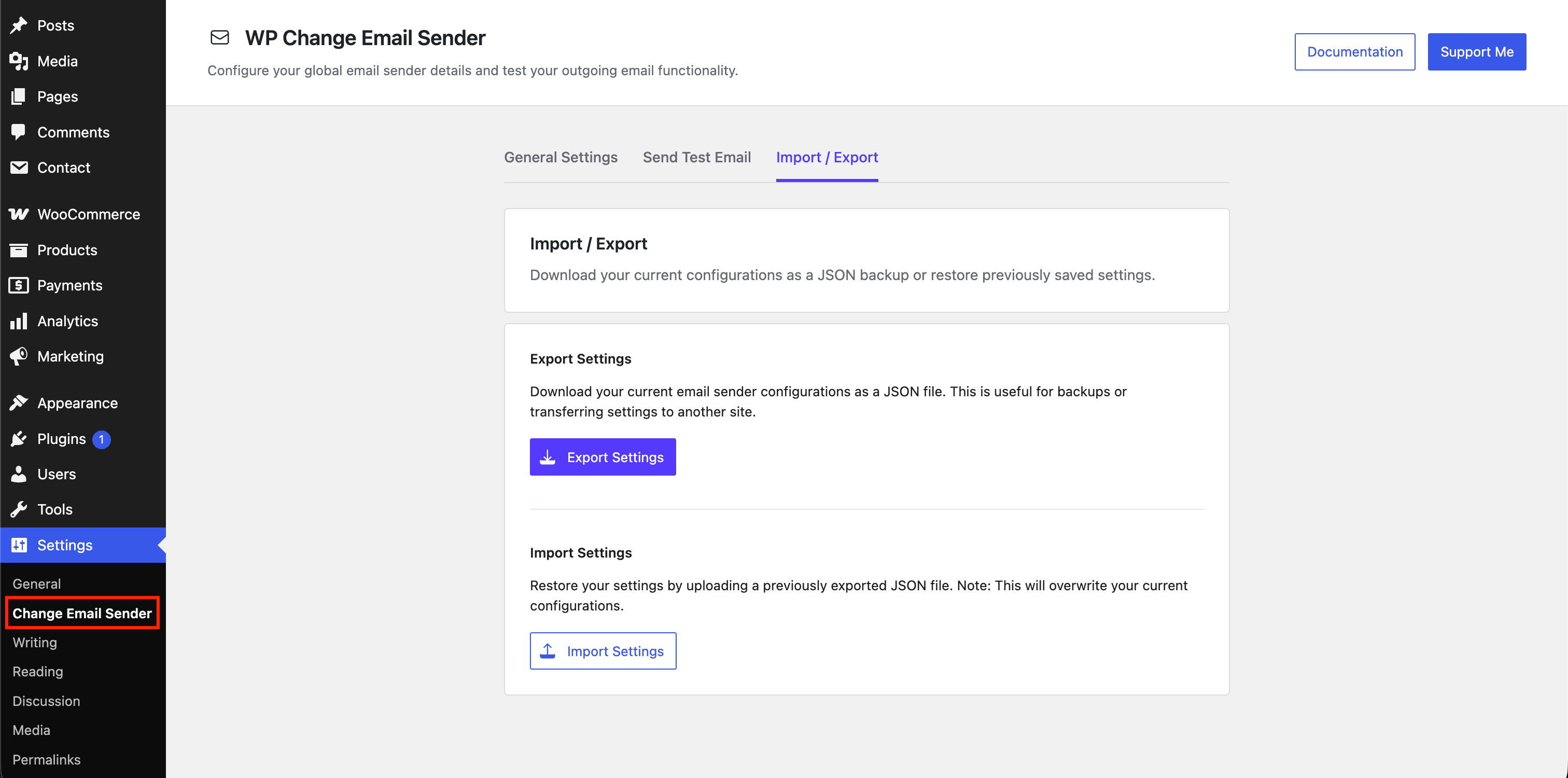
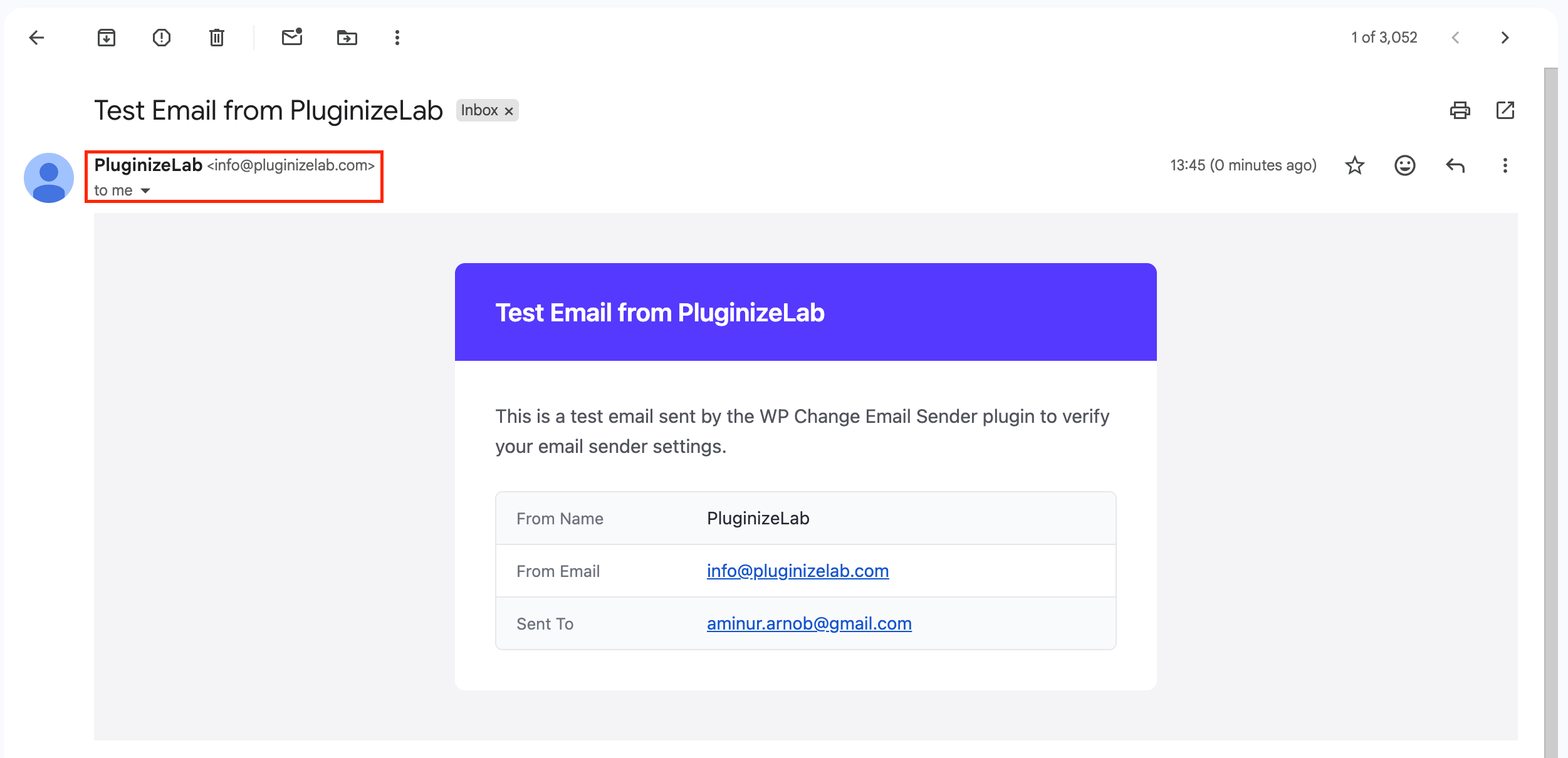
This plugin enable you to change mail sender name and email address from WordPress default mail sender name and email.
After installation, navigate to Settings → Change Email Sender in the WordPress admin sidebar to open the modern configuration dashboard.
Plugin Features
- ✉️ Custom Sender Details: Easily replace the default “WordPress” name and “wordpress@yourdomain.com” email address with your own brand.
- 🛡️ Force Overrides: Prevent misbehaving plugins (e.g., contact forms or e-commerce plugins) from hijacking your outbound email sender details.
- ↩️ Smart “Reply-To” Protection: When forcing an email override, the plugin automatically captures the original sender and sets it as the “Reply-To” address so you never miss a customer reply.
- 🧪 Built-in Email Tester: Instantly send a test email directly from the settings page to verify your configuration is working perfectly.
- 💾 Import & Export: Securely back up your custom configurations to a JSON file or restore them instantly with the built-in drag-and-drop uploader.
- ⚡ Lightning Fast Dashboard: Enjoy a stunning, single-page React interface that saves your settings instantly without page reloads.
- 🔒 Lightweight & Secure: Built with the native WordPress REST API and rigorous security standards.
Support
If you find this plugin useful, consider supporting its development through a donation.