
Asset CleanUp: Page Speed Booster
v1.4.0.9Gabe Livan · 2015年12月3日 上架
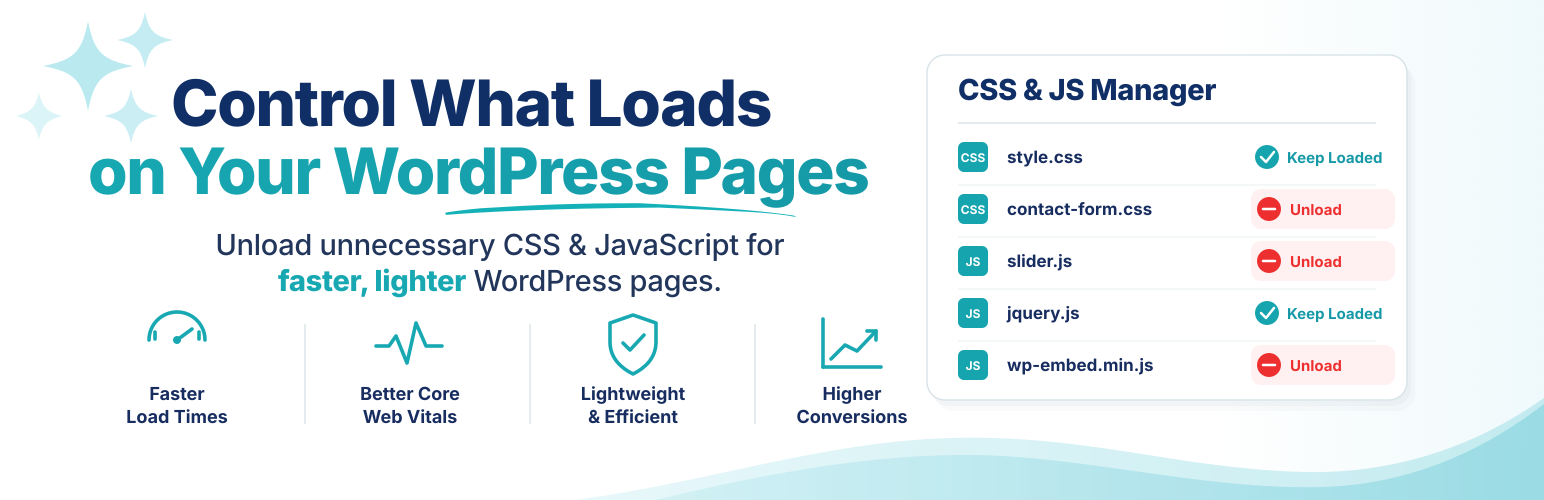
Speed up your WordPress site by unloading unnecessary CSS and JavaScript, reducing page bloat, and managing your own Critical CSS per page type.
- 正在使用
- 10 万+
- 评分
- 4.9 / 5
- 累计下载
- 529 万
- 最近更新
- 2026年11月22日
贡献者
 Gabe Livan
截图
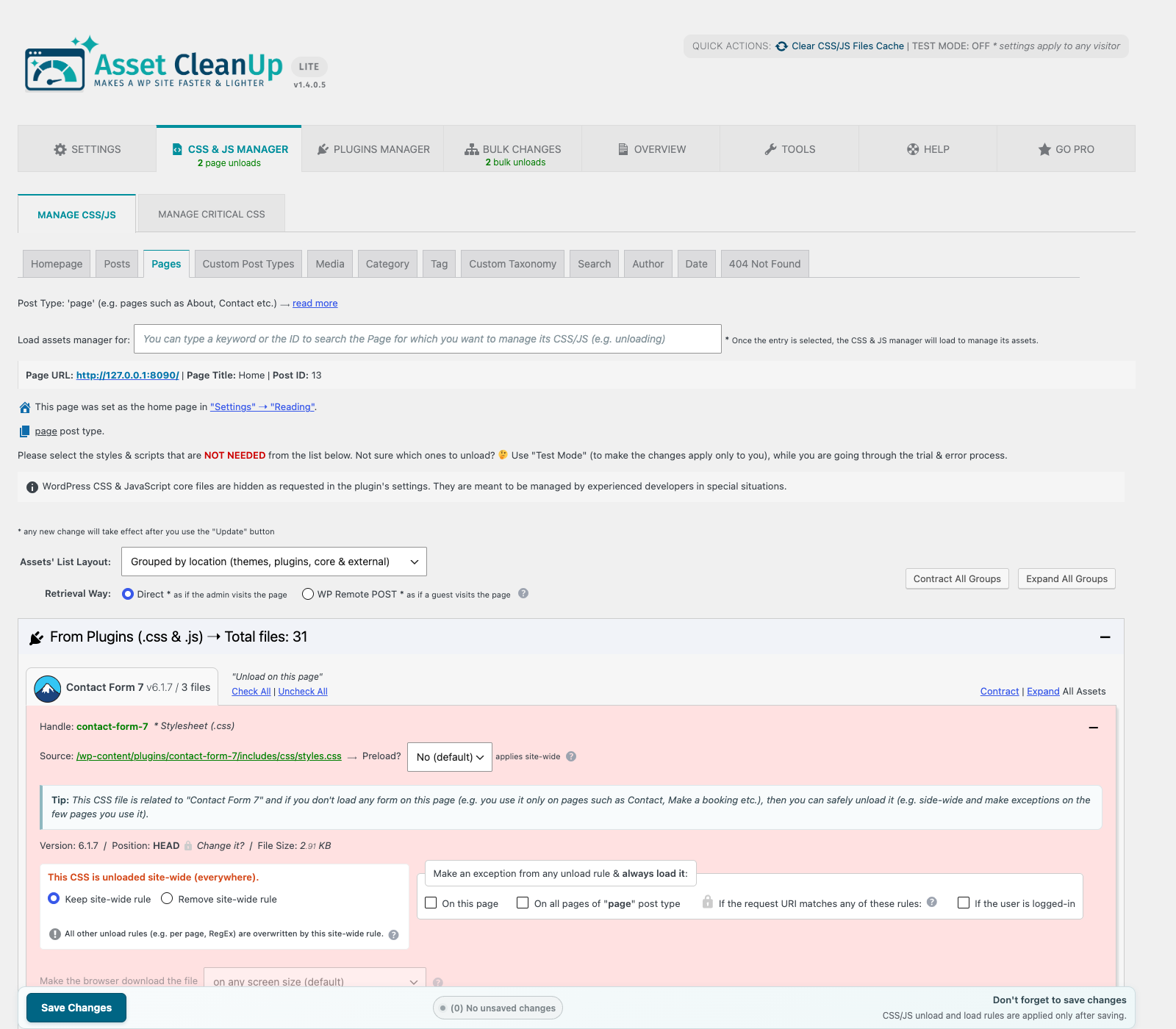
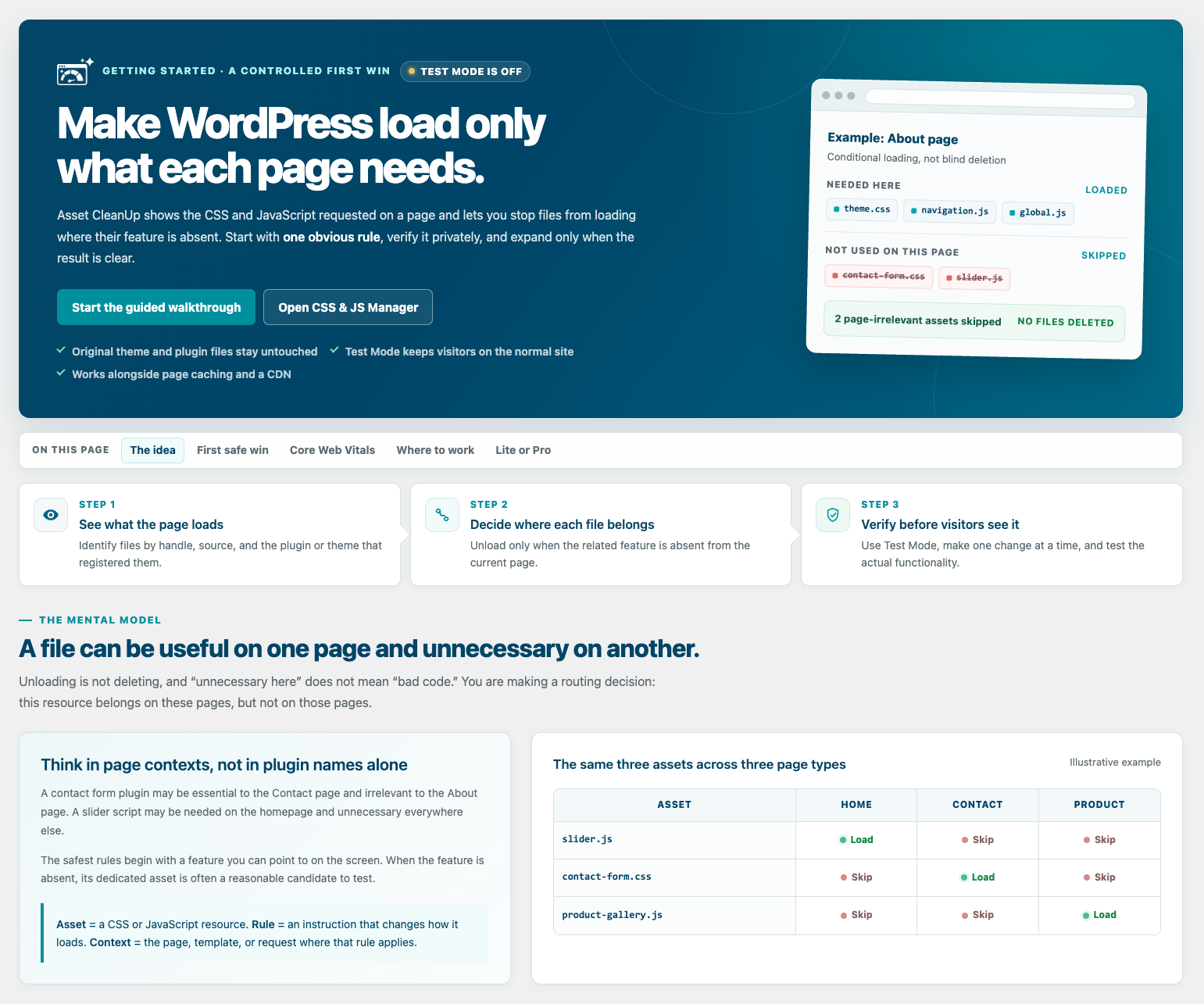
WordPress themes and plugins often load CSS and JavaScript on pages that do not use them. A contact form may load on the homepage, a slider may load on a plain article, or store-related files may load outside the shop.
Asset CleanUp shows you what each page loads and lets you unload what is not needed. This can reduce HTTP requests, page weight, and browser work while complementing your existing caching setup.
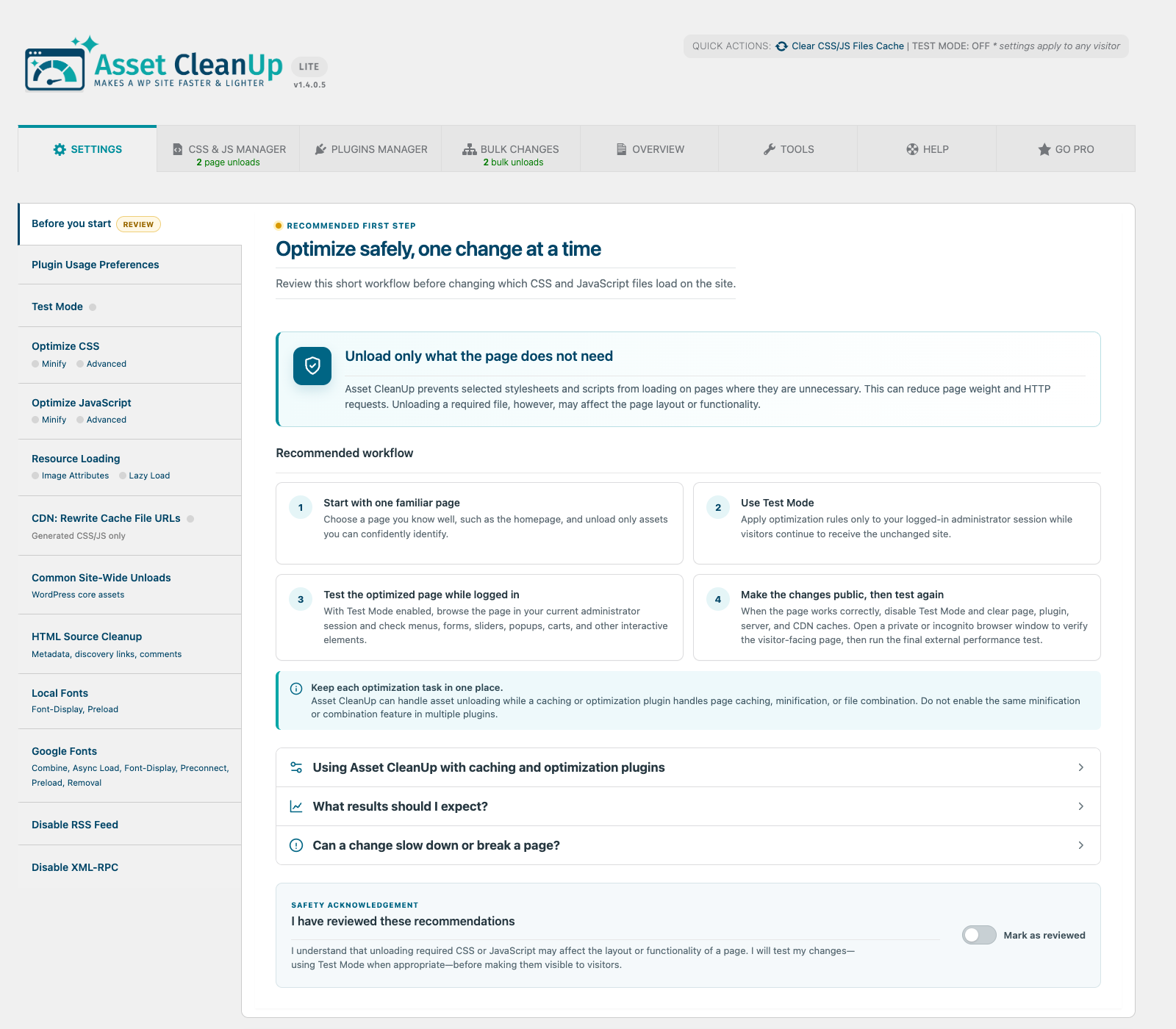
Use Test Mode to validate changes as an administrator before they affect visitors.
Asset CleanUp gives you precise, testable control over every optimization.
A safer workflow, without giving up control
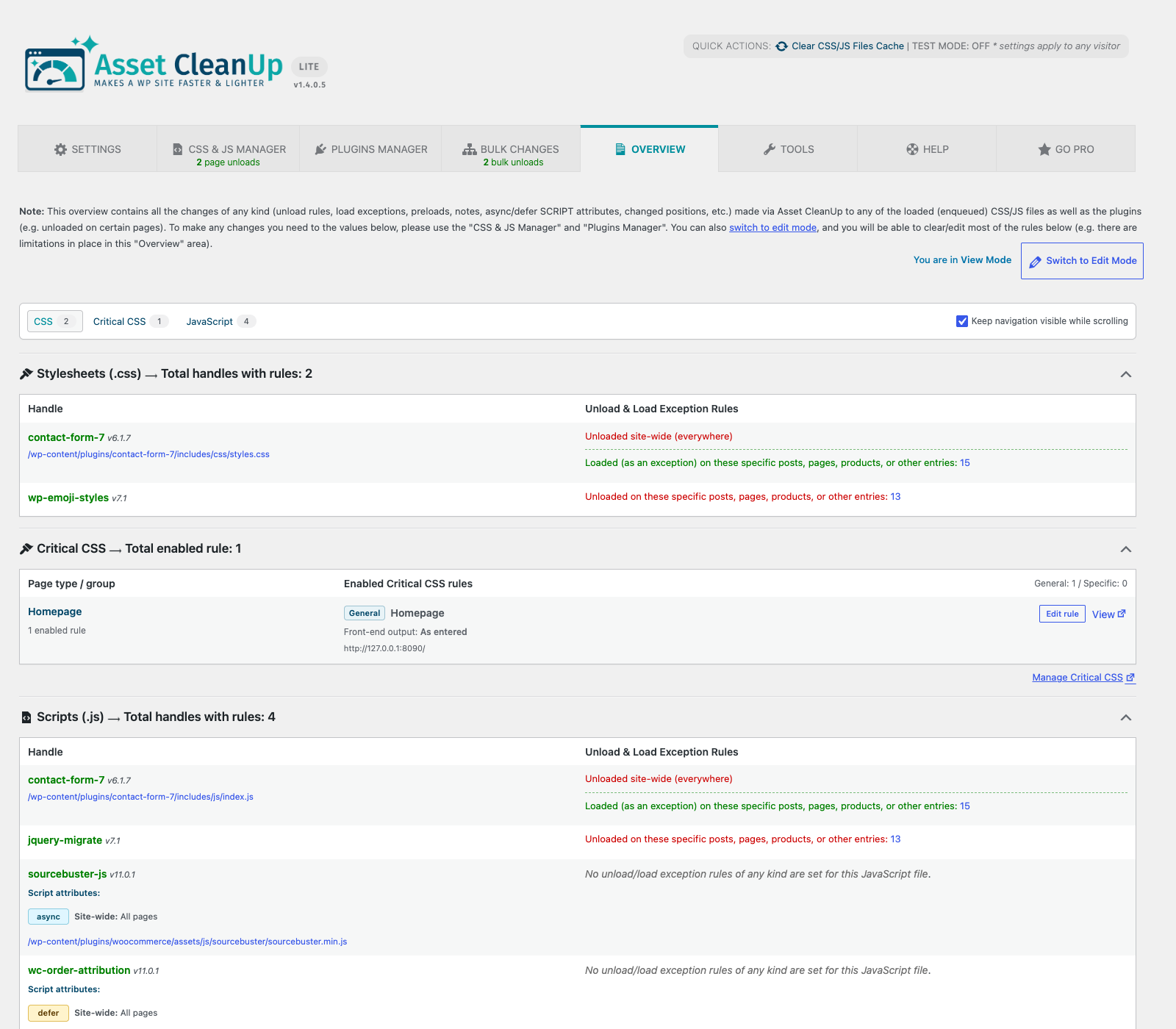
The Dashboard keeps the technical detail experienced users need while guiding first-time users through Getting Started, Test Mode, and the central Overview page. Test changes before they affect visitors, then review and manage existing or leftover rules from one place.
CSS and JavaScript management
- View loaded stylesheets and scripts, organized by their source.
- Unload unnecessary CSS and JavaScript on the homepage, individual posts, pages, custom post types, and standard WordPress category and tag archives (including their pagination pages), with support for load exceptions.
- Manage assets from the Dashboard, the post/page edit screen, or the front-end view.
- Review unload rules, exceptions, asset attributes, page options, and leftover entries from the Overview page.
- Minify and combine supported CSS and JavaScript, including supported inline code.
- Preload selected CSS and JavaScript files when they need to be discovered earlier.
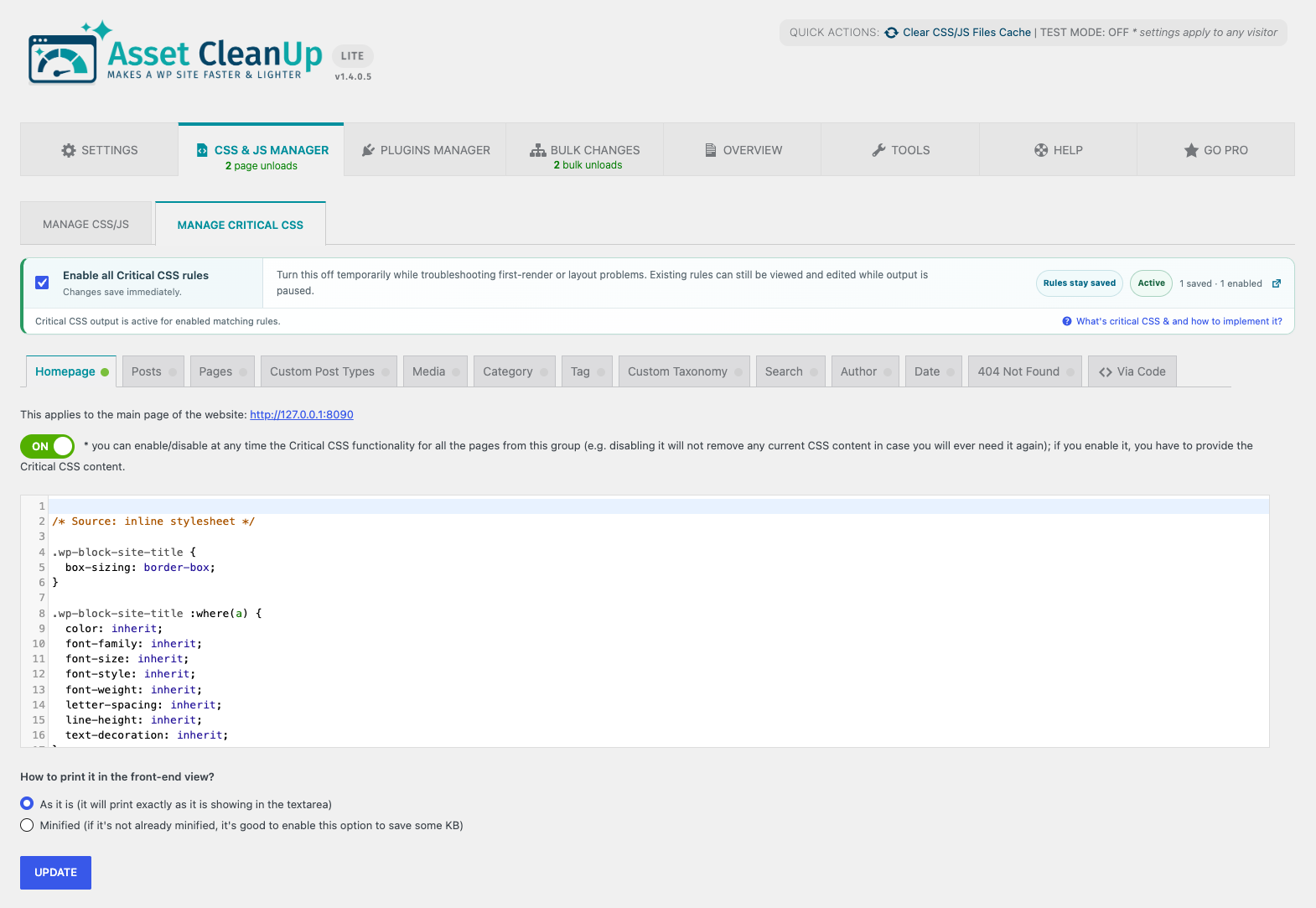
Granular manual Critical CSS management
Add, edit, and remove your own Critical CSS directly from the Dashboard. Keep manual CSS organized by supported page context instead of maintaining one large global block.
Asset CleanUp does not automatically generate Critical CSS. It gives you a structured way to manage CSS that you prepare yourself.
Fonts and resource loading
- Combine, preload, asynchronously load, or remove Google Fonts requests, with
font-displayand preconnect controls. - Preload local font files and apply
font-display. - Add
fetchpriority,loading, anddecodingattributes to images using simple matching or regular expressions. - Lazy-load images where appropriate.
WordPress cleanup options
- Remove unused WordPress features such as Emojis, Dashicons for guests, and Comment Reply.
- Remove selected discovery links, metadata, and oEmbed resources from the document HEAD.
- Disable RSS feed links or feeds when they are not needed.
- Restrict or disable XML-RPC when your site does not rely on it.
- Strip supported HTML comments, with exceptions where required.
Works with your caching setup, it does not replace it
Asset CleanUp is not a page-caching plugin. It controls what WordPress outputs; a page cache, server cache, or CDN can then store and deliver the optimized result.
After changing rules, clear every active cache layer. Avoid enabling the same minify or combine feature in multiple optimization plugins at the same time.
Asset CleanUp Lite and Pro
Lite includes page-level asset management, Test Mode, manual Critical CSS for supported contexts, resource-loading controls, and WordPress cleanup options.
Go beyond individual CSS and JavaScript files with the Plugins Manager.
Lite includes an interactive preview of the Plugins Manager (rules can be explored, but saved only in Pro). In Pro, it can prevent entire plugins from running on frontend or Dashboard pages where they are not needed, not merely remove their CSS and JavaScript. This can reduce PHP work, database queries, and potential conflicts before the page is generated.
Asset CleanUp Pro also adds broader conditional rules, hardcoded asset management, device-specific rules, and advanced JavaScript attribute and placement controls.
Documentation and support
- Read the Asset CleanUp documentation.
- Ask a question in the WordPress.org support forum.
External Services and Privacy
WordPress.org plugin icon service
When an administrator opens an Asset CleanUp Dashboard screen, the plugin may request public plugin information from the WordPress.org Plugin API to retrieve icons for installed plugins. This occurs only when the local icon cache needs to be populated and does not intentionally send the site URL or administrator details. See the WordPress.org Privacy Policy.
Google Fonts preload audit
When an administrator runs the Google Fonts preload audit, Asset CleanUp may request discovered stylesheets and font files from Google Fonts to analyze their preload requirements. These requests occur only during the administrator-initiated audit and can include the requested font URLs and standard HTTP metadata. See the Google Privacy Policy.
Optional email course
Asset CleanUp Lite offers an optional seven-lesson email course through Getting Started, Help and contextual invitations during initial setup or after saving CSS/JS rules. Only after you explicitly consent and submit a course form, the plugin sends your chosen email address, optional first name, consent indicator and version, plugin version, fixed Lite source and invitation placement to the developer’s course subscription service. Viewing or dismissing an invitation does not send a subscription request. The site URL, plugin/theme inventory, settings, rules and site content are not included. Mailster handles the confirmation email and course delivery. The course includes occasional information about Asset CleanUp Pro, and you can unsubscribe at any time. See the privacy policy.
Choosing Continue to setup records your choice locally and does not send a subscription request. The email field also provides an advisory mail-server check: only the email domain is checked through your WordPress server’s DNS resolver. This check does not send your name or full email address to the course service and never prevents submission. The plugin does not periodically contact the course service to check whether you confirmed your email.
After an accepted course request, the submitted email address is stored in the current WordPress user’s metadata so the confirmation reminder can identify it and prefill the correction form. The submitted first name is not stored by this feature.
The following two Asset CleanUp-operated services are optional. Both are disabled by default and require an administrator to opt in from Asset CleanUp > Settings > Plugin Usage Preferences.
Dashboard announcements
When you enable announcements, Asset CleanUp periodically checks its online feed for maintenance notices, release updates, optimization tips, and occasional offers. Your WordPress Dashboard shows the types of announcements you select. The plugin does not intentionally include your site URL, administrator details, or site content in these requests.
Choose “Security & release updates only” for security notices, key fixes, and major compatibility updates. Choose “All updates and offers” to also receive tips, general news, and occasional offers.
With either option enabled, choose where banners appear. The main Dashboard, Installed Plugins, and Asset CleanUp pages are selected by default. Keep at least one location selected or choose “Keep announcements off”.
If no announcement preference is recorded, Lite can show a time-limited notice included in the plugin on the main WordPress Dashboard, the Installed Plugins list, and Asset CleanUp pages. Showing a bundled notice requires no feed request. Dismissing it also hides the same campaign if you later enable the feed. Choose “Preferences” on any notice to change which announcements you receive or turn them off.
Optional usage tracking
When an administrator enables usage tracking, Asset CleanUp sends an initial technical check-in and no more than one check-in per week to the Asset CleanUp usage-tracking endpoint. It can include software versions, Asset CleanUp settings and notice state, server and multisite information, theme and plugin identifiers, and the WordPress locale. The site URL, administrator name, and administrator email are not intentionally included. Disabling the setting stops future check-ins.
The announcements and usage-tracking services are operated by the Asset CleanUp developer. See the privacy policy. The hosting provider’s privacy notice also applies to the announcements feed.