

WordProof Timestamp
v3.0.15WordProof · 2019年5月31日 上架
Timestamp your WordPress content on the blockchain for protection and trust. No blockchain knowledge required.
- 正在使用
- 200+
- 评分
- 4.2 / 5
- 累计下载
- 3.3 万
- 最近更新
- 2024年5月7日
贡献者
 WordProof
截图
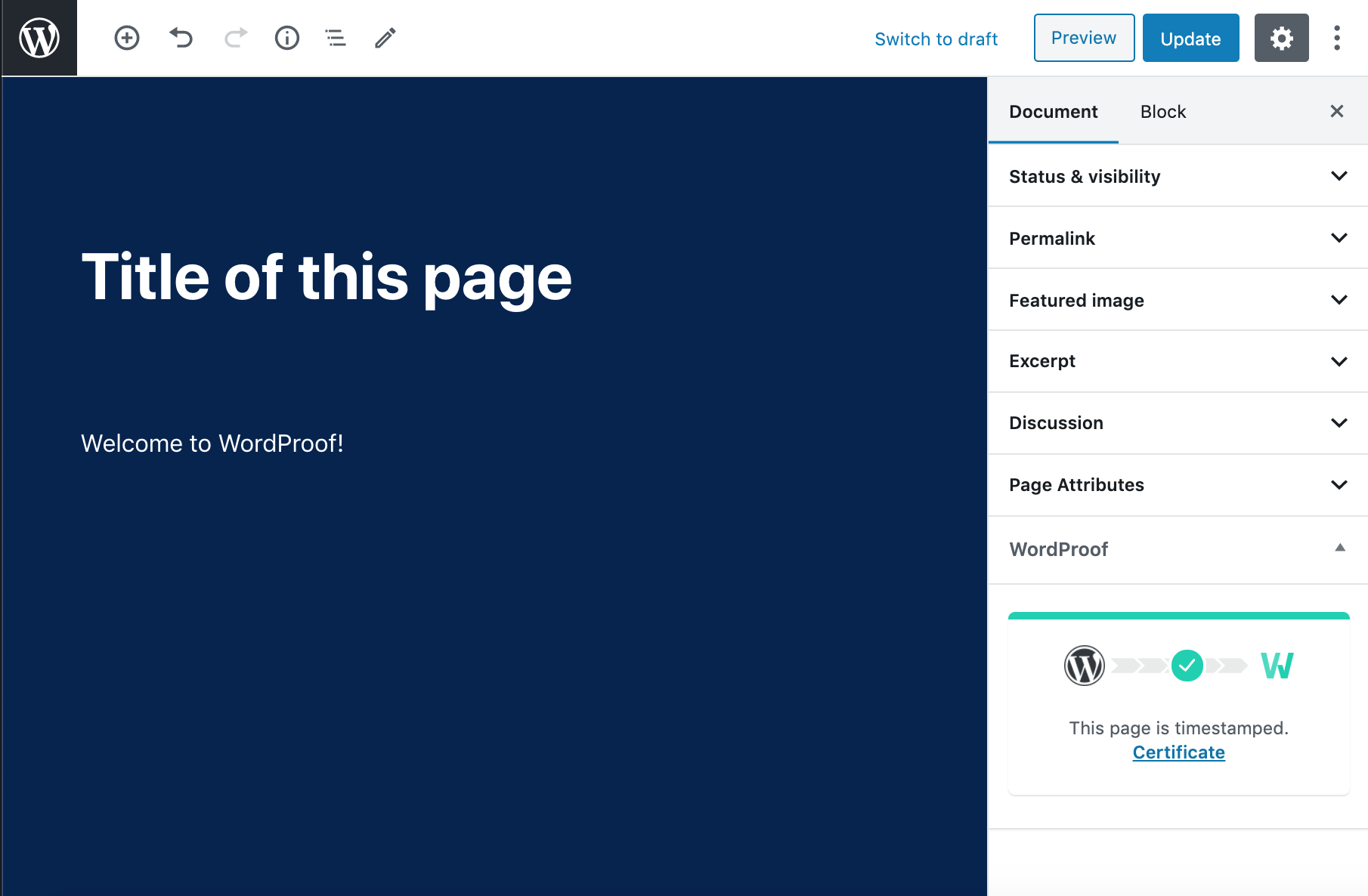
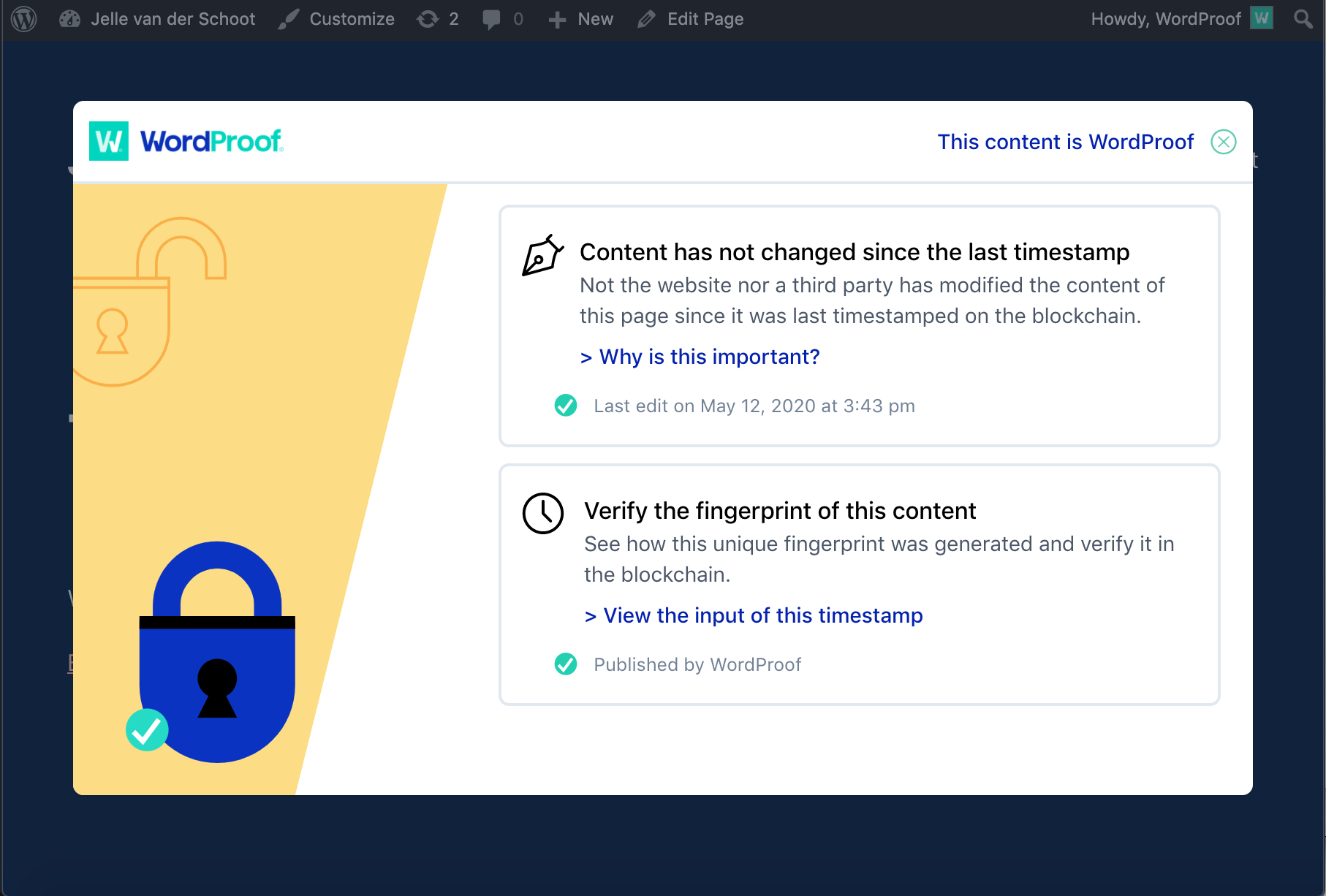
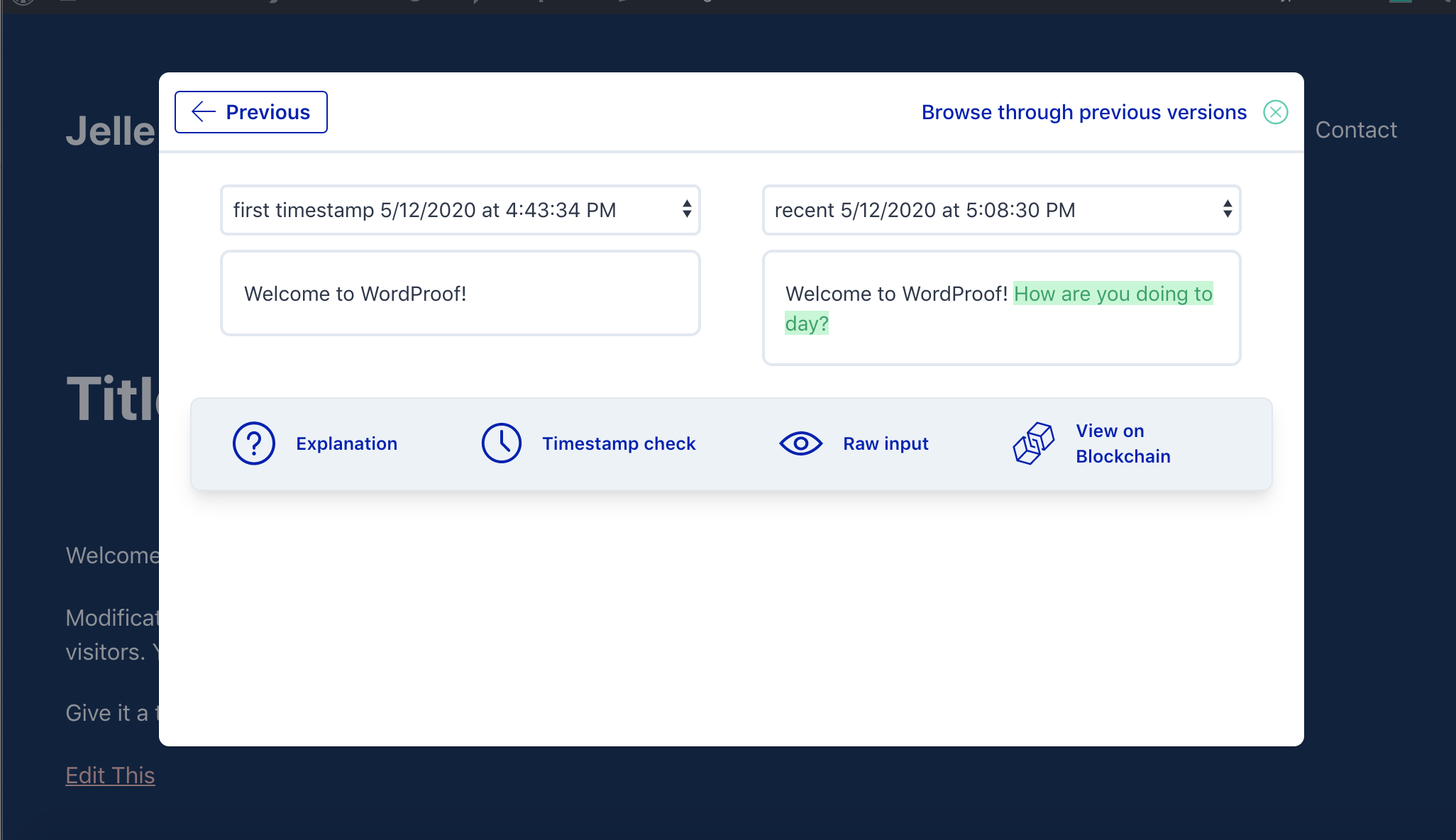
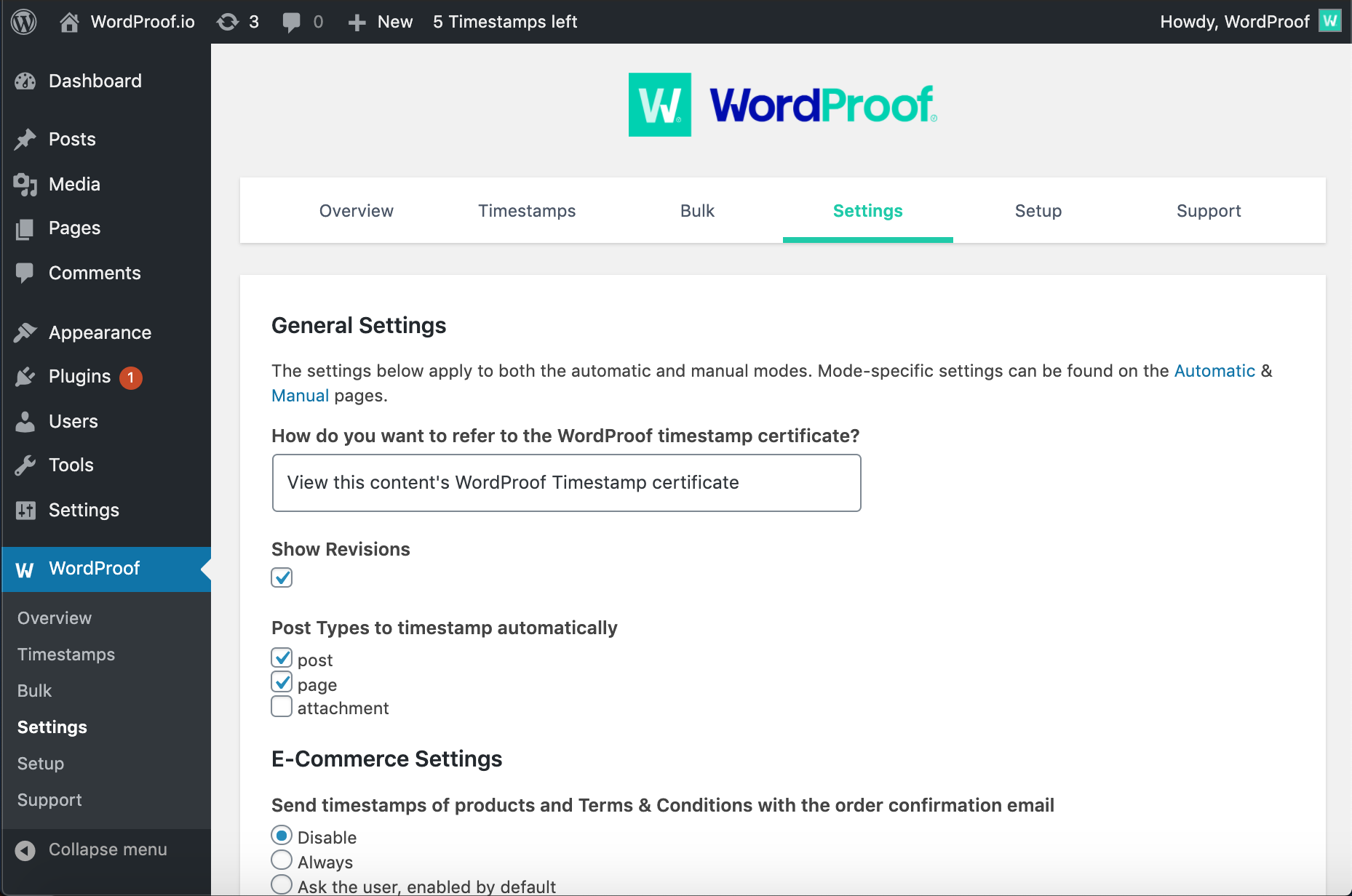
WordProof: Timestamp your WordPress Content on the Blockchain
With WordProof Timestamp, you can timestamp your WordPress content on any EOSIO blockchain from the comfort of your WordPress site. No prior blockchain experience necessary. After the set-up, everything is taken care of automatically!
Why do I need to timestamp my content?
WordProof Timestamp does everything in its power to bring the benefits of blockchain to your WordPress website. Here are some reasons why you should timestamp your content:
- Copyright protection
- Transparency: increase trust and claim authenticity
- Next-generation SEO benefits
- Proof of existence at certain moments in time
- Prepare for upcoming EU regulations
- Be your own notary
Features
- Automatically timestamp your content on the blockchain
- Show the blockchain certificate pop-up on your website
- Let your visitors verify when and how your content changed
- Downloadable blockchain certificate as proof of existence
How does WordProof Timestamp work?
Timestamping creates a unique and universal fingerprint (the ‘hash’) for all your posts, pages and media files. If the input changes, the hash becomes totally different.
This hash is added to the blockchain with a date and time. Because you (the website owner) have the input that results in this specific hash, you can prove that you published the content at that point in time.
Further Reading on WordProof, WordPress, and Blockchain
For more info on WordProof, WordPress, and Blockchain, check out the following:
- The WordProof Plugin official homepage.
- WordPress and Blockchain – The Manifest for a 100% Open Source Future by Sebastiaan van der Lans.
- Join the WordProof Telegram for feedback, updates and support.
Special thanks to the Telos Foundation for co-funding a first version WordProof via their Worker Proposal System.
From within WordPress
- Visit ‘Plugins > Add New’
- Search for ‘WordProof’
- Activate WordProof Timestamp from your Plugins page.
- Go to “after activation” below.
Manually
- Upload the
wordproof-timestampfolder to the/wp-content/plugins/directory - Activate the WordProof Timestamp plugin through the ‘Plugins’ menu in WordPress
- Go to “after activation” below.
After activation
- Authenticate using your WordProof account