
Filter Orders by Product for WooCommerce
v4.1.2Kowsar Hossain · 2015年8月10日 上架
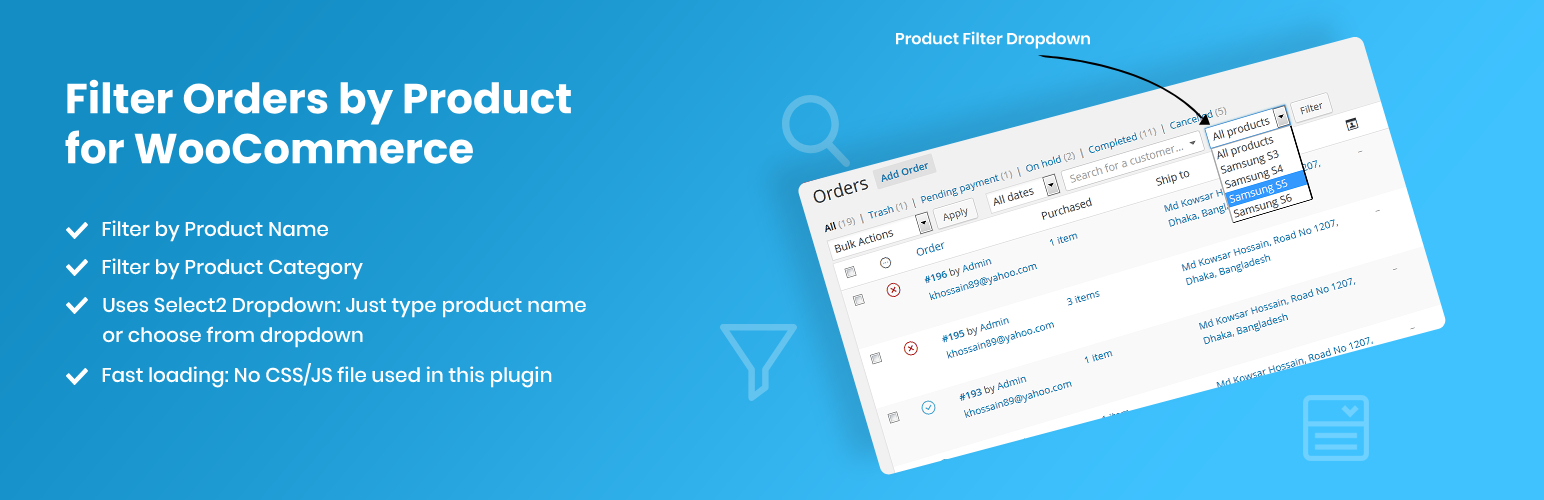
Simplify order management by filtering WooCommerce orders by any specific product or product category using this plugin
- 正在使用
- 4,000+
- 评分
- 4.7 / 5
- 累计下载
- 6.3 万
- 最近更新
- 2026年6月24日
15 条评价需要 WordPress 3.0.1+已测试到 7.0.9PHP 5.6+
贡献者
 Kowsar Hossain
截图
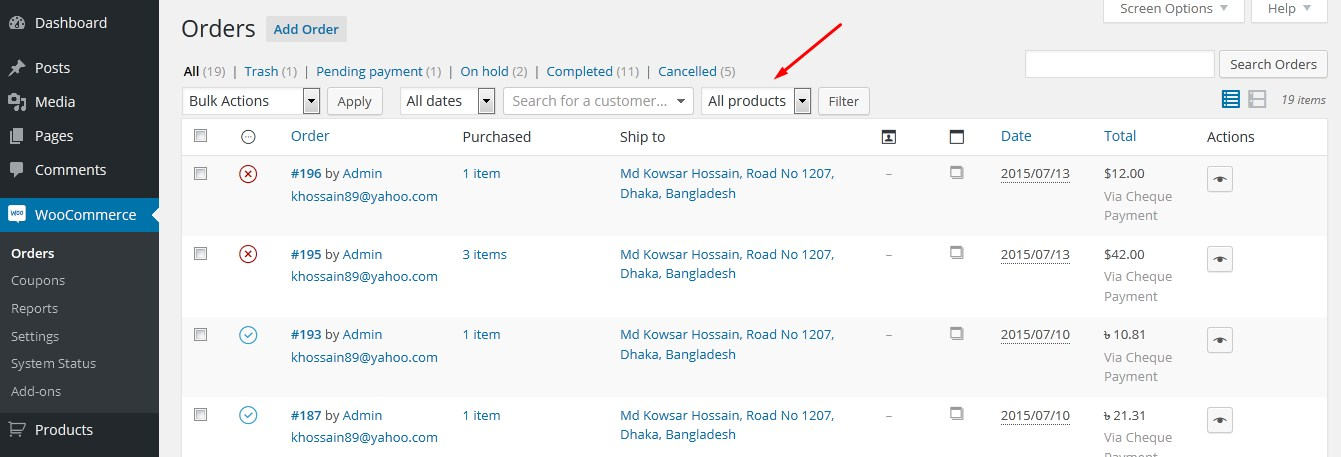
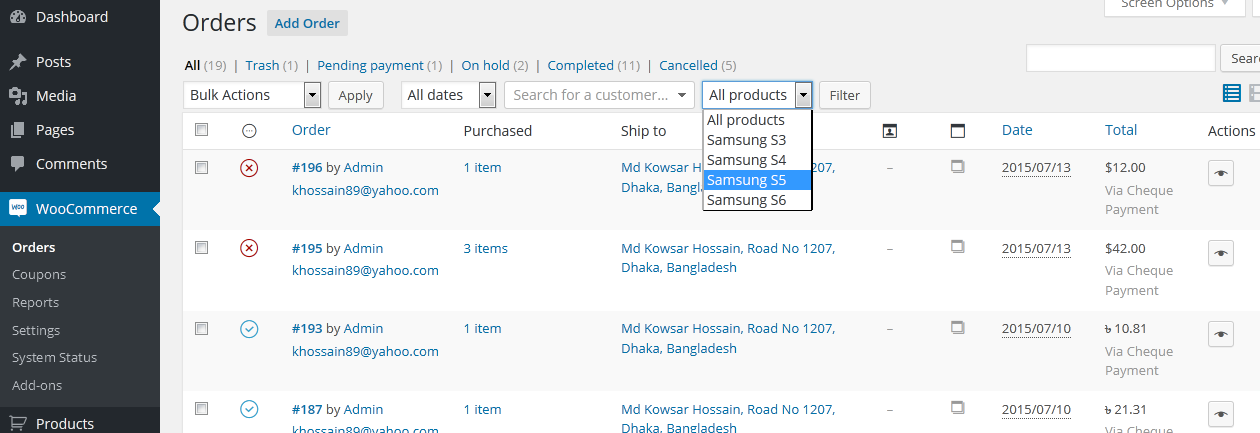
Have you ever wanted to filter your order page results by a specific product? With this plugin, now you can!
Once installed, a new filter dropdown will appear on the WooCommerce Orders screen, displaying a list of all products. Simply select a product and click the “Filter” button to view orders containing only that product.
This plugin supports filtering orders by:
- Product Name
- Product Category
Note: This plugin is compatible with both WooCommerce’s new HPOS (High-Performance Order Storage) and the legacy WordPress posts storage. Whether you’re using HPOS or the traditional storage method, this plugin will work seamlessly.