
Konto Checkout for WooCommerce
v2.1.1Konto · 2017年9月2日 上架
Icelandic e-invoices, online-bank claims and stock sync for WooCommerce. Konto invoices your orders and keeps your stock in step.
- 正在使用
- 10 以下
- 评分
- 暂无
- 累计下载
- 2,319
- 最近更新
- 2026年10月14日
贡献者
 Konto
截图


Sell the way Iceland pays. Konto Checkout connects your WooCommerce store to Konto, the Icelandic e-invoicing platform. Your customers can pay by invoice in their online bank, every order can get a proper Icelandic invoice, and your stock follows what you actually have on the shelf.
Pay with Konto
Customers choose “Reikningur í netbanka” at checkout and enter their kennitala. Konto issues the invoice, emails the PDF (or sends an XML e-invoice to companies) and creates a claim that shows up in the customer’s online bank under “Ógreiddir reikningar”. The kennitala is checked before the order goes through.
The order waits as On hold, and when the claim is paid (or you mark the invoice paid in Konto) the plugin marks the order paid and moves it to Processing by itself, with the payment date and the invoice number on the order. Konto is checked every 15 minutes, or right away with “Konto: check payment status” on the order.
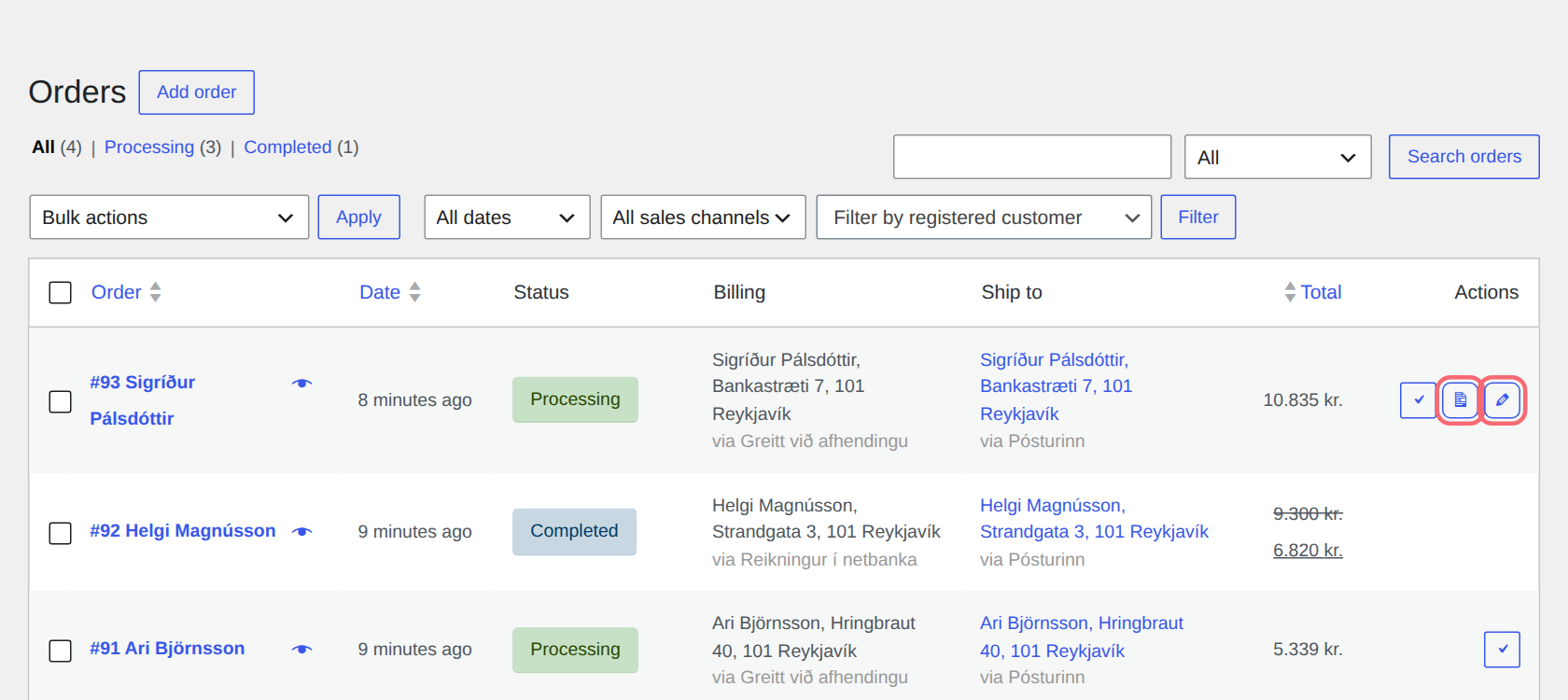
An invoice for every order
Orders paid by card or any other method can go to Konto too: one click in the order list, or automatically when the order is Processing. No kennitala? The invoice becomes a cash sale (Staðgreitt) on your own kennitala, and the customer still gets the receipt by email.
Stock that matches Konto
With the Konto Inventory add-on, Konto is where you manage stock and lots, and WooCommerce follows:
- Products are matched on SKU = Konto item number.
- Stock updates every 15 minutes, or right away with “Sync stock now”.
- Orders that are not invoiced yet are held back, so you never sell the same item twice.
- Invoices draw stock from the lots that expire first. The order note shows which lots were used.
Refunds become credit notes
Refund an order in WooCommerce and Konto creates the credit note. A full refund closes the invoice and cancels an unpaid bank claim. Items you restock go straight back into the Konto lots they came from.
Built for Icelandic VAT
VAT is read from each order line: 24%, 11% or 0%. Shipping and fees keep their own VAT, and a rounding line takes care of the last króna.
Works with your store as it is
- Block checkout and classic checkout.
- WooCommerce High-Performance Order Storage (HPOS).
- Test mode for trying things out before going live.
What you need
- A Konto plan with API access (the “API Access & Web Services” add-on, Vefþjónusta), which gives you a username and an API key.
- For stock sync: the Konto Inventory add-on.
Step-by-step guides
Guides with screenshots and video, in Icelandic, English and Polish:
Á íslensku
Konto Checkout tengir WooCommerce-vefverslunina þína við Konto. Viðskiptavinir geta greitt með rafrænum reikningi og kröfu í netbanka. Pantanir fá rafrænan reikning úr Konto og lagerstaða verslunarinnar fylgir lagerstöðu í Konto, svo þú seljir aldrei það sem ekki er til. Endurgreiðslur verða sjálfkrafa að kreditreikningum.
Þú finnur notandanafn og API-lykil í Konto undir Stillingar > API Access & Web Services (Vefþjónusta). Á heim.konto.is má finna leiðbeiningar með skjámyndum og myndbandi um uppsetningu, samstillingu lagerstöðu og kreditreikninga vegna endurgreiðslna.