
Custom Add To Cart Button for WooCommerce
v1.2.6Kestrel · 2018年2月22日 上架
Customize the Add to Cart buttons in WooCommerce by changing the text, adding a cart icon or changing the colors.
- 正在使用
- 8,000+
- 评分
- 3.9 / 5
- 累计下载
- 19 万
- 最近更新
- 2025年3月24日
贡献者
 Kestrel
截图


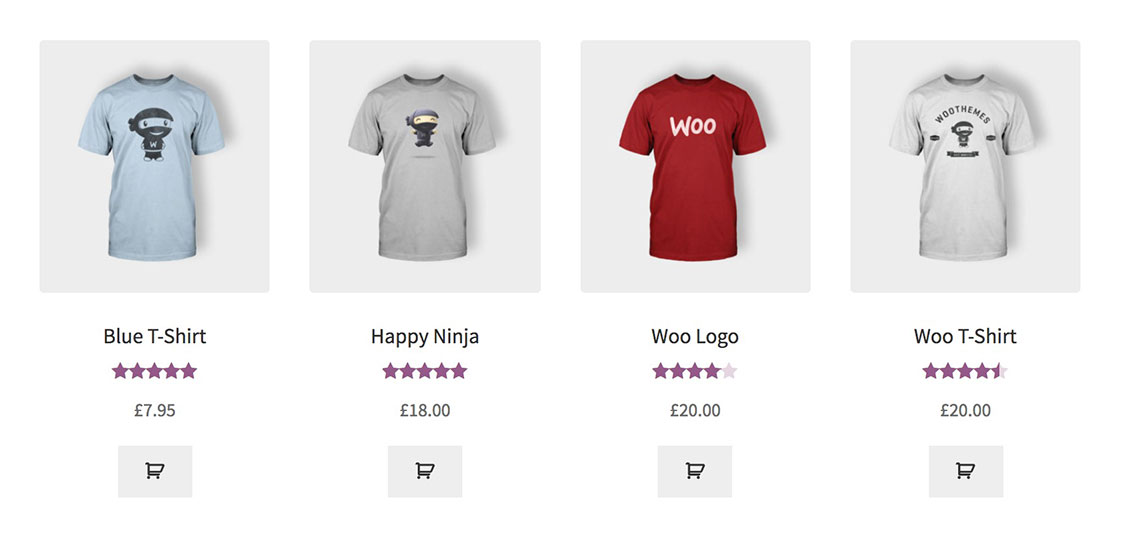
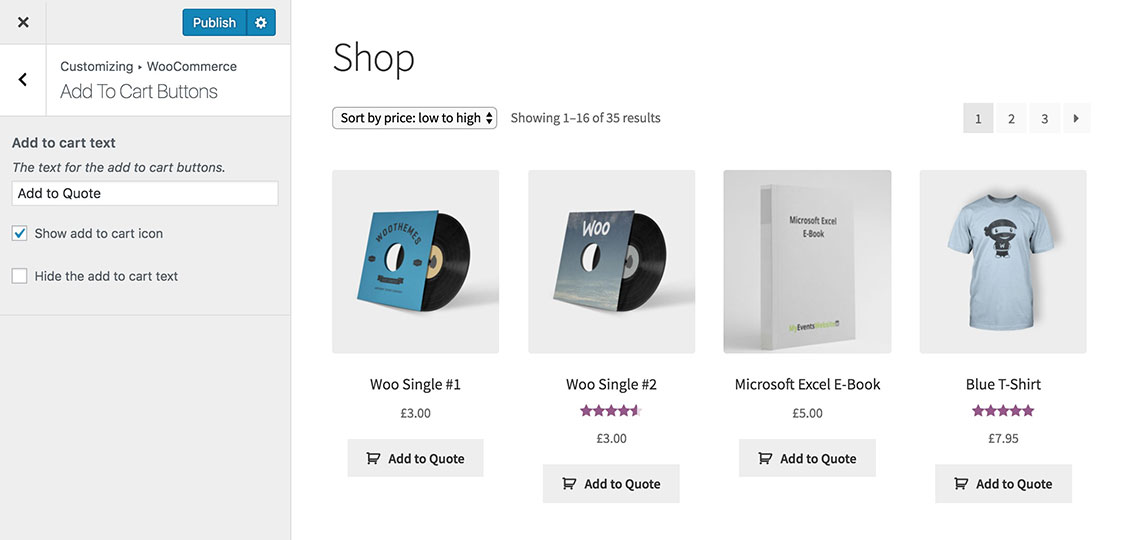
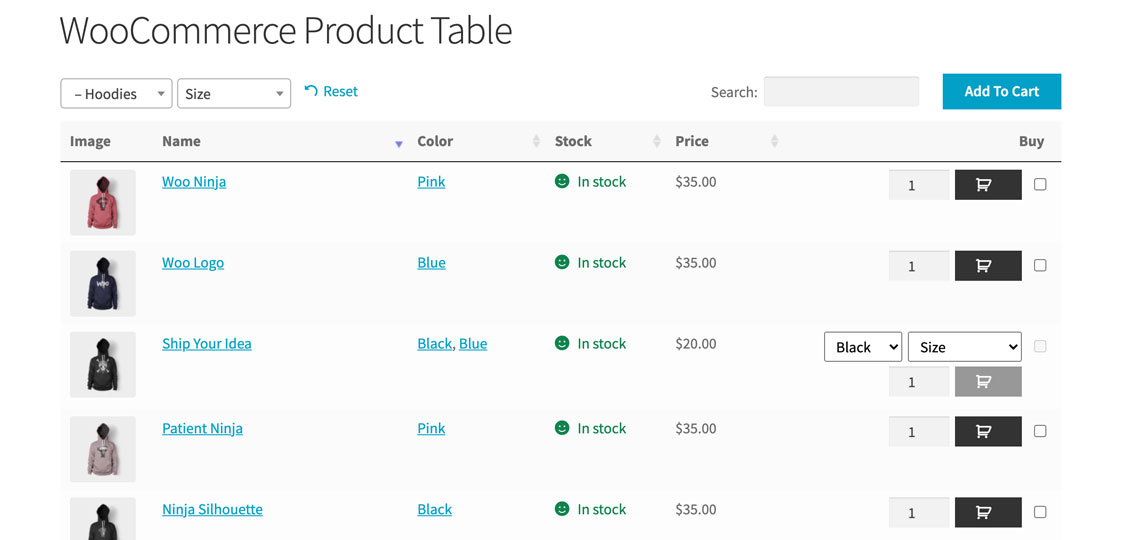
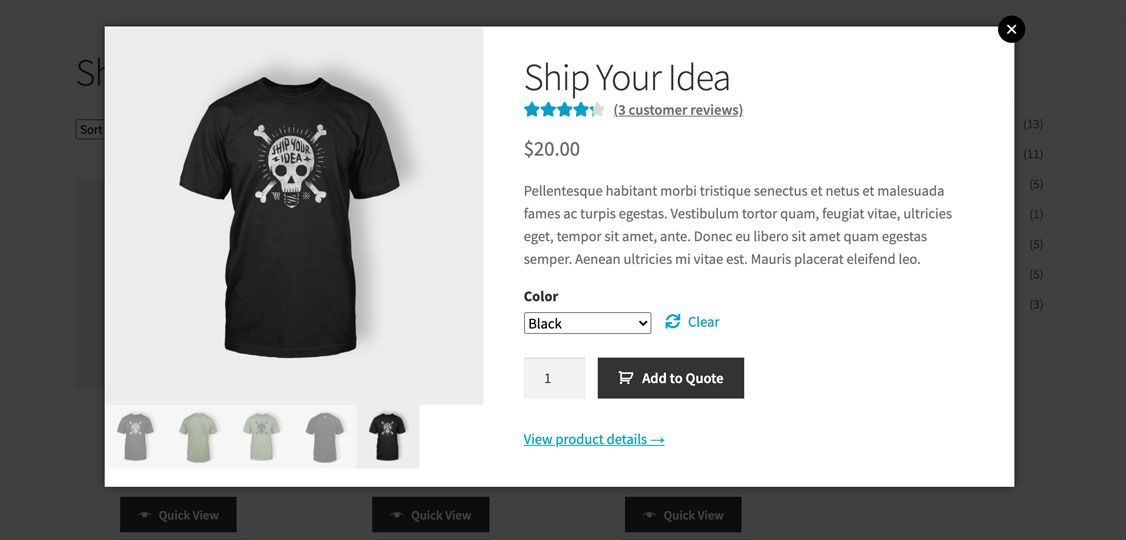

Custom Add To Cart Button for WooCommerce is a simple plugin to customize your store’s add to cart buttons. It makes it easy to change the ‘Add to cart’ button text, add a cart icon to the button, replace the text with just an icon, or change the background and text color.
There are lots of reasons why you might want to change the add to cart text. Depending on how you’re using WooCommerce you might want the button to say something different like ‘Add to quote’, ‘Buy Now’, ‘BOOK EVENT’, ‘Enrol’ or ‘Make an Enquiry’.
You might want to make the button more visual by adding a cart icon before the text. Or you may want to replace the button text and just show a cart icon. The plugin uses the same cart icon that is built into WooCommerce itself.
Add to cart button options:
- Change the WooCommerce add to cart button text
- Add a cart icon next to the text
- Remove the text and just show a cart icon
- Case sensitive, so you get full control over whether the add to cart button text appears in uppercase, lowercase or sentence case
- Change the WooCommerce add to cart button color
- Change the color of WooCommerce add to cart button text
Custom Add To Cart Button for WooCommerce is fully accessible. If you choose to display just the cart icon, the text is still present in the HTML and can be read by screen readers.
Options are set in the Customizer. Once installed, go to Appearance -> Customize -> WooCommerce -> Add to Cart Buttons and choose your settings.
Custom Add To Cart Button for WooCommerce is fully compatible with other Kestrel plugins, including:
- Express Shop Page – Select variations and quantities without leaving the shop page.
- Discontinued Products – Set WooCommerce products as “discontinued” without removing them from your store.
- Variation Prices – Improve the display of variation prices in your WooCommerce store.
- Product Sample – Let customers “try before they buy” with free or paid product samples.