
Draft – Tailwind CSS for WordPress.
v3.0.9leeshadle · 2021年8月9日 上架
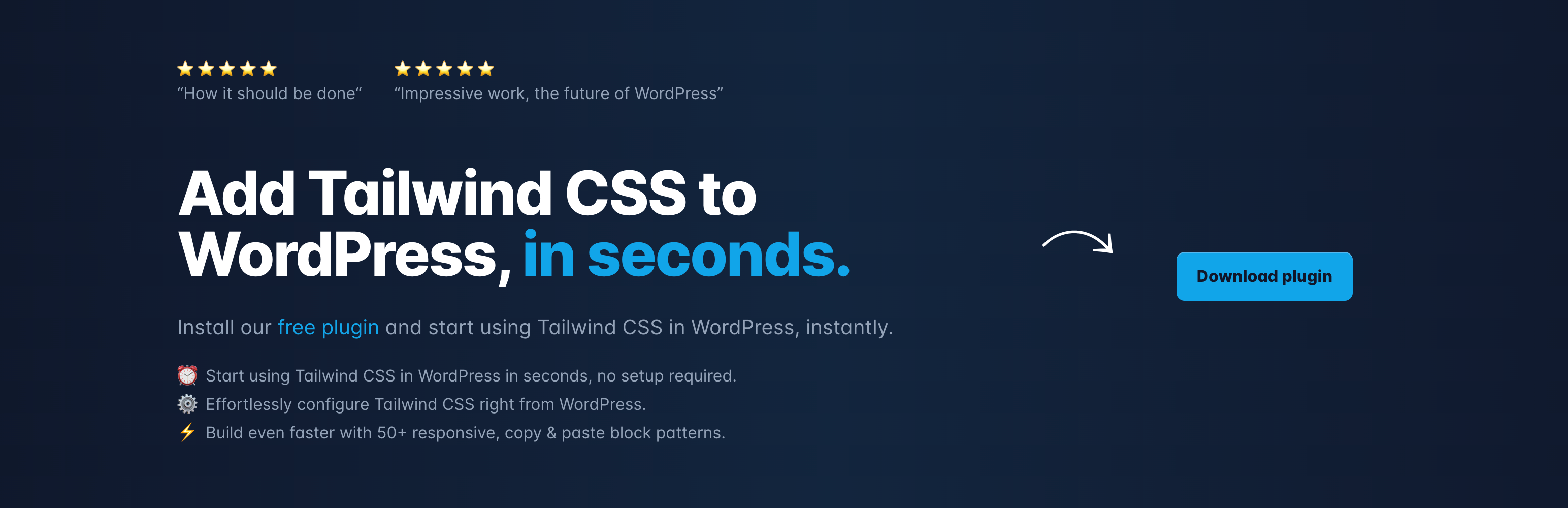
Add Tailwind CSS to WordPress, in seconds.
- 正在使用
- 600+
- 评分
- 5.0 / 5
- 累计下载
- 1.3 万
- 最近更新
- 2024年9月24日
4 条评价需要 WordPress 5.0+已测试到 6.6.12PHP 5.6+
贡献者
 leeshadle
截图
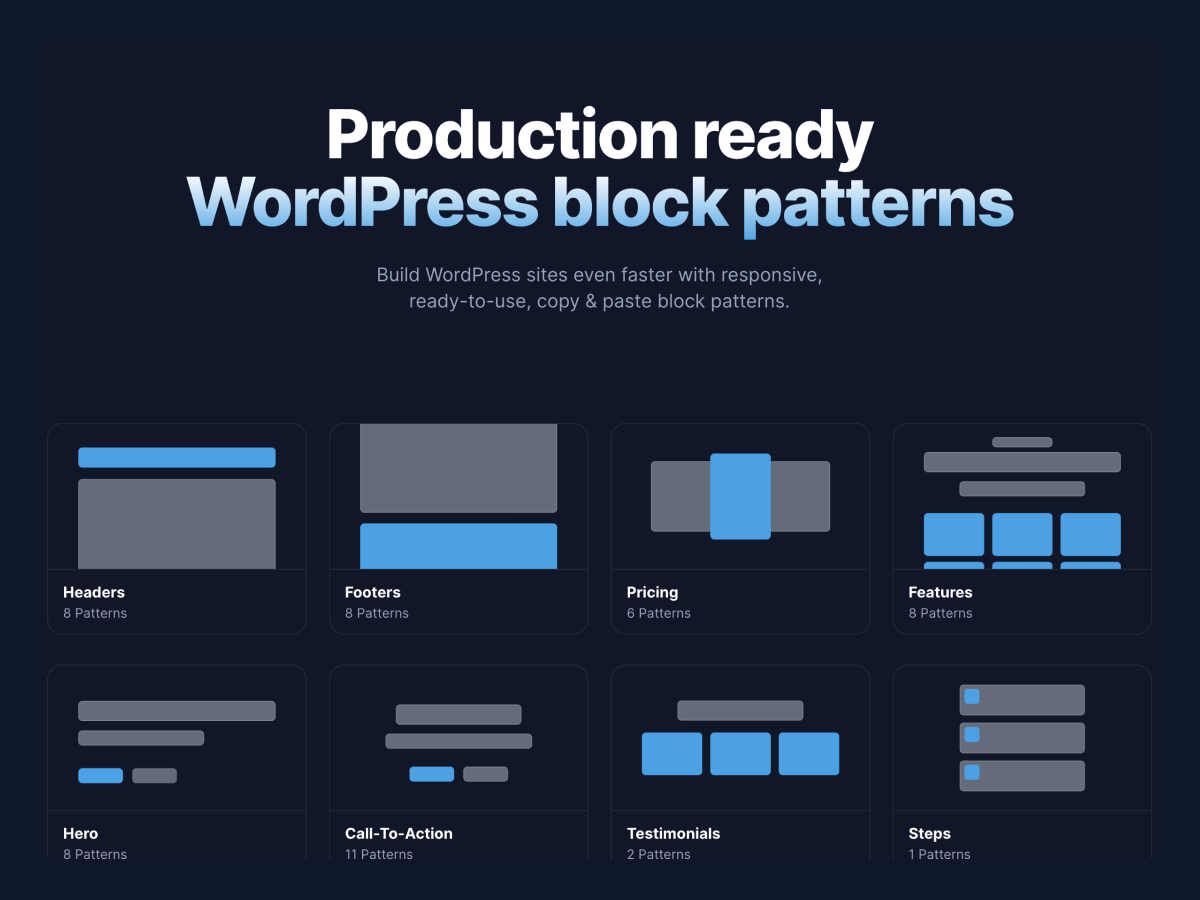
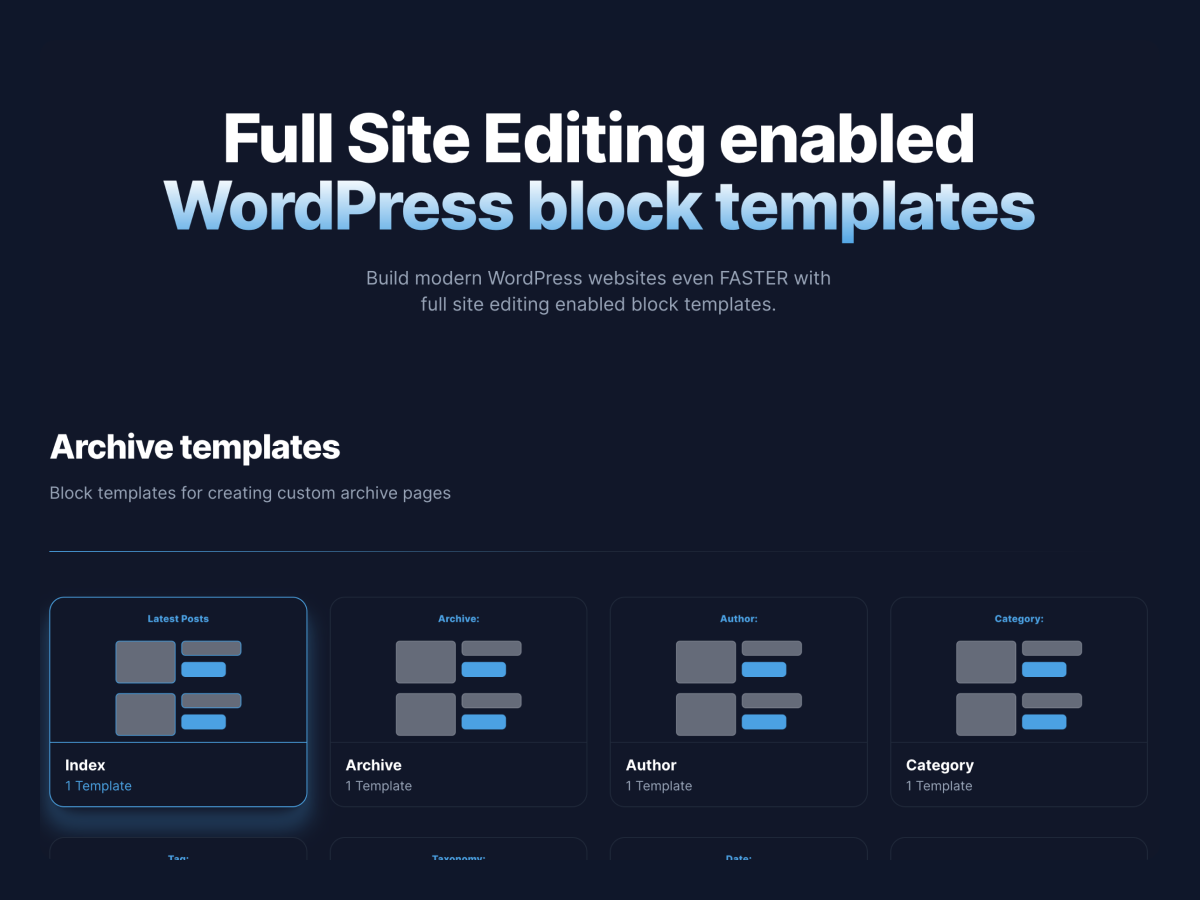
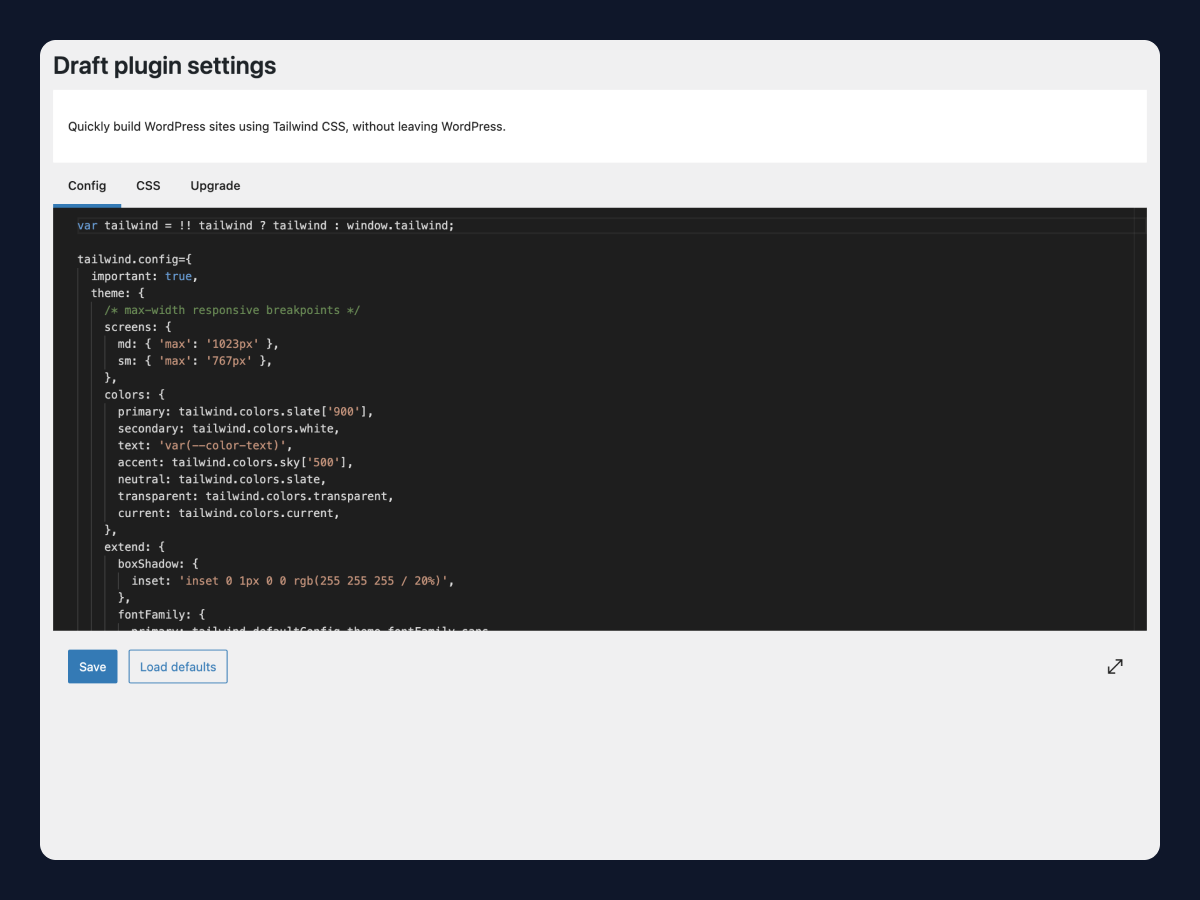
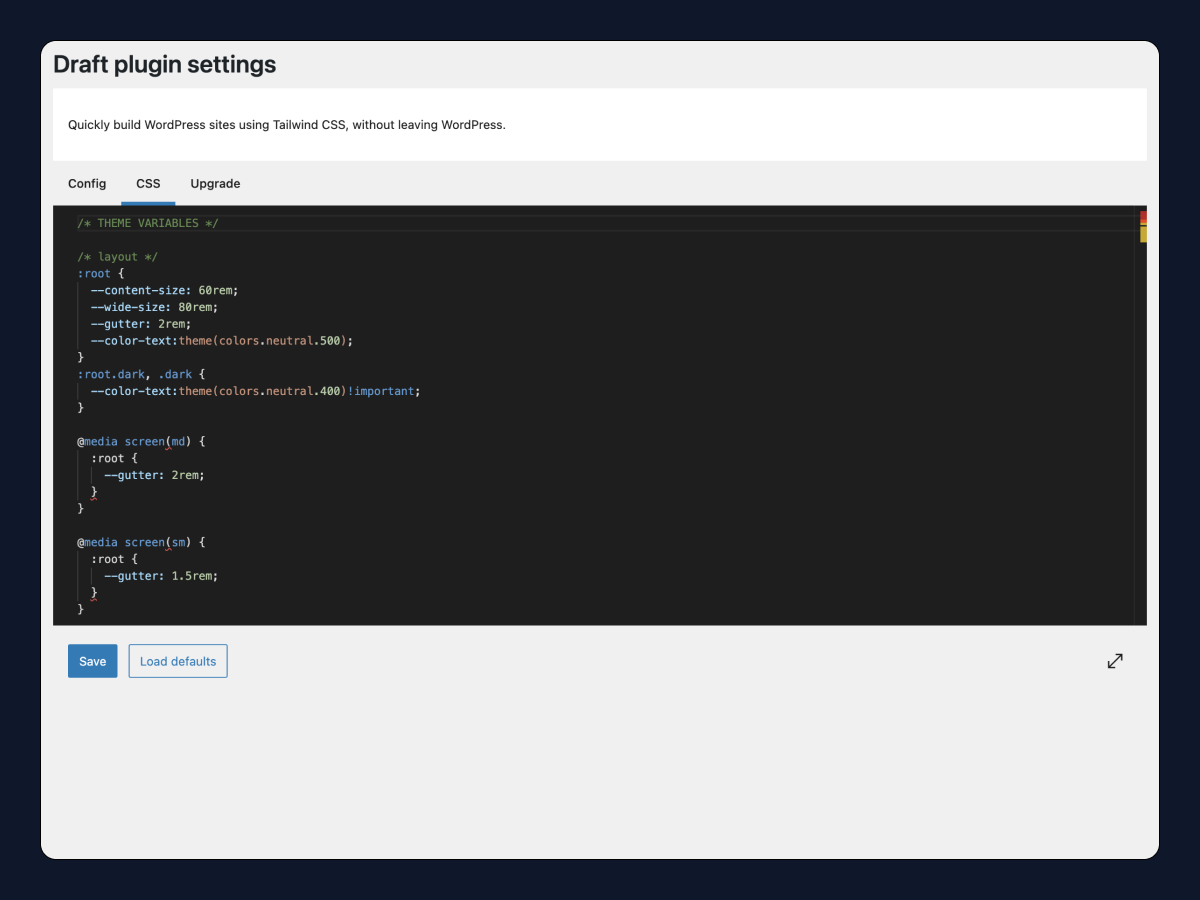
Install the free plugin and start using Tailwind CSS in WordPress, instantly.
⏰ Start using Tailwind CSS in WordPress in seconds, no setup required.
⚙️ Effortlessly configure Tailwind CSS right from WordPress.
⚡️ Build even faster with 50+ responsive, copy & paste block patterns.
Current Tailwind CSS version: 3.4.5
How It Works:
- Install free Draft plugin
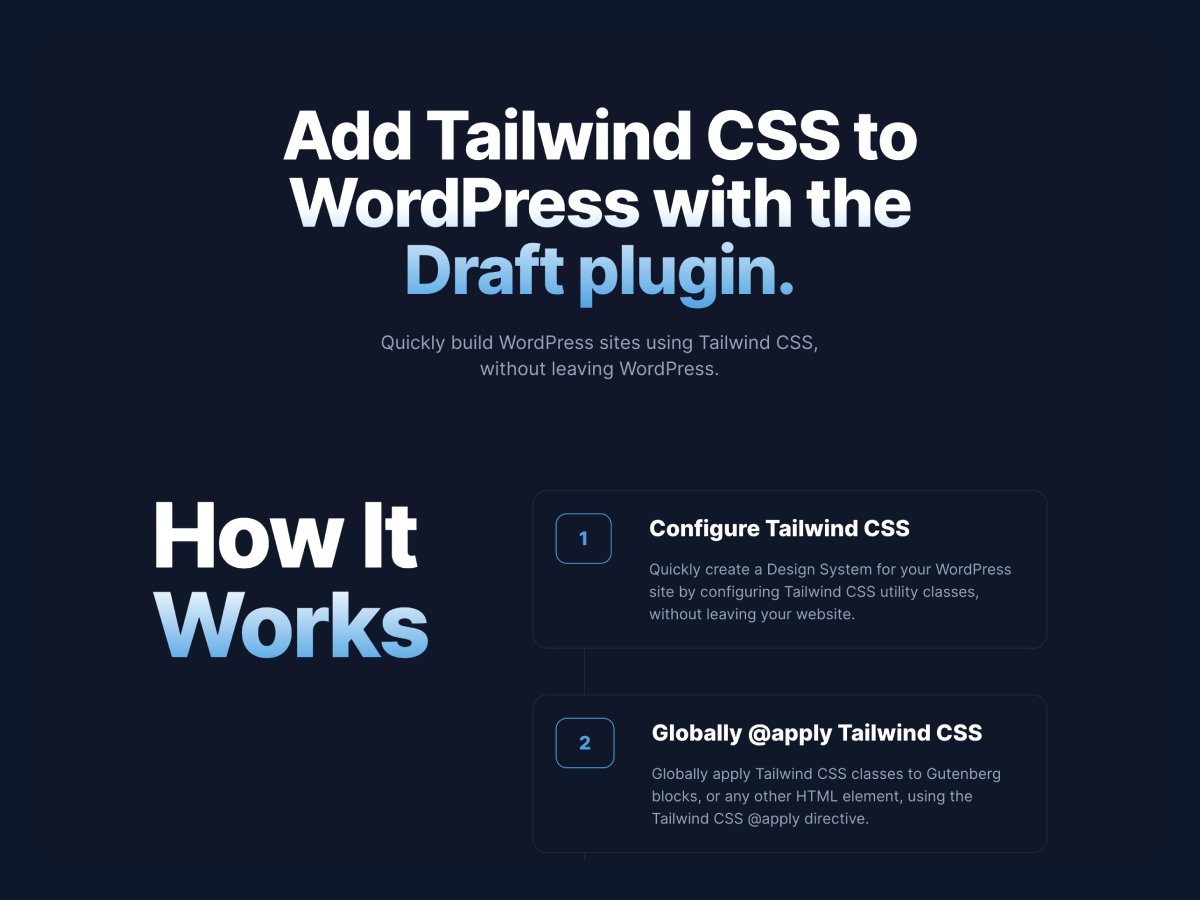
- Configure Tailwind CSS right in the page, post, or site editor or from WP Admin > Settings > Draft settings
- Add Tailwind CSS utility classes to blocks
- Go Pro to improve site performance by purging unused CSS
Free plugin features:
- Configure Tailwind
- Add Custom CSS ( including ability to @apply Tailwind CSS utility classes )
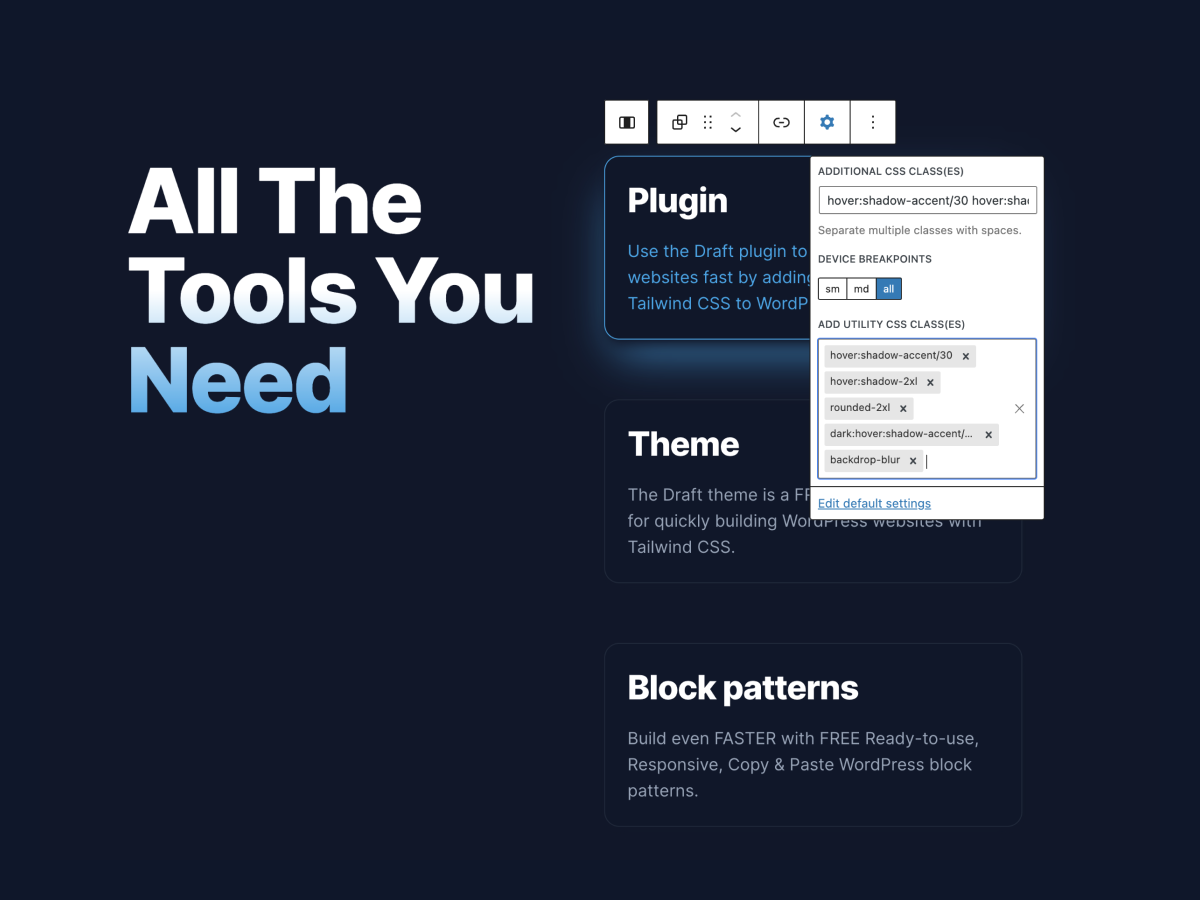
- Add Tailwind CSS utility classes to Gutenberg blocks
- Add Tailwind CSS utility classes inline to text ( such as headings and paragraphs )
Pro plugin features:
- Purge Unused CSS ( make your WordPress site blazing fast )
Block-Editor Add-ons:
- Dark mode toggle block – add dark mode toggle blocks anywhere to toggle using the Tailwind CSS darkMode ‘selector’ strategy
- Group block link – add links to the Group block for creating linkable cards and layouts
- Archive title filter – add text before/after archive titles for better archive labeling
Go Pro
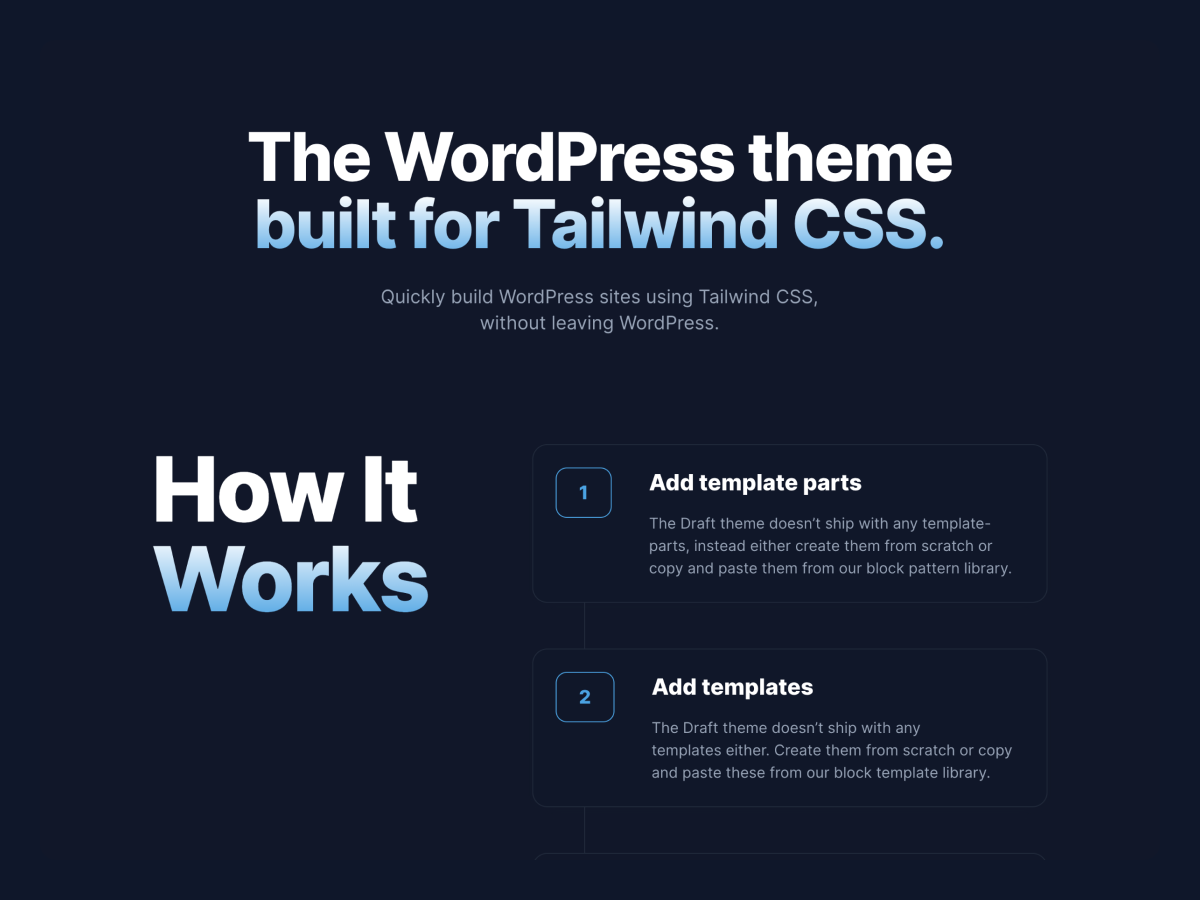
Free full-site-editing (FSE) block theme:
Free ready-to-use copy & paste block patterns:
Free ready-to-use copy & paste block templates:
Free Video Tutorials
Learn how to speed up your development by adding Tailwind CSS utility classes to Gutenberg blocks:
Tutorials
Copyright
Draft WordPress Plugin, Copyright 2021 leeshadle
Draft WordPress Plugin is distributed under the terms of the GNU GPL