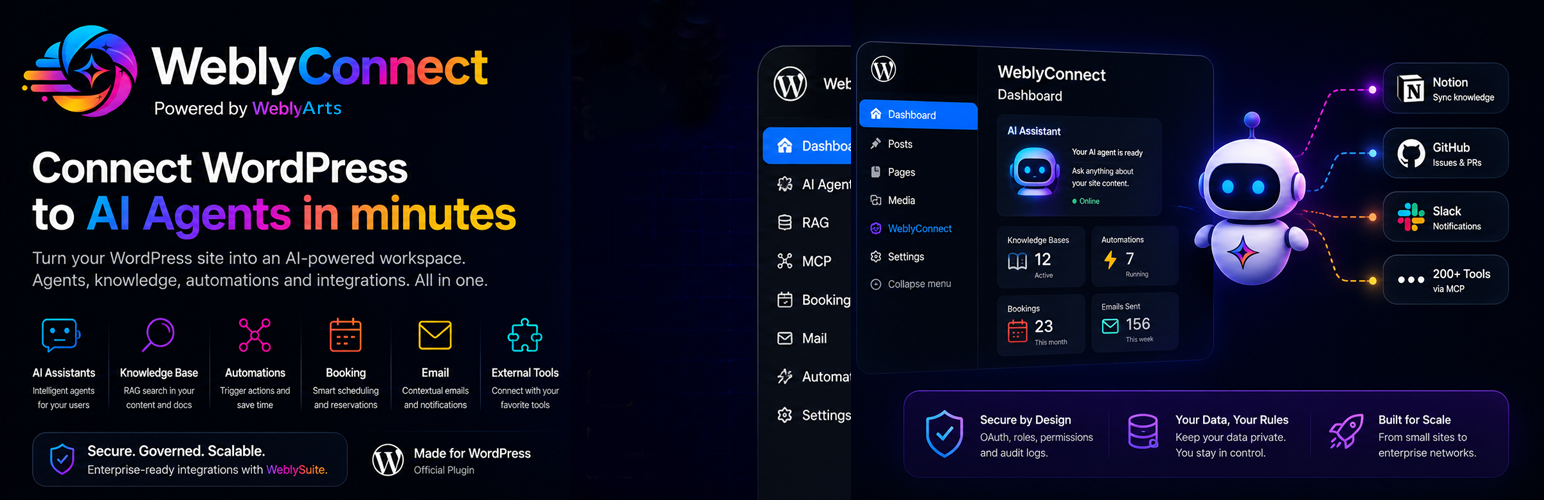

WeblyConnect
v0.2.19weblyarts · 2026年9月2日 上架
Connect WordPress to WeblySuite. Then add visitor chat and site tools from the Plugin Directory.
- 正在使用
- 10 以下
- 评分
- 暂无
- 累计下载
- 410
- 最近更新
- 2026年11月12日
贡献者
 weblyarts
One connection. Then the agents can work on your site.
WeblyConnect links WordPress to your WeblySuite account. It does not add a chat box and it does not publish posts. It is the sign-in the other two plugins require.
Install it, connect the account, then add the plugin for the job you actually want done.
What you get
- A secure link between this site and your WeblySuite tenant
- One place to see connection status, plan and disconnect
- The shared base that visitor chat and site tools plug into
- Updates from the Plugin Directory, with no separate updater
Add the plugin for the job
Both companions are in the Plugin Directory. Install them from Plugins > Add New.
- WeblyAgent Connect answers visitors from the knowledge you load. Product page: https://suite.weblyarts.com/weblyagent-connect/
- WeblyMCP Connect lets agents publish and update the content you approve (posts, media, forms, WooCommerce). It does not administer the site. Product page: https://suite.weblyarts.com/weblymcp-connect/
Chat works without WeblyMCP Connect. Site tools work without the chat widget. This plugin is required for both.
Get started
- Install and activate WeblyConnect from the Plugin Directory.
- Open WeblyConnect in wp-admin and click Connect to WeblySuite.
- Sign in to your WeblySuite account, or create one.
- Install WeblyAgent Connect for on-site chat.
- Install WeblyMCP Connect when agents should create or update content.
WeblySuite account
Connecting your account is explicit consent to send chat, site, and knowledge data to WeblyArts services.
- Console: https://suite.weblyarts.com
- Product: https://suite.weblyarts.com/weblyconnect/
- Terms (EN): https://suite.weblyarts.com/terms-of-service-en/
- Terms (IT): https://suite.weblyarts.com/terms-of-service/
- Privacy: https://weblyarts.com/en/privacy
What this plugin includes
- Encrypted storage of your WeblySuite token
- Connect flow back to the WeblySuite console
- Shared chat UI assets used by WeblyAgent Connect
- Admin screen: connection status, plan snapshot, disconnect
Bundled libraries
@microsoft/fetch-event-sourcev2.0.1 (MIT), readable source inassets/js/lib/fetch-event-source.js- PHP production libraries in
vendor/via Composer. Seecomposer.jsonin this zip:weblyarts/connect-sdk-core(GPL-2.0-or-later),guzzlehttp/guzzle(MIT),mcp/sdk(MIT). Customers do not run Composer.
Privacy
After you connect a tenant token, this site may send to WeblyArts:
- Chat messages and session ids (visitor widget, via WeblyAgent Connect)
- Knowledge content you choose to ingest
- Tool calls you enable (via WeblyMCP Connect)
- Site name and billing snapshot requests (via WeblySuite)
See https://weblyarts.com/en/privacy and https://suite.weblyarts.com/terms-of-service-en/