
PDF Invoice Builder for WooCommerce
v1.0.1webangon · 2026年10月14日 上架
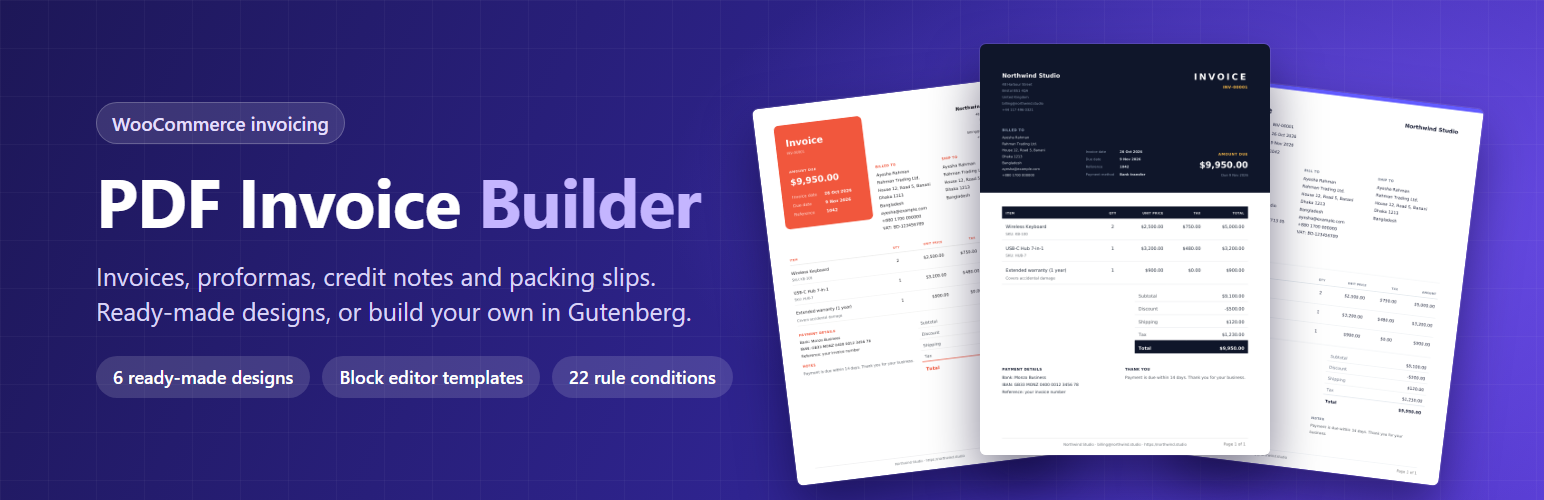
PDF invoices, proformas, credit notes and packing slips for WooCommerce. Start from a ready-made design or build your own in the block editor.
- 正在使用
- 10 以下
- 评分
- 暂无
- 累计下载
- 259
- 最近更新
- 2026年11月25日
贡献者
 webangon
截图

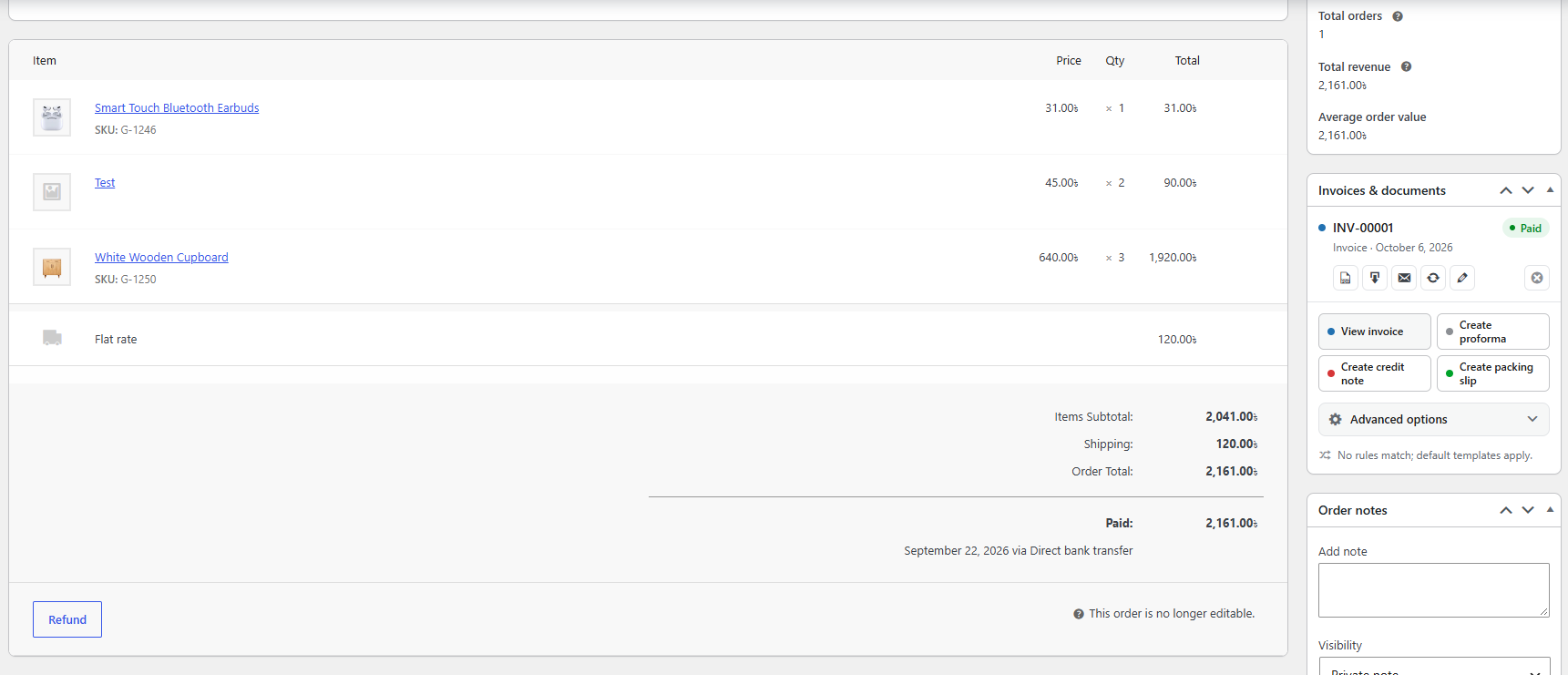

PDF Invoice Builder creates professional invoices, proformas, credit notes and packing slips for your WooCommerce orders. Pick one of the ready-made designs, or build your own layout in the block editor, then let the plugin generate, email and file every document for you. All PDFs are made on your own server; no external service is used.
Ready-made designs
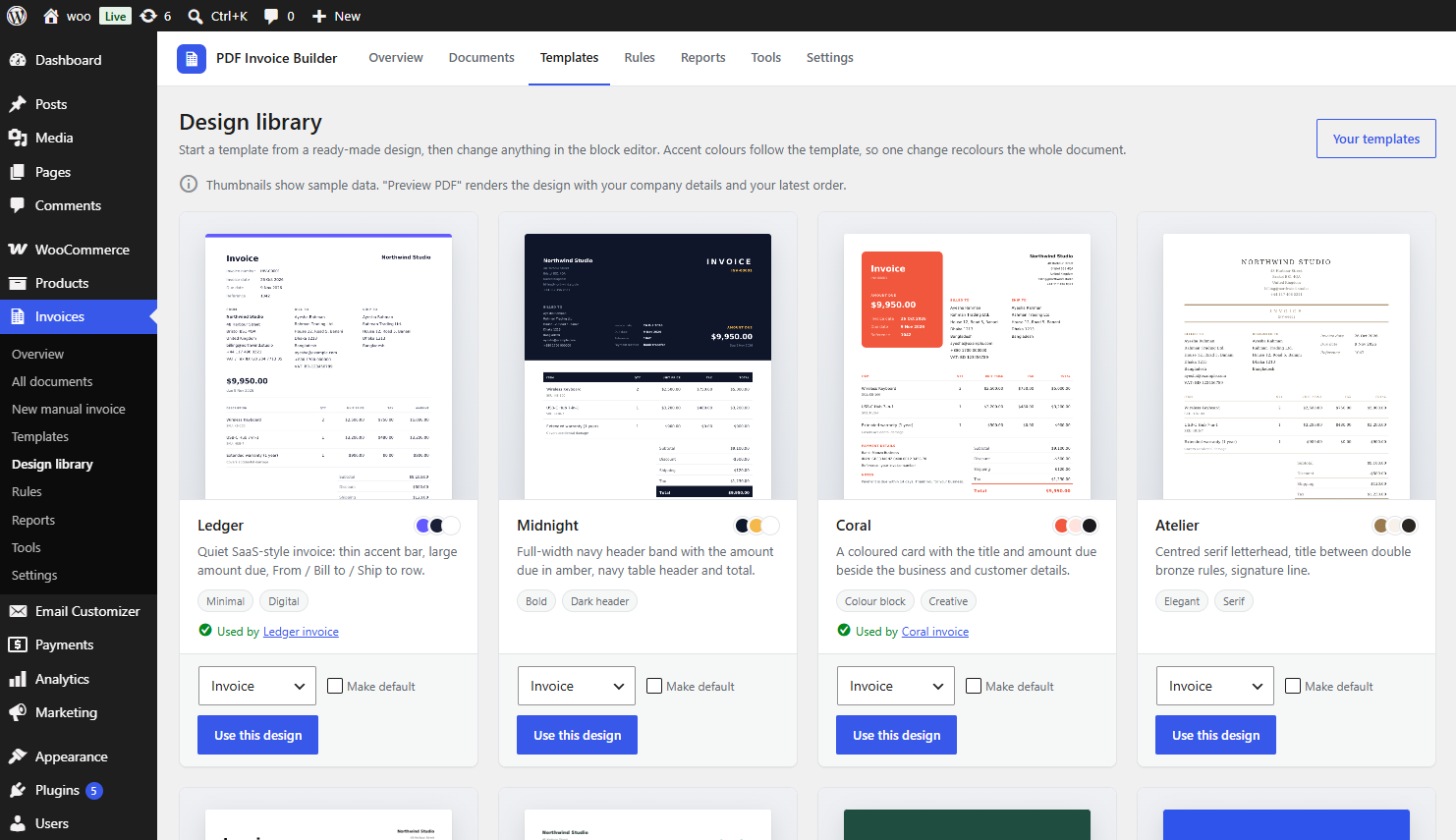
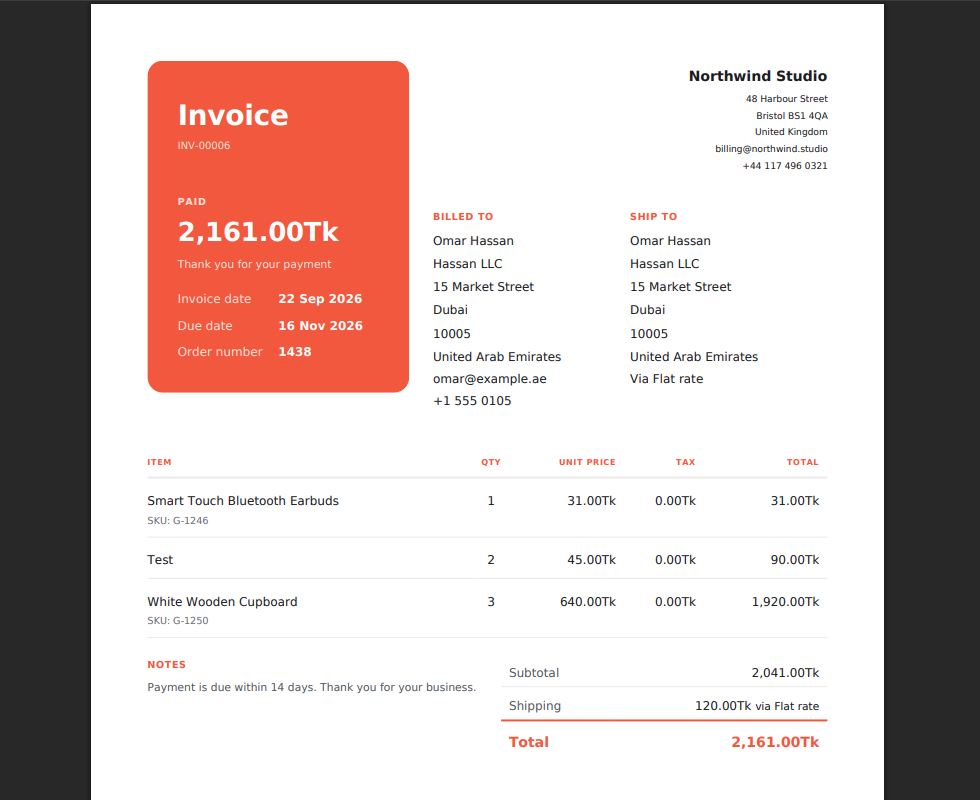
Start from the Design library: six complete invoice designs — Ledger, Midnight, Coral, Atelier, Signal and Mint. Preview any of them as a PDF with your own company details and latest order, create it as a template for any document type, and fine-tune it in the block editor. Every design follows your accent colour, so one change recolours the whole document.
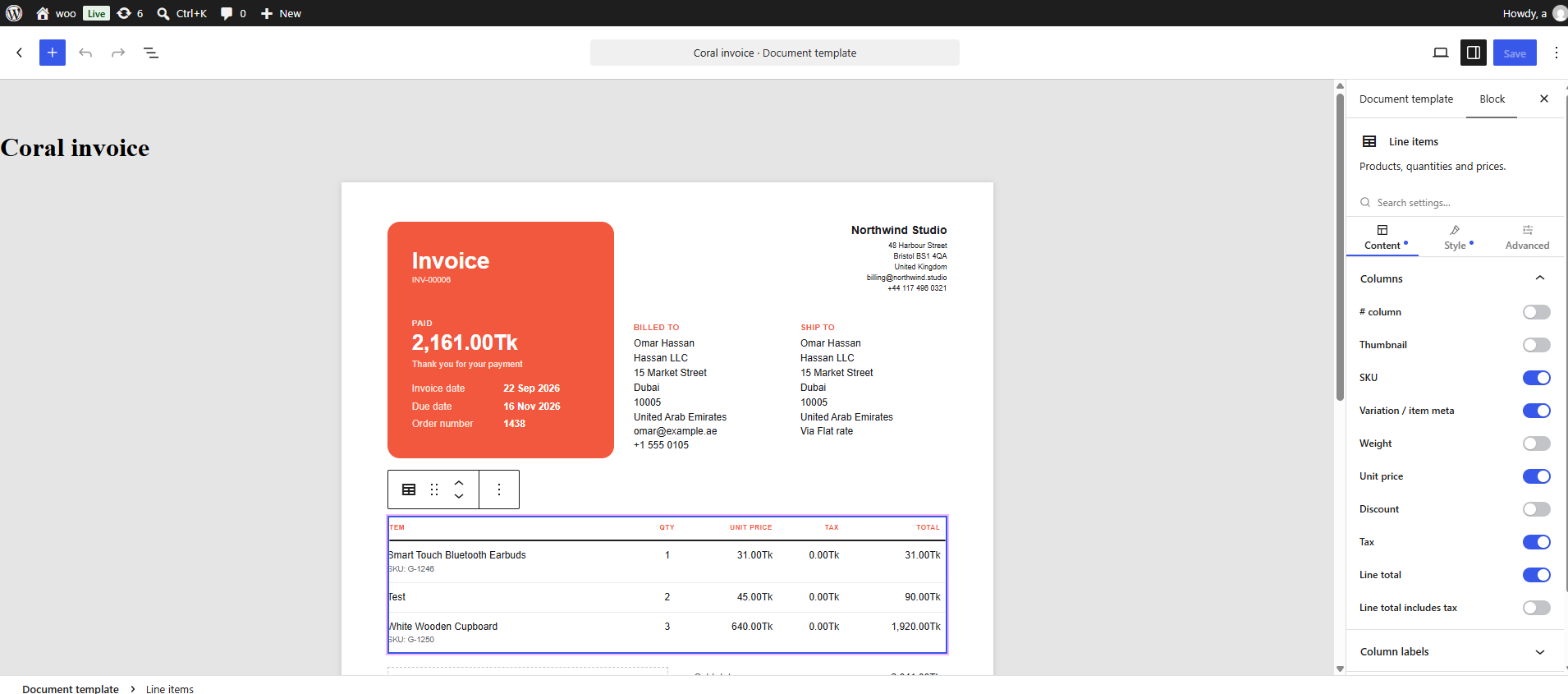
Design documents in the block editor
- 19 invoice blocks: company info, document title, document details, billing and shipping address, line items, totals, amount due, paid / unpaid stamp, payment info, terms, customer note, shipping details, signature, order field, section box, page header, page footer and page break.
- Works with the core paragraph, heading, columns, image, table, spacer and separator blocks.
- Every invoice block has Content, Style and Advanced tabs: colours, typography with the PDF fonts, spacing, borders, editable column labels, and per-block visibility by document type or payment state.
- Merge tags such as
{invoice_number},{invoice_date:d/m/Y}or{order_meta:_po_number}work in any text. - The editor previews the template with your latest order, so you see real data while you design.
PDF output
- A4, A5, Letter or Legal, portrait or landscape.
- Per-template font, accent colour and page margins.
- Page header and footer on every page, page numbers, watermark, custom TTF fonts and a currency symbol override.
Document types
- Invoice, proforma, credit note (one per refund) and packing slip.
- Manual invoices without an order, partial invoices for some of the items, several documents per order, and duplicates.
Rules and automation
- 22 conditions to choose the right template: order status, payment and shipping method, country, customer role, guest orders, order total, item count, products, categories, tags, product type, coupons, email, company, VAT number, order source, order fields, previous orders and weekday.
- Match all or any conditions, set a priority, and stop at the first match.
- Generate documents automatically on an order status change, at checkout, on refund or when payment completes.
- Attach documents to any WooCommerce email, and mark them paid or void automatically.
Find and manage every document
- One search over number, order, customer, email, phone, VAT number, address, company, country, city, products, SKUs, coupons, payment method and transaction ID.
- Filter by type, status, overdue, template, date range and amount range, with sortable columns and a view per document type.
- Bulk actions from the documents list or the orders list: download as ZIP, regenerate, email, mark paid or sent, void and CSV export.
- Create documents for past orders in batches from the Tools page.
For your customers
- An “Invoices” tab in My Account, with search.
- Download buttons on the order view, a
[webangon_invoices]shortcode, secret download links and optional guest access.
Reports
Monthly count and total per document type, outstanding and overdue amounts, and top customers.
Compatible with WooCommerce High-Performance Order Storage (HPOS).