
Web22 Scripted Chat
v1.0.0web22dev · 2026年8月18日 上架
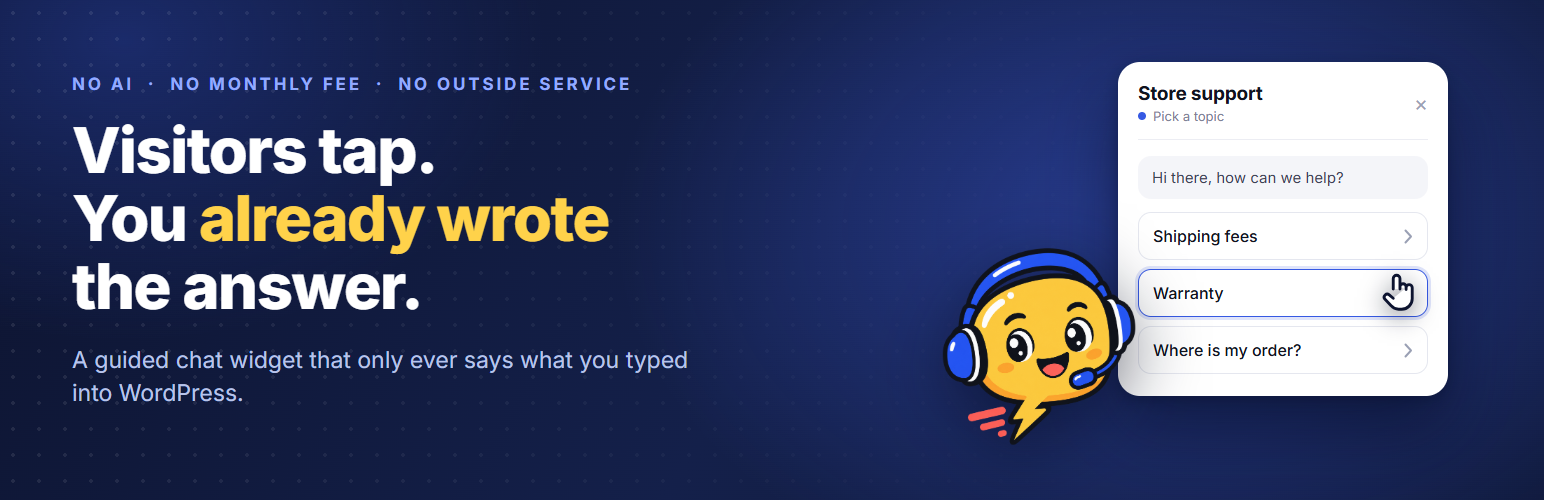
A scripted chat widget: visitors tap ready-made buttons and read answers you wrote yourself. No AI, no monthly fees, no outside service.
- 正在使用
- 10 以下
- 评分
- 暂无
- 累计下载
- 255
- 最近更新
- 2026年8月18日
贡献者
 web22dev
截图
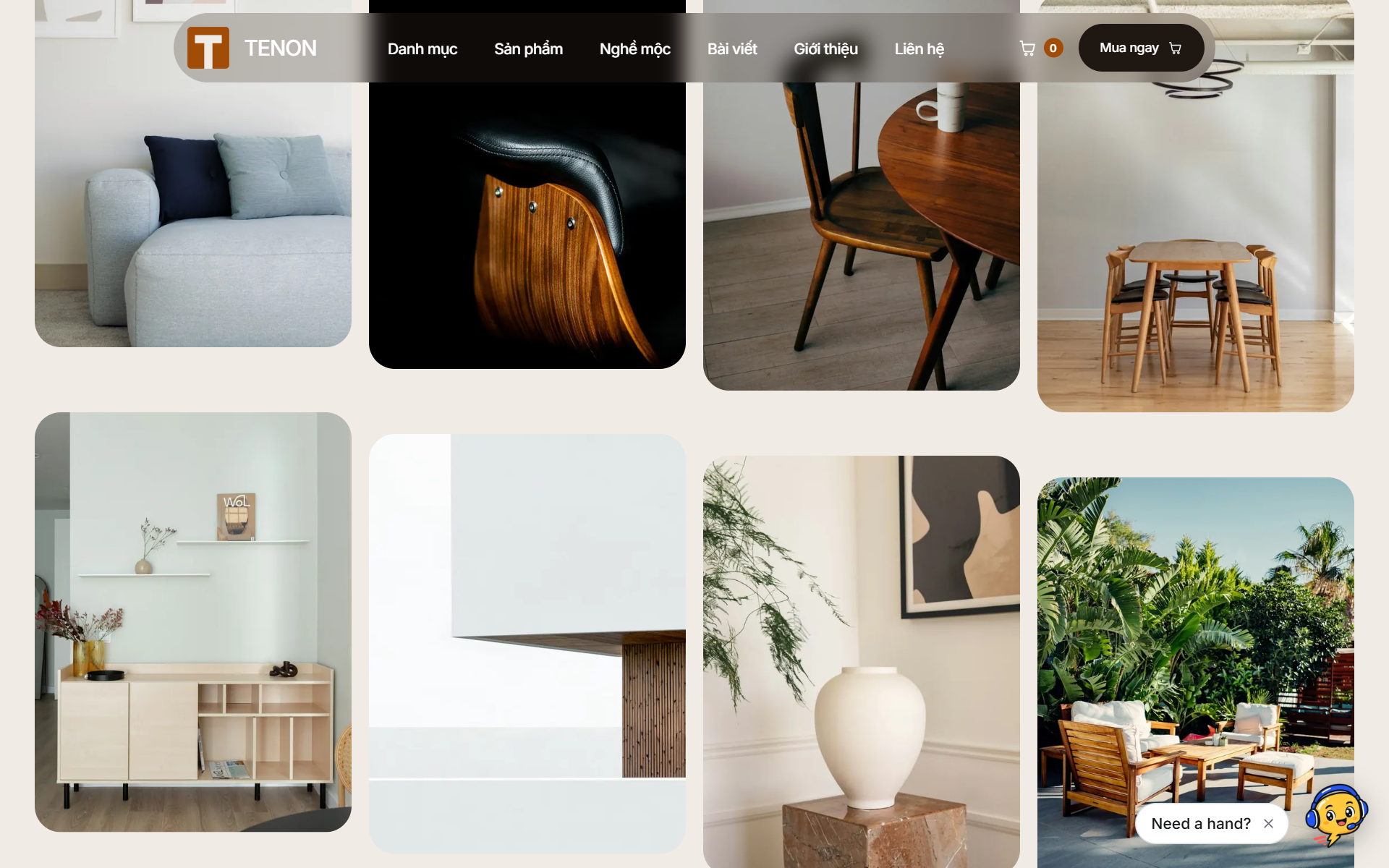
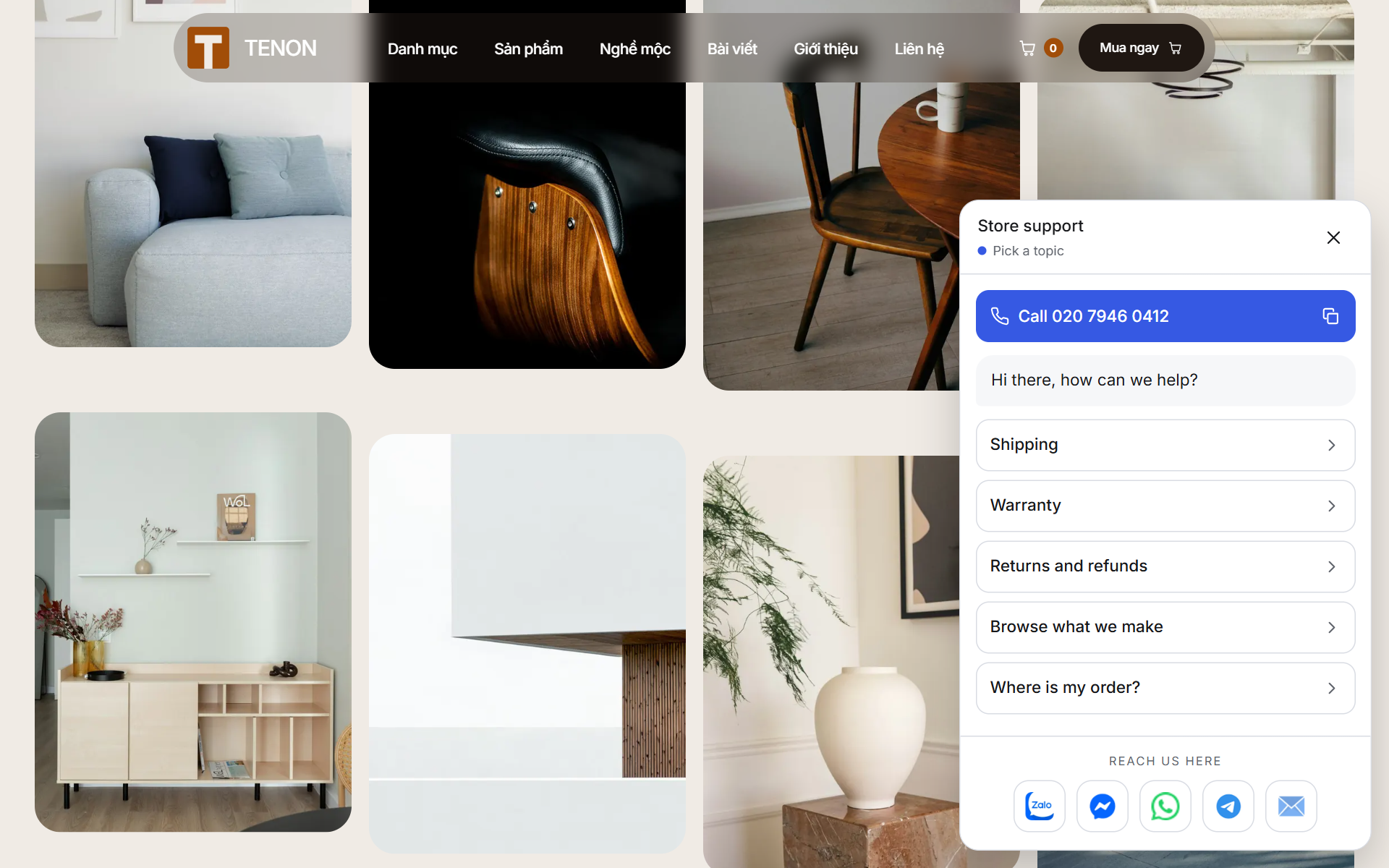
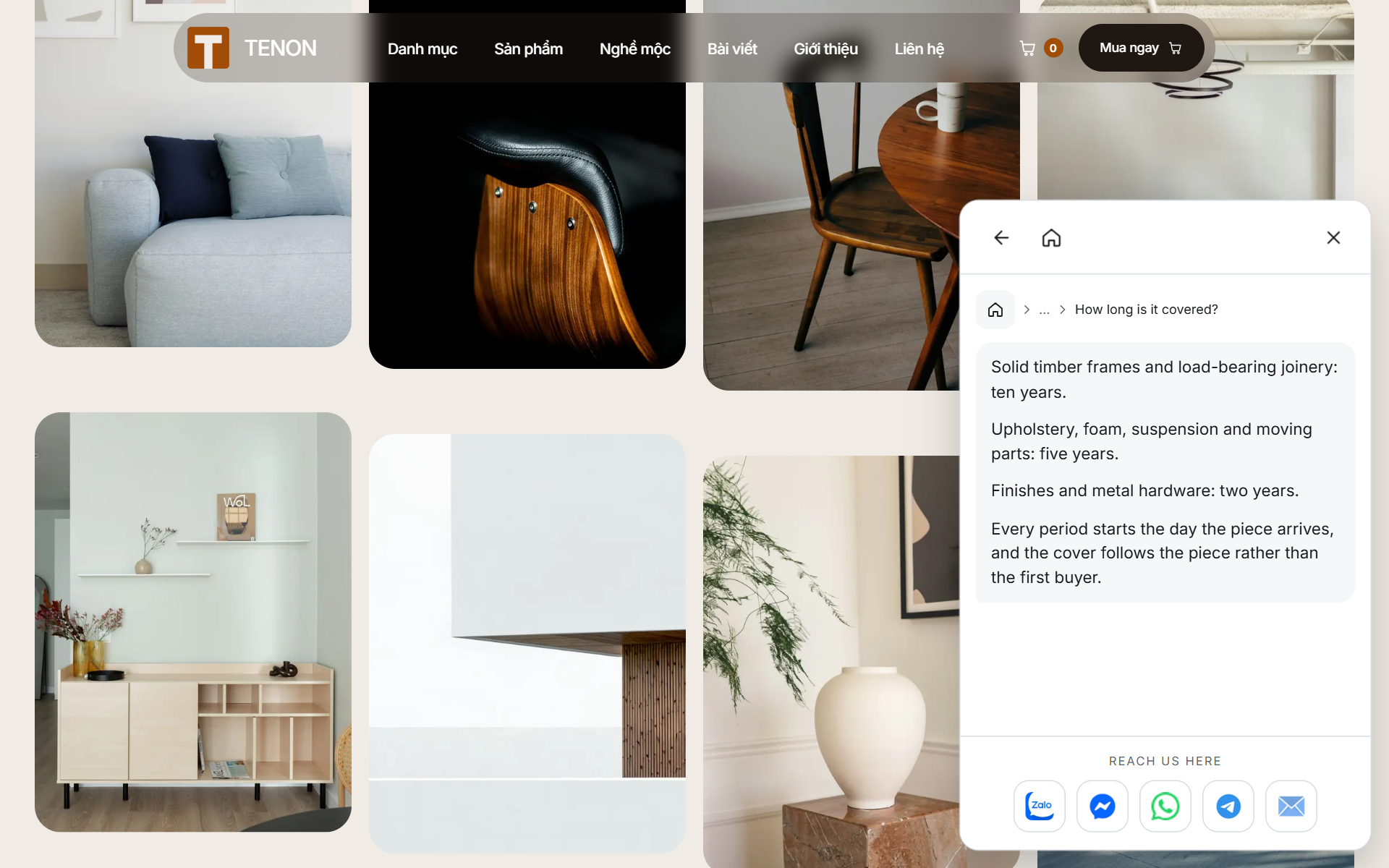
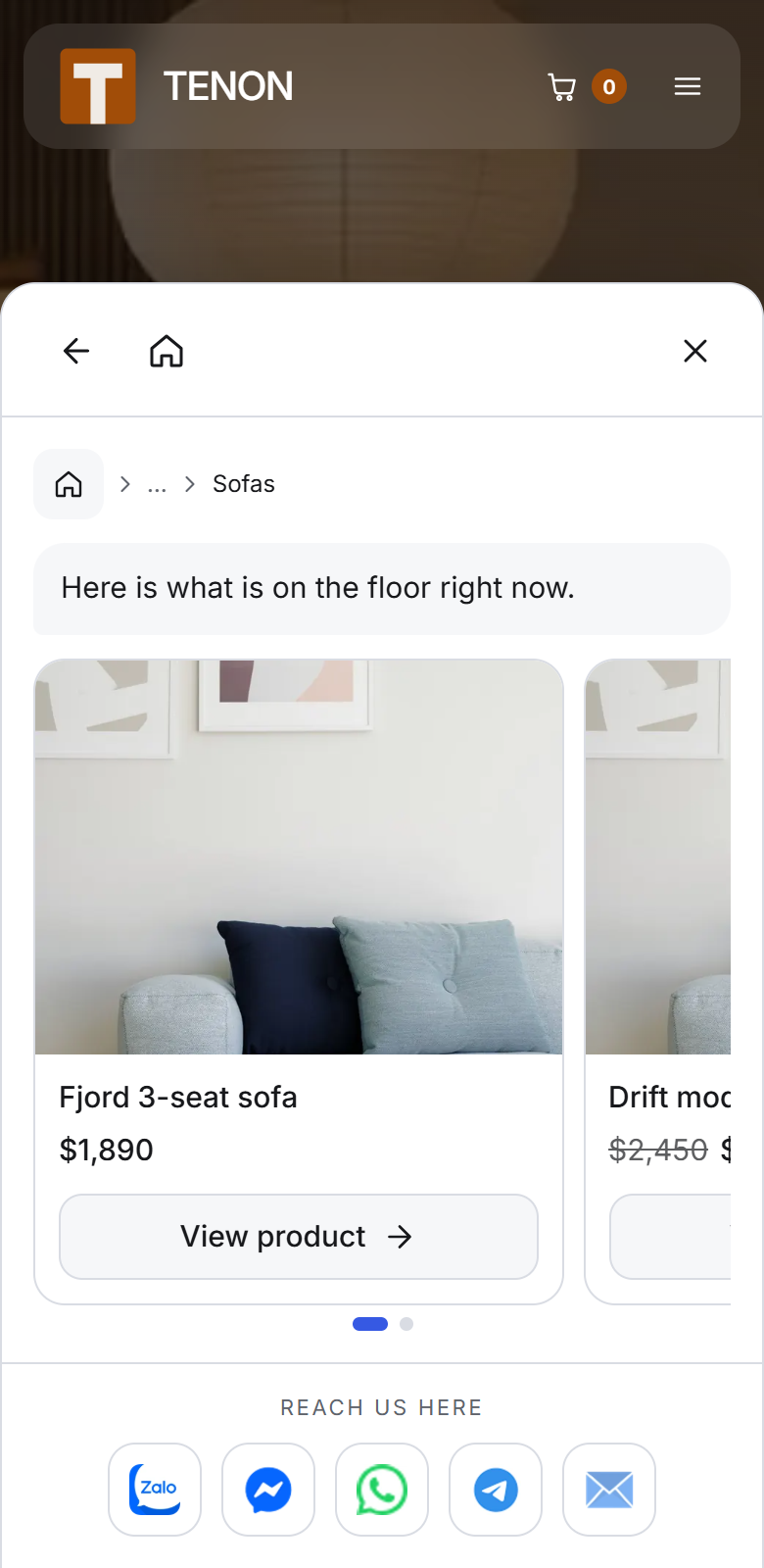
Web22 Scripted Chat puts a small chat widget in the corner of your site. Visitors tap through a set of topics you prepared, and each one shows the answer you wrote. There is no free-text box and no artificial intelligence involved, so the widget can never invent a price, promise a refund policy you do not offer, or say anything you did not write.
Everything runs on your own server. Nothing is sent to an outside service, there is no account to create, and there is no per-message cost.
How it works
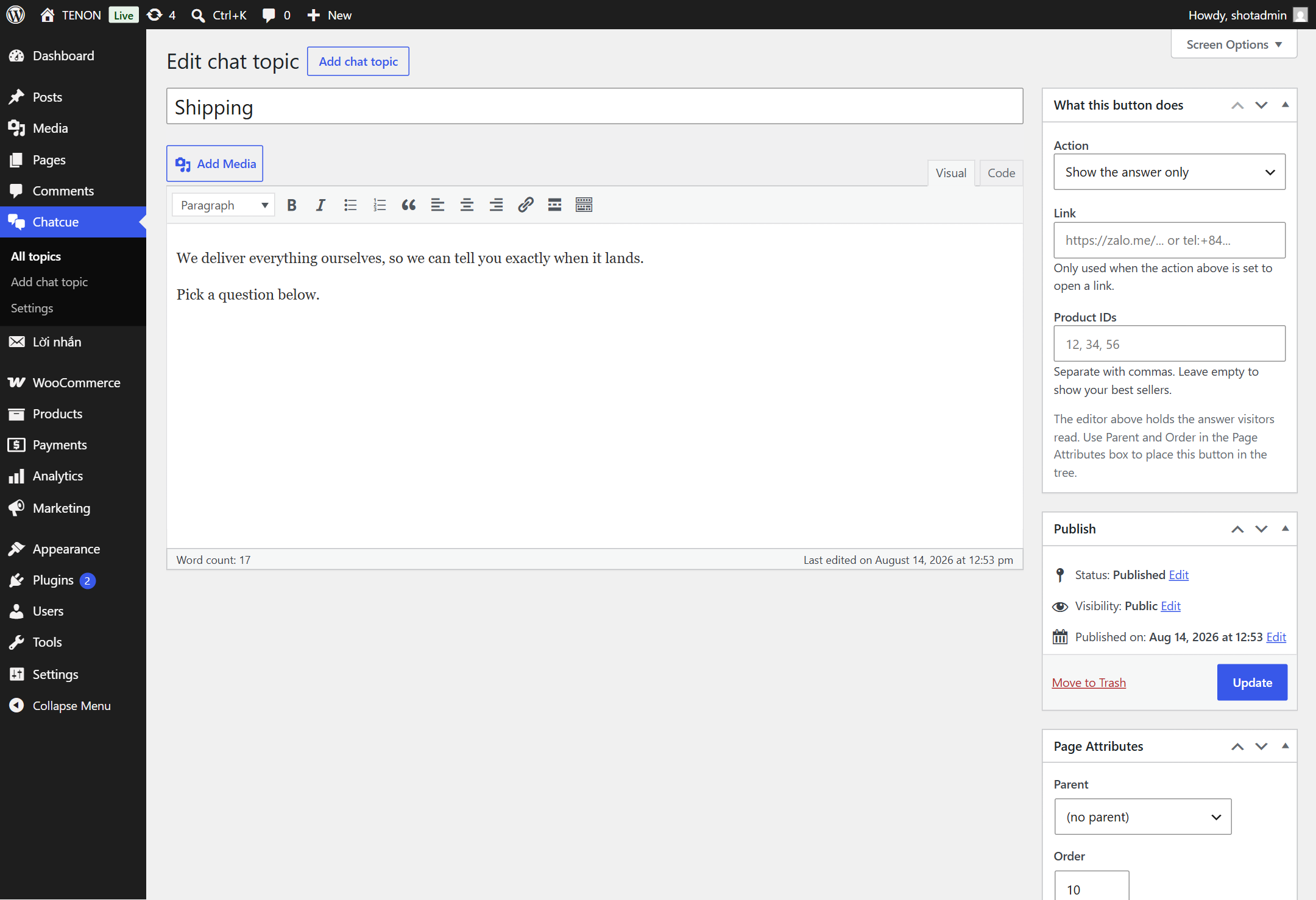
Each topic is an ordinary WordPress entry. The title becomes the button label, the editor holds the answer, and the Page Attributes box places it in the tree — pick a parent to nest it under another topic, and set the order to arrange buttons within the same level. That is the whole model, so anyone who can write a page can extend the chat.
A call button and a row of contact links
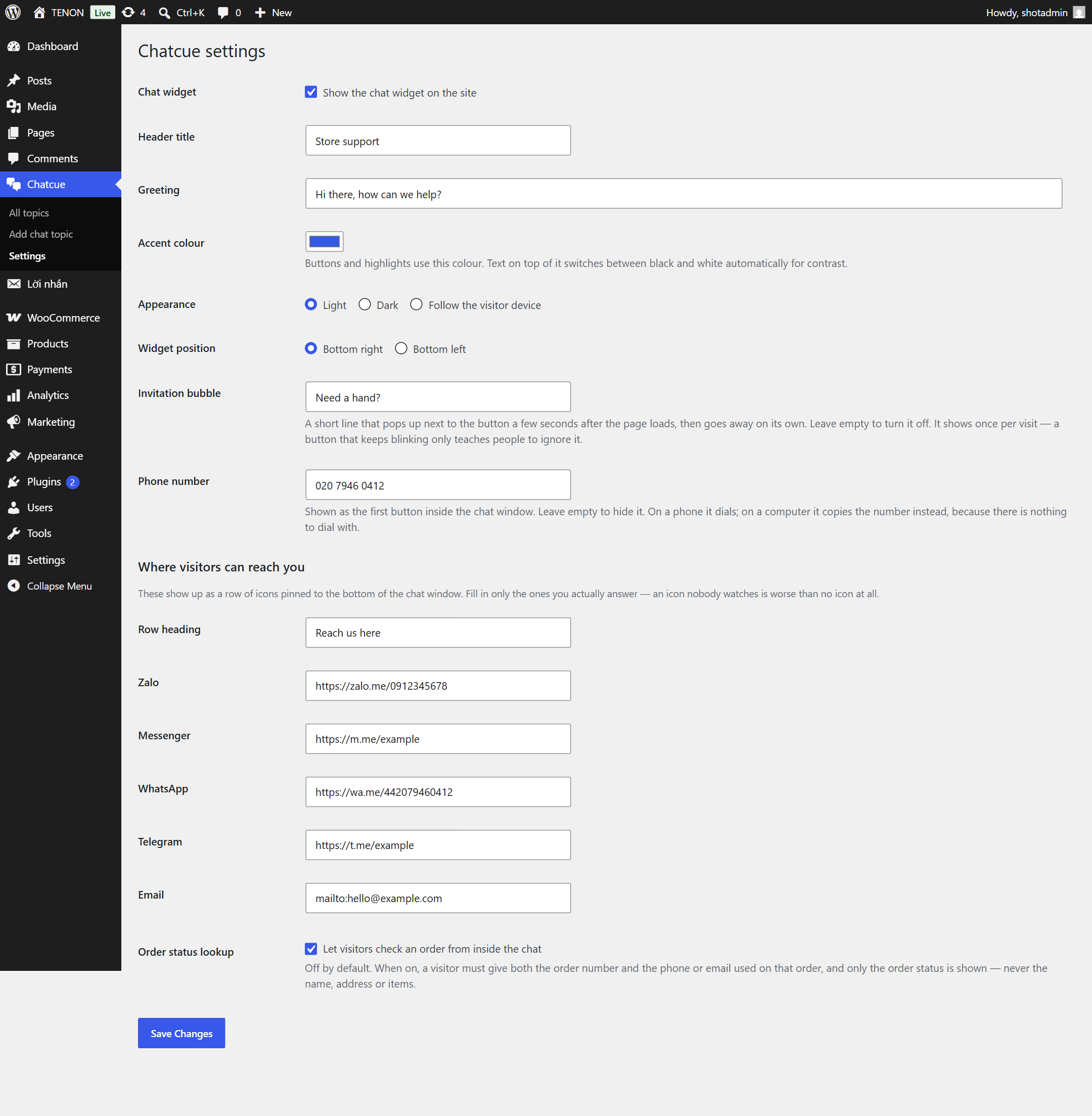
Enter a phone number and it becomes the first button inside the widget. On a phone it dials; on a computer it copies the number instead, because there is nothing there to dial with. Below the answers sits a row of contact icons — Zalo, Messenger, WhatsApp, Telegram, Email — and only the ones you fill in show up. They are plain links: no outside script is loaded and no request leaves your site until a visitor taps one.
With WooCommerce
If WooCommerce is active, topics can also show product cards, and you can optionally turn on an order status lookup. The lookup is off by default: when you switch it on, a visitor has to supply both the order number and the phone or email used on that order, and only the status is shown — never the name, address or items.
Built for the real world
- Works with any theme — colours come from CSS variables and the widget uses your site fonts.
- Light and dark, or follow the visitor device.
- Keyboard friendly, with visible focus and a close button that always stays reachable.
- Respects reduced-motion preferences.
- Steps aside for sticky bottom bars instead of covering them.
- No external requests, no bundled fonts, no tracking.