
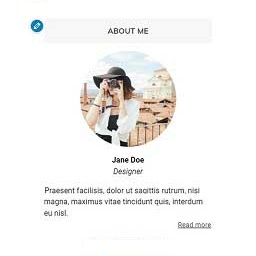
WDV About Me Widget
v1.2.9vrpr · 2019年8月20日 上架
With this plugin you can add 'WDV About Me Widget' widget to your theme. You can add you data or your firm data.
- 正在使用
- 800+
- 评分
- 4.5 / 5
- 累计下载
- 2.4 万
- 最近更新
- 2025年1月5日
贡献者
 vrpr
截图
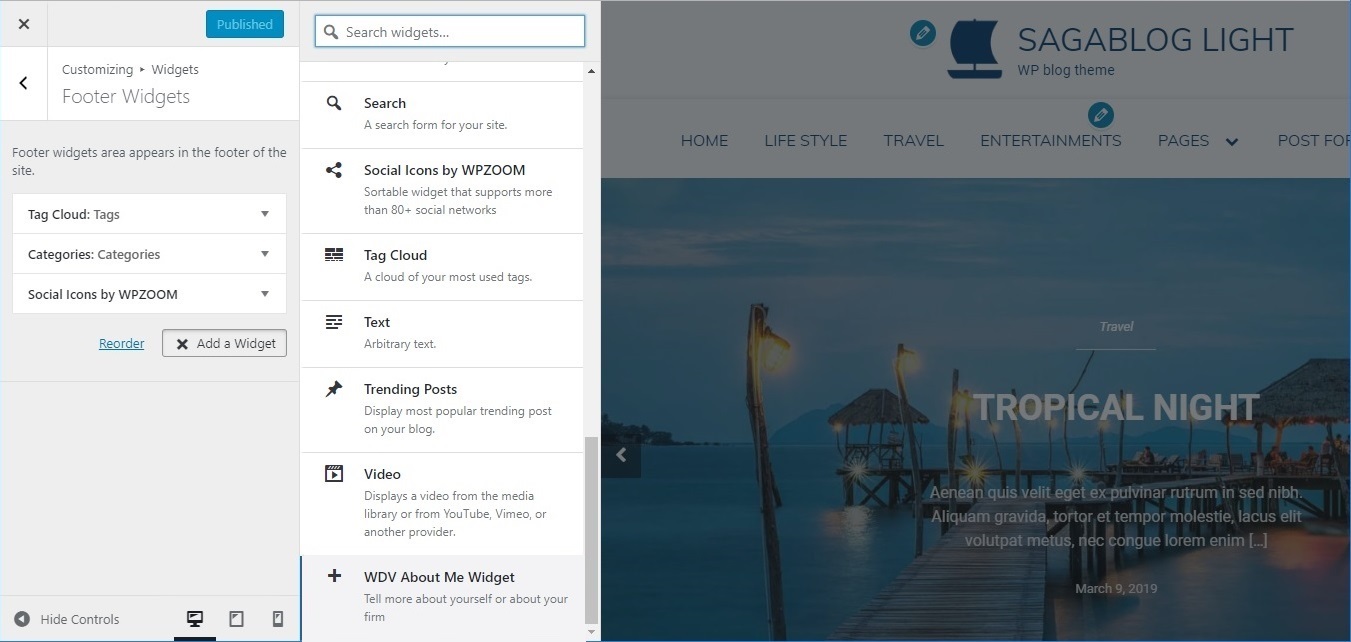


With this plugin you can add WDV About Me Widget widget to your theme. You can add you data or your firm data.
You can find the pro version “WDV About Me Widget PRO” of plugin with more features here – Click Here
You can use widget ‘WDV About Me Widget’ in different ways. For example:
a) You can place this widget ‘WDV About Me Widget’ on left or right sidebar and add image, description, contact information and social links.
b) You can place this widget ‘WDV About Me Widget’ 2 times in footer. One time for adding image and description and second time for adding contact information and social links.
You can do next:
– You can add image (Image can be cirkle, rectangle, rounded rectangle. You can change size of image.)
– You can add your name and your profession or your firm name.
– You can add description and link to page with more informations about you or your firm.
– You can add contact information (You can add address, telephone number, e-mail, Skype nickname, WhatsApp and Viber numbers. You can change contact icons color).
– You can add social icons (You can choose icon style: icon can be cirkle, rectangle, rounded rectangle. You can change size of icon, icon color, icon background color).
Now are supported the following social networks:
– Behance
– Blogger
– Codepen
– Deviantart
– Dribbble
– Facebook
– Flickr
– Foursquare
– Github
– Gitlab
– Instagram
– Linkedin
– Medium
– Meetup
– Odnoklassniki
– Periscope
– Pinterest
– Pocket
– Qq
– Reddit
– Stumbleupon
– Slack
– Snapchat
– Soundcloud
– Spotify
– Stackoverflow
– Telegram
– Tripadvisor
– Tumblr
– Twitch
– Twitter
– Viadeo
– Vimeo
– Vine
– Vk
– Weibo
– Wechat
– WordPress
– Xing
– Yelp
– Youtube
– Yoast
For more information you can visit the home of the WDV About Me Widget