
WBD Product Benefits Blocks
v1.0.2wpbranddigital · 2026年11月2日 上架
Build lightweight, high-converting WooCommerce product sections directly inside Gutenberg — without a page builder.
- 正在使用
- 10 以下
- 评分
- 暂无
- 累计下载
- 431
- 最近更新
- 2026年11月3日
贡献者
 wpbranddigital
WBD Product Benefits Blocks adds conversion-focused blocks to the WordPress block editor. Version 1.0 ships one carefully built block: Product Benefits.
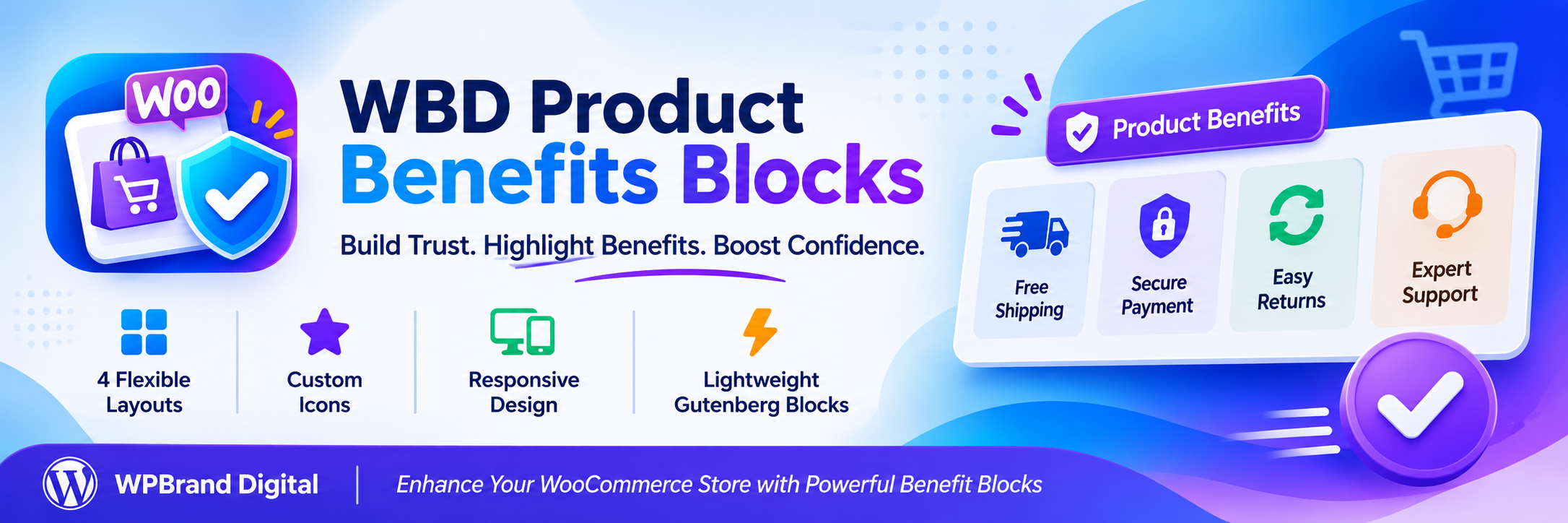
Use it to show shoppers why they should buy from you — free shipping, secure payment, easy returns, expert support, guarantees and trust badges — right next to your products, in your cart, on landing pages or anywhere else you use blocks.
Product Benefits block
- Four ready-made benefits are inserted automatically: Free Shipping, Secure Payment, Easy Returns and Expert Support.
- Add, remove, duplicate and reorder benefits.
- Edit titles and descriptions directly in the editor.
- Choose from 18 built-in, lightweight SVG icons or upload your own icon or image (with alt text).
- Optional link on each benefit, with an “open in new tab” option.
- Per-item icon and text alignment.
- Four layouts: Grid, Horizontal, Checklist and Trust Badges.
- Responsive columns: up to 6 on desktop, 4 on tablet and 2 on mobile.
- Style controls for gap, padding, colors, typography, borders, radius, shadows and icons.
- Hide the block on desktop, tablet or mobile.
- Works with native block supports: wide/full alignment, background and text color, padding, margin, font size and line height.
Built for speed
- Zero frontend JavaScript.
- About 5 KB of CSS, loaded only on pages that contain the block.
- No jQuery, no icon fonts, no remote fonts, no CDN files.
- Static, semantic HTML saved with your content.
Privacy and respect
- No tracking, analytics or telemetry.
- No external HTTP requests.
- No license keys, no upgrade nags, no admin notices or popups.
- Stores nothing in your database apart from the block content in your posts.
Works with or without WooCommerce
WooCommerce is not required. The block works in any post, page, template or template part, and it fits naturally on WooCommerce product pages, cart and checkout templates in block themes.
Accessibility
- Benefits are output as a list, so screen readers announce the number of items.
- Built-in icons are decorative and hidden from assistive technology; custom images support alt text.
- You choose the title tag (H2–H6 or paragraph) to keep a logical heading outline.
- Links are underlined so they are not identified by color alone, and have a visible focus outline.
Development
Public source code repository:
https://github.com/wpbranddigital/wbd-product-benefits-blocks
Build Instructions:
- npm install
- npm run build
- npm run start (development)
WBD Product Benefits Blocks is built using @wordpress/scripts.
Credits
Several built-in icon shapes are adapted from Feather Icons (https://feathericons.com), released under the MIT License, which is compatible with the GPL.