
- 正在使用
- 900+
- 评分
- 5.0 / 5
- 累计下载
- 4.9 万
- 最近更新
- 2026年11月21日
贡献者
 morehawes
截图


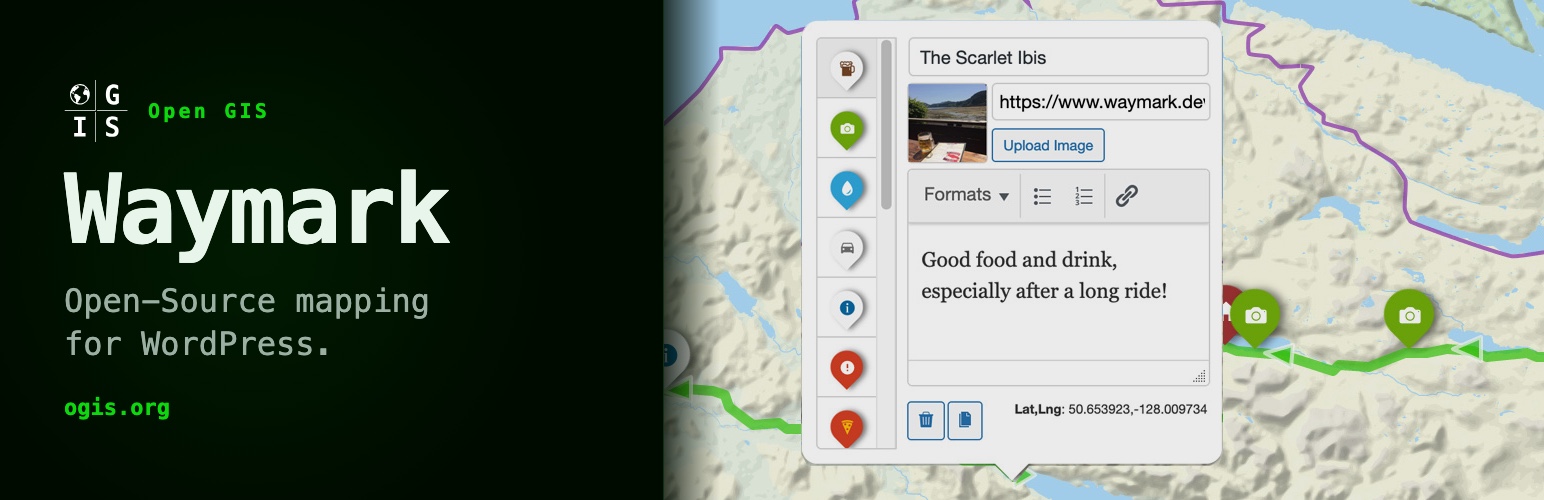
- Overlays – Create Markers, Lines and Shapes with a:
- Title
- Image (Media Library or link to external image)
- Description (Rich text editor, HTML supported)
- Type (defined in Settings)
- Import
- GPX
- KML
- GeoJSON
- EXIF (Image location metadata)
- Elevation data (adds an interactive profile chart for Lines with elevation data)
- Meta – Add extra information to your Maps; these are customisable form inputs that allow you to add additional content to your Maps.
- Types – Set options to visually distinguish between Overlays (colours/icons etc.), then select it when using the Editor.
- Collections – Group Maps together and display multiple Maps at once. Create complex Collection hierarchies to suit your needs and associate Maps with multiple Collections.
- Submissions – Allow registered users, or guests to create Maps from the front-end of your site. You can control who can Submit Maps, what editor features are available and whether submissions should be approved before they are published.
🌟 GitHub
👐 WordPress
📖 Demo & Help
Displaying Maps
Embed your Maps using the [Waymark] Shortcode, or link to the Map Details page.
- Shortcodes
- Display a single Map, or a Collection of Maps anywhere that Shortcodes are supported.
- An optional Shortcode Header displays the Map/Collection title, a link to the Map Details page and any Meta.
- Display a Marker defined through the Shortcode.
- Display a Basemap only, without any Overlays by providing centre and zoom parameters.
- Basemaps – Uses OpenStreetMap by default, with support for multiple raster tiled/”slippy” Basemaps. You can switch Basemaps using the Overlay Filter.
- Overlay Filter – Allow the user to filter which Overlays are currently visible on the Map.
- Image Viewer – Click an Overlay image to view it over the Map, step through every image on the Map with the Previous/Next buttons or arrow keys, and open the original full-size file in a new tab.
- Export
- (Optionally) Let anyone Export Maps into GPX, KML and GeoJSON formats through the Shortcode Header or on the Map Details page.
- Works on mobile devices.
Customising
Built to be flexible, Waymark has lots of Settings and Types provide one place to control how Overlays (Markers/Lines/Shapes) are displayed.
Marker Icons can be provided as:
– Font Icons (Ionic Icons v2/Font Awesome v4)
– Simple Text, or Emojis (i.e. 🏕️, 🚩, 📸).
– Custom HTML (good ol’ <img src="https://example.com/icon.svg">, or a more complex structure). So you can pretty much create any kind of Icon you want.
For developers:
- Most elements can be styled using CSS and have sensibly named
waymark-classes. - WordPress integration:
- Geographical data is stored in GeoJSON format. Types are specified using the
typeProperty, i.e.{feature: { geometry: { type: 'Point', coordinates: [0, 0] } }, properties: { type: 'Alert', title: 'Bridge Removed!' }. - Specify which GeoJSON feature properties to store when importing (Settings > Overlays > Properties). These can be automatically appended to the Overlay Description, or accessed programmatically via the
layer.feature.propertiesObject. - Maps are displayed using the Leaflet JavaScript library, which is bundled with Waymark and can be extended using the
waymark_loaded_callbackcallback function.
User Examples
- Association Franc-Comtoise du Chemin de Compostelle – eGuide
- Cres & Lošinj Trail – Lošinj Trail 2025
- hikingTICINO
- Horizontes – PT281
- Il Cammino del Lago Maggiore – Le 11 tappe
- Merritt Mountain Bike Association – Iron Mountain
- Trekkaholic – Trekking al lago Bianco in Alpe Veglia
- Via Apsyrtides
- Zadar Archipelago – Interactive Map
- Zagorje Outdoor – Konjička staza broj 10
Development
Note: Docker, Node.js and NPM required.
# Clone the repository
git clone https://github.com/opengis/waymark-wp.git

# Navigate to the Waymark directory
cd waymark-wp

# Install the dependencies (or pnpm/yarn install)
npm install

# Start WordPress at http://localhost:8888, seed an untouched instance with demo data
# and rebuild assets on change
npm run dev
Help
The help site is a Nuxt 4 app in help/, built with @nuxt/content. Node 24.15 or newer is required.
cd help
npm ci
npm run sync-assets
npm run dev
The local preview runs at http://localhost:11003. To build the static site for GitHub Pages:
NUXT_APP_BASE_URL=/waymark-wp/ npm run generate
Assets
Styles and scripts are compiled from Less and JavaScript sources into the minified bundles enqueued by the plugin — edit the sources, not the build output:
assets/— the plugin CSS (compiled fromassets/less/) and JavaScript, served as thefrontandadminbundles.waymark-js/— the bundled Waymark JS library powering the Viewer and Editor: sources insrc/andlibs/, built intodist/.
Translations
Waymark uses the waymark text domain, with the translation template at languages/waymark.pot.
- JavaScript strings are mirrored in
Waymark_Lang, the JavaScript language defaults and the documentation demo config, so update all three when adding or changing a string. npm run i18n:checkverifies that the PHP, JavaScript and documentation language defaults stay in parity, and thatwaymark_php_langkeys are both localised and read.npm run gruntrebuilds the POT and compiled assets after source changes.- Stable Type and Meta keys are internal identifiers, not translated labels. They are used in Shortcodes and CSS and must not be translated.
- Translations ship through WordPress.org language packs.
Testing
Three suites cover the plugin — JavaScript unit tests (Vitest), PHP integration tests (PHPUnit) and browser end-to-end tests (Playwright). The PHP and browser suites run against the disposable wp-env tests instance at http://localhost:8889 and never touch the development instance on 8888; npm run dev may seed that instance with demo data when it is untouched. The wp-env environment (npm run dev) must be running first.
# JavaScript unit tests (Vitest, jsdom) — Viewer, Editor and description sanitisation
npm run test:js

# PHP integration tests (PHPUnit against the WordPress test library)
npm run test:php

# Browser end-to-end tests (Playwright/Chromium) — login, Maps, Markers, responsive admin layout, front-end
npm run test:e2e

# Run all three in sequence
npm test

# One-off: prepare the tests container (after a fresh "wp-env destroy")
npm run test:php:setup
All three suites also run automatically in CI on pull requests and pushes to master.
wp-env pins PHP 8.3 to match the plugin’s declared floor. WP_ENV_PHP_VERSION and WP_ENV_CORE override the PHP and WordPress versions — useful for testing a release candidate or a newer PHP:
WP_ENV_PHP_VERSION=8.5 WP_ENV_CORE=WordPress/WordPress#trunk npm run test:php
npm run test:php:lint checks PHP syntax at the floor. CI exercises both boundaries — WordPress 6.4 with PHP 8.3, and current WordPress with PHP 8.5 — while the browser suite runs on current WordPress only.