

WP Sticky Button – Click to Chat
v1.4.1farazify · 2019年10月26日 上架
Display the beautiful WhatsApp Sticky Button on the WordPress frontend.
- 正在使用
- 1 万+
- 评分
- 3.4 / 5
- 累计下载
- 7.8 万
- 最近更新
- 2025年8月14日
5 条评价需要 WordPress 4.5+已测试到 6.8.13PHP 5.6+
贡献者
 farazify
截图
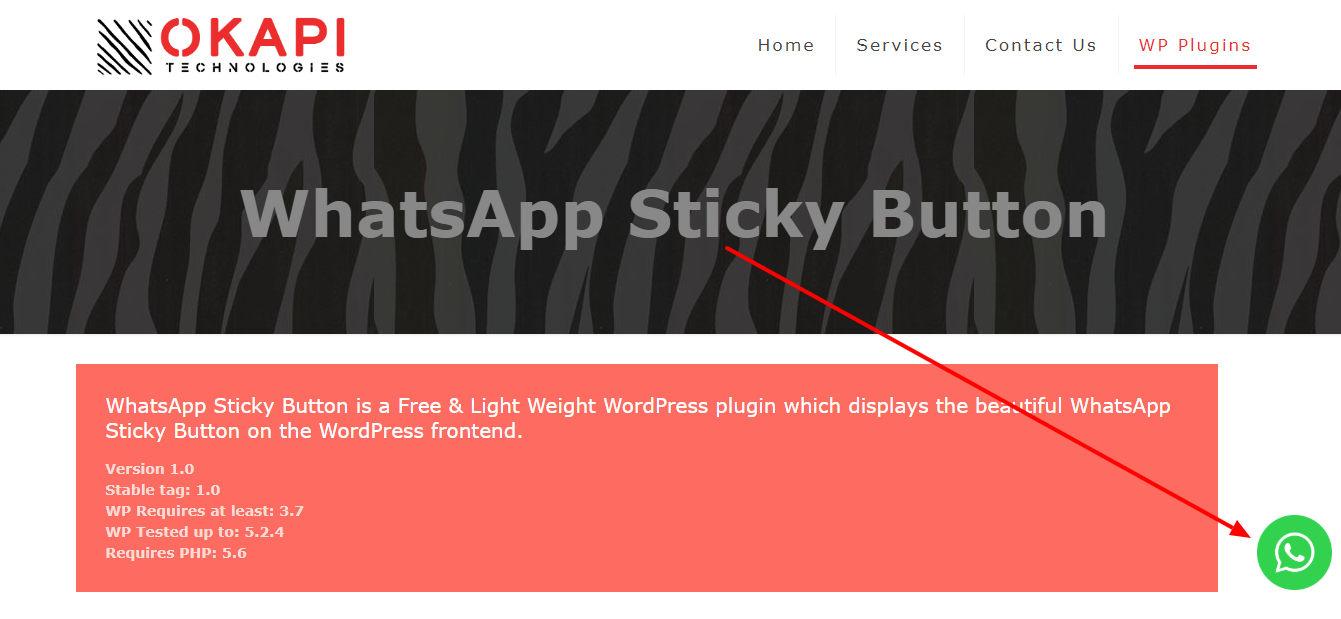


WP Sticky Button is a Free & Light Weight WordPress plugin that displays the beautiful WhatsApp Sticky Button on the WordPress frontend.
After clicking on the WhatsApp Sticky Button, It will bring you to the WhatsApp application or WhatsApp website.
- It will bring you to the WhatsApp application if WhatsApp application installed on your device
- It will bring you to the WhatsApp website if WhatsApp application is not installed on your device
Admin Setting Panel
- WhatsApp Sticky Button – Settings
- Activate/Deactivate WhatsApp Sticky Button
- Customize “Display on” functionality for the Mobile, Tablet & Desktop Devices
- Change the Position of WhatsApp Sticky Button to Top-Left/Top-Right/Bottom-Left/Bottom-Right
- Add WhatsApp Number
- Add WhatsApp Default Message
- Customize Icon Width
- Customize Icon Height
- Customize Icon Margin
- Change Icon Type to Default WhatsApp Icon/Custom Icon Image
- Select Custom Icon
- Save & Enjoy!!!