vTables – Data Table Builder for CSV, Excel & JSON
v0.4.2vTables | Table Builder for WordPress · 2024年2月16日 上架
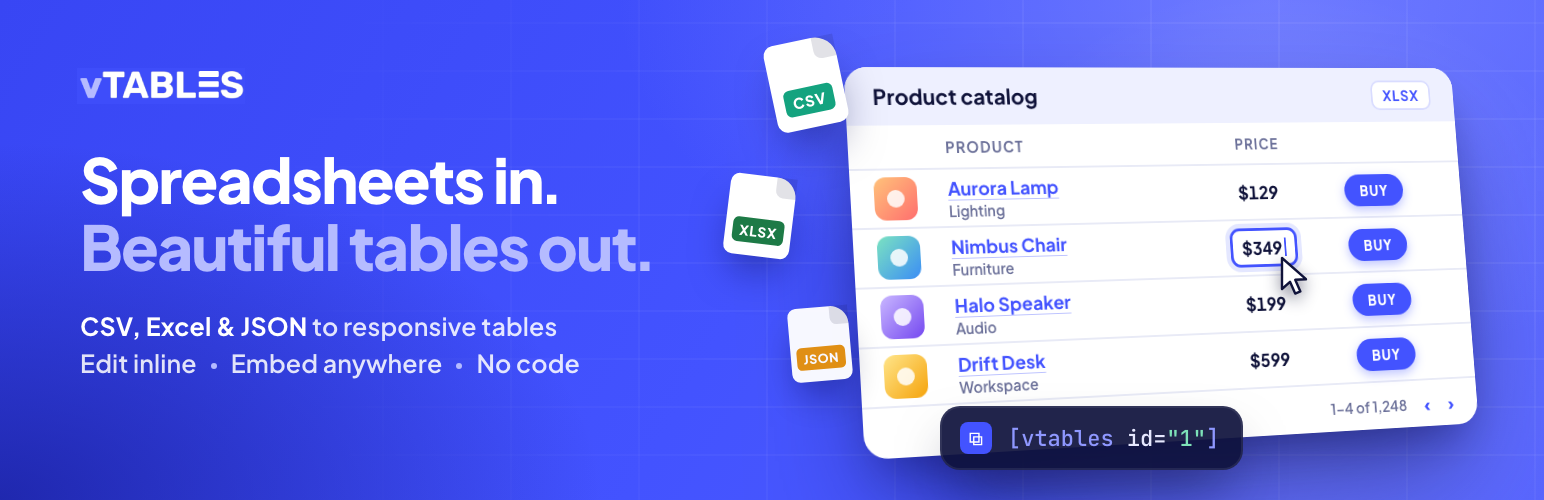
Import CSV, Excel (XLS, XLSX) and JSON into responsive data tables, or build one from scratch. Edit cells inline and embed with a shortcode.
- 正在使用
- 10+
- 评分
- 5.0 / 5
- 累计下载
- 2,923
- 最近更新
- 2026年11月22日
 vTables | Table Builder for WordPress
截图


vTables is a table plugin for WordPress that turns CSV files, Excel spreadsheets (XLS, XLSX) and JSON data into clean, responsive data tables. Import a file or start from an empty grid, edit cells right in the WordPress admin like a spreadsheet, style the table, and embed it on any page or post with a shortcode.
Use it for price lists, product catalogs, event schedules, staff and member directories, sports results, comparison tables and any other data you keep in a spreadsheet.
Website | User Guide | FAQ
Features
- Import CSV, JSON, XLS and XLSX files (large files are uploaded in chunks and imported in the background).
- Build tables from scratch: set the number of columns and rows, then fill the cells in.
- Spreadsheet-like table editor: double-click any cell or header to edit it; add, rename and delete rows and columns from the right-click menu.
- Unlimited tables, and as many tables per page as you like.
- Shortcode embed:
[vtables id="1"]shows the table;[vtables id="1" row="2" column="email"]prints a single cell value inside your text. - Smart cells: image URLs become thumbnails, links become clickable,
<button href="…">Label</button>becomes a button, and basic HTML (links, images, line breaks) is rendered safely. - Style: ready-made color themes; colors for the title bar, header, body, cell borders, pagination bar, links (text and background) and buttons; dense and flat layouts; row/column separators; sticky header; table height and maximum width.
- Pagination for large tables: rows are loaded page by page from the database, so tables with many thousands of rows stay fast.
- Mobile friendly: tables use the width of the content area (with an optional maximum width), and wide tables scroll sideways on small screens.
- Works with the block editor, classic editor and page builders that accept shortcodes (Divi, Elementor, WPBakery, …).
- Translated into English, German, Spanish, French, Hindi, Italian, Norwegian, Portuguese, Russian, Swedish, Turkish and Chinese.
vTables Pro
vTables Pro is a separate, paid add-on that runs on top of this plugin and uses the same tables. It adds:
- Data sources: Google Sheets, external CSV/JSON URLs and WooCommerce product tables, with automatic sync.
- Visitor tools: search, sorting and row filters.
- Layout: column visibility, sticky first/last column, column widths, grouped headers, responsive card view, rows per page, custom CSS.
- More cell formats: video, PDF, audio, Google Maps, star rating, progress bar and JSON.
- Export any table as CSV, JSON or XLSX.
This plugin is fully functional on its own and never requires Pro.
Source code and third-party libraries
The admin screen and the embedded table are a Vue application. Its complete, unminified source ships with the plugin in the src/ folder, together with the build setup (package.json, quasar.config.js, scripts/). To rebuild: npm ci && npm run build (PHP dependencies: composer install --no-dev).
vTables does not track users and makes no requests to external services. The only external links in the admin are to vtables.pro, and they open only when you click them.