

Vio Sync for WooCommerce
v1.0.2violive · 2026年8月18日 上架
Sync your WooCommerce products to the Vio platform — inventory, prices, variants and images — and receive your store's orders back in Vio.
- 正在使用
- 10 以下
- 评分
- 暂无
- 累计下载
- 334
- 最近更新
- 2026年10月15日
贡献者
 violive
截图
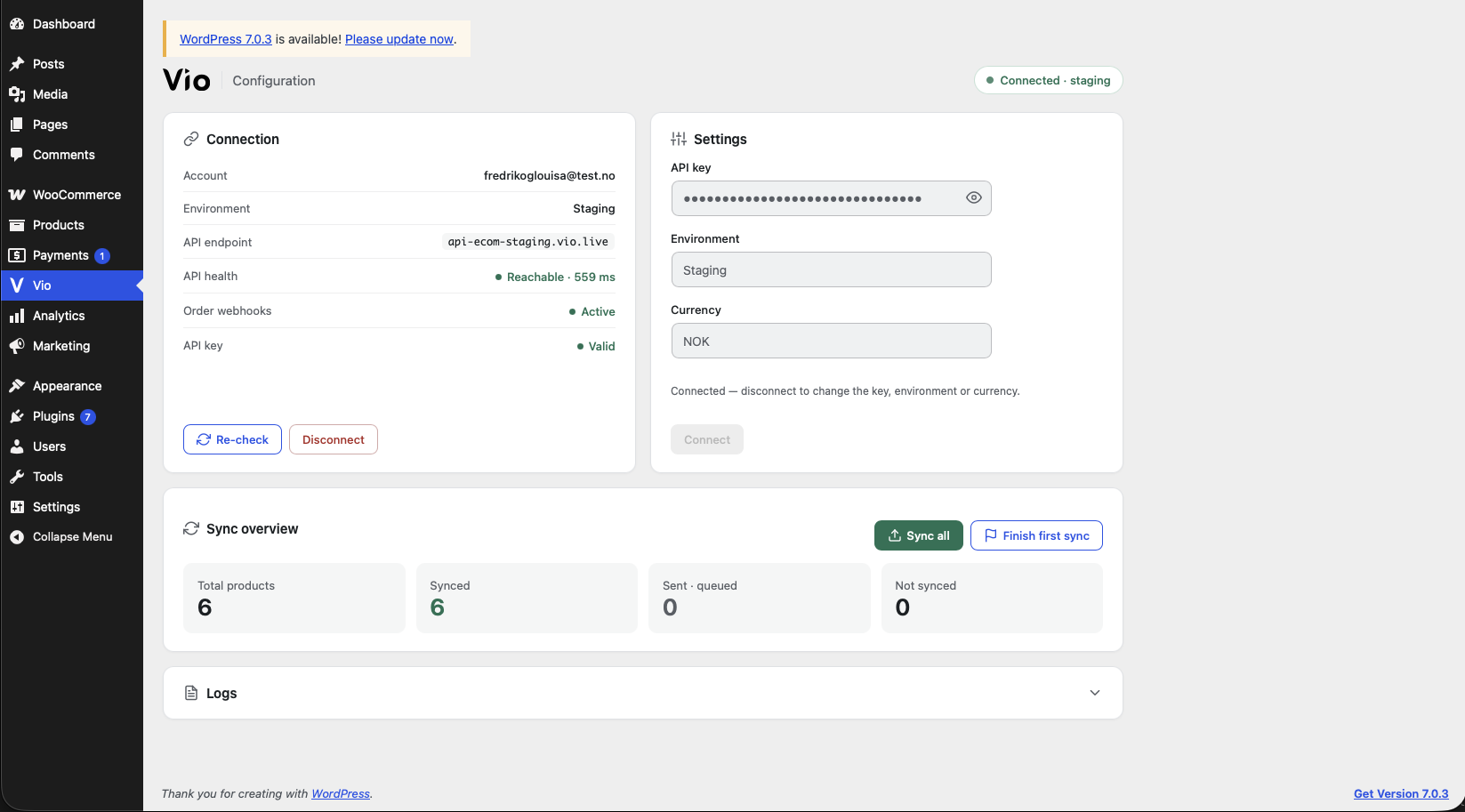
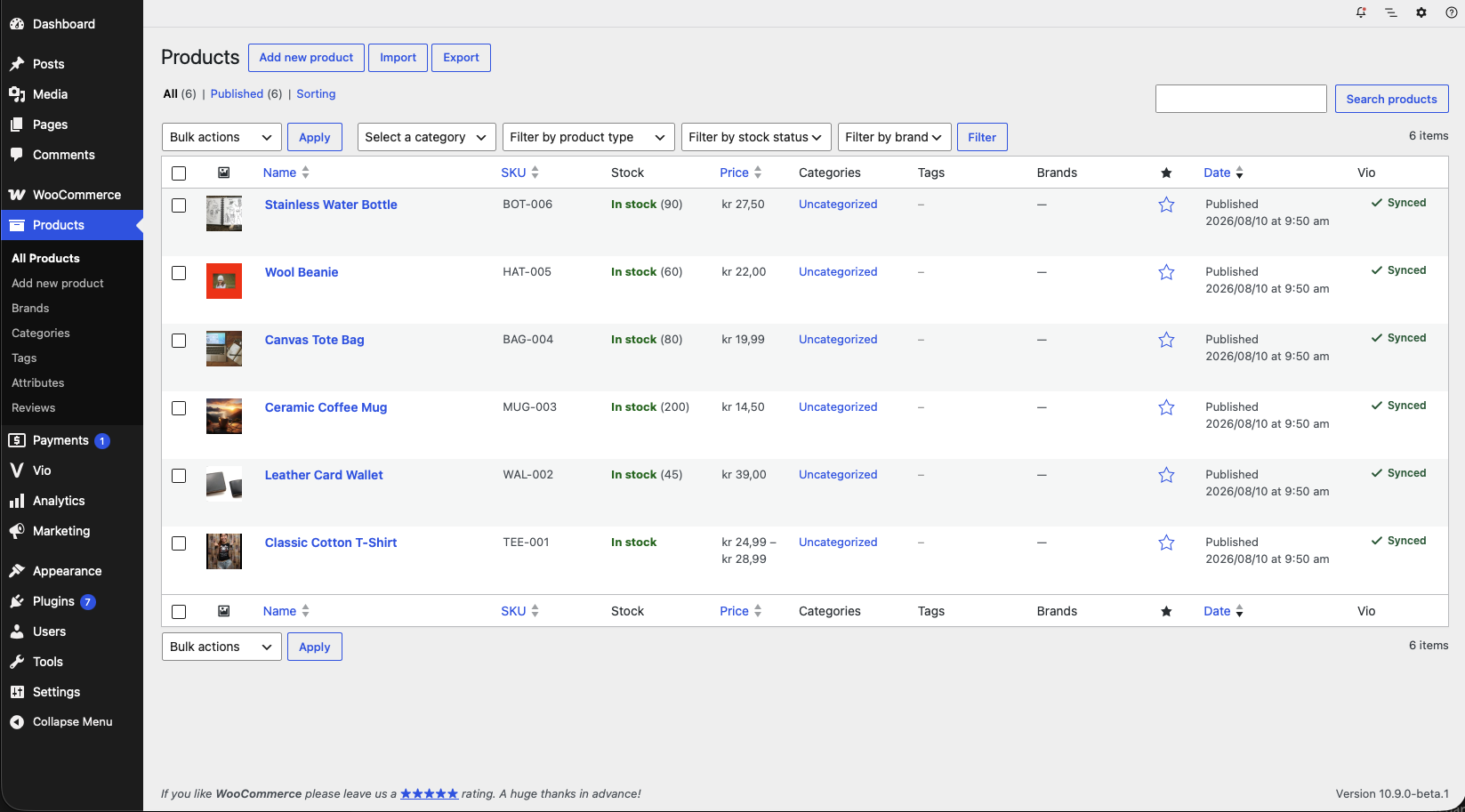
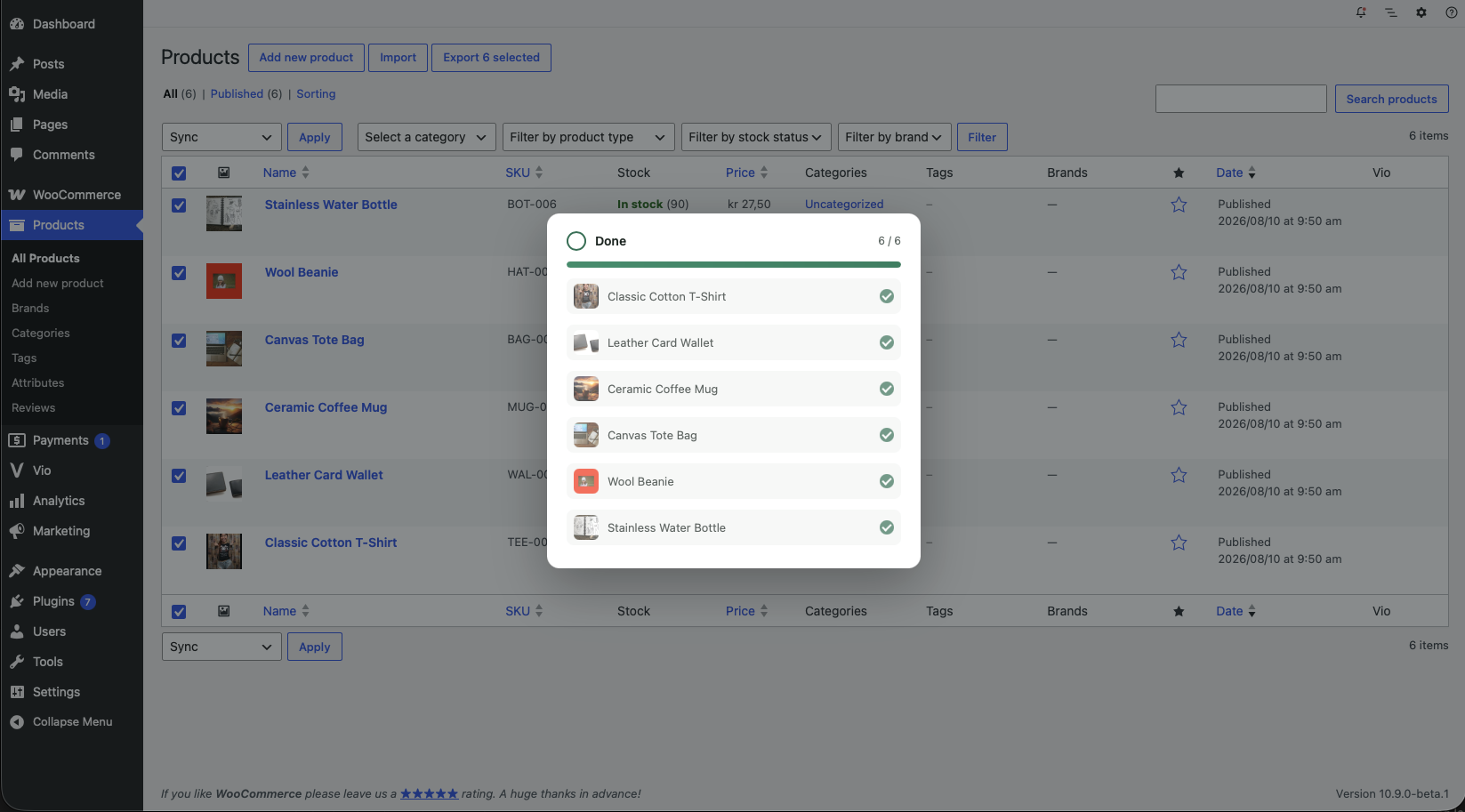
Vio Sync for WooCommerce connects your WooCommerce store with Vio and keeps your catalogue in sync, so you can sell your WooCommerce products through Vio.
- Export products — individually or in bulk — to Vio.
- Sync prices, stock, variants, attributes and images.
- Automatically update a product in Vio whenever you save it in WooCommerce.
- Delete products from Vio straight from the product list.
- Receive your store’s orders in Vio (order webhooks).
- Production and staging environments.
- Compatible with HPOS (High-Performance Order Storage).
A free Vio account and API key are required — this plugin is the connector between your WooCommerce store and the Vio platform.
External service
This plugin relies on Vio, a third-party commerce platform, to synchronise your catalogue and orders. It is required for the plugin to work. No data is sent until you connect your store with your Vio API key.
What is sent to Vio, and when:
- On connect: your store URL and the WooCommerce REST credentials created for Vio (so Vio can link products and deliver order webhooks). Your API key is sent with every request to authenticate the store.
- When you sync a product: its title, description, prices, currency, stock, SKU, barcode, attributes/options, variants, image URLs and — optionally — weight and dimensions, together with the product’s WordPress id.
- When an order is placed or updated: WooCommerce sends the order payload to Vio (order webhooks).
- On disconnect: the plugin asks Vio to remove the store’s connection and, if you choose, to delete the products it had synced.
The service is operated by Vio. Please review their terms before connecting:
- Website: https://www.vio.live/
- Terms of Service: https://www.vio.live/terms
- Privacy Policy: https://www.vio.live/privacy