

Vidreelo Shoppable Video Reels
v1.0.0vinit sharma · 2026年6月29日 上架
Showcase shoppable videos in an Instagram Reels / YouTube Shorts style. Add YouTube or self-hosted videos, tag products, and display them anywhere.
- 正在使用
- 50+
- 评分
- 暂无
- 累计下载
- 616
- 最近更新
- 2026年6月30日
 vinit sharma
 shubham715
截图
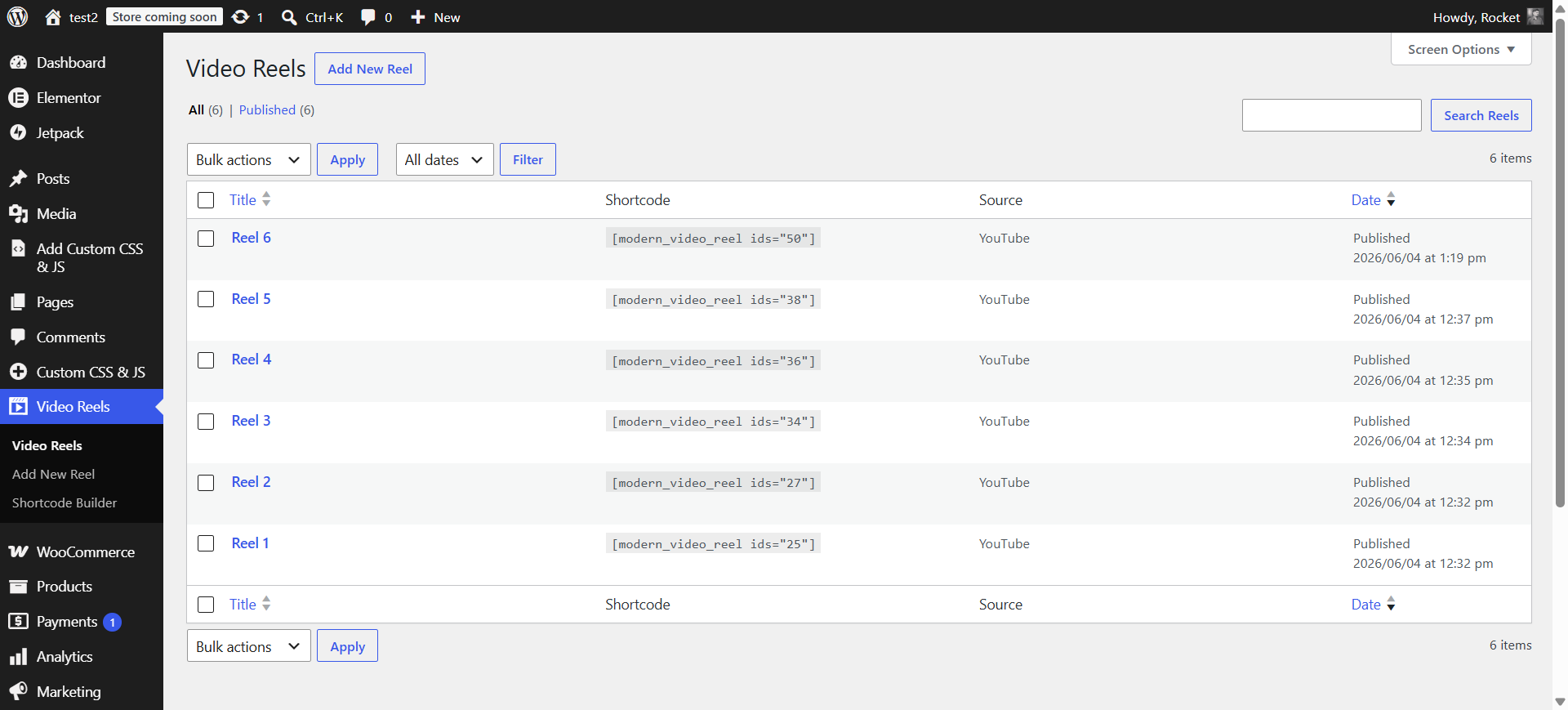
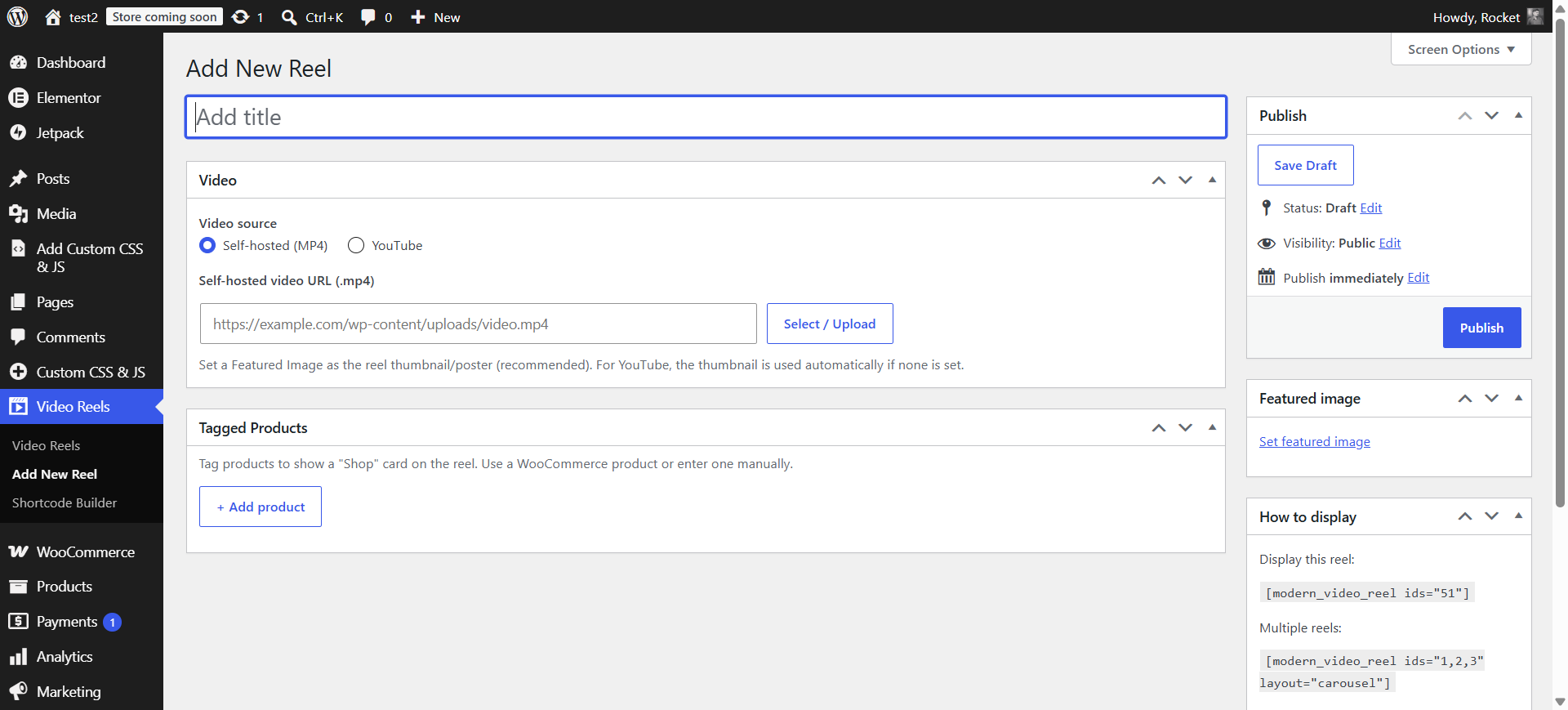
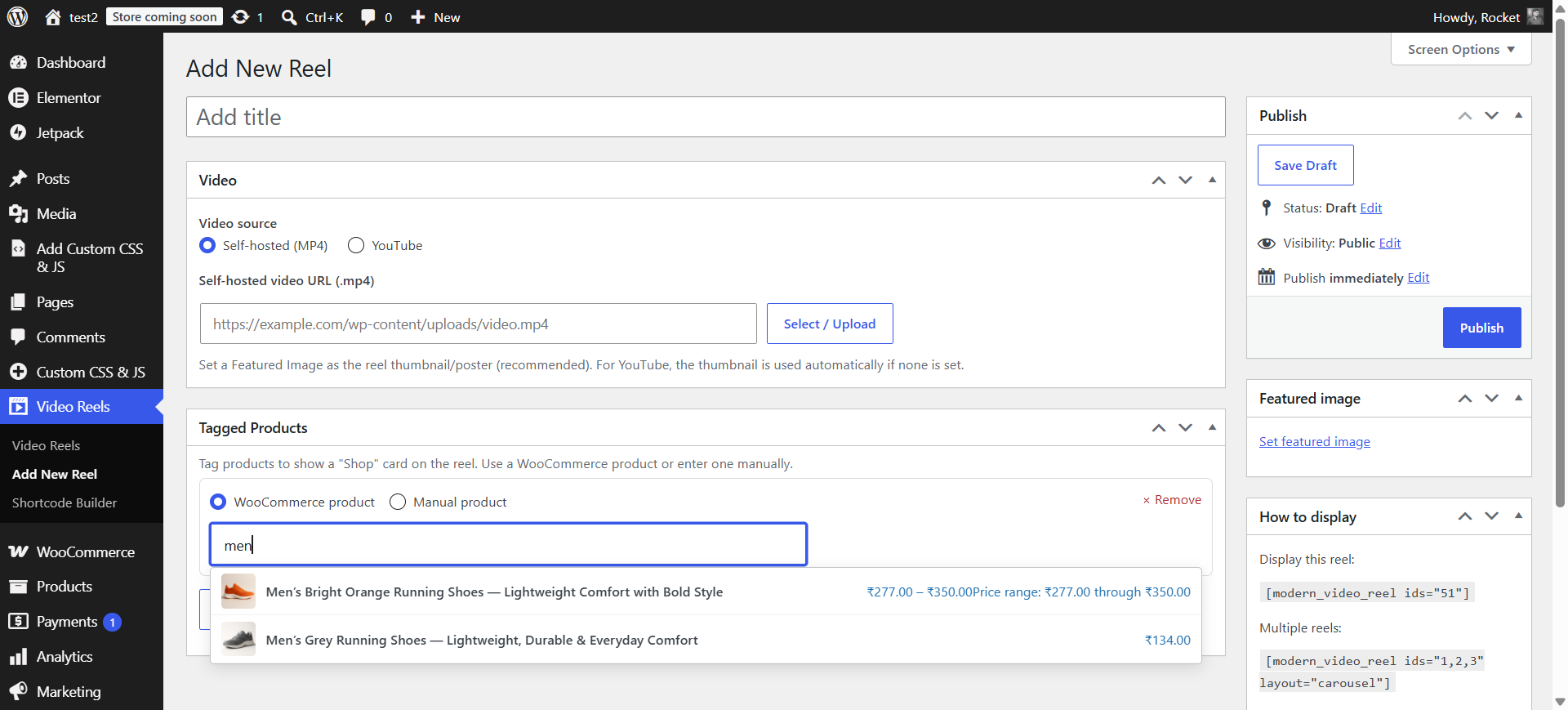
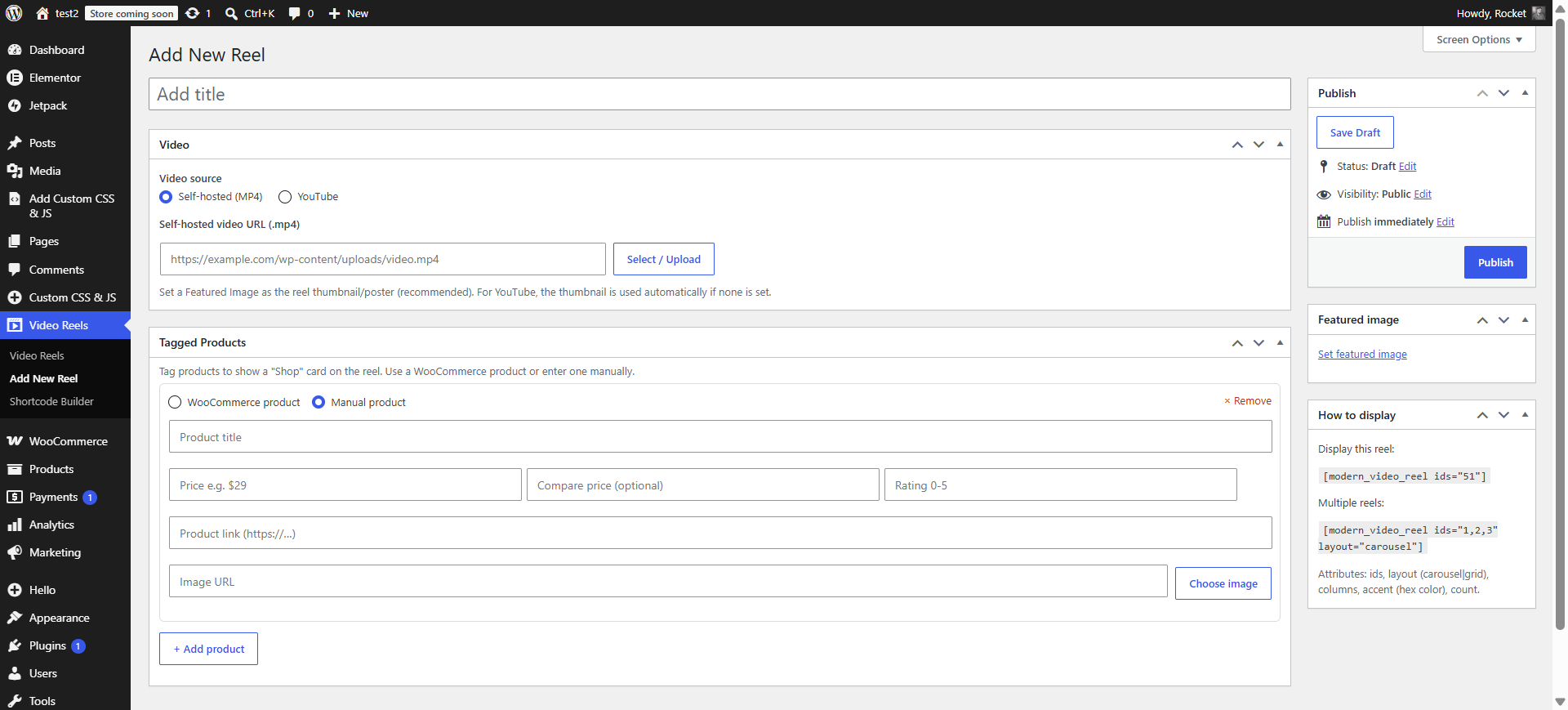
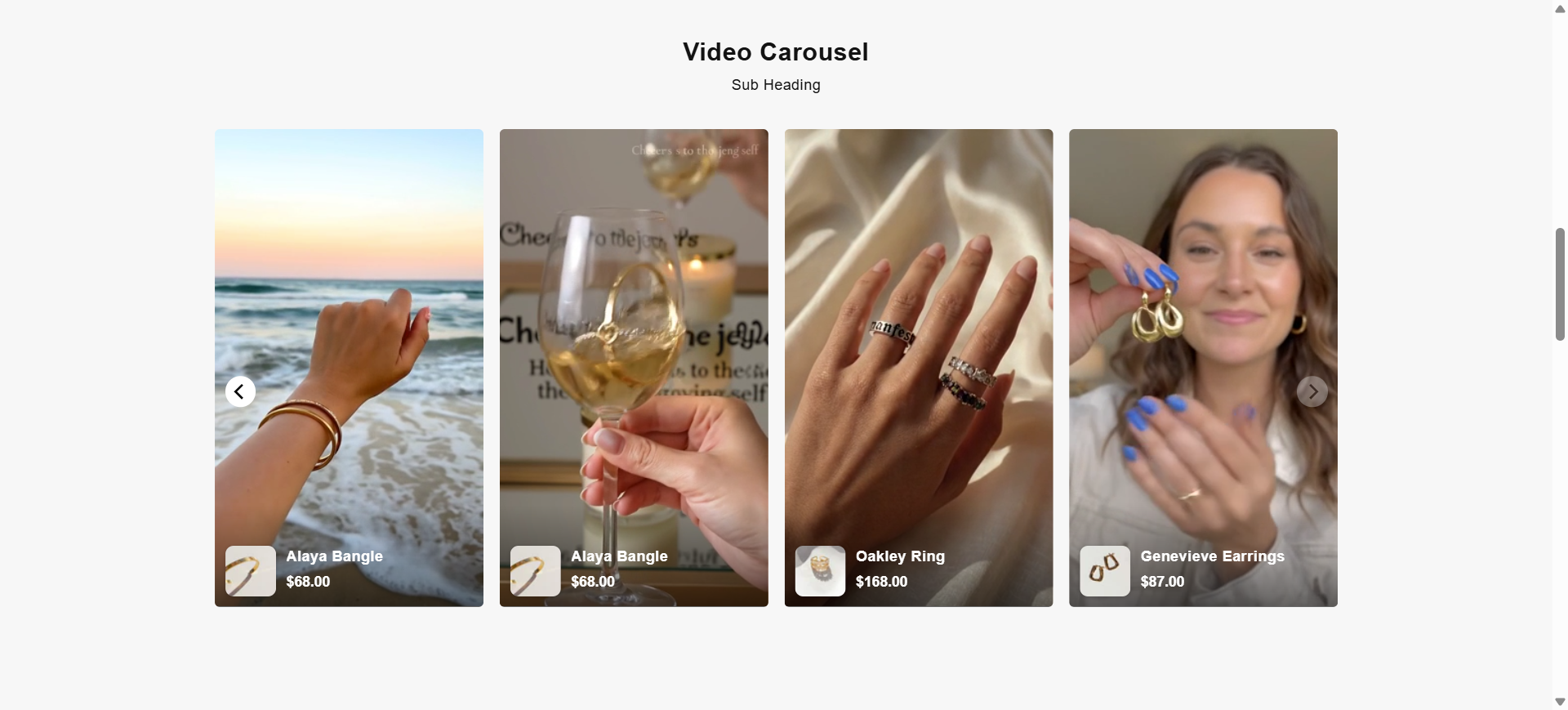
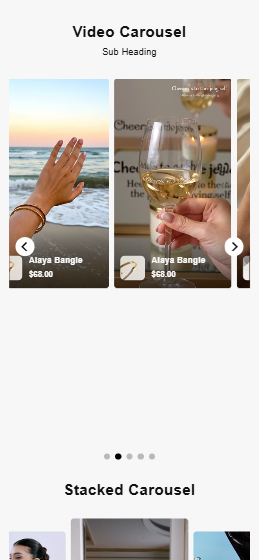

Vidreelo lets you add short, vertical videos to your WordPress site and play them in a beautiful Instagram Reels / YouTube Shorts–style full-screen player. Visitors browse a carousel or grid of vertical thumbnails, tap one, and swipe up and down through your videos, just like a social feed.
Each reel can use a YouTube video or a self-hosted MP4, and you can tag products on it (WooCommerce products or manual products) so a “Shop” card appears right on the video. It is perfect for shoppable video, product demos, testimonials, tutorials, and social-style content.
Key Features
- One simple shortcode —
[vidreelo]shows all your reels. - YouTube or self-hosted videos — choose the source per reel; only the field you need is shown.
- Auto-play in the grid — both self-hosted and YouTube reels play muted as they scroll into view.
- Instagram Reels–style player — full-screen vertical player with swipe up/down between videos, mute, and play/pause.
- Shoppable — tag WooCommerce products (automatic image, title, price, sale price and rating) or manual products (title, price, compare price, image and link). The product shows under the reel and as a “Shop” card in the player.
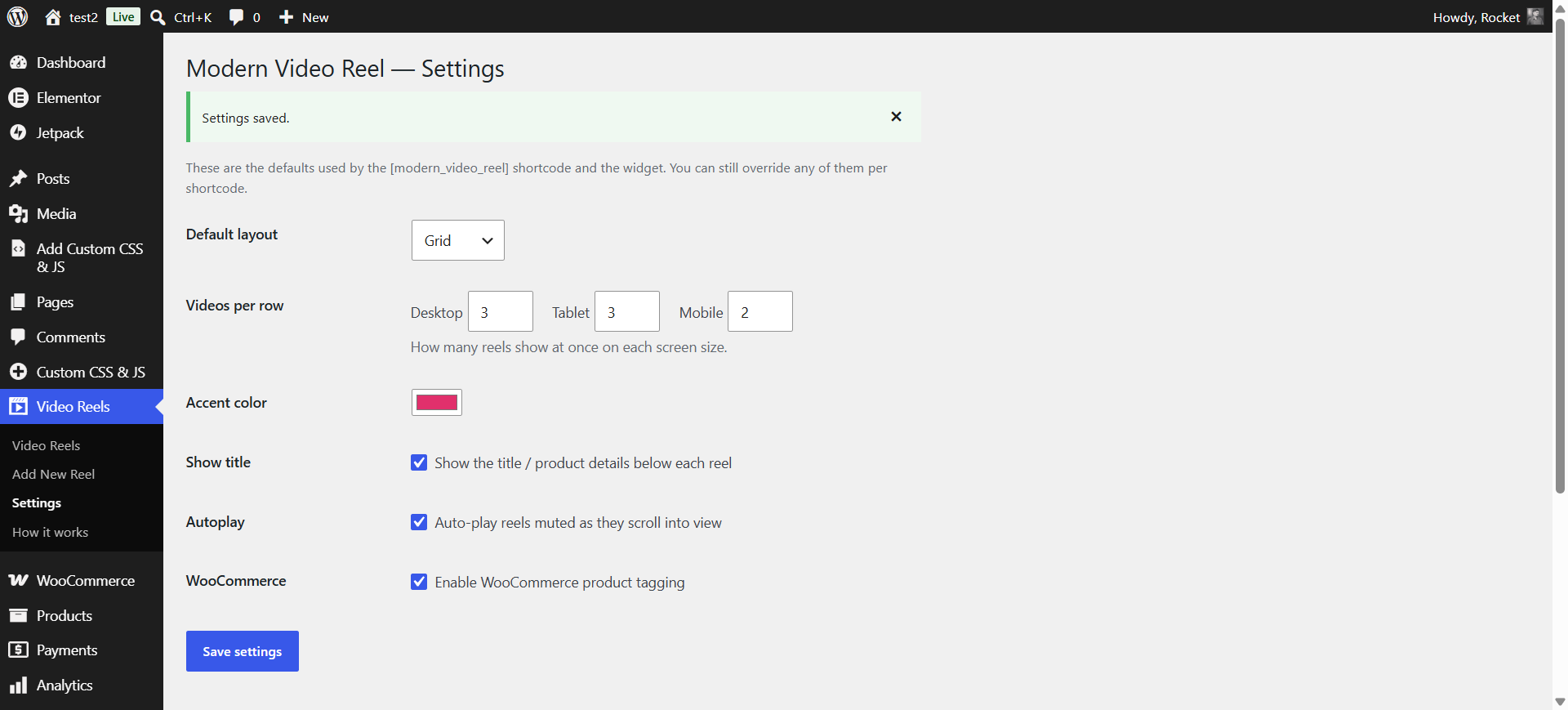
- Carousel or grid layout, columns per device, and accent color.
- Widget — drop reels into any widget or block area, no shortcode needed.
- Lightweight & self-contained — no external libraries or CDNs, fully responsive, works with any theme.
How to use
- Go to Video Reels Add New Reel.
- Pick YouTube or Self-hosted, add the video, and set a Featured Image as the thumbnail.
- Optionally tag products under Tagged Products.
- Publish, then place the shortcode on any page:
[vidreelo]
See Video Reels How it works in your admin for the full guide.