
Video Popup – Video Lightbox for YouTube, Vimeo & MP4
v2.0.4Alobaidi · 2016年3月10日 上架
Video Popup plugin lets you create unlimited, responsive Video Lightbox and Popup for YouTube, Vimeo, MP4 & WebM on click or page load.
- 正在使用
- 1 万+
- 评分
- 4.5 / 5
- 累计下载
- 30 万
- 最近更新
- 2026年8月22日
贡献者
 Alobaidi
截图
Trusted Video Popup & Lightbox Plugin for WordPress Since 2016
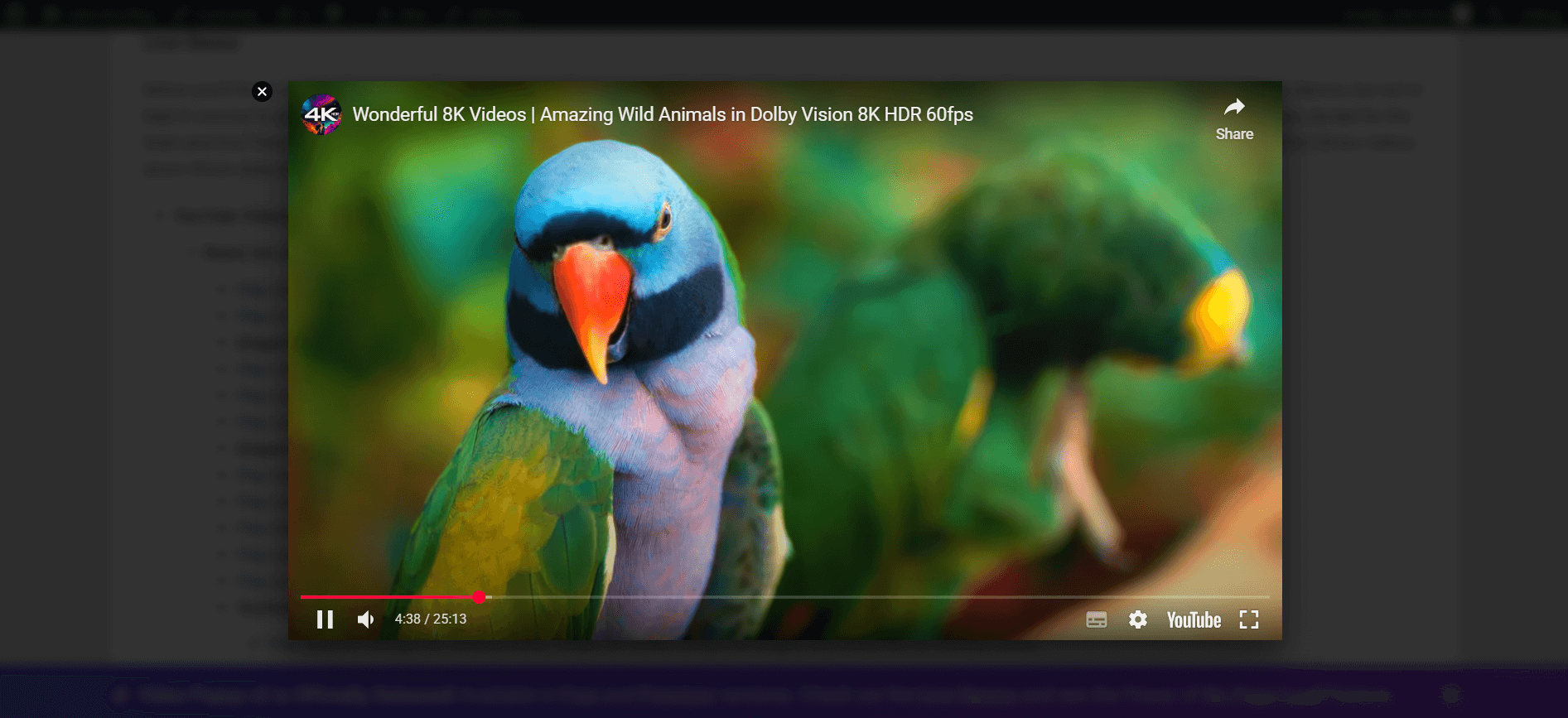
Video Popup plugin lets you create unlimited, responsive Video Lightbox and Popup for YouTube, Vimeo, MP4 & WebM. Smart, flexible, and made for easy control. Supports on click and On-Page Load.
Since 2016
Since 2016, the Video Popup plugin has been trusted by thousands of WordPress users. Thanks to its numerous features and high qualit and high quality, it remains the go-to solution for anyone looking to display videos in a modern and user-friendly way. The plugin’s long-standing reputation reflects its reliability, flexibility, and commitment to excellence.
Summary of Key Features
- Create unlimited popups for YouTube, Vimeo, MP4, and WebM videos.
- Elegant, and Responsive Design.
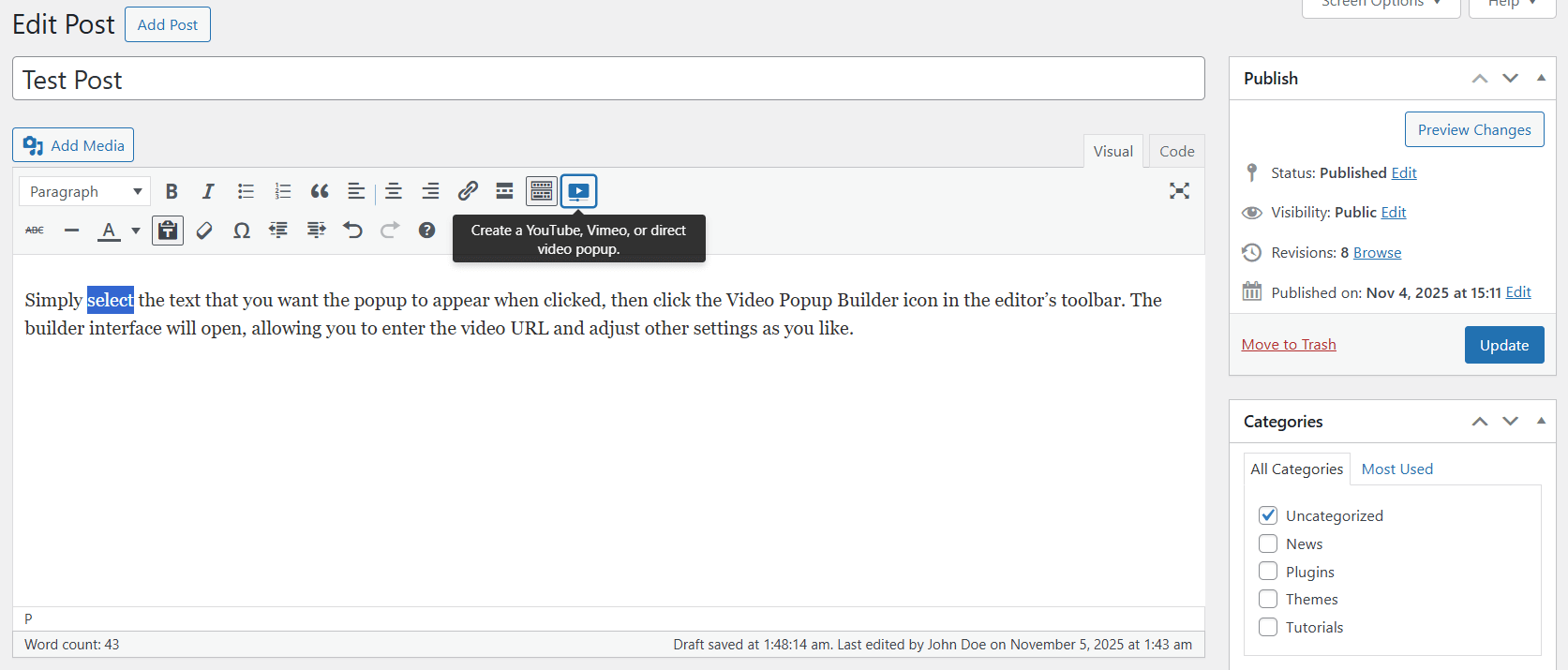
- User-friendly builder in the Classic Editor for easy popup creation.
- Shortcode support for Gutenberg and any page builders.
- Public On-Page Load feature to display a video as a popup on multiple locations at once, like all posts or all pages.
- Detailed explanations under every option.
- Lightweight code for fast performance.
And more!
Live Demos
On-Page Load Feature
With the Public On-Page Load, you can set up a video to automatically show as a popup on multiple locations at once, like all posts or all pages. This feature is perfect for video marketing and product promotion, ensuring your message instantly reaches every visitor without any clicks. Capture attention, boost engagement!
Live Demos:
Get Started
Get started in just three simple steps:
- Install the Plugin.
- Create Your First Popup: Follow the step-by-step explanation.
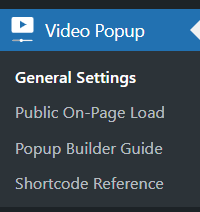
- Set Up On-Page Load Popup: Go to the “Video Popup” menu in your WordPress admin dashboard > “Public On-Page Load” and follow the instructions. You’ll find detailed explanations for every option.
Get More Control. Get Premium.
Make your Video Popups stand out, and elegant with many features in the Premium version!
Get Premium version today.
You May Also Like – From Our Plugins
Preloader Plugin – Add a preloader to your website easily in only 3 steps. Simple, fast, and compatible with all major browsers:
https://wordpress.org/plugins/the-preloader/
Extend Link Plugin – Link Options for WordPress Editor:
https://wordpress.org/plugins/extend-link/