

Video Background Block – Add Stunning Video Backgrounds to Any Section
v3.0.0bPlugins · 2022年4月22日 上架
Add self-hosted, YouTube, or Vimeo video backgrounds with customizable overlays and responsive controls .
- 正在使用
- 2,000+
- 评分
- 4.5 / 5
- 累计下载
- 3.3 万
- 最近更新
- 2026年11月25日
 bPlugins
 Abu Hayat
 MD.SHIHAB SHAMIM
截图
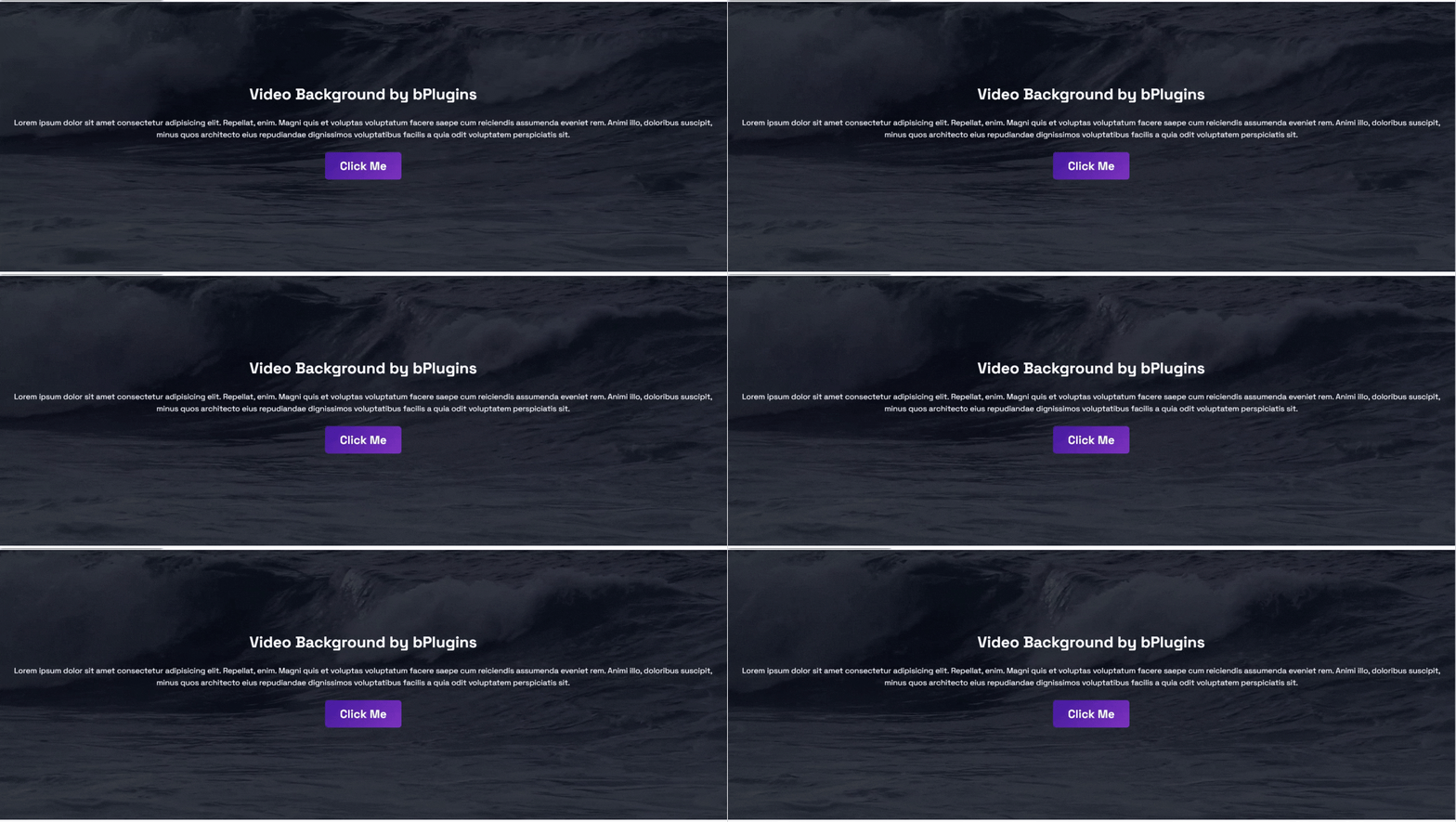
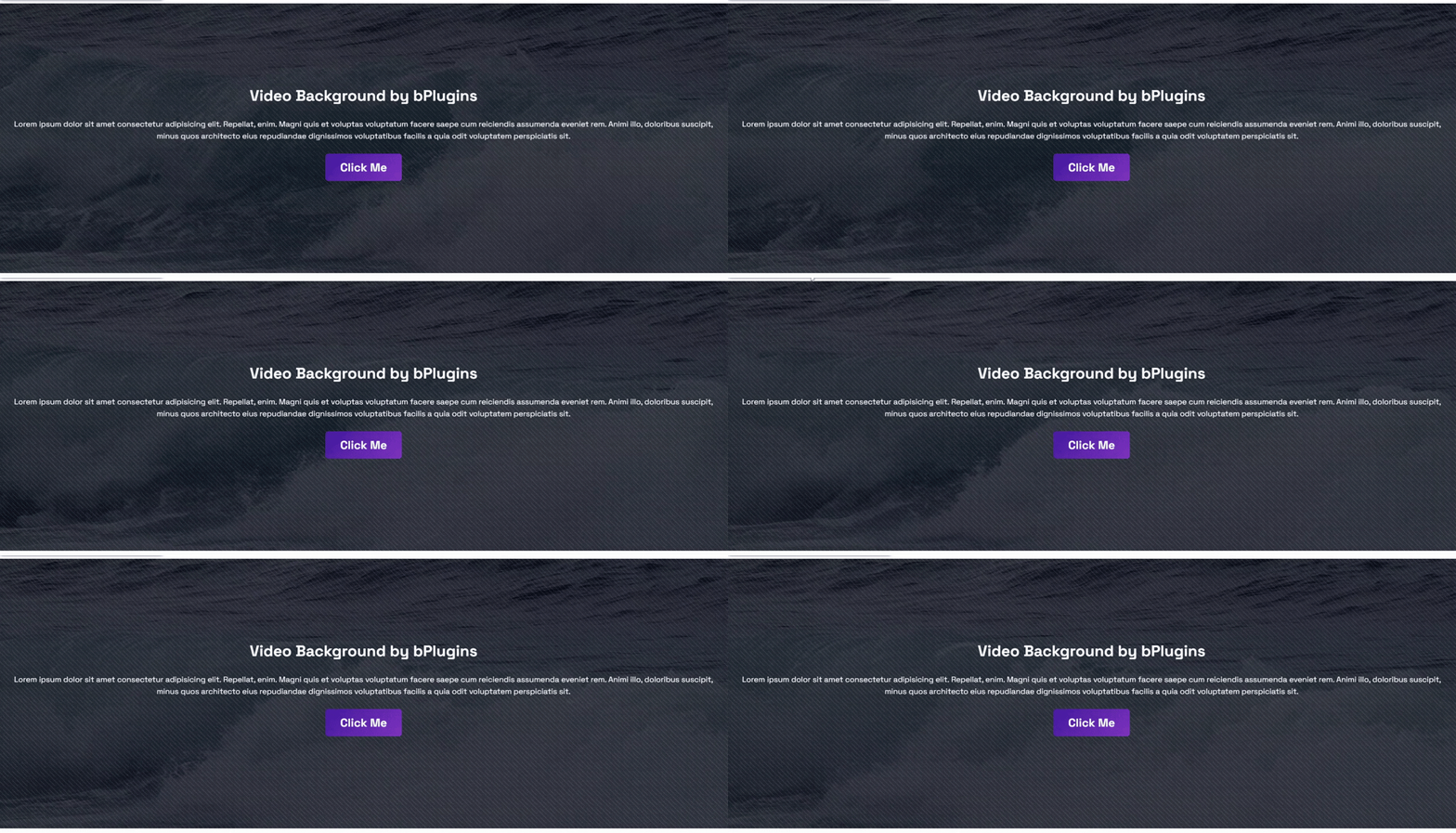
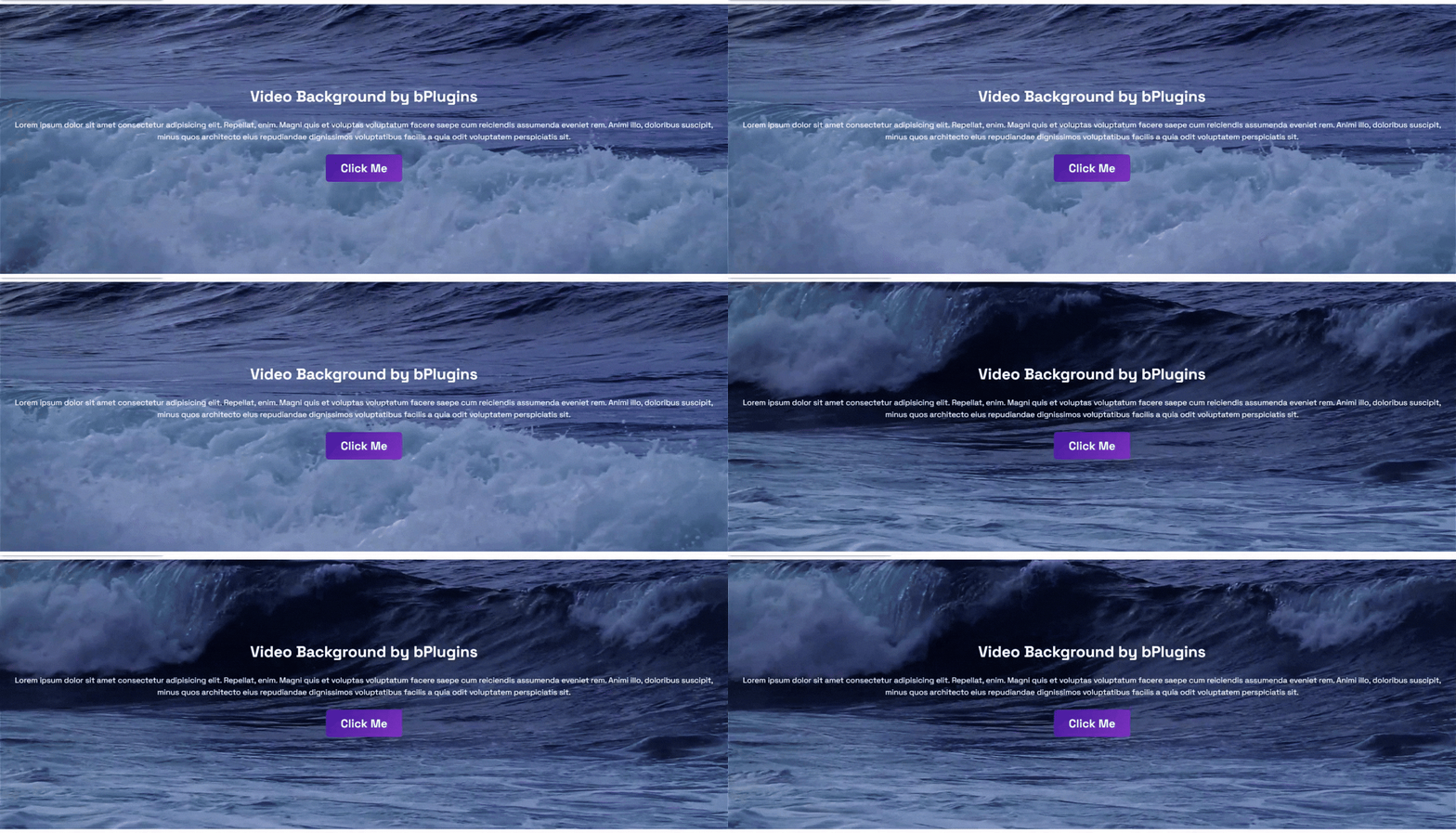
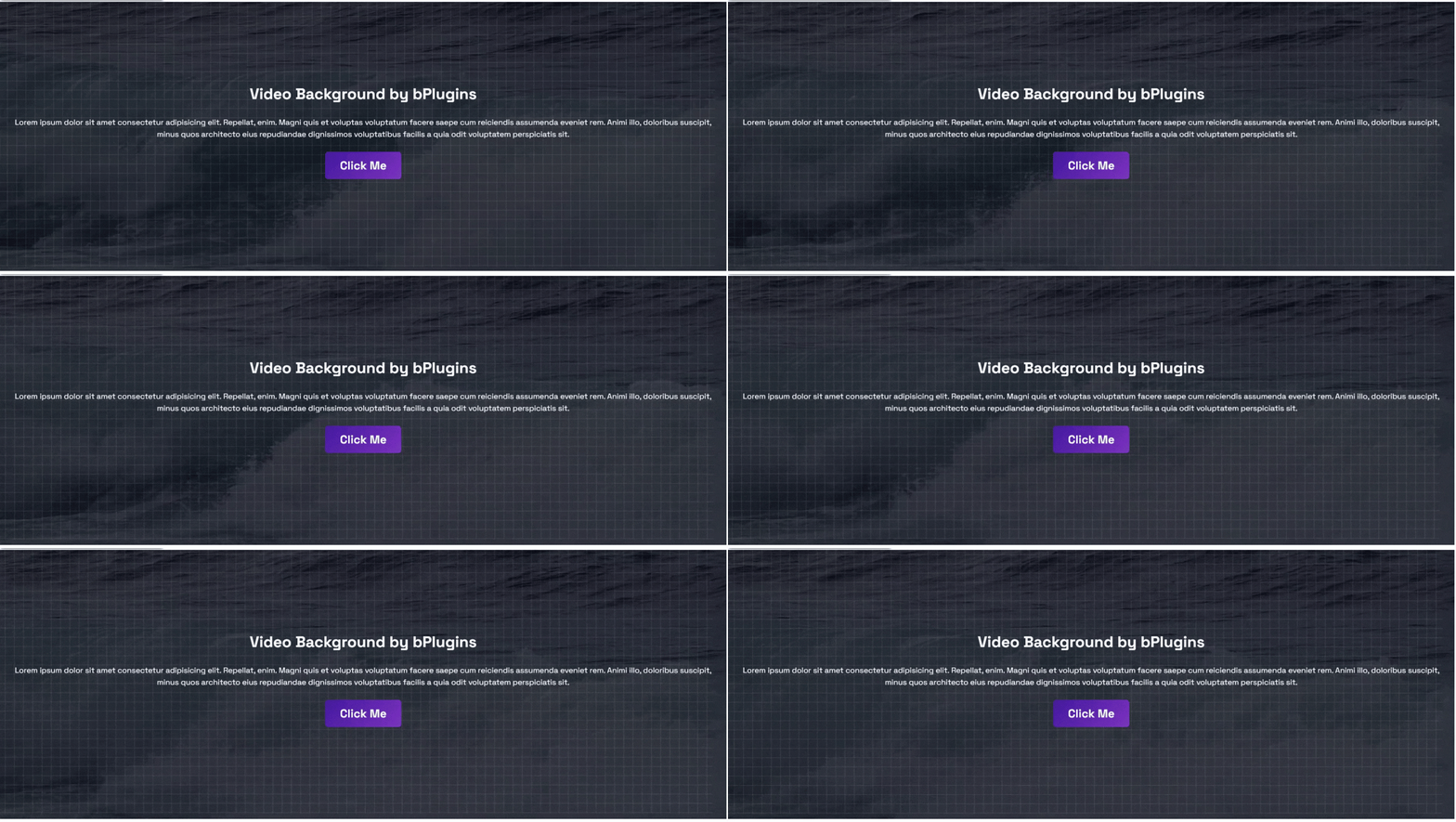
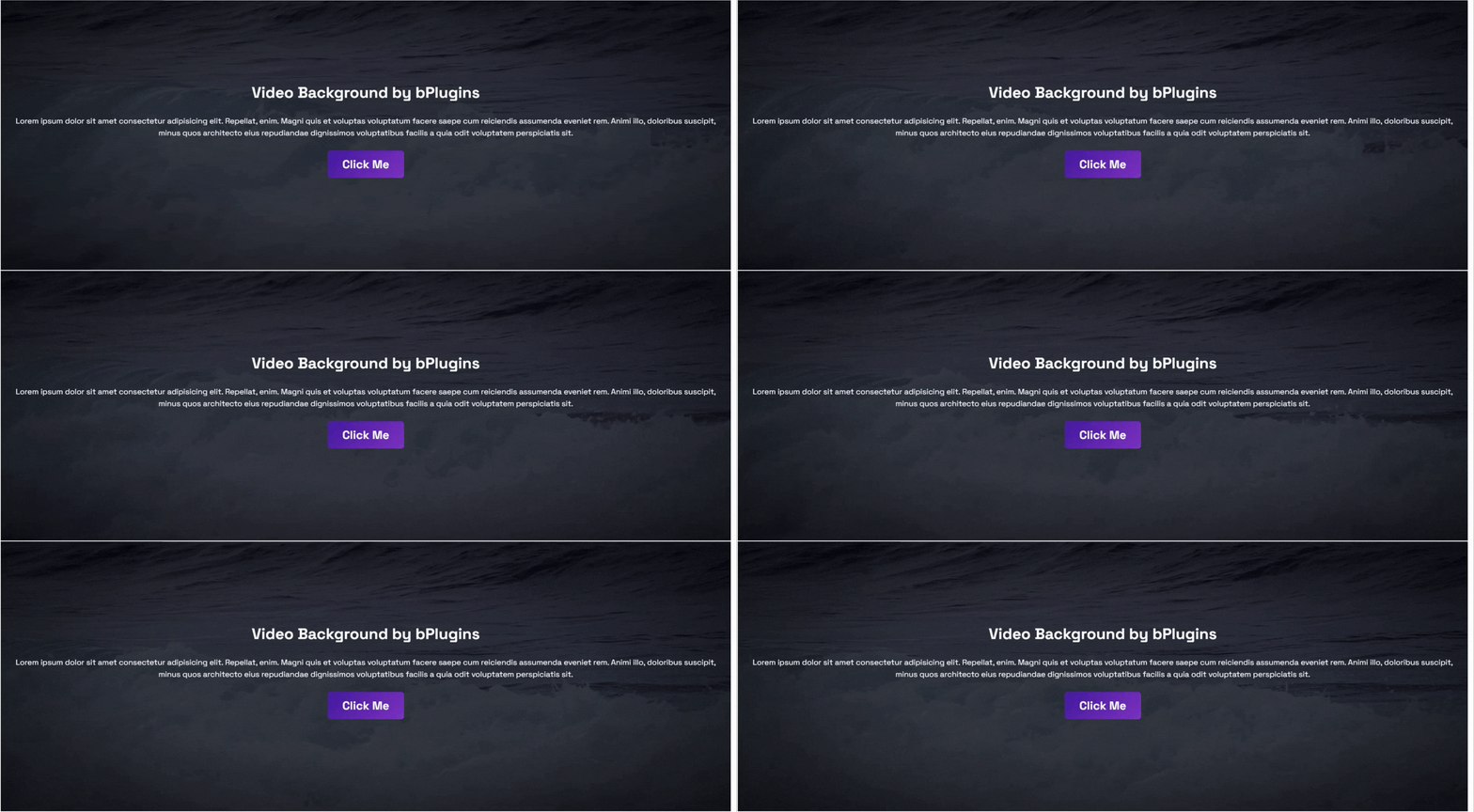
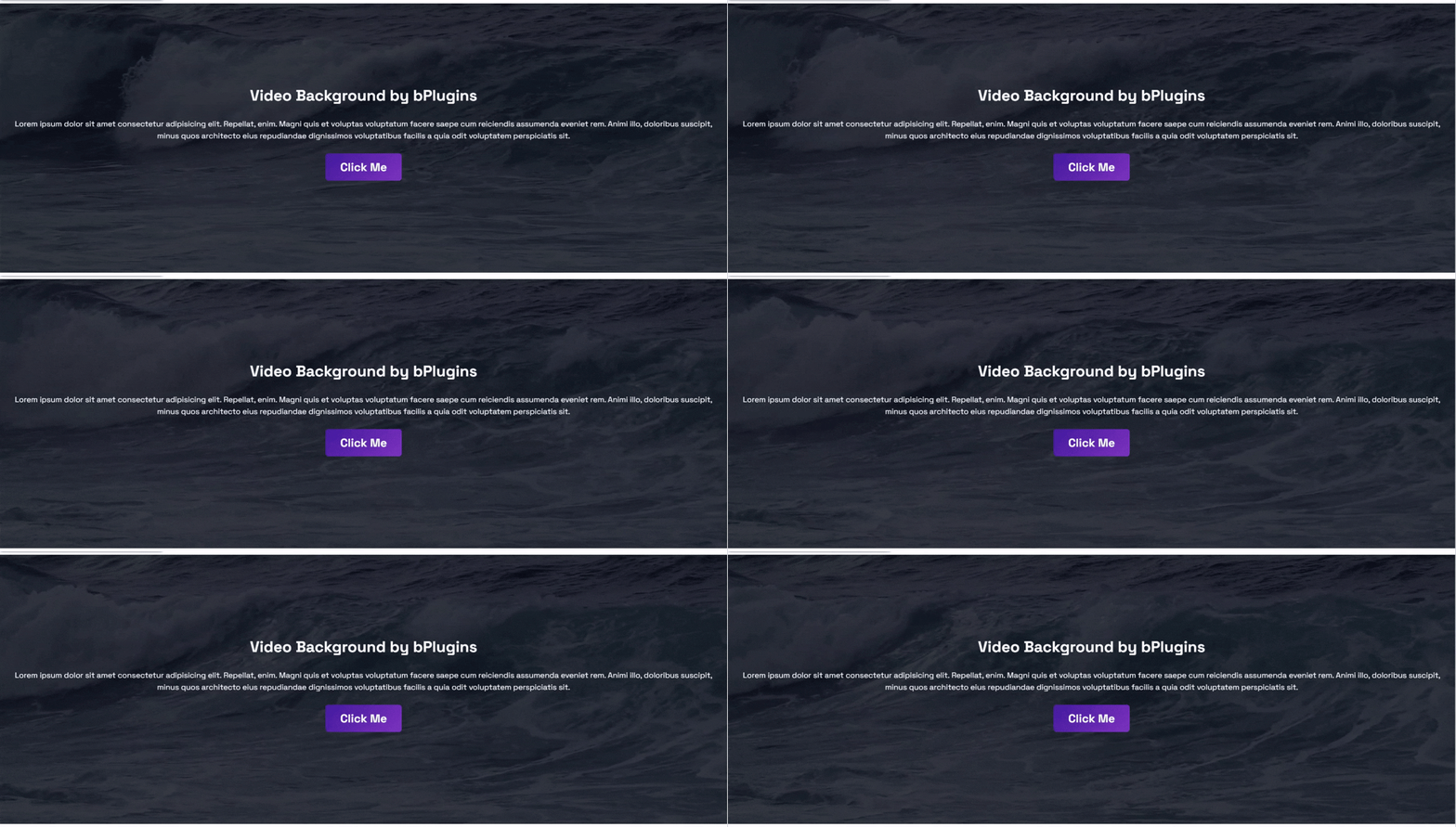
Video Background Block lets you create beautiful sections with background videos directly in the Gutenberg editor. You can use self-hosted videos, YouTube videos, or Vimeo videos to build engaging hero sections, banners, landing pages, and promotional content without writing any code.
Video Background | Live Demos | Pricing
The plugin is lightweight, easy to use, and works with the Block Editor. It also provides universal shortcodes, so you can display video backgrounds with other page builders if needed.
Whether you’re creating a business website, portfolio, agency site, product landing page, or personal blog, Video Background Block helps you create eye-catching sections that improve the visual experience.
Key Features – Free Version
The free version includes everything you need to get started with video backgrounds.
- Universal Shortcodes – Use video backgrounds with Gutenberg and other popular page builders.
- Background Video – Display a video as the background of any section.
- Fallback Image – Show an image when the video cannot be loaded.
- Overlay Color – Add a color overlay to improve text readability.
- Custom Height – Set the section height to fit your design.
- Padding Controls – Adjust the spacing around your content.
- Template Library – Import ready-made video background sections with one click (free templates included).
- Layer Entry Animations – Animate any block inside the section with basic entry effects and “Start after” delay presets.
- Loop Animations – Add Pulse or Bounce loops with Slow, Normal, or Fast speed.
- Hover Effects – Grow, Lift, or Fade blocks on hover with adjustable amount and speed.
- Click Actions – Open a link or smoothly scroll to a section when a block is clicked.
- Layer Typography – Pick Google Fonts for blocks inside the section.
- Fit to Content & Absolute Position – Size layers to their content or place them freely with X/Y offsets and z-index.
- Responsive Layer Controls – Hide layers or turn off animations on desktop, tablet, or mobile.
Video Background Block Pro – Unlock Premium Features
Upgrade to pro to unlock more customization and advanced video background controls.
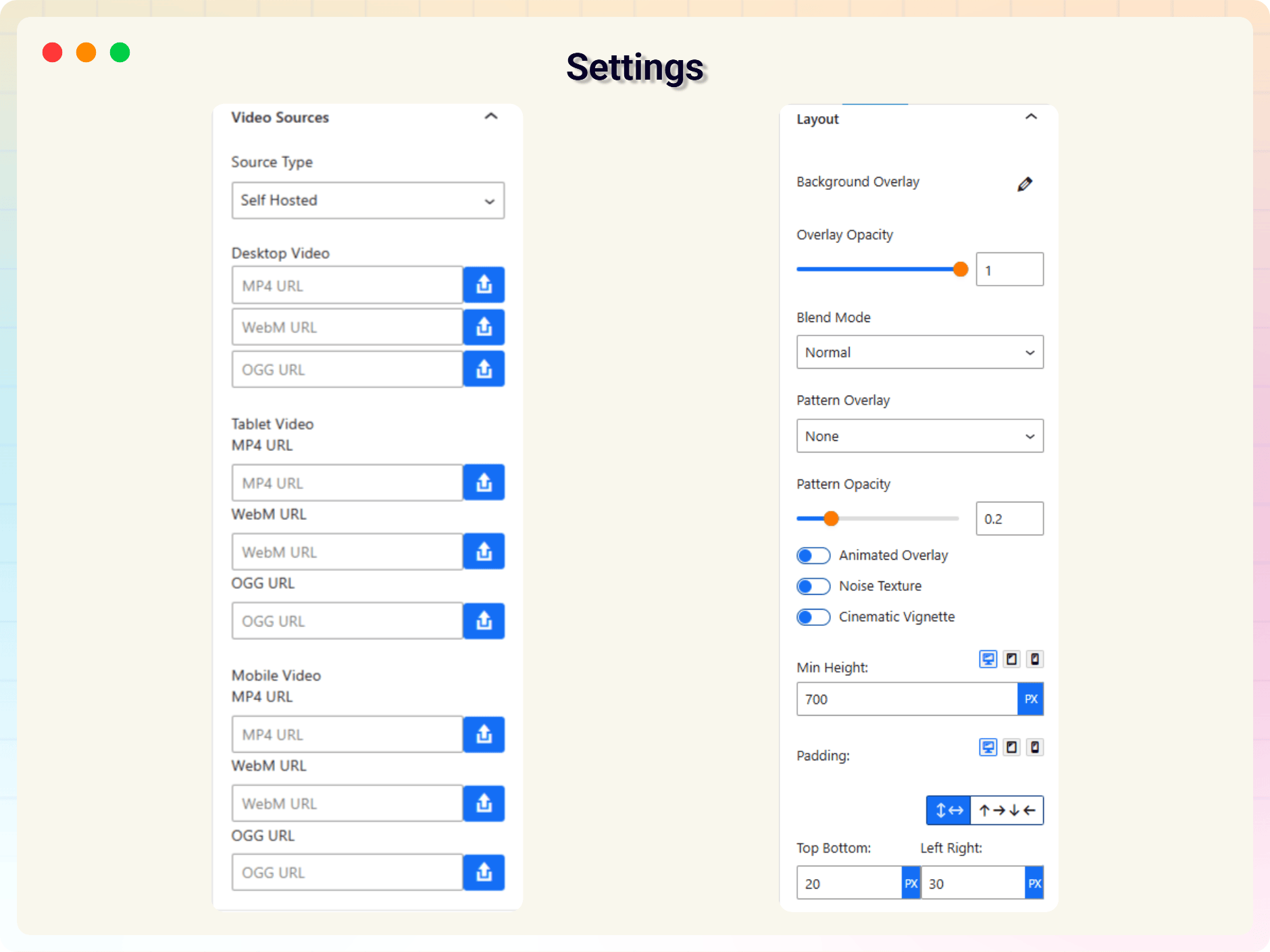
- Self-hosted Video Support – Use MP4, WebM, and OGG videos.
- YouTube Background Videos – Display YouTube videos as section backgrounds.
- Vimeo Background Videos – Add Vimeo videos with background playback.
- Responsive Video Sources – Use different videos for desktop, tablet, and mobile devices.
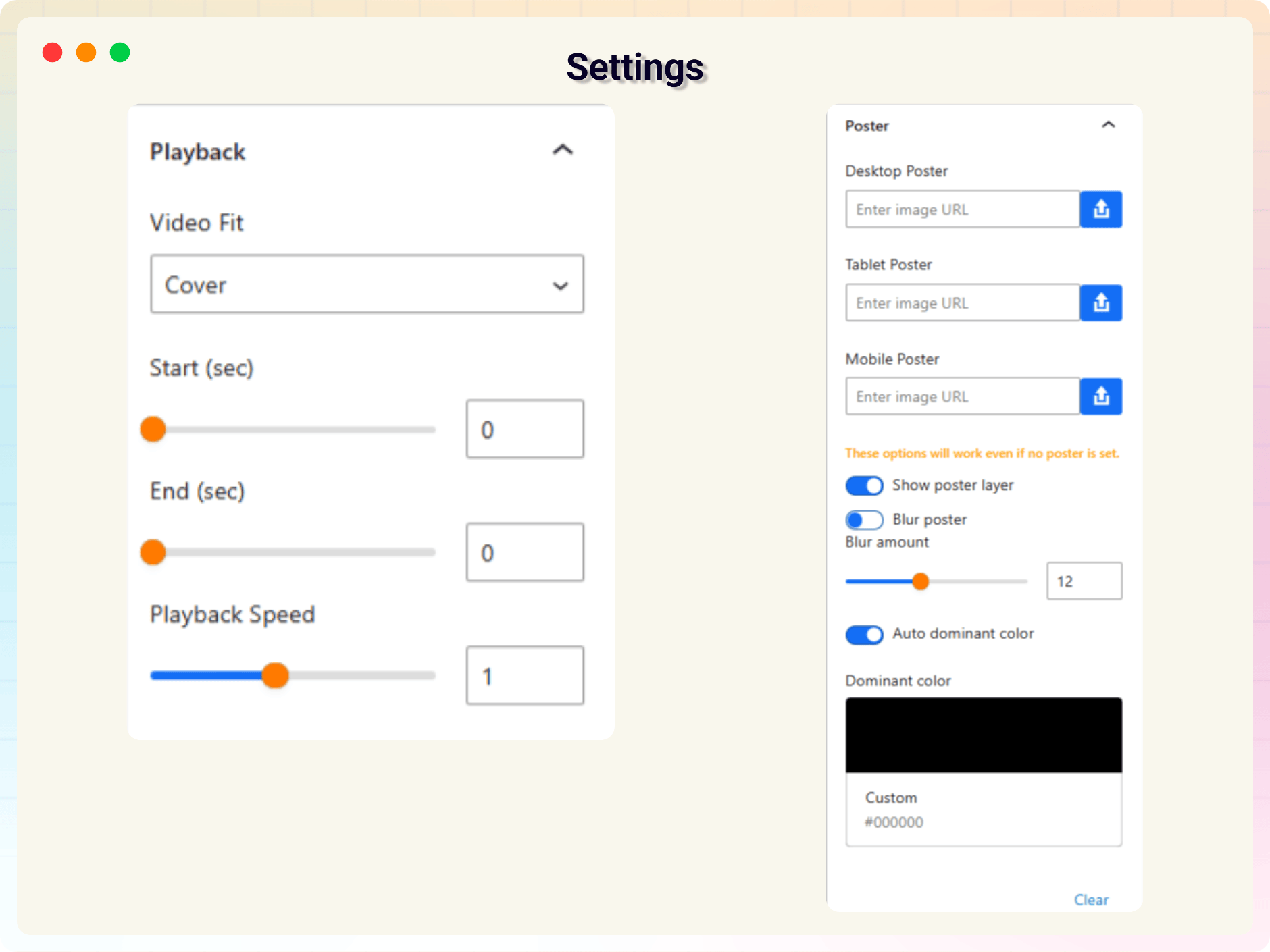
- Responsive Poster Images – Set separate poster images for different screen sizes.
- Poster Image Options – Show or hide the poster image, apply blur effects, or use automatic or custom dominant colors.
- YouTube No-Cookie Mode – Improve user privacy with YouTube’s no-cookie domain.
- Advanced Overlay Controls – Customize overlay colors, gradients, opacity, and blend modes.
- Overlay Patterns – Add dot, grid, or diagonal patterns with adjustable opacity.
- Animated Overlay Effects – Create subtle motion for a more dynamic design.
- Noise Texture Overlay – Add texture for a modern visual style.
- Cinematic Vignette– Highlight your content with a soft vignette effect.
- Responsive Height and Padding – Set different minimum heights and spacing for desktop, tablet, and mobile.
- Video Fit Options – Choose Cover, Contain, or Fill based on your layout.
- Segment Loop – Play only a selected portion of the video by setting start and end times.
- Playback Speed Control – Adjust the video playback speed to match your design.
- Audio Support – Add background music to your videos for a more immersive experience.
- Display Conditions – Control where the video background appears on your site.
- Pro Templates – Access the full collection of premium video background templates.
- Advanced Entry Effects – Rotate-in, Spin-in, Flip-in, and more entry animations.
- Advanced Loop Effects – Float, Flash, Shake, and Swing loops with loop count control.
- Fine-tune Timing – Set exact animation delay, duration, and distance.
- Replay Modes – Play animations every time they scroll into view, or repeat them.
- Word by Word Animation – Reveal headings and text one word at a time.
- Number Counter – Animate numbers counting up when they come into view.
- Hover Colors – Change text and background colors on hover.
Try the Pro Version – Unlock all premium features today!
How to Use Video Background Block – Quick Start Guide
Getting started is easy!
-
Install and activate the Video Background Block plugin.
-
Open a page or post in the Gutenberg editor.
-
Add the Video Background block.
-
Select your video source and customize the settings from the right sidebar.
-
Publish or update your page and enjoy your new video background.
For step-by-step installation instructions, see the Installation tab below.
Live Demos | Explore Premium Features
Why Use Video Background Block?
- Works with any WordPress theme, out of the box
- Universal Shortcodes — use it inside any page builder, not just Gutenberg
- Lightweight — scripts only load when the block is actually used
- Simple, sidebar-based settings — no technical setup
Feedback & Support
Have a feature request, found a bug, or just want to say hello? Send us your feedback — we’d love to hear from you.
More From bPlugins
Parent Plugin
bBlocks – A full blocks collection and page-building toolkit for Gutenberg.
Other Plugins You Might Like
* HTML5 Video Player – Single and playlist video display in multiple skins.
* PDF Poster – Display and embed PDF files in various styles.
* HTML5 Audio Player – Play audio with rich, animated visuals.
* StreamCast – A customizable radio player with multiple skins.
* 3D Viewer – Embed interactive 3D models and products.
* Advanced Post Block – Display posts and custom post types in flexible layouts.