VerseDB – Showcase Your Comic Book Collection
v1.0.1VerseDB · 2026年10月12日 上架
Display your comic book collection, pull list and reading progress from VerseDB on your WordPress site with blocks.
- 正在使用
- 10 以下
- 评分
- 暂无
- 累计下载
- 213
- 最近更新
- 2026年10月13日
贡献者
 VerseDB
截图


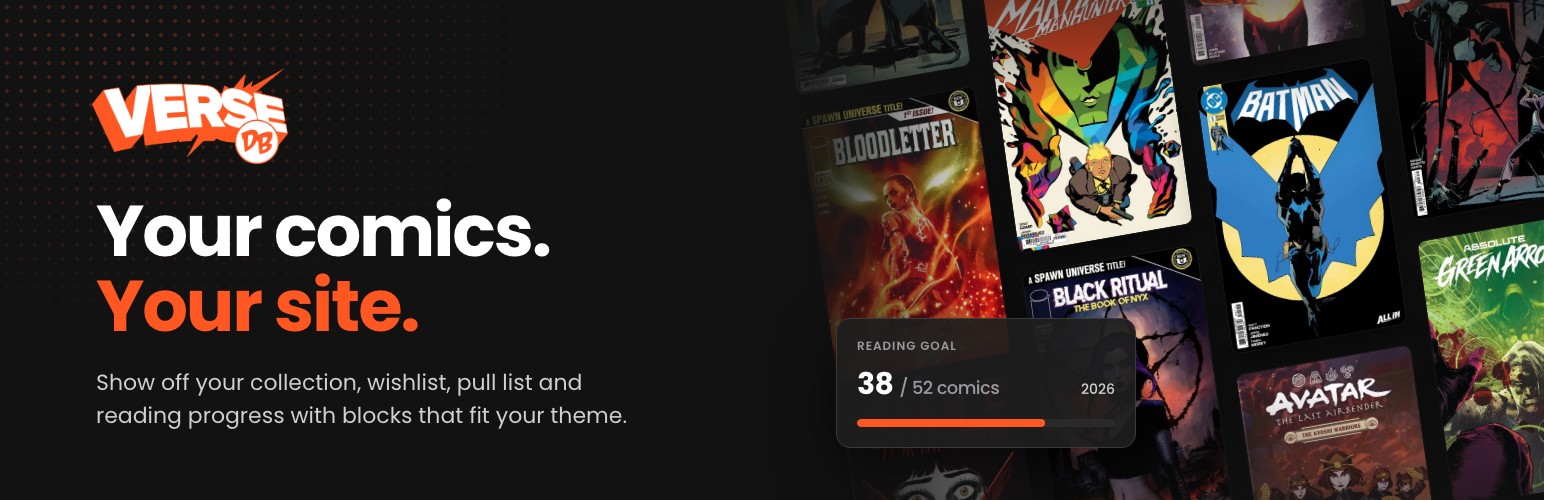
Connect one VerseDB account and display its profile, public collection copies,
wishlist, pull list, recent reads, reading goal and public lists. VerseDB Pro
accounts also have yearly reading statistics, a reading heatmap and additional
collection filters through the VerseDB service.
Each display is a native dynamic Gutenberg block with a matching shortcode for
classic editors and page builders. Blocks also work in block widget areas.
Styling inherits your theme. Use Gutenberg’s color, typography, spacing and
alignment controls, with grid/list, desktop/mobile columns and cover controls
where applicable. Reading displays offer progress visibility, individual statistic
visibility and calendar cell sizing.
Your WordPress server refreshes data in the background and stores a display-safe
cache. Visitors never wait for a VerseDB API request. Cached displays remain up
when a token expires or the service is unavailable. Credit links are off by default and can be enabled in Settings VerseDB. Explicit covers are blurred by default.
This plugin is for personal blogs. It does not provide shop, inventory, publisher,
event, market-value or multi-account features.
- Support: hello@versedb.com
- Documentation: VerseDB for WordPress
- Source and build instructions: GitHub
External services
This plugin connects to VerseDB. Account API requests begin
only when a site administrator connects an account.
Connect to VerseDB sends the site name, return URL, a random state and PKCE
challenge to the VerseDB consent screen. After approval, the WordPress server
exchanges the authorization code and verifier for a read-only token. The server
sends this token to the User API at https://versedb.com/api/v1 to retrieve the
member’s profile, selected comic displays, public lists and reading progress.
API requests run during connection validation and scheduled refreshes, not public
page rendering. Readers’ browsers load cover and profile images from the URLs
provided by VerseDB, normally media.versedb.com. Following a comic or
profile link opens its VerseDB page. Native block scripts and styles are local.
Public link embeds use WordPress’s oEmbed requests and cache. WordPress sends the
pasted public URL and requested dimensions to https://versedb.com/oembed without
an account token. Visitors load the card in a VerseDB iframe. These embeds work
independently of the account connection.
Private account fields, purchase prices, notes, storage, loans and collection
value are excluded from the display cache and public output. Encrypted credentials
are stored server-side. Disconnect removes local credentials and data; revoke the
token in VerseDB’s My Apps page to remove its service access.