

VENTI Multi Location Marker for Elementor
v1.7.1Samiul Sayhan · 2026年8月2日 上架
A free Elementor widget that shows an OpenStreetMap with unlimited geocoded location markers. No Google Maps API key required.
- 正在使用
- 30+
- 评分
- 5.0 / 5
- 累计下载
- 856
- 最近更新
- 2026年8月9日
1 条评价需要 WordPress 6.5+已测试到 7.0.9PHP 7.4+
贡献者
 Samiul Sayhan
截图
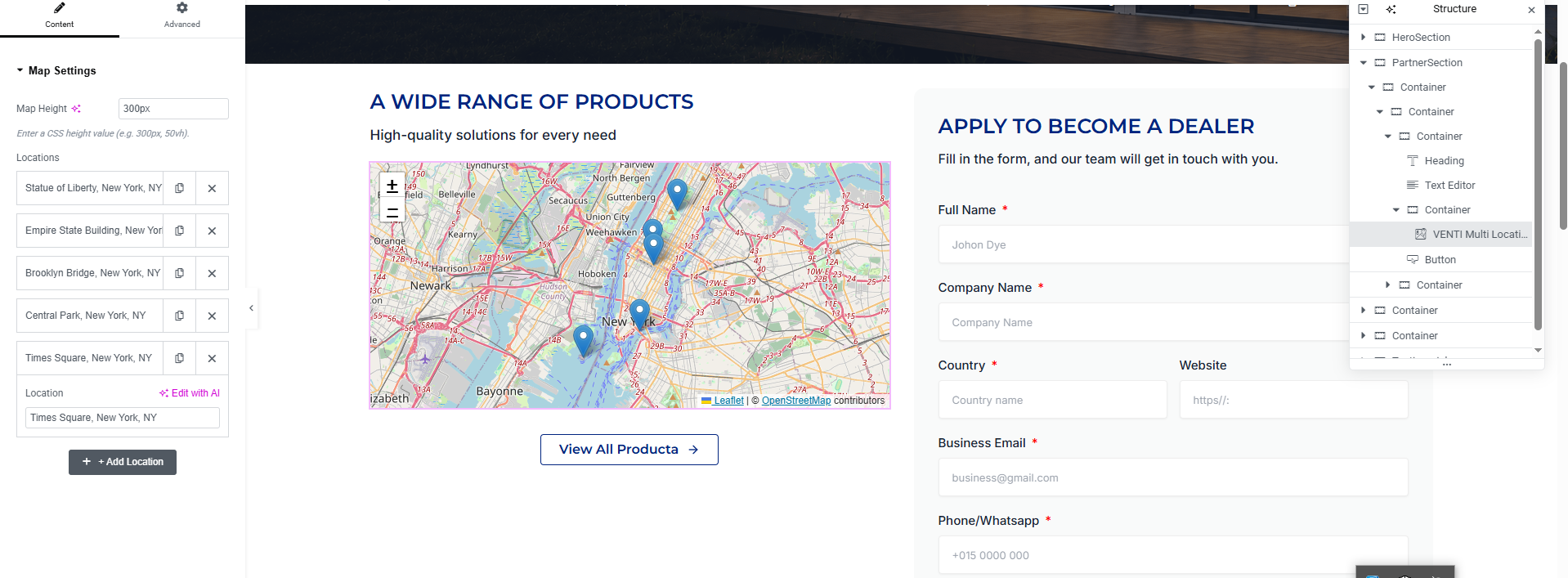
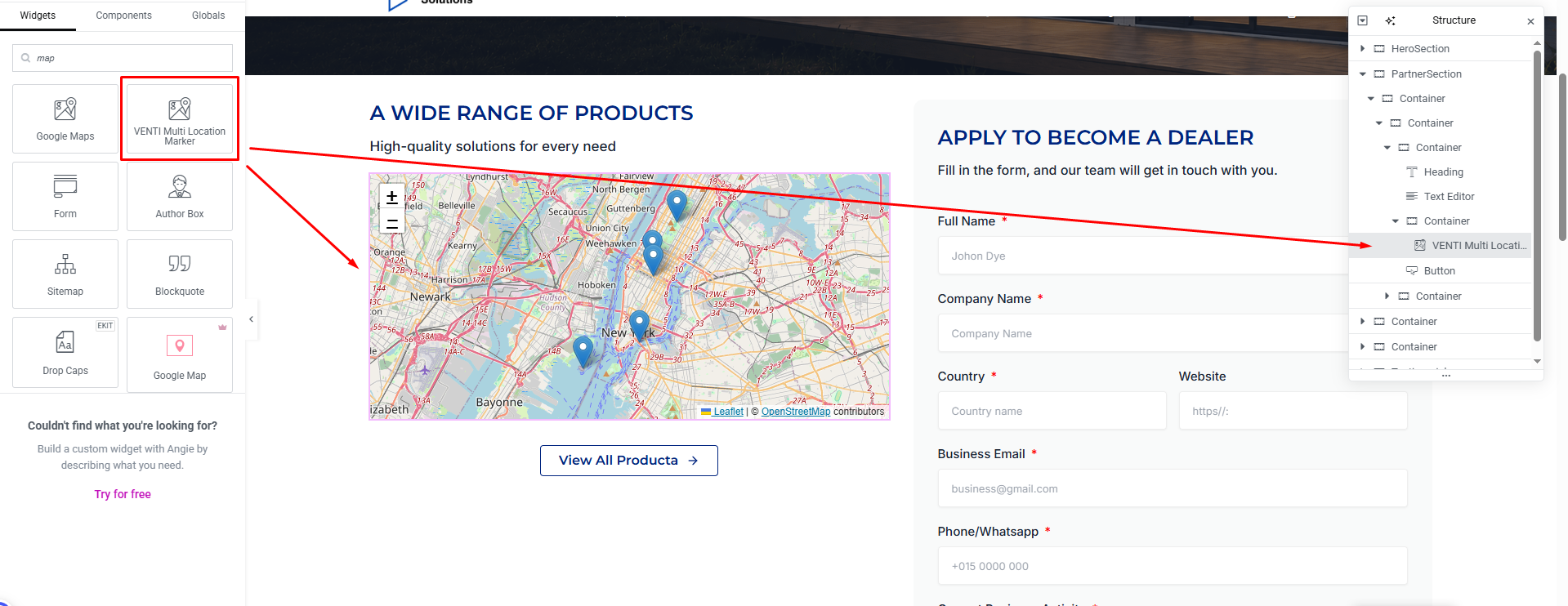
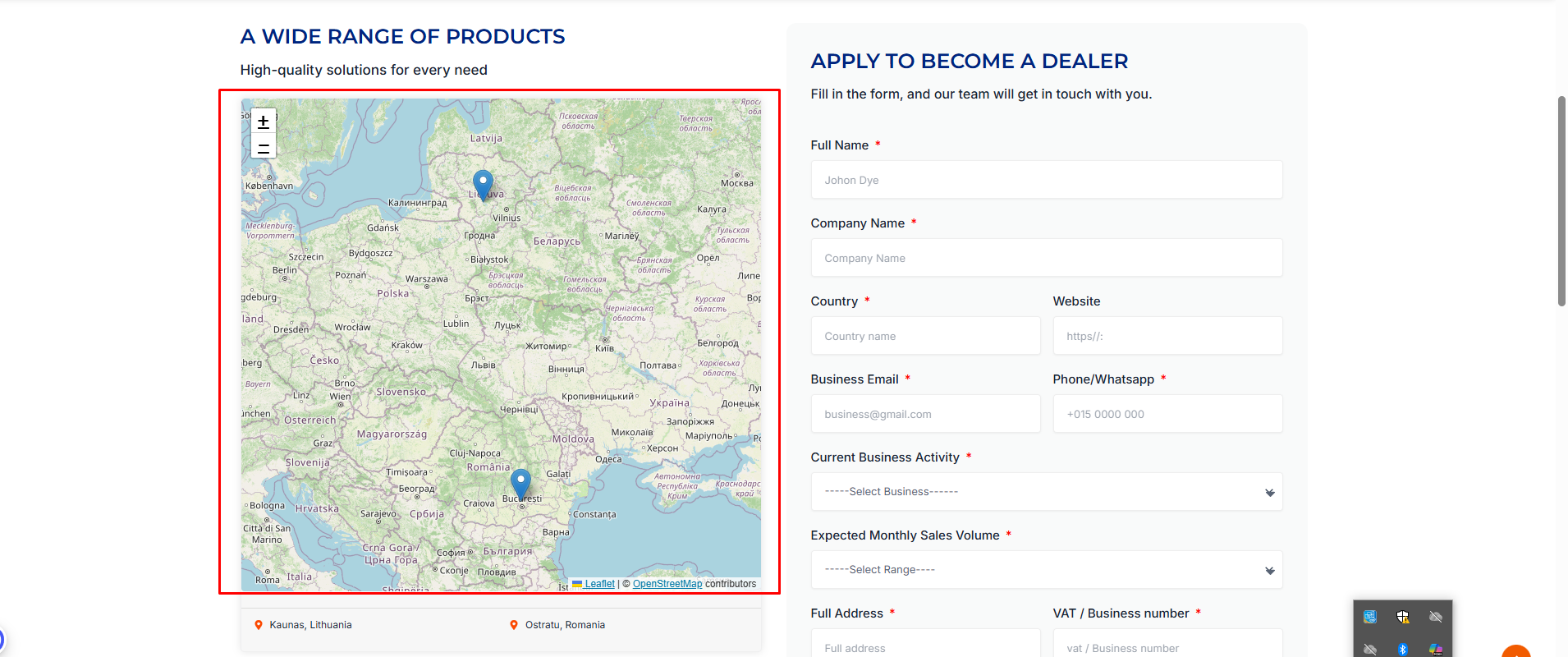
“VENTI Multi Location Marker for Elementor” adds a native widget to the Elementor editor called VENTI Multi Location Marker.
Features:
- Map Height control (any CSS length, e.g. 300px, 50vh)
- Add as many location fields as you need via a “+ Add Location” repeater
- Accepts city, country, or full street address
- Geocoding via the free OpenStreetMap Nominatim API (no key required)
- Markers placed automatically with auto-fit map bounds so every location is visible
- Clicking any marker opens that exact location in Google Maps
- Live preview inside the Elementor editor — no page refresh needed
- Fully responsive on desktop, tablet, and mobile
- Leaflet + map assets are only loaded on pages where the widget is used
Notes on the Nominatim API
This plugin geocodes addresses client-side using the public Nominatim API
(https://nominatim.openstreetmap.org), which is free and requires no API
key. Requests are sent one at a time with a short delay between them to
respect Nominatim’s fair-use / rate-limit policy. For very high-traffic
sites, consider self-hosting a Nominatim instance or using a caching layer.